19

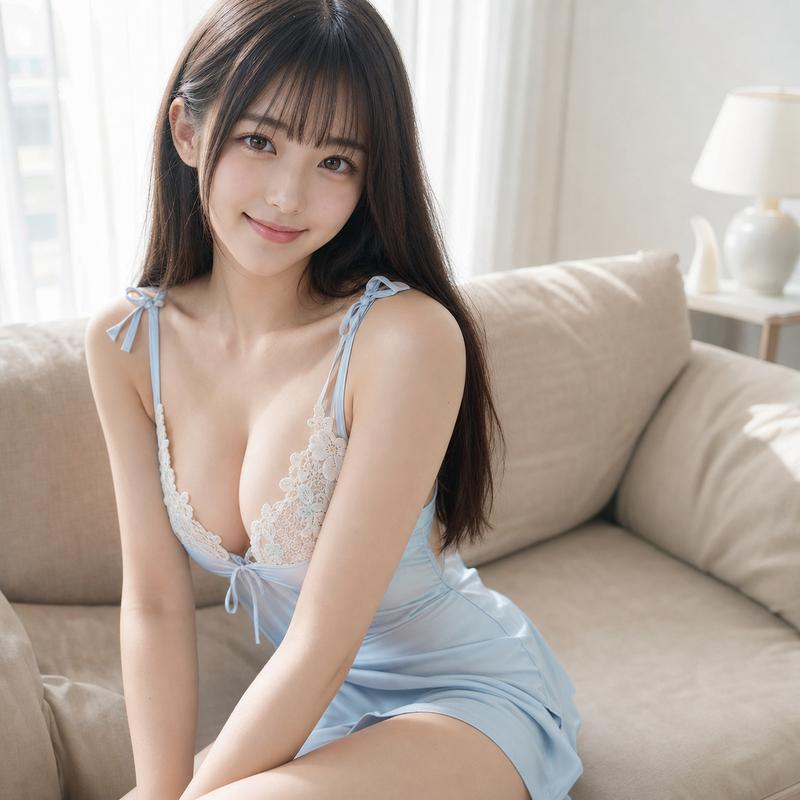
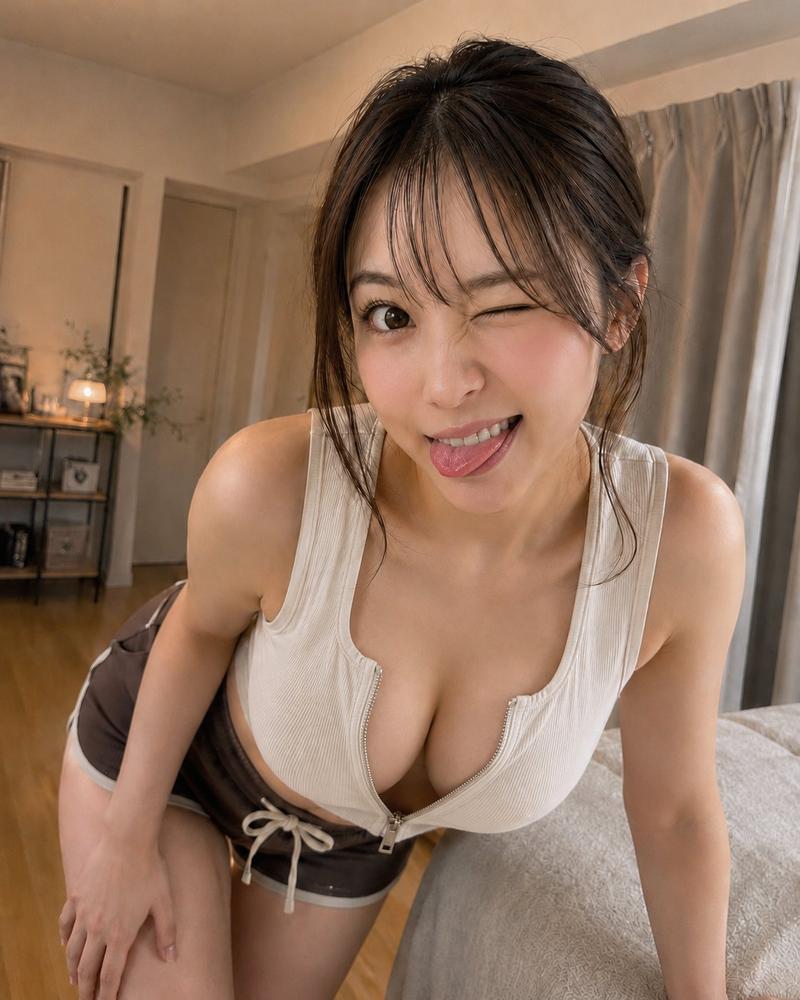
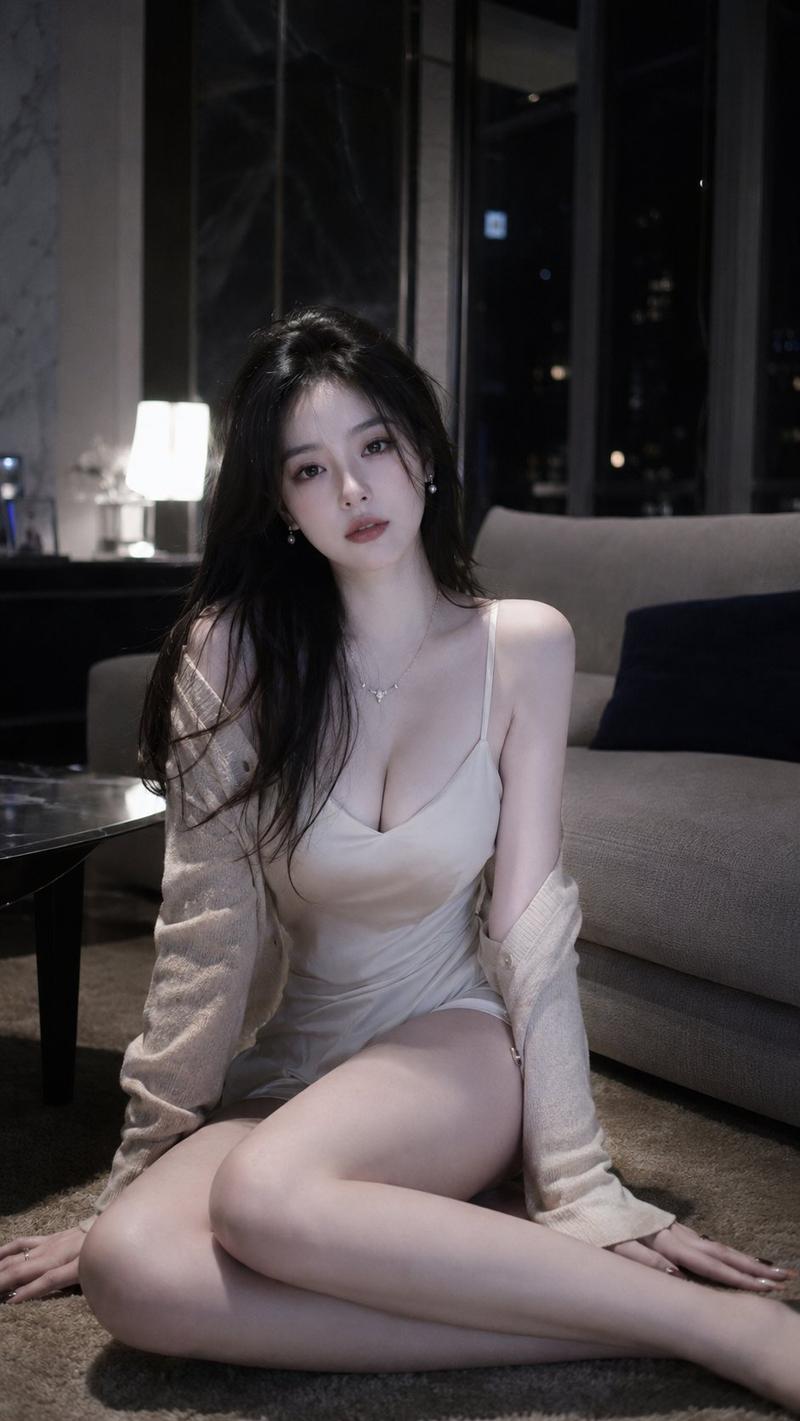
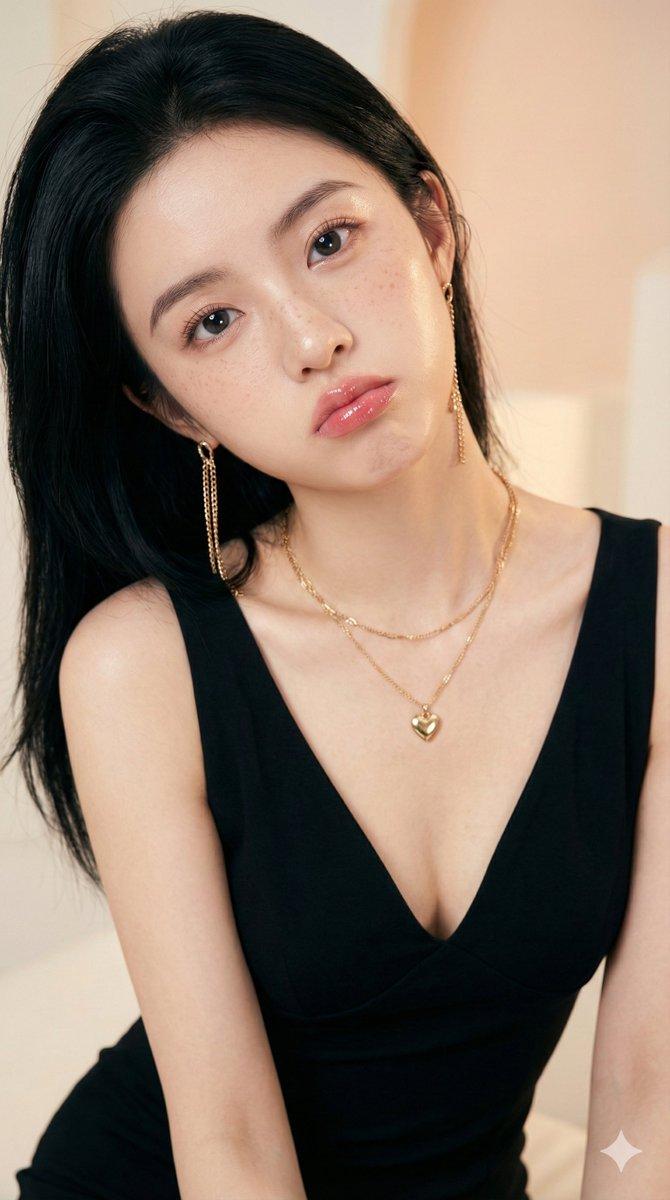
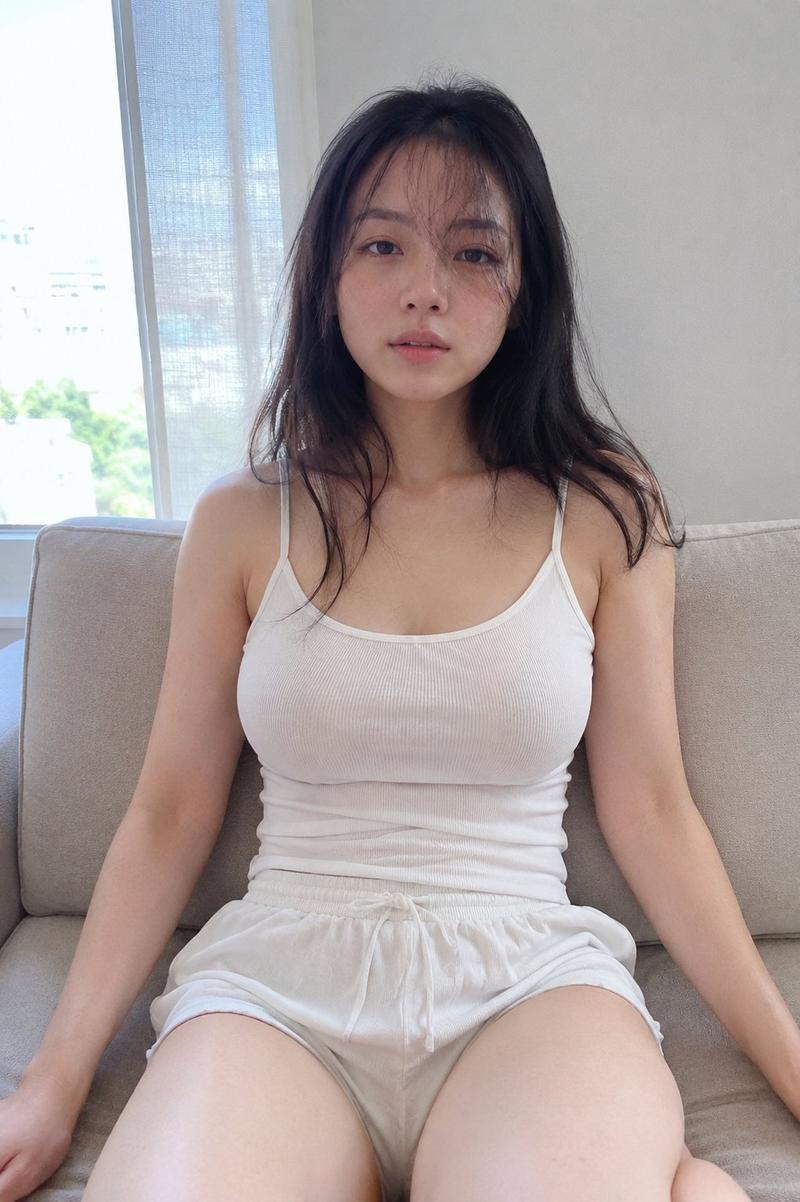
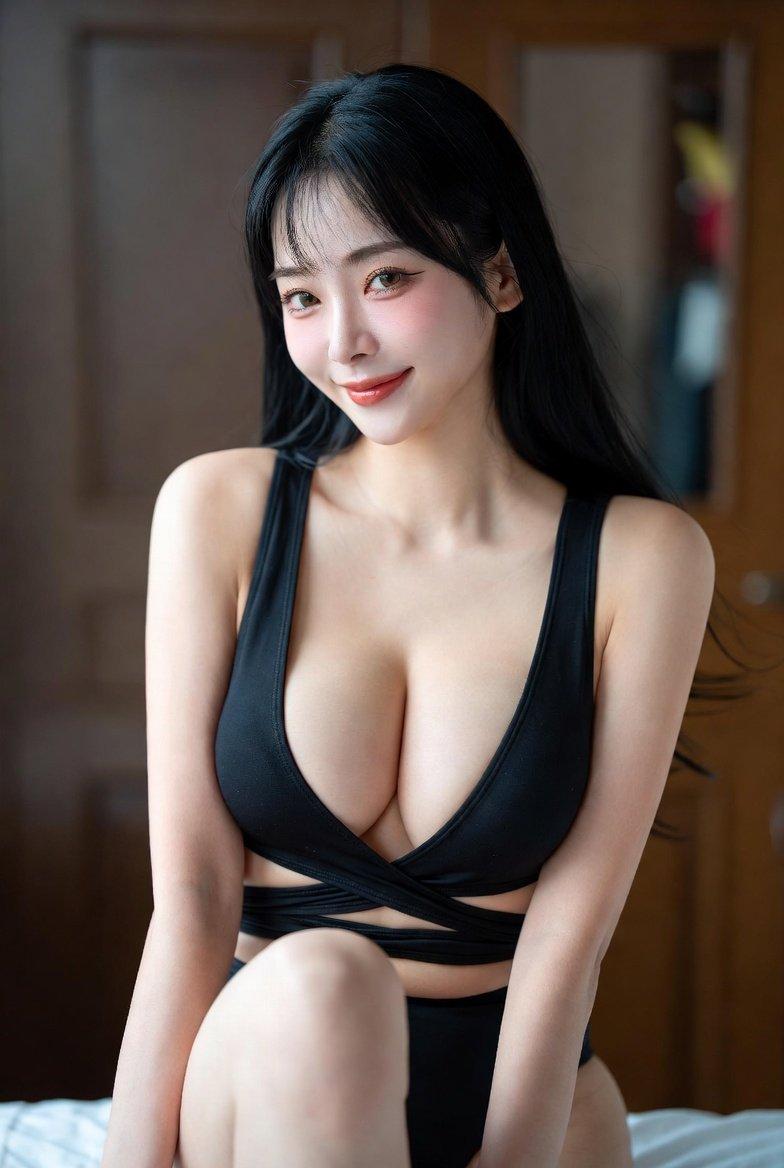
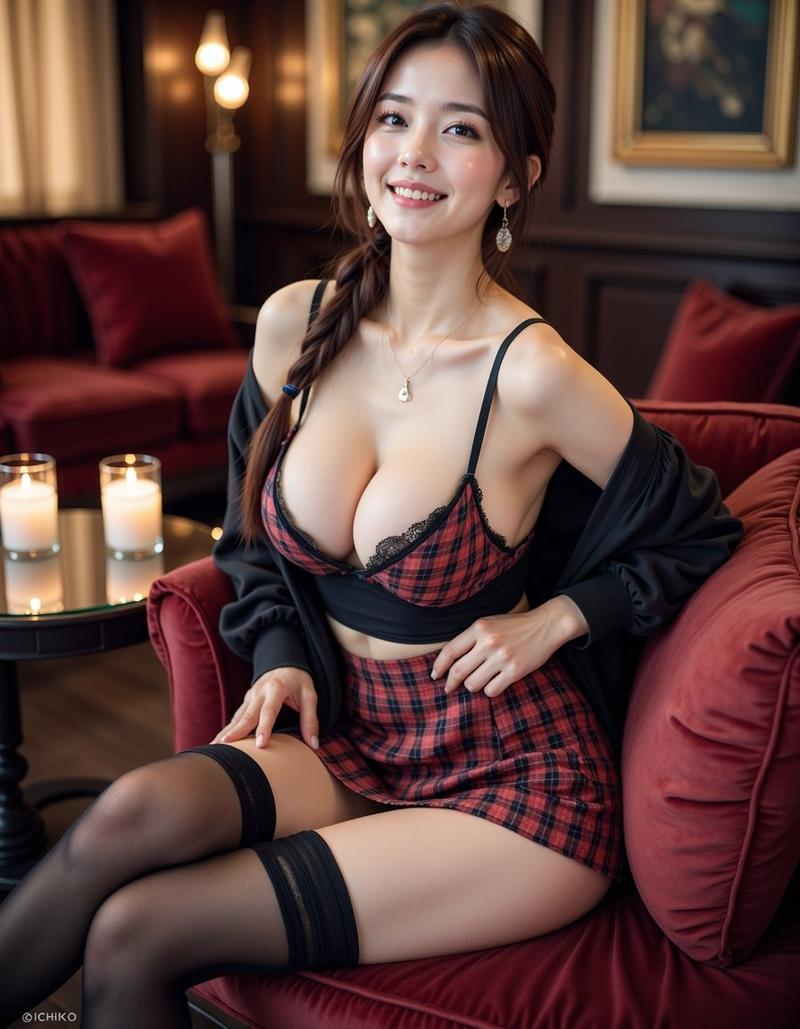
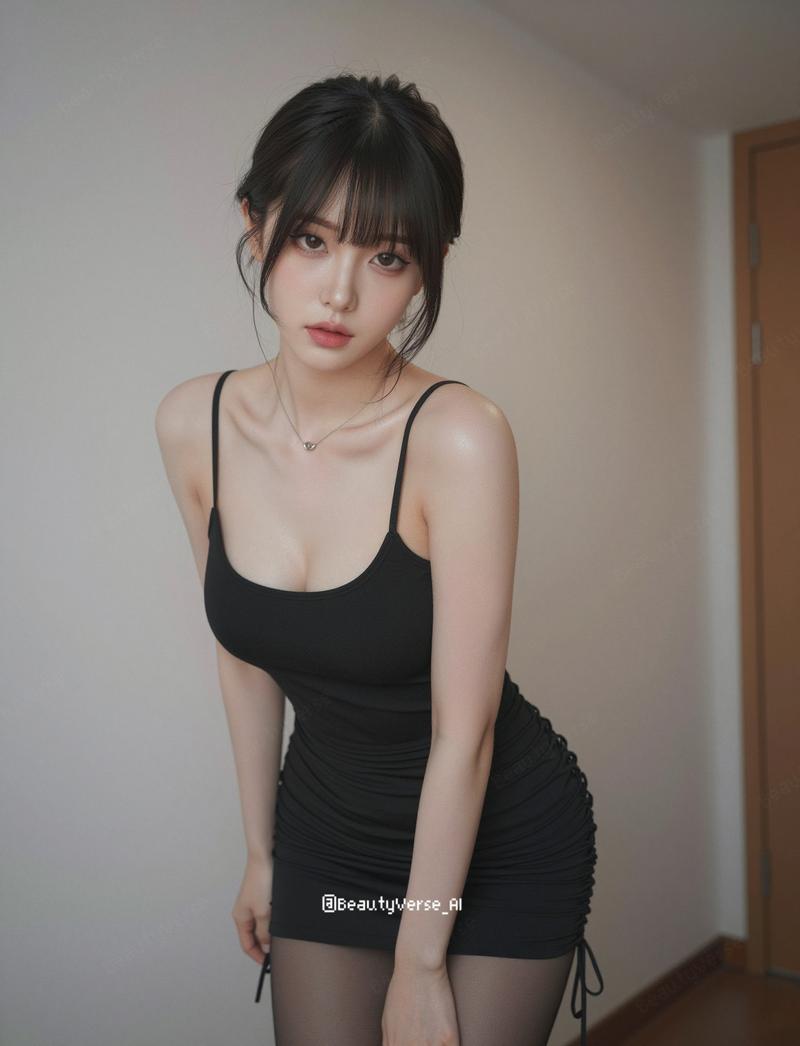
Soft Natural Light Indoor Portrait
Enlarge

Example images

Soft Natural Light Indoor Portrait

Prompt
主題:
{argument name="主題" default="灯りにほどける午後"}

人物・表情:
{argument name="髪色" default="黒髪"}の若い女性、薄めの前髪、顔まわりに自然な後れ毛、ナチュラルメイク、透明感のある肌、丸く印象的な瞳、やさしく控えめな微笑み、自然なカメラ目線、落ち着きと親しみやすさのある表情

服装・ポーズ:
{argument name="服装" default="白いドレープ感のあるキャミソール、黒いレースのインナーを自然に重ねたスタイリング"}、淡いグレーのラウンジパンツ、細いネックレス、小さなピアス、ソファの上に座り、両腕を前に下ろして少し身を寄せる自然なポーズ

背景・光:
ベージュ系のソファとクッション、白いカーテン、右奥に暖色のテーブルランプ、観葉植物のある清潔感のある室内、柔らかな自然光と暖かい間接照明が混ざる穏やかな光、午後の余韻が残るような落ち着いた空気感

構図・カメラ:
縦長構図、上半身から腰まわりまで入る近距離ポートレート、少し上からの自然なカメラアングル、スマホで撮ったような親密な距離感、50mm相当、浅い被写界深度、顔と瞳にしっかりピント、背景は自然にぼかす

質感・スタイル:
高精細、4K品質、リアルな写真風AI画像、自然な肌の質感、毛穴や肌理がほんのり見える、髪の細い束感、瞳の自然なハイライト、レースや布の質感を丁寧に再現、過度に加工されていない写真感、暖かく透明感のある日系ポートレート、柔らかな色調補正

ネガティブ:
低画質、不自然な顔、不自然な手、余分な指、欠けた指、歪んだ指、奇妙な目線、左右非対称な目、崩れた顔、歪んだ体、破綻した服、過度な加工、過度な美肌補正、過度なシャープ化、過剰な露出、AI特有の不自然な質感、不自然な背景、文字、ロゴ、透かし
Category
Architecture & Spaces
Model
GPT Image 2
Views2.5K
Source ID
24470
Published
Jun 6, 2026

Guide

About "Soft Natural Light Indoor Portrait"

What is this prompt for?

"Soft Natural Light Indoor Portrait" AI image prompt for GPT Image 2 (Architecture & Spaces). A highly detailed prompt for a realistic indoor portrait of a you…

The full copyable prompt and example visuals above are ready for AI image generation or one-click recreate in Picva.

How to use this prompt

  1. Step 1

    Open the prompt detail

    Review the example visuals, category, and full prompt text for "Soft Natural Light Indoor Portrait".

  2. Step 2

    Copy the prompt

    Copy the prompt body from this page, or load it directly in Studio.

  3. Step 3

    Pick a model (GPT Image 2)

    Prefer GPT Image 2. If you switch models, keep subject and composition and tweak style terms.

  4. Step 4

    Generate and export

    Recreate the look in Picva, or export into your workflow for editing and publishing.

FAQ

What is the "Soft Natural Light Indoor Portrait" prompt?
It is an AI image-generation prompt for GPT Image 2 in the Architecture & Spaces category. This page includes the full prompt text, example visuals, and a one-click recreate path in Picva.
How do I use this prompt to generate an image?
Copy the prompt from this page, or use Generate / Studio. Paste it into a compatible image model, or recreate the look in Picva with optional reference images.
Which model is this prompt for?
This page lists GPT Image 2. Most descriptive prompts also transfer to nearby image models such as GPT Image, Flux, or Midjourney with light style tweaks.
Can I use the result commercially?
You can usually copy the prompt for creation, but commercial use of the final image depends on the model terms, reference-image rights, and the generated content. Follow the source author and platform rules.