17

Anime Fashion Design Moodboard
Enlarge

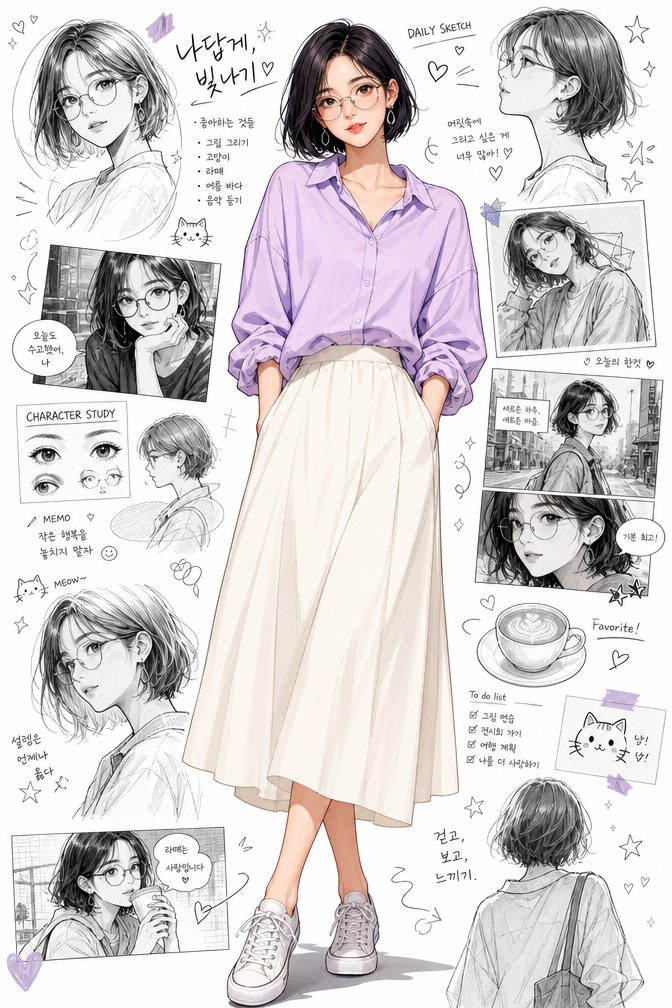
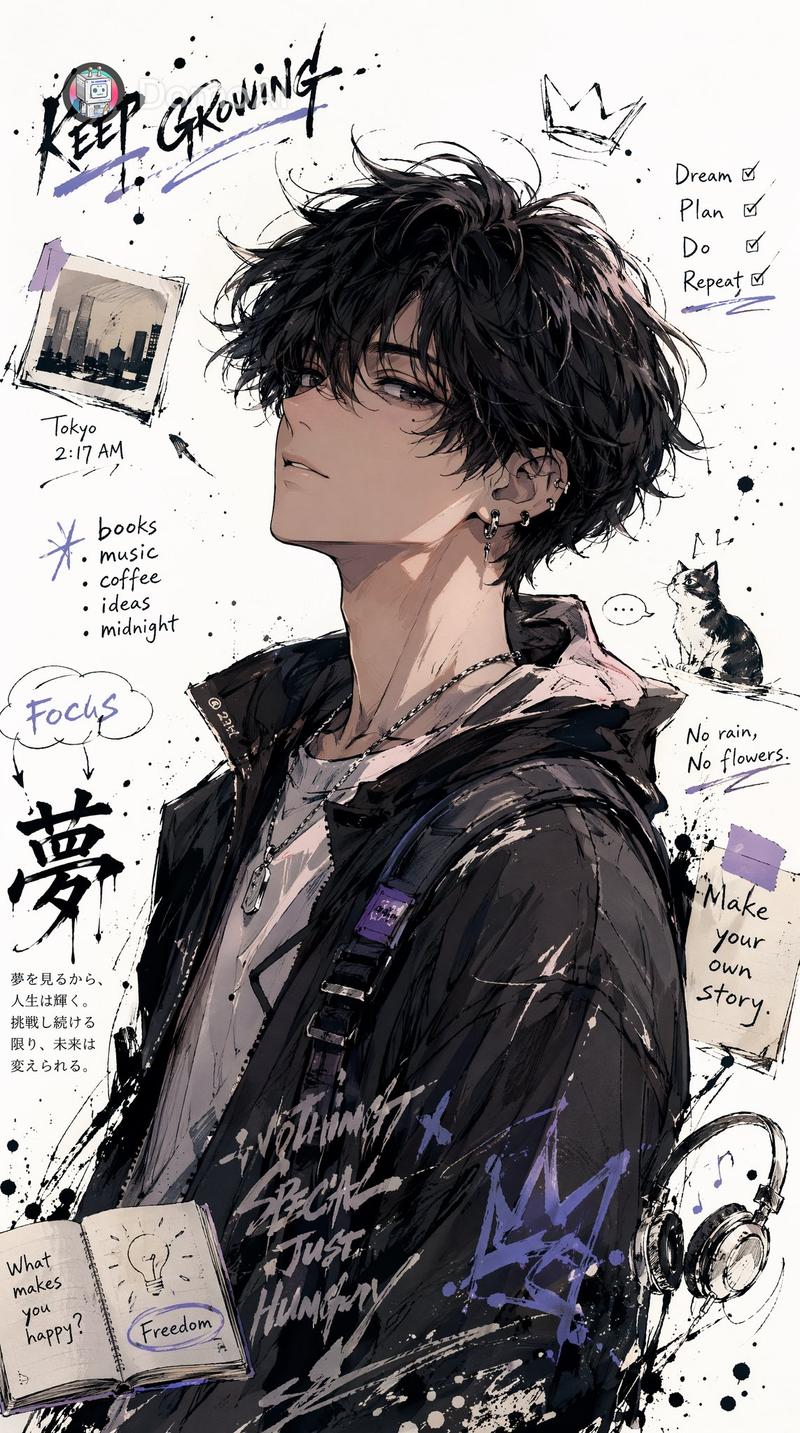
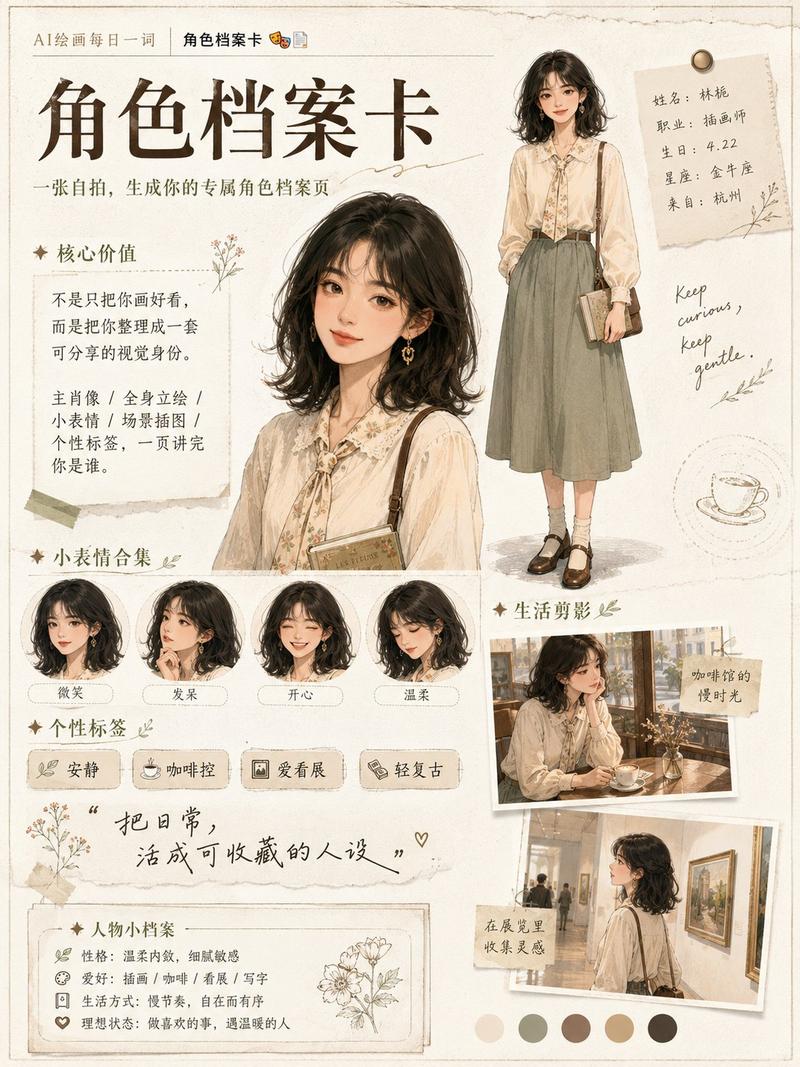
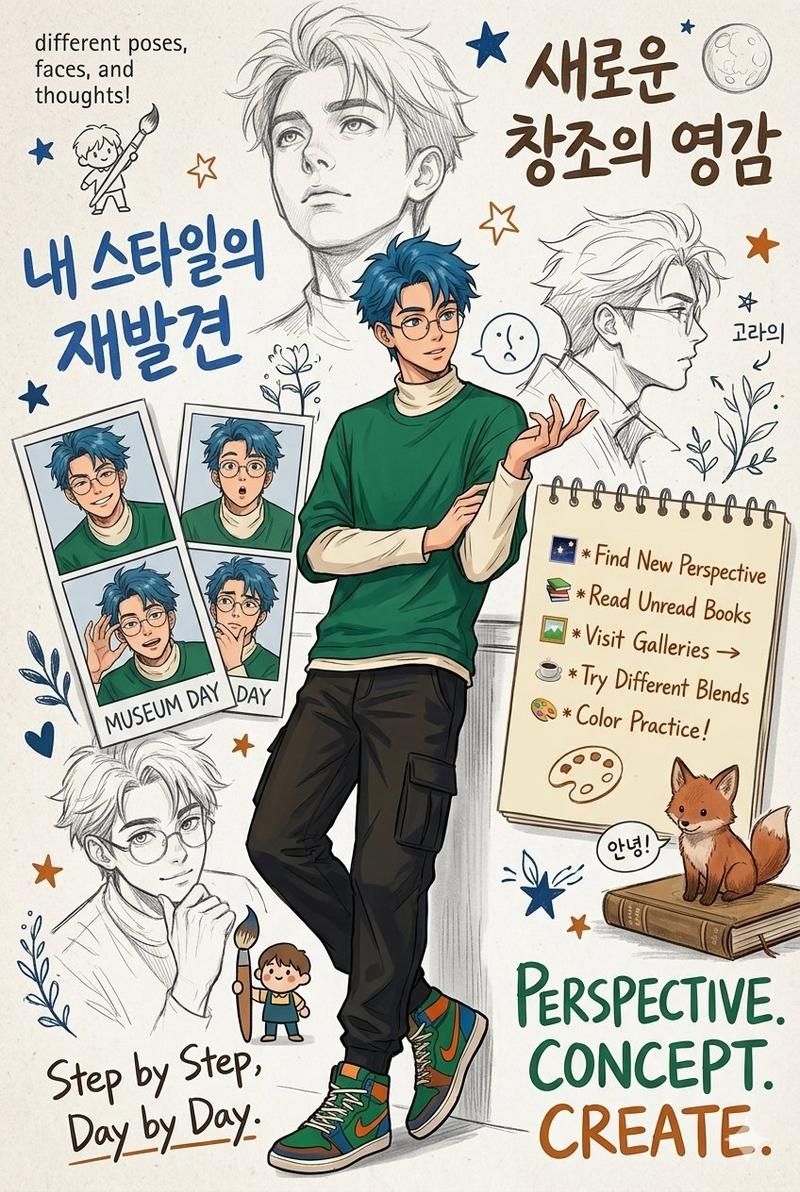
Example images

Anime Fashion Design Moodboard

Prompt
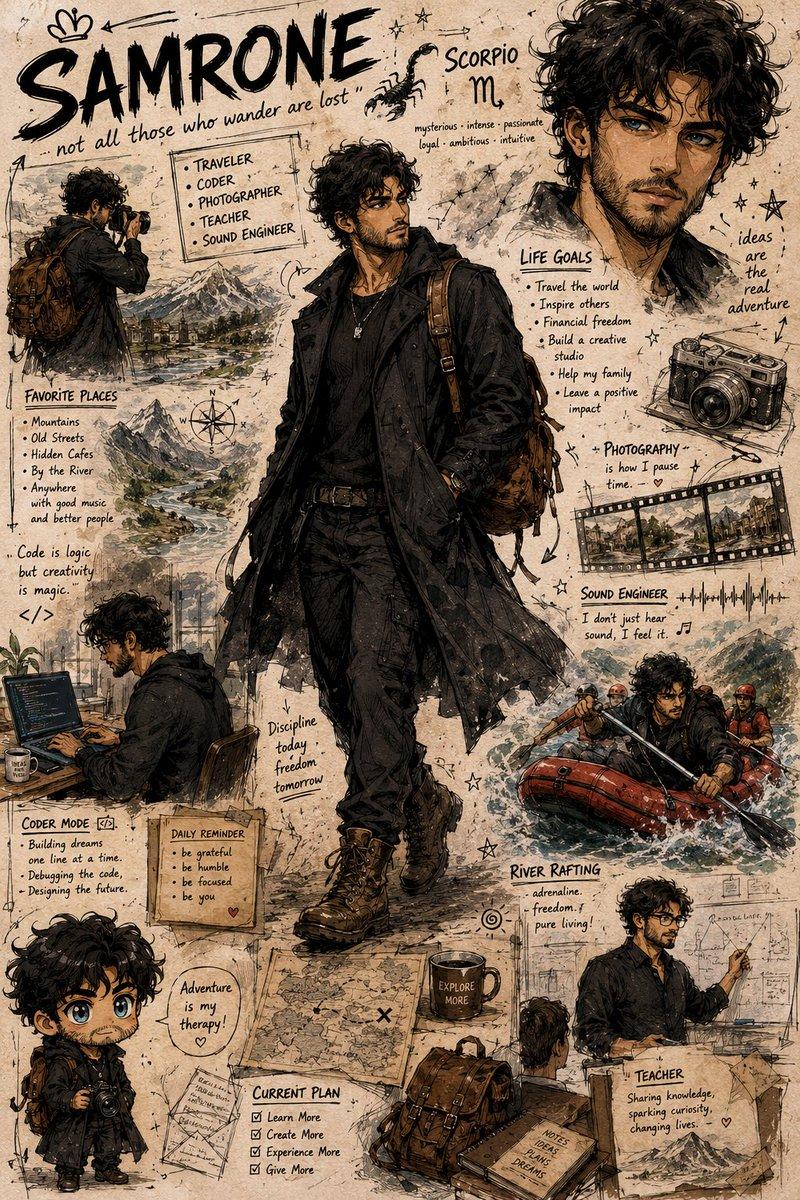
(Semi-realistic anime fashion moodboard), {argument name="character style" default="stylish young Korean boy"} with (messy black hair), (round glasses), soft confident expression, {argument name="clothing" default="oversized blue striped shirt"} over a white t-shirt, relaxed streetwear style.\n\nSurrounded by (hand-drawn character sketches), manga panels, doodles, stars, hearts, handwritten notes, study moments, coffee cups, headphones, camera sketches, and lifestyle illustrations.\n\n({argument name="background" default="Clean white background"}), (mixed ink-and-pencil textures), (anime fashion editorial), (character design board), (soft blue aesthetic), ultra detailed, clean linework, subtle cel shading, magazine-cover style, 8K masterpiece.
Category
Posters & Typography
Model
GPT Image 2
Creator
shah_zadii
Views1.8K
Source ID
24598
Published
Jun 7, 2026

Guide

About "Anime Fashion Design Moodboard"

What is this prompt for?

"Anime Fashion Design Moodboard" AI image prompt for GPT Image 2 (Posters & Typography). A detailed prompt for creating a stylish semi-realistic anime characte…

The full copyable prompt and example visuals above are ready for AI image generation or one-click recreate in Picva.

How to use this prompt

  1. Step 1

    Open the prompt detail

    Review the example visuals, category, and full prompt text for "Anime Fashion Design Moodboard".

  2. Step 2

    Copy the prompt

    Copy the prompt body from this page, or load it directly in Studio.

  3. Step 3

    Pick a model (GPT Image 2)

    Prefer GPT Image 2. If you switch models, keep subject and composition and tweak style terms.

  4. Step 4

    Generate and export

    Recreate the look in Picva, or export into your workflow for editing and publishing.

FAQ

What is the "Anime Fashion Design Moodboard" prompt?
It is an AI image-generation prompt for GPT Image 2 in the Posters & Typography category. This page includes the full prompt text, example visuals, and a one-click recreate path in Picva.
How do I use this prompt to generate an image?
Copy the prompt from this page, or use Generate / Studio. Paste it into a compatible image model, or recreate the look in Picva with optional reference images.
Which model is this prompt for?
This page lists GPT Image 2. Most descriptive prompts also transfer to nearby image models such as GPT Image, Flux, or Midjourney with light style tweaks.
Can I use the result commercially?
You can usually copy the prompt for creation, but commercial use of the final image depends on the model terms, reference-image rights, and the generated content. Follow the source author and platform rules.