雨中东京动漫手办展示
Prompt
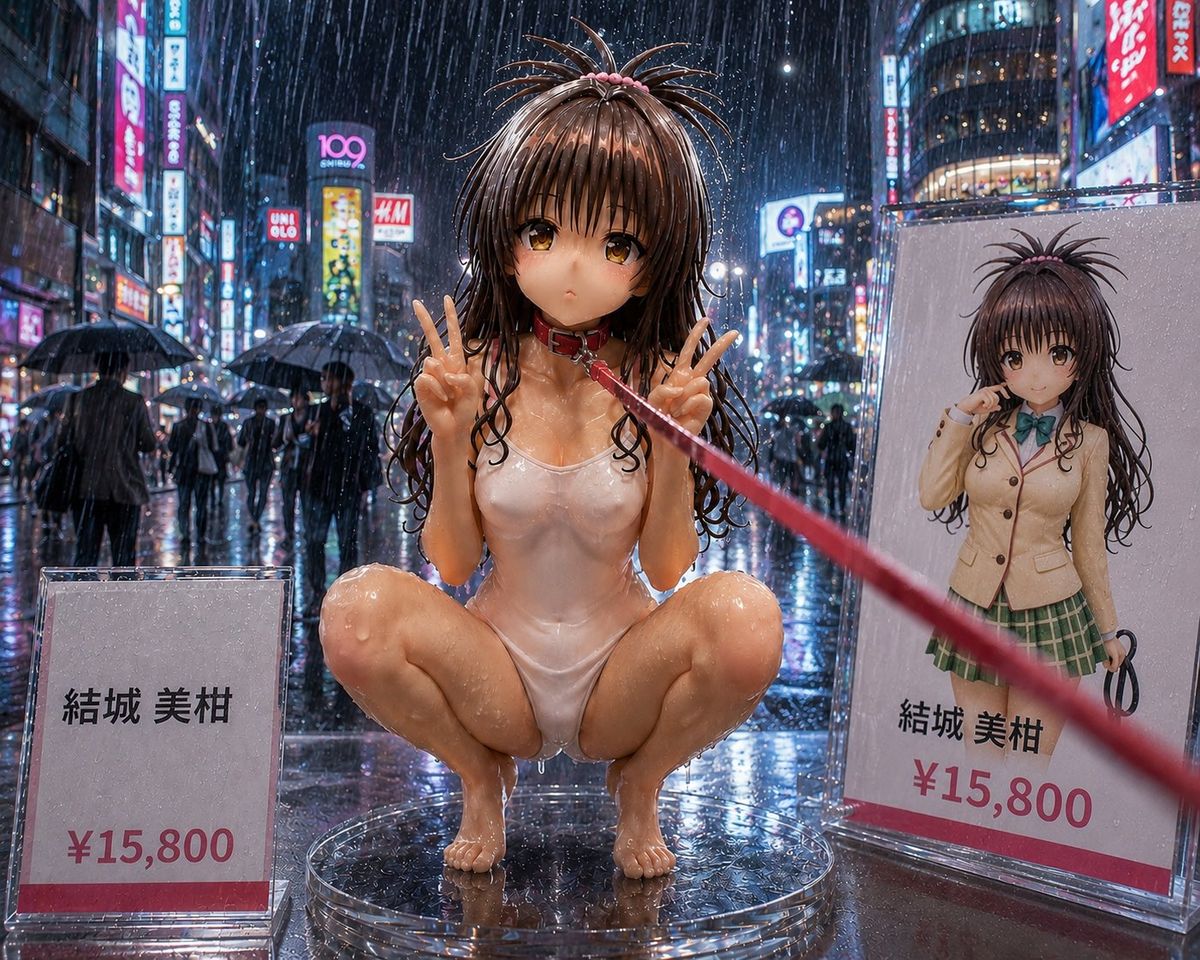
Create a highly detailed photorealistic product-display scene of an adult anime-style collectible figure in a rainy neon Tokyo shopping street at night. The main subject is {argument name="character name" default="Yuki Miho"}, shown as a glossy 1/6 scale figurine squatting on a transparent circular acrylic stand in the center foreground, wearing a wet white one-piece swimsuit, long soaked dark brown twin-tail hair with small pink ties, and holding both hands up in double peace signs. Her face is deliberately obscured by a smooth square blur/censor block. A red leash or ribbon is attached near her neck and stretches diagonally from her collar toward the right foreground, creating a dramatic perspective line. The environment is a rainstorm with visible raindrops, wet reflective pavement, umbrellas, blurred pedestrians, and dense neon signs reminiscent of Shibuya or Akihabara; use cinematic depth of field, high contrast reflections, and ultra-real resin/plastic surface detail. Include exactly two price display elements: 1) a clear acrylic sign on the lower left reading 「結城 美柑」 and 「¥15,800」 with a red bottom stripe, and 2) a large product card or box panel on the right showing the same character in a beige school uniform jacket, green plaid skirt, teal bow, long twin-tail hair, with her face also blurred, plus the printed text 「結城 美柑」 and 「¥15,800」. Keep the scene wet, glossy, and commercial like a premium figure showcase photographed at street level; no extra characters in the foreground, no watermark, no additional price tags.- Category
- Products & E-commerce
- Model
- GPT Image 2
- Creator
- らくちゃん
- Source ID
- 25057
- Published
- Jun 10, 2026
Views0