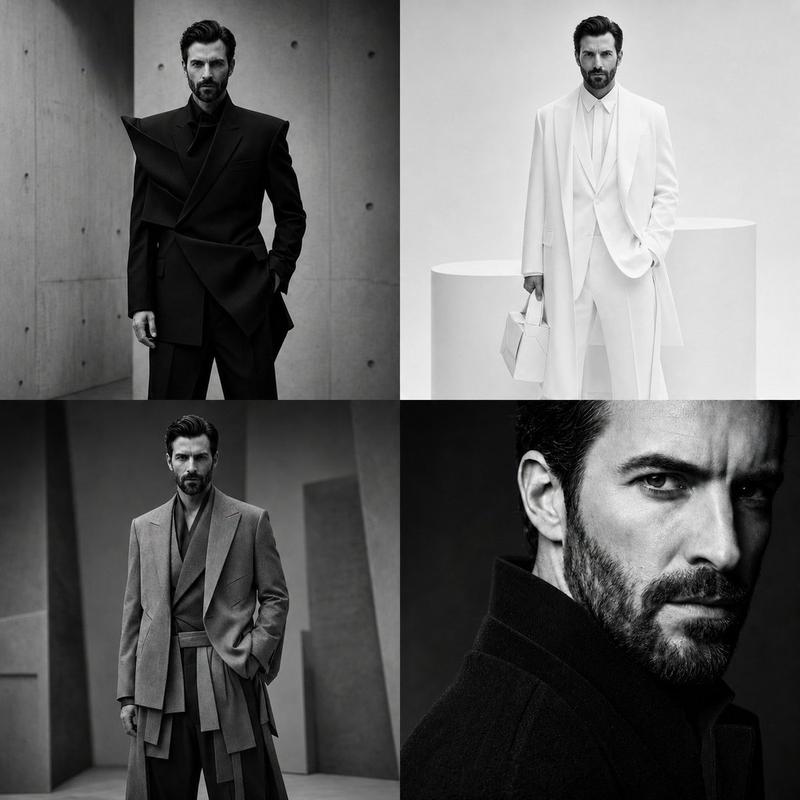
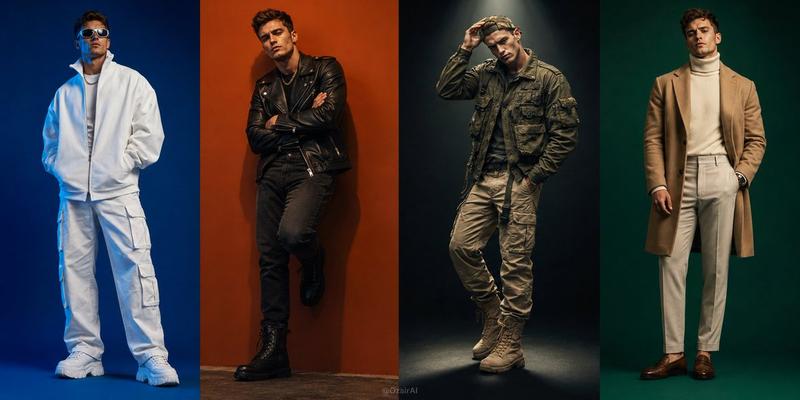
奢华男装拼贴画
Prompt
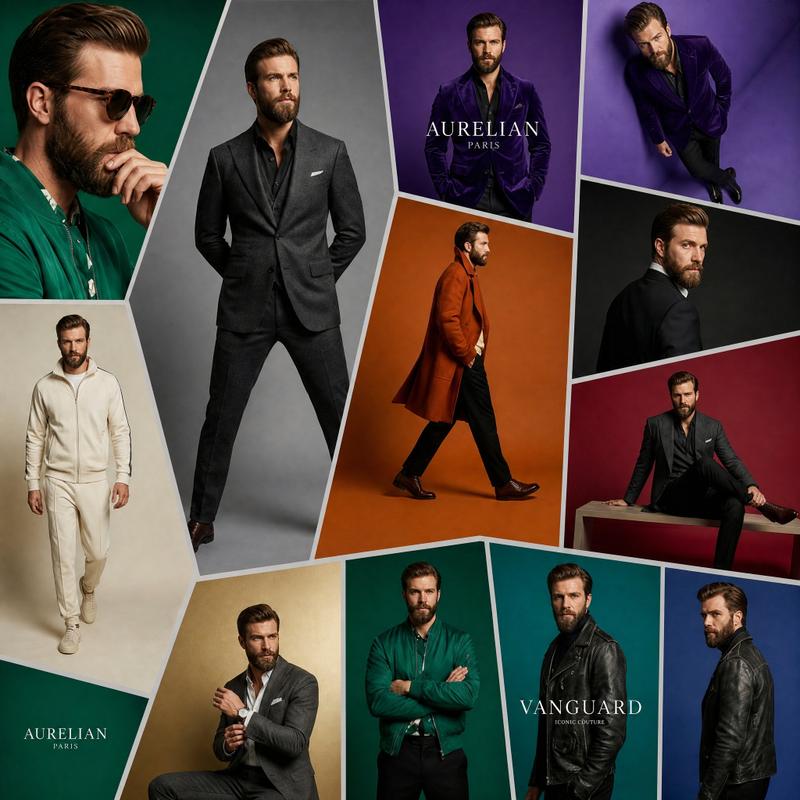
Goal: Create a high-end luxury menswear fashion campaign collage featuring the same {argument name="character name" default="Aurelian Vanguard"} male model repeated across exactly 12 oversized, irregular geometric photo panels, like a contemporary art gallery wall or global fashion magazine spread. The model should look like a handsome Hollywood-inspired man with slicked-back brown hair, a perfectly groomed beard, confident posture, and consistent facial identity in every panel.

Canvas: Square 1:1 composition, full-bleed collage, sharp editorial photography, cinematic studio lighting, premium magazine quality. Separate all panels with thick off-white borders forming angled trapezoids, pentagons, and tall vertical fragments. No empty space outside the collage.

Layout and panel count: Use exactly 12 distinct fashion panels. 1) Far left large close-up portrait on deep emerald green background, model in a green shirt, hand near chin, cropped dramatically. 2) Center-left tall full-body panel on gray background, model standing front-facing in a charcoal tailored suit with hands in pockets. 3) Upper-center purple panel with model in a glossy deep purple velvet jacket, include elegant white serif brand text reading {argument name="brand text" default="AURELIAN PARIS"}. 4) Upper-right purple panel, top-down or high-angle view of the model wearing the purple jacket and black trousers. 5) Mid-right dark charcoal panel, model turned away in a black formal jacket, looking over shoulder. 6) Center orange panel, full-body side walking pose in a long camel-orange overcoat, black trousers, and brown dress shoes. 7) Lower-right burgundy panel, seated model in a dark suit on a rectangular platform, one leg extended, fashion editorial pose. 8) Lower-left cream panel, full-body casual look in an off-white zip hoodie, matching joggers, and white sneakers. 9) Bottom-left beige/gold panel, seated model in a gray suit adjusting cuff or wristwatch. 10) Bottom-center emerald panel, model standing with arms crossed in a green jacket or shirt, black trousers. 11) Bottom-center-right teal panel, model in a black leather jacket facing forward, include small white serif text reading {argument name="secondary brand text" default="VANGUARD ICONIC COUTURE"}. 12) Bottom-right blue panel, model in a black leather jacket shown in side/back three-quarter pose.

Visual style: Ultra-realistic luxury editorial photography, sophisticated textures including velvet, wool suiting, leather, knitwear, and overcoat fabric. Use rich color-block studio backgrounds: emerald green, gray, purple, orange, black, burgundy, cream, beige, teal, and cobalt blue. Lighting should feel expensive and cinematic, with controlled shadows, crisp tailoring, and glossy magazine retouching.

Subject details: The same male model appears in every panel with {argument name="hair color" default="slicked-back medium brown hair"}, groomed beard, athletic build, Hollywood charisma, elegant masculine styling, and confident poses. Outfits should include exactly these 8 visible fashion categories across the 12 panels: green shirt close-up, charcoal suit, purple velvet jacket, black formal jacket, camel overcoat, off-white athleisure set, gray suit, and black leather jacket.

Constraints: Keep the collage clean and premium, with no extra logos beyond the two specified brand text areas, no captions, no watermark, no duplicated random faces, no cartoon style, and no low-fashion streetwear aesthetic.- Category
- Posters & Typography
- Model
- GPT Image 2
- Creator
- Cherry 2.O
- Source ID
- 25225
- Published
- Jun 12, 2026
Views0