18

带有隐私遮挡的忧郁肖像
Enlarge

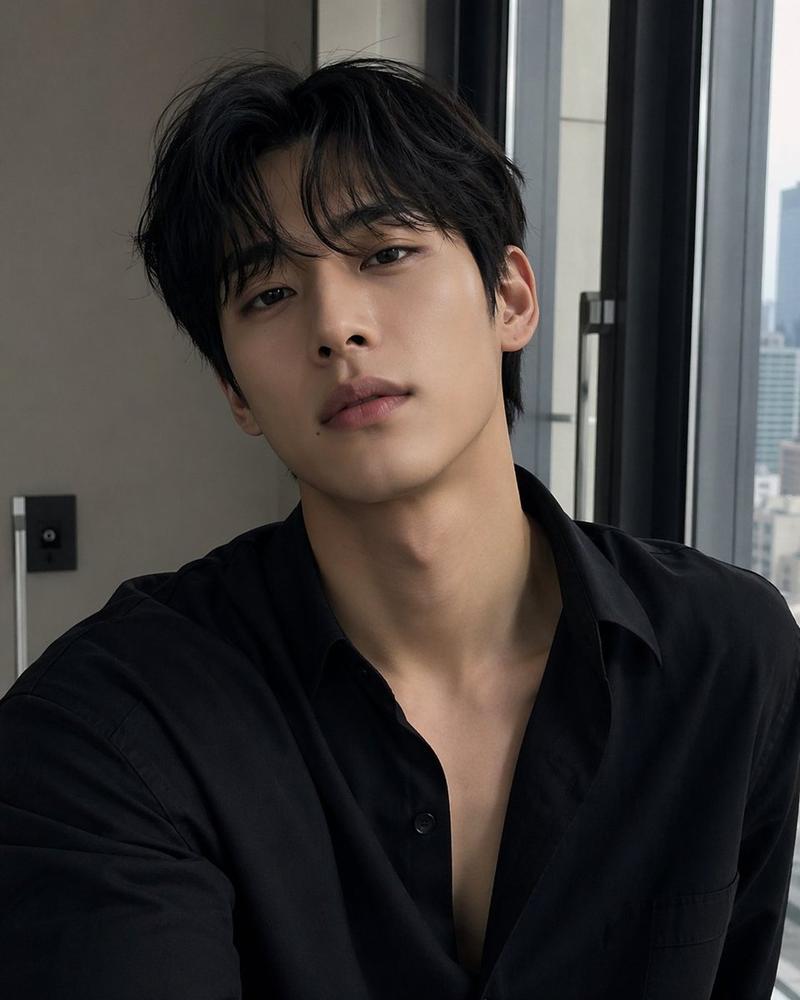
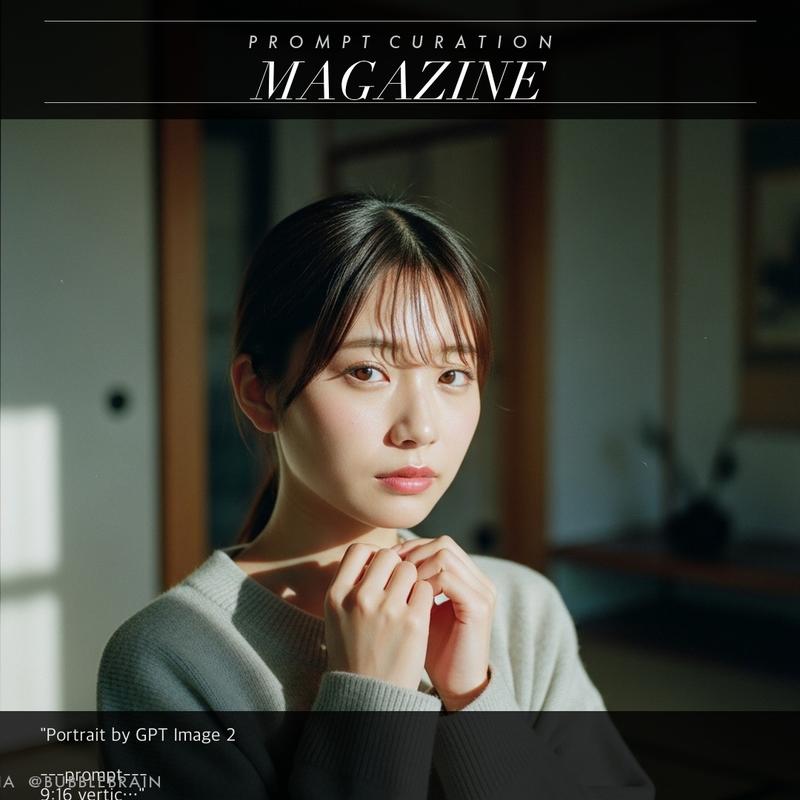
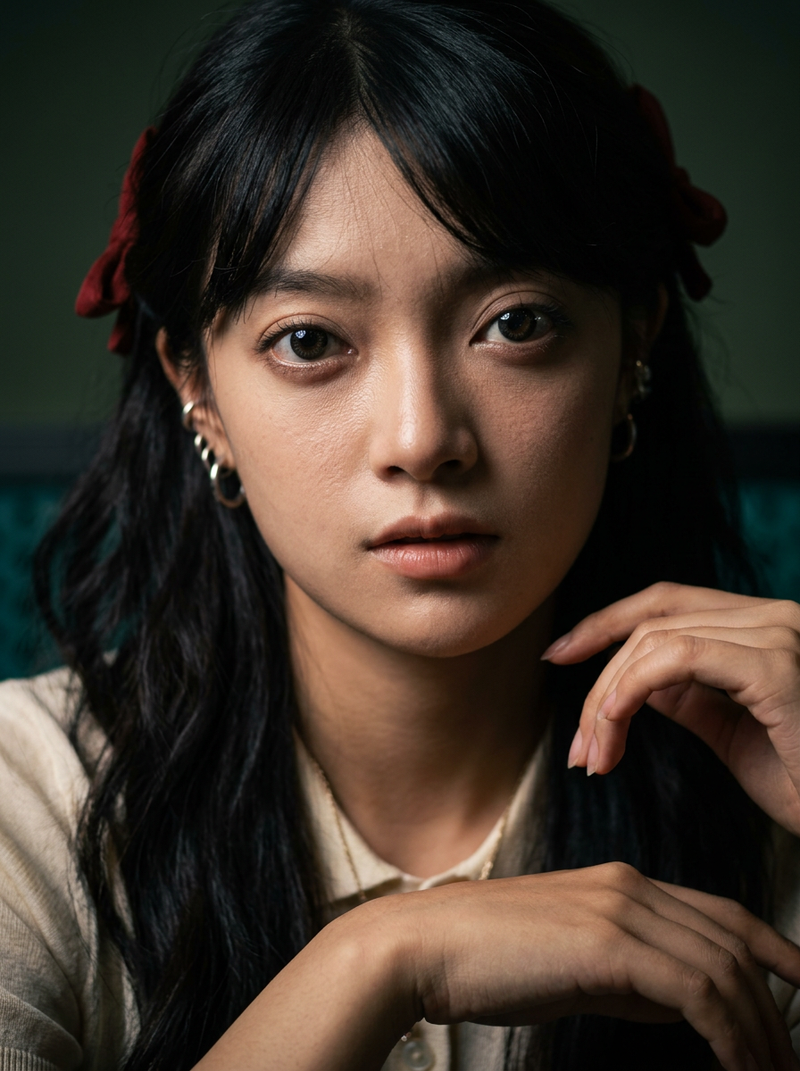
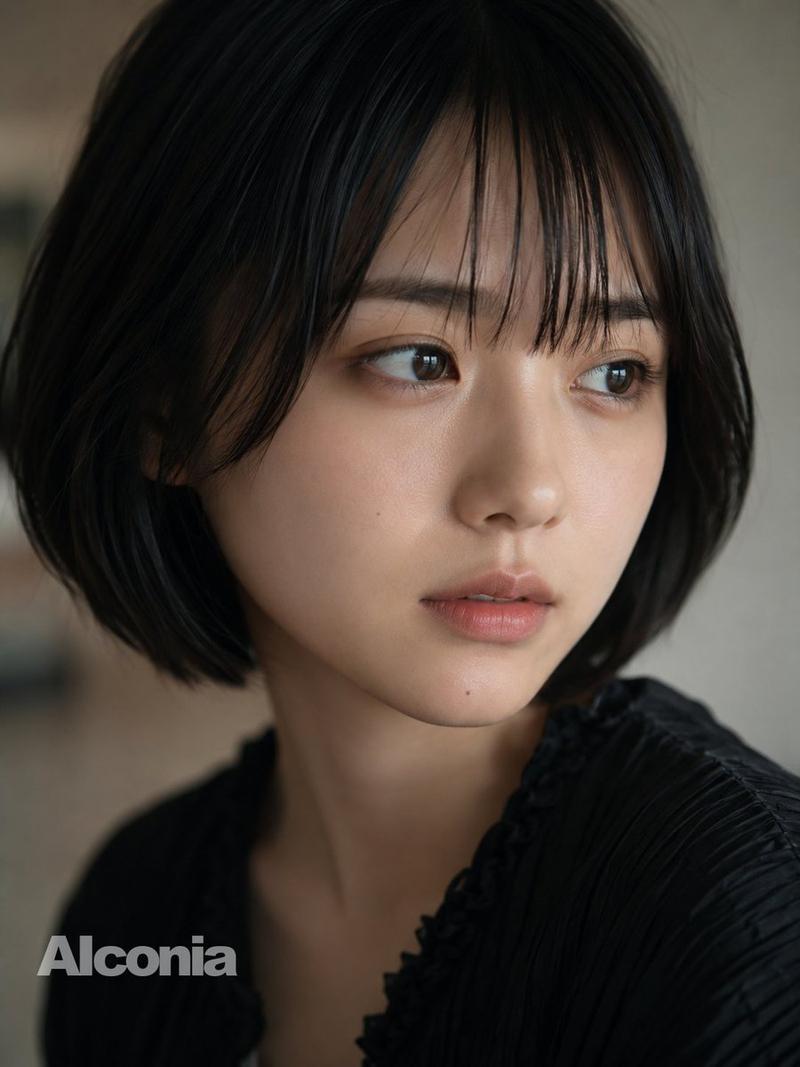
Example images

带有隐私遮挡的忧郁肖像

Prompt
Create a square, cinematic close-up portrait of {argument name="subject" default="an androgynous young adult with tousled dark hair"} in a dim indoor setting, cropped tightly so the head and shoulders fill the frame. The person wears a {argument name="clothing" default="dark charcoal knit sweater"} and rests one hand near the chin in a thoughtful pose, with softly visible fingers at the lower center. Use moody low-key lighting, shallow depth of field, muted warm-gray background, realistic skin and hair texture, and a subdued film-photography look with slight grain. Place a large opaque square privacy block directly over the center of the face, covering most facial features from the forehead down to the mouth; the block should be a smooth vertical gradient from near-black dark brown at the top to medium warm brown at the bottom, with sharp straight edges, centered and occupying most of the image width and height. Keep only the hair edges, one ear area, shoulder, sweater, and hand partially visible around the block. No text, no watermark, no decorative elements.
Category
Architecture & Spaces
Model
GPT Image 2
Views12
Source ID
25705
Published
Jun 14, 2026

Guide

About "带有隐私遮挡的忧郁肖像"

What is this prompt for?

"带有隐私遮挡的忧郁肖像" AI image prompt for GPT Image 2 (Architecture & Spaces). 一张电影质感的方形特写肖像,主体面部被一个大型棕色渐变隐私遮挡块遮住,适用于匿名头像或概念图像。 Copy it on Picva and recreate the look…

The full copyable prompt and example visuals above are ready for AI image generation or one-click recreate in Picva.

How to use this prompt

  1. Step 1

    Open the prompt detail

    Review the example visuals, category, and full prompt text for "带有隐私遮挡的忧郁肖像".

  2. Step 2

    Copy the prompt

    Copy the prompt body from this page, or load it directly in Studio.

  3. Step 3

    Pick a model (GPT Image 2)

    Prefer GPT Image 2. If you switch models, keep subject and composition and tweak style terms.

  4. Step 4

    Generate and export

    Recreate the look in Picva, or export into your workflow for editing and publishing.

FAQ

What is the "带有隐私遮挡的忧郁肖像" prompt?
It is an AI image-generation prompt for GPT Image 2 in the Architecture & Spaces category. This page includes the full prompt text, example visuals, and a one-click recreate path in Picva.
How do I use this prompt to generate an image?
Copy the prompt from this page, or use Generate / Studio. Paste it into a compatible image model, or recreate the look in Picva with optional reference images.
Which model is this prompt for?
This page lists GPT Image 2. Most descriptive prompts also transfer to nearby image models such as GPT Image, Flux, or Midjourney with light style tweaks.
Can I use the result commercially?
You can usually copy the prompt for creation, but commercial use of the final image depends on the model terms, reference-image rights, and the generated content. Follow the source author and platform rules.