13

照片级真实感的网络摄像头自拍肖像
Enlarge

照片级真实感的网络摄像头自拍肖像

Prompt
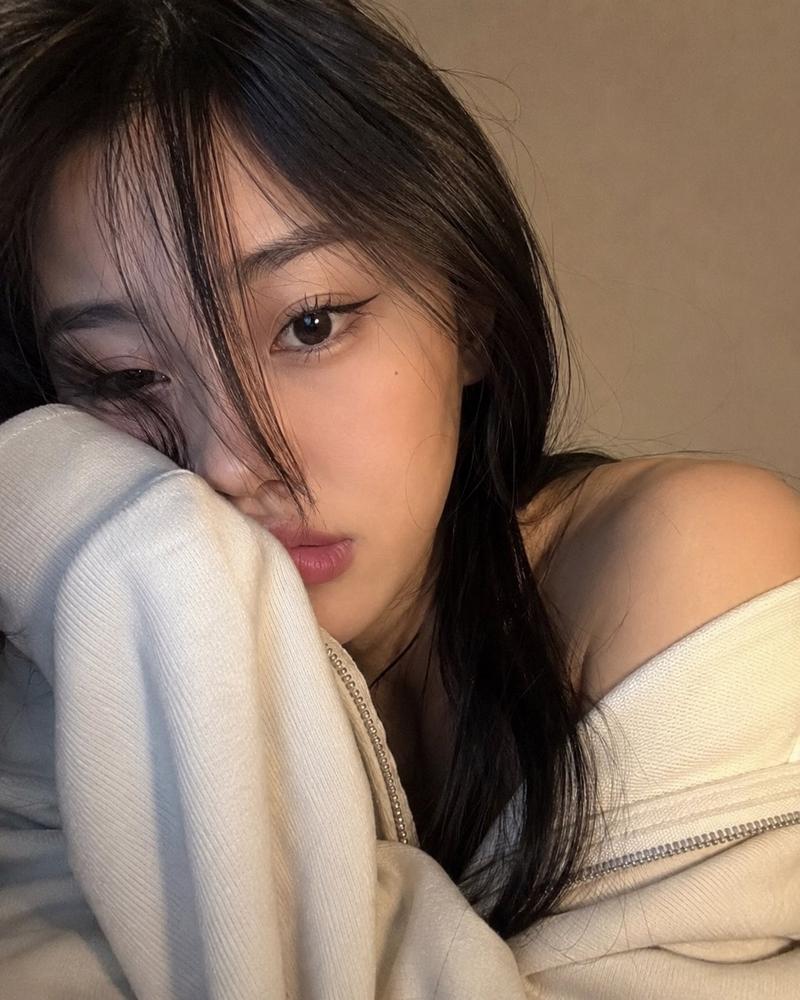
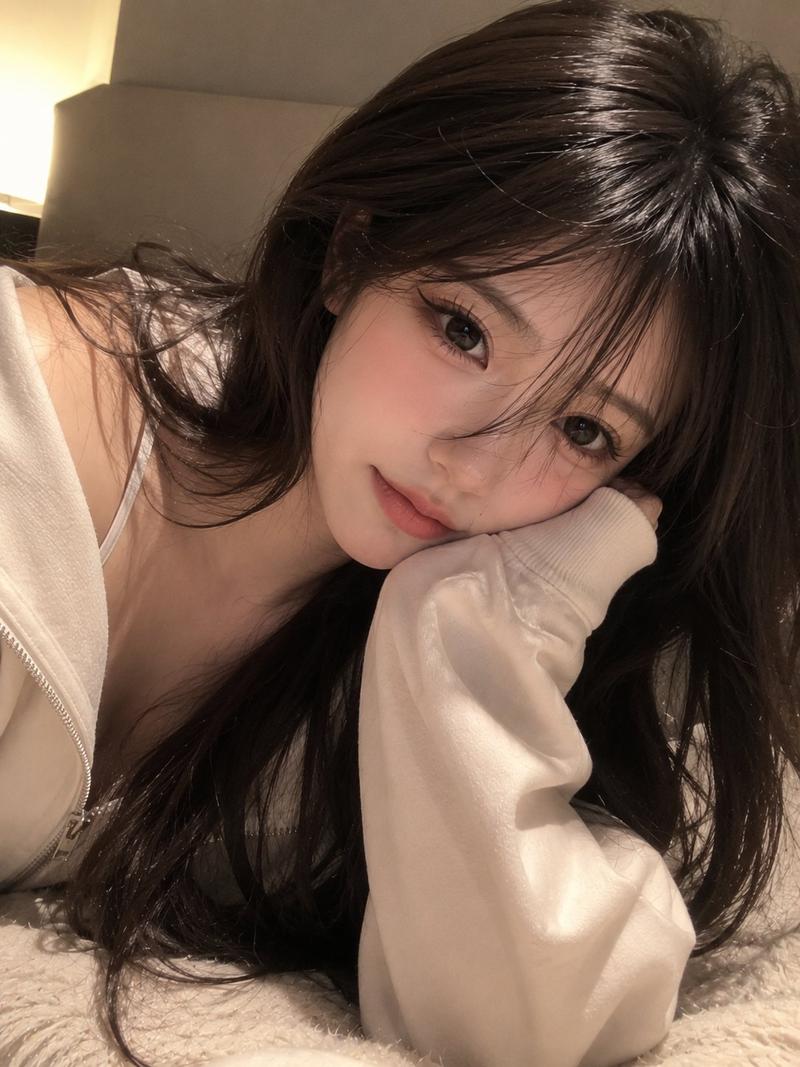
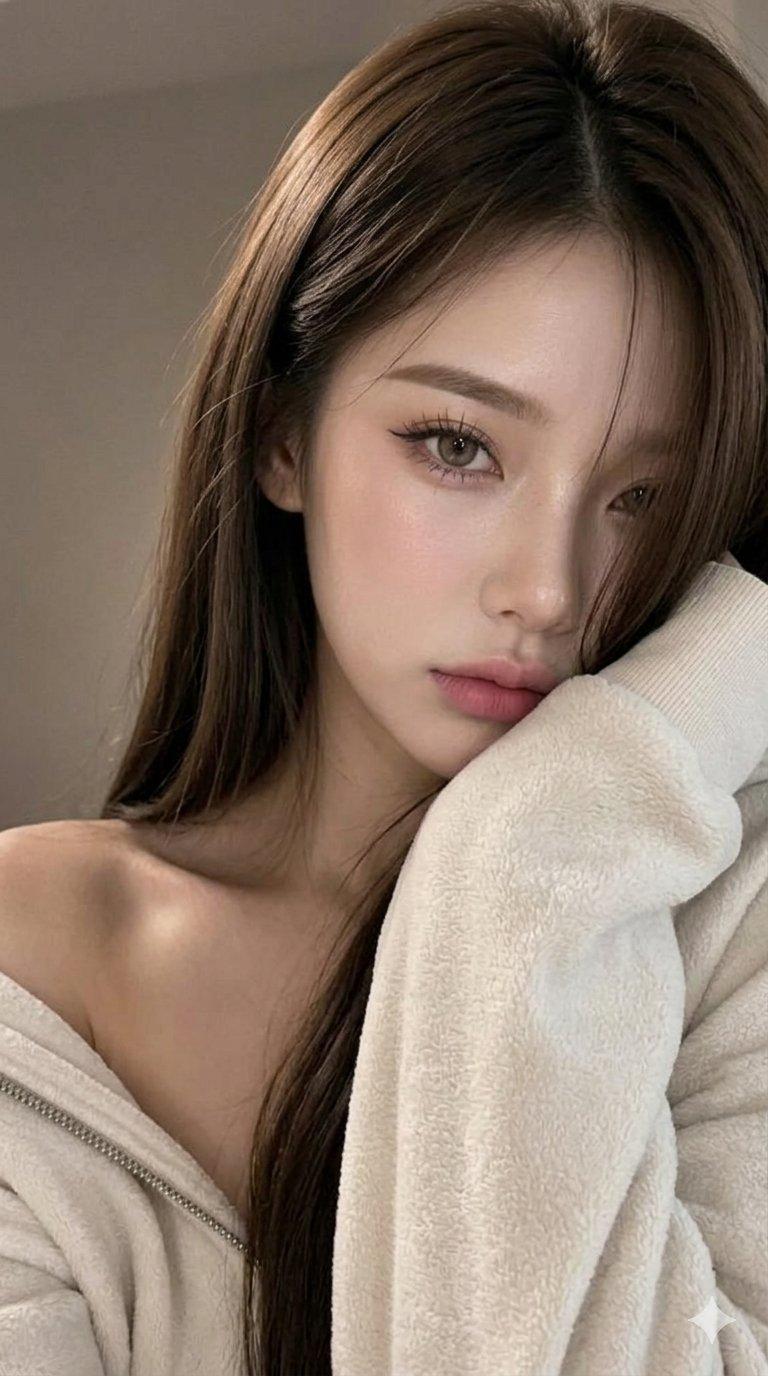
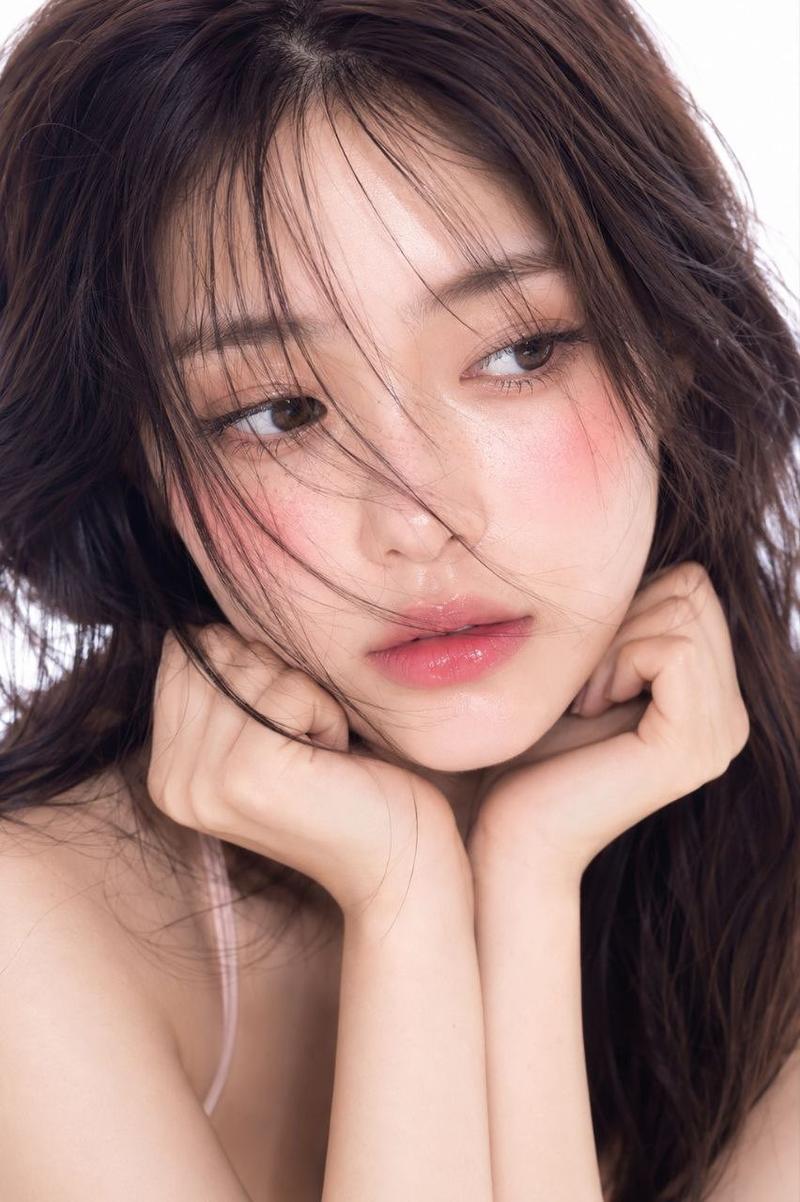
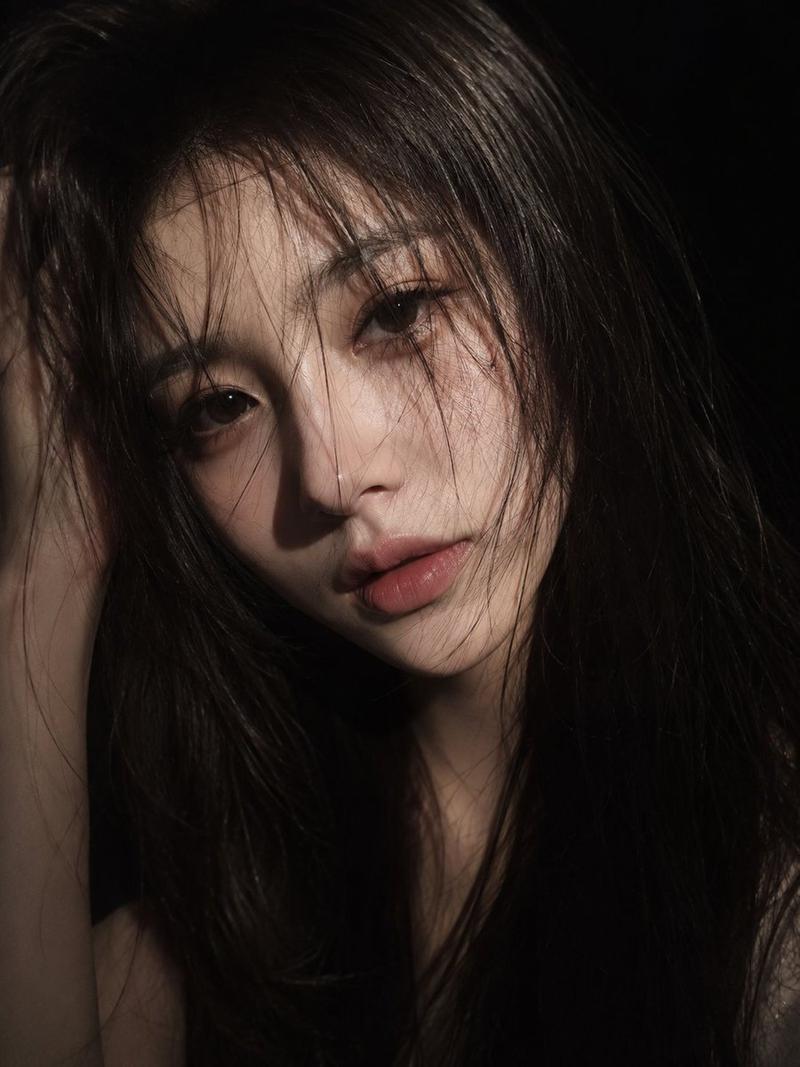
A photorealistic close-up portrait of a {argument name="subject" default="young girl"} filling almost the entire frame. Her head is slightly tilted to the side, with her cheek resting against her shoulder and partially hidden inside the {argument name="outfit" default="long cream-colored sleeve of a hoodie"}. Long, straight hair with curtain bangs falls freely along the left side of her face, covering one eye. On the visible side of her face, she wears {argument name="makeup" default="soft makeup: laminated brows, a sharp elongated black winged eyeliner that extends the shape of the eye, matte dusty-pink lips"}, and a calm, slightly pouting expression. She looks directly into the camera, with visible eyelashes.

A long zip-up hoodie over the one shoulder The composition is intimate and casual, resembling a webcam selfie. The frame has a slight tilt, and the face is positioned very close to the lens. Focus is sharp on the visible eye, lips, hair texture, and the thick cream-colored fabric of the sleeve, while the background fades into a soft blur. Behind her is a simple warm gray-beige wall with no visible details. Warm indoor and screen lighting from the front-left creates soft highlights on the skin and hair. The contrast is moderate, and the color palette is muted, featuring black, beige-gray, and dusty pink tones. The overall image should preserve the authentic feeling of a selfie photograph.
Category
Architecture & Spaces
Model
GPT Image 2
Creator
Aijaz
Views0
Source ID
26111
Published
Jun 18, 2026

Guide

About "照片级真实感的网络摄像头自拍肖像"

What is this prompt for?

"照片级真实感的网络摄像头自拍肖像" AI image prompt for GPT Image 2 (Architecture & Spaces). 一个亲密、近距离的肖像提示词,旨在模拟网络摄像头自拍的真实外观和质感。 Copy it on Picva and recreate the look in one c…

The full copyable prompt and example visuals above are ready for AI image generation or one-click recreate in Picva.

How to use this prompt

  1. Step 1

    Open the prompt detail

    Review the example visuals, category, and full prompt text for "照片级真实感的网络摄像头自拍肖像".

  2. Step 2

    Copy the prompt

    Copy the prompt body from this page, or load it directly in Studio.

  3. Step 3

    Pick a model (GPT Image 2)

    Prefer GPT Image 2. If you switch models, keep subject and composition and tweak style terms.

  4. Step 4

    Generate and export

    Recreate the look in Picva, or export into your workflow for editing and publishing.

FAQ

What is the "照片级真实感的网络摄像头自拍肖像" prompt?
It is an AI image-generation prompt for GPT Image 2 in the Architecture & Spaces category. This page includes the full prompt text, example visuals, and a one-click recreate path in Picva.
How do I use this prompt to generate an image?
Copy the prompt from this page, or use Generate / Studio. Paste it into a compatible image model, or recreate the look in Picva with optional reference images.
Which model is this prompt for?
This page lists GPT Image 2. Most descriptive prompts also transfer to nearby image models such as GPT Image, Flux, or Midjourney with light style tweaks.
Can I use the result commercially?
You can usually copy the prompt for creation, but commercial use of the final image depends on the model terms, reference-image rights, and the generated content. Follow the source author and platform rules.