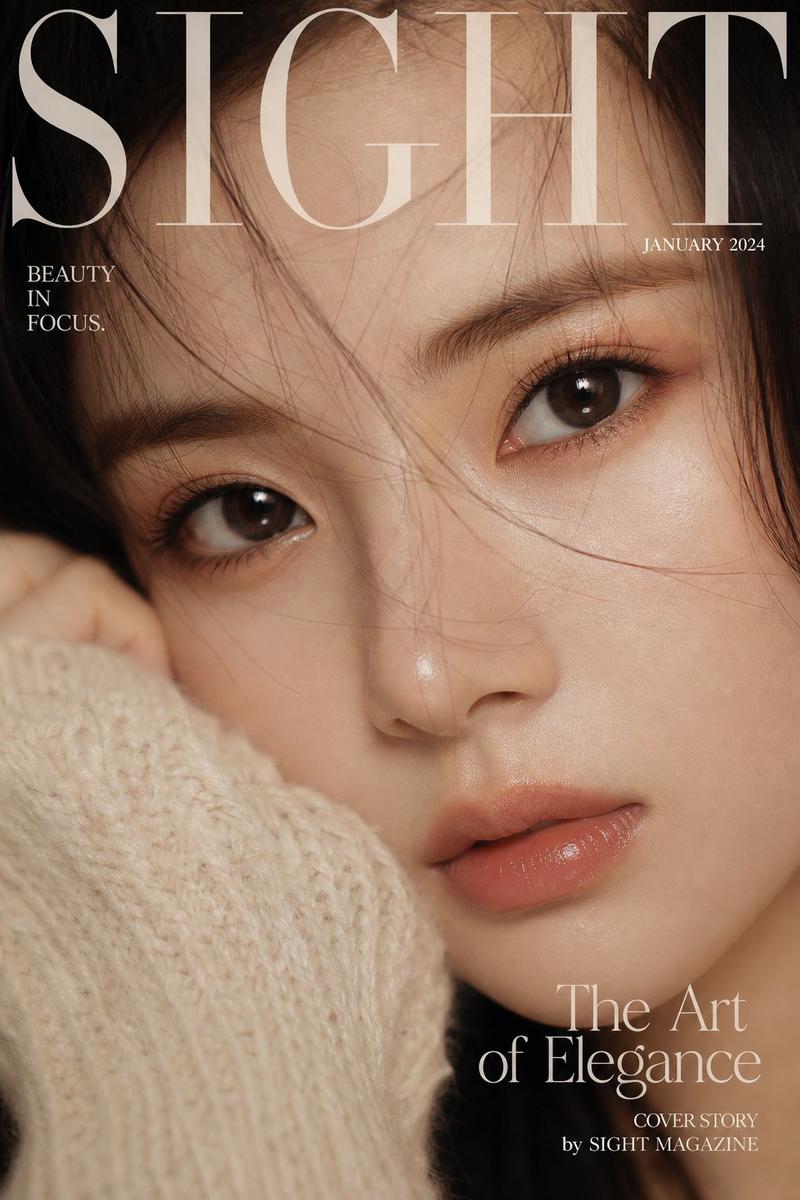
温馨特写自拍肖像
Prompt
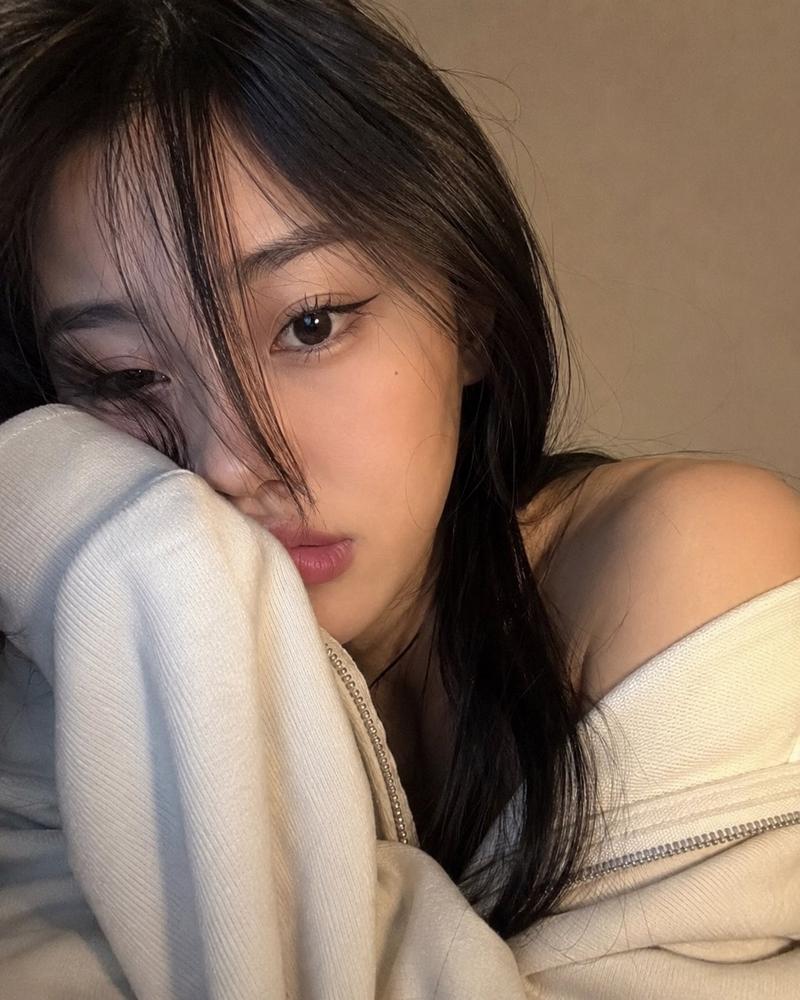
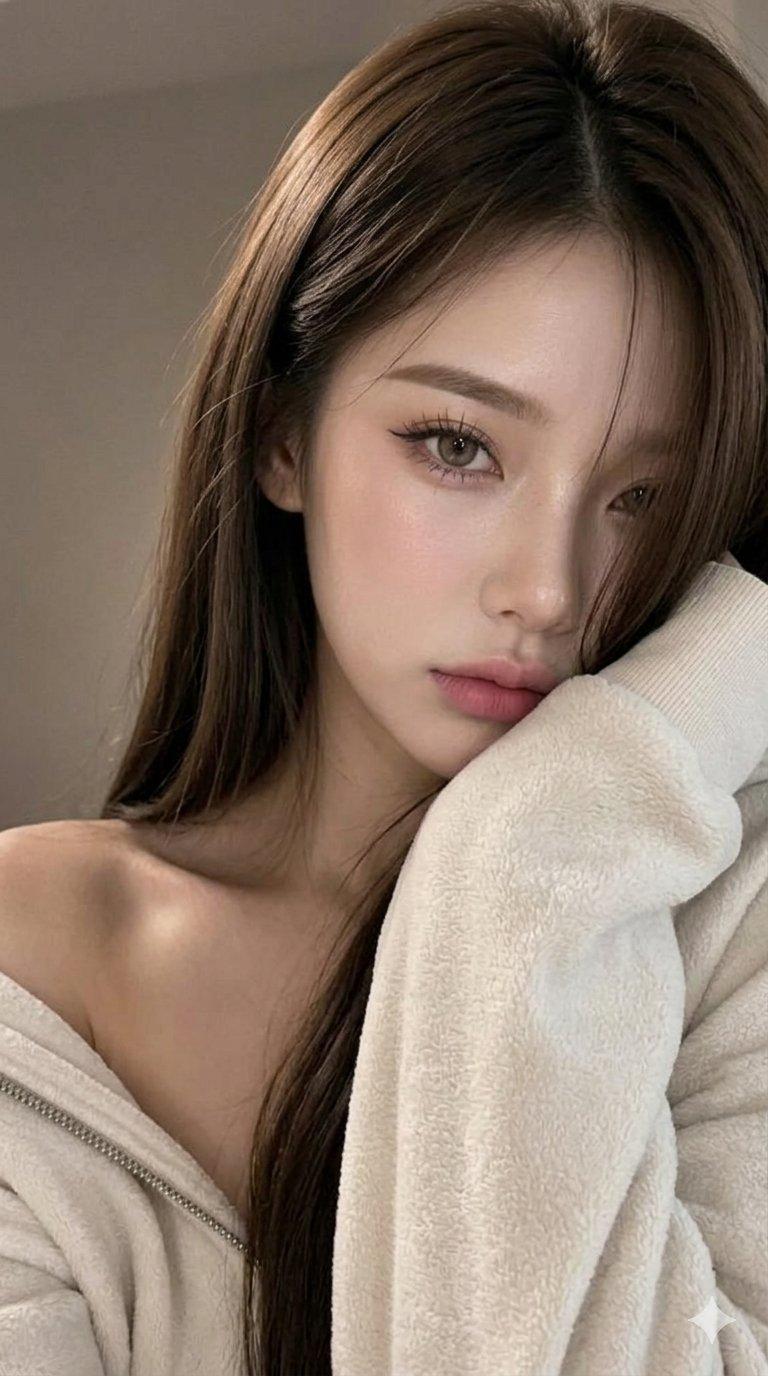
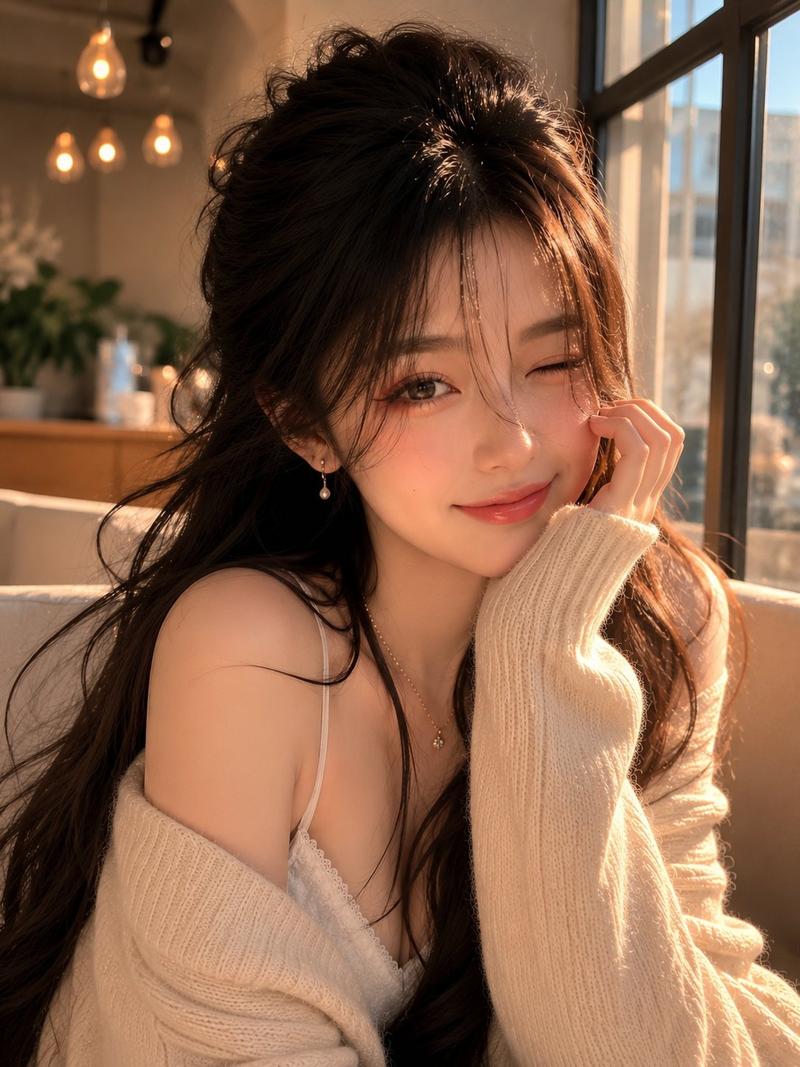
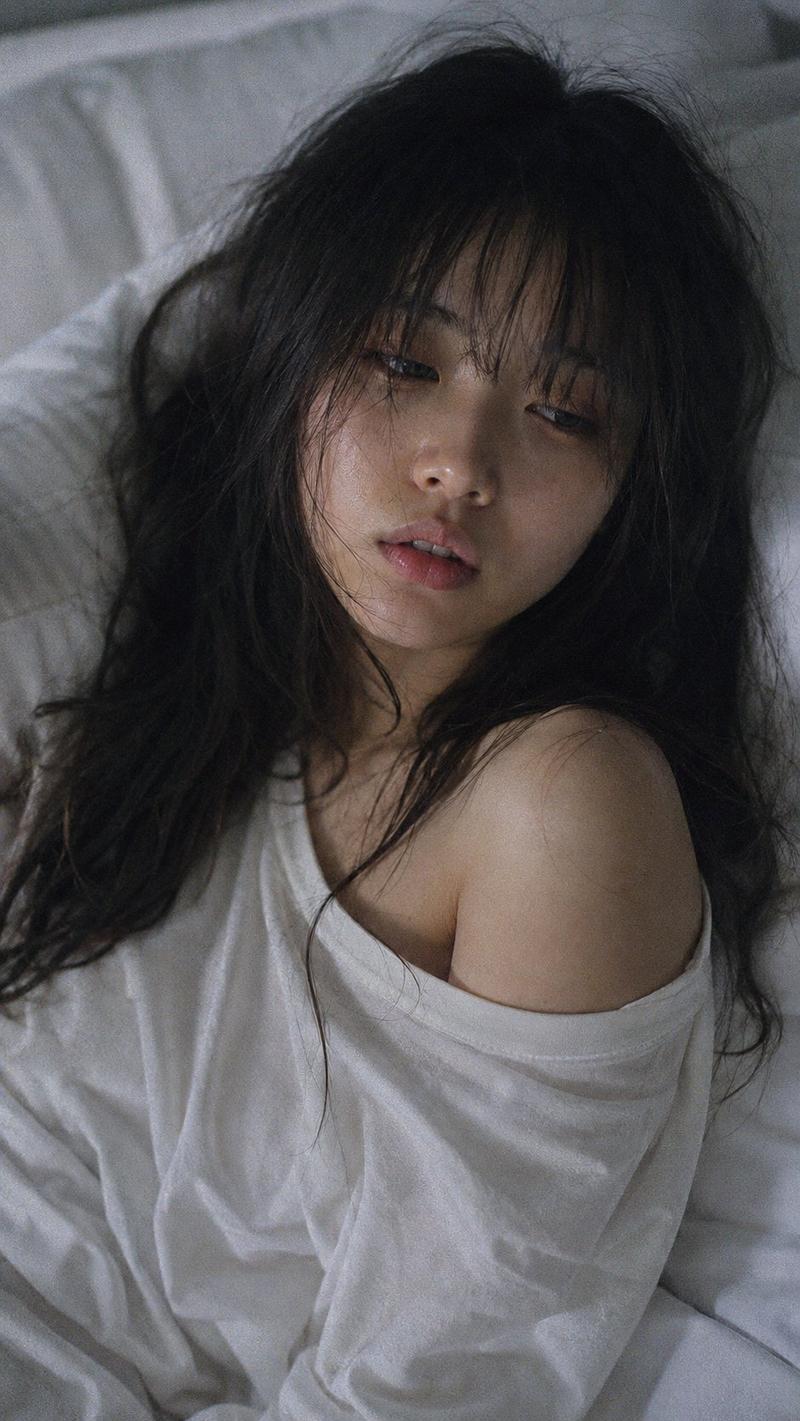
A photorealistic, ultra-close selfie-style portrait of a {argument name="subject" default="young woman"} occupying nearly the entire frame, creating a cozy and personal atmosphere. She gently leans her head sideways, resting her face against her shoulder while part of her mouth and cheek disappear into the {argument name="clothing" default="oversized sleeve of a soft ivory zip-up hoodie"}. One side of the hoodie casually slips off her shoulder, adding a relaxed, effortless look. Her long, silky dark hair falls naturally across her face, with wispy curtain bangs and loose strands concealing one eye. The visible eye stares directly into the camera with a calm, slightly pouty expression. Makeup is subtle and polished, featuring brushed-up brows, elongated black cat-eye eyeliner, delicate lashes, and muted rose-pink matte lips. The image feels like an authentic webcam or front-camera snapshot taken from very close range with a slight angle rather than perfectly centered. Fine details such as skin texture, individual hair strands, eyelashes, and the thick knit texture of the hoodie sleeve remain crisp, while the background softly melts into blur. The setting is minimal, showing only a {argument name="background" default="plain warm taupe-beige wall"} without decorations. Soft warm indoor light mixed with subtle screen glow illuminates the face from the front-left, creating gentle highlights and natural shadows. The overall color grading is understated and cozy, dominated by cream, charcoal black, beige, and muted pink tones, preserving the spontaneous and realistic feeling of a genuine casual selfie.- Category
- Architecture & Spaces
- Model
- GPT Image 2
- Creator
- Jack
- Source ID
- 26576
- Published
- Jun 23, 2026
Views0