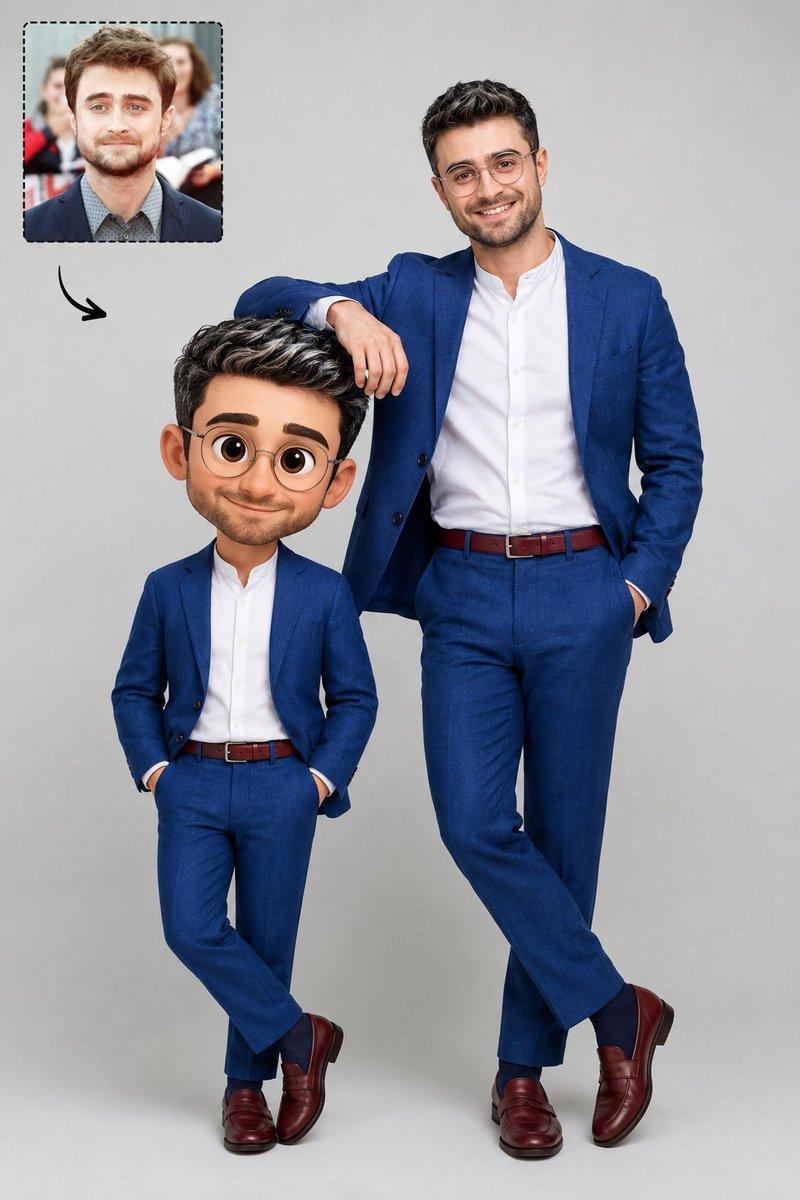
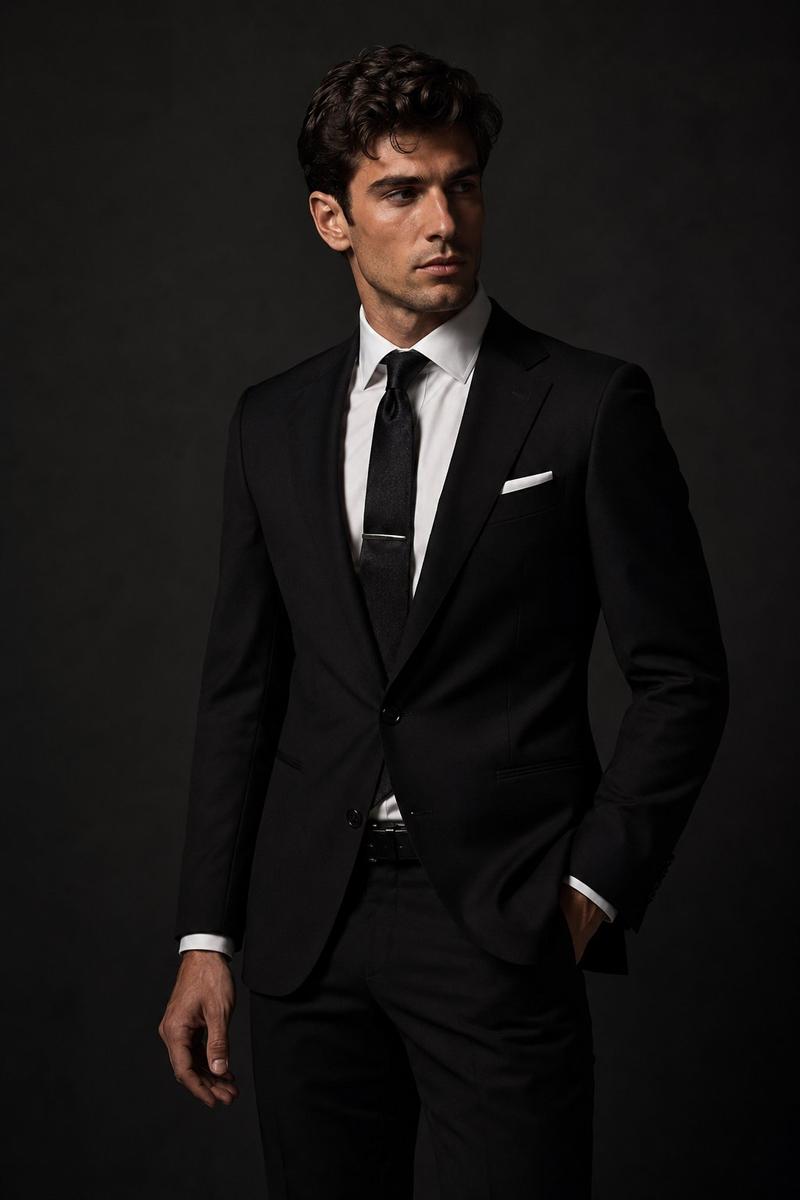
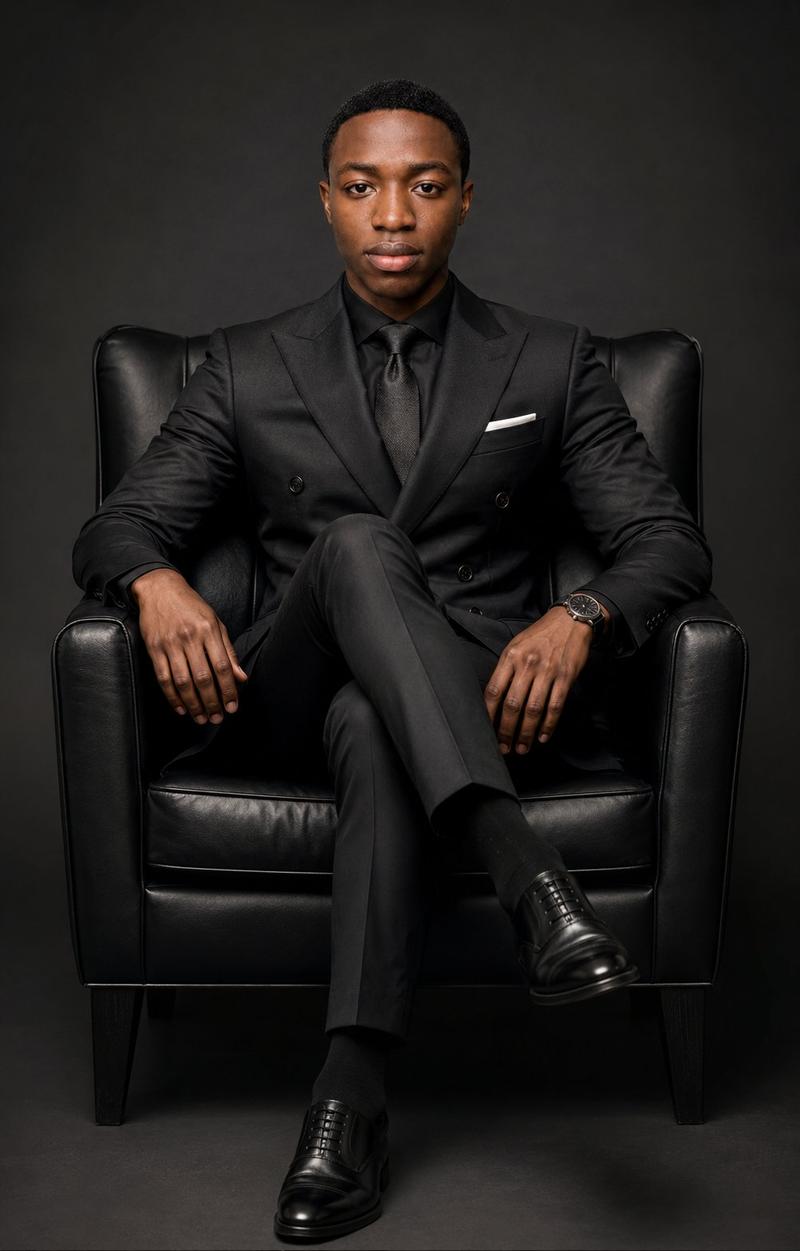
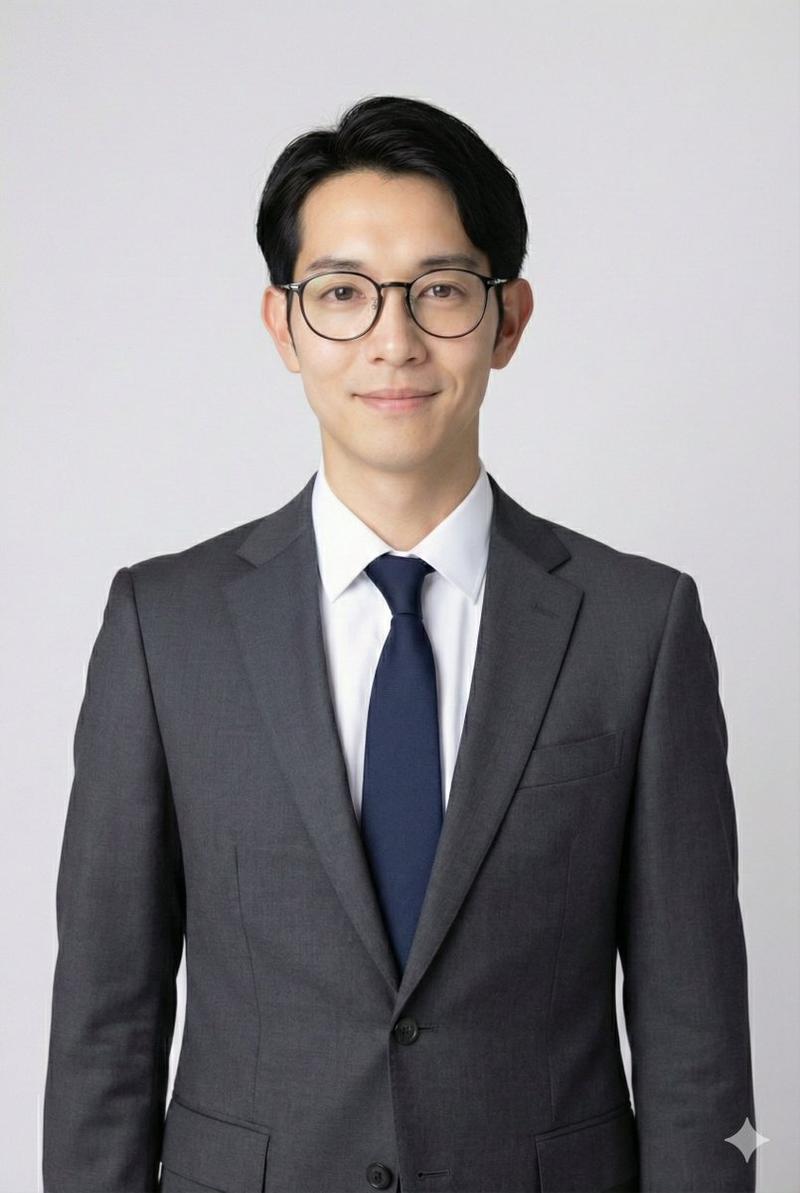
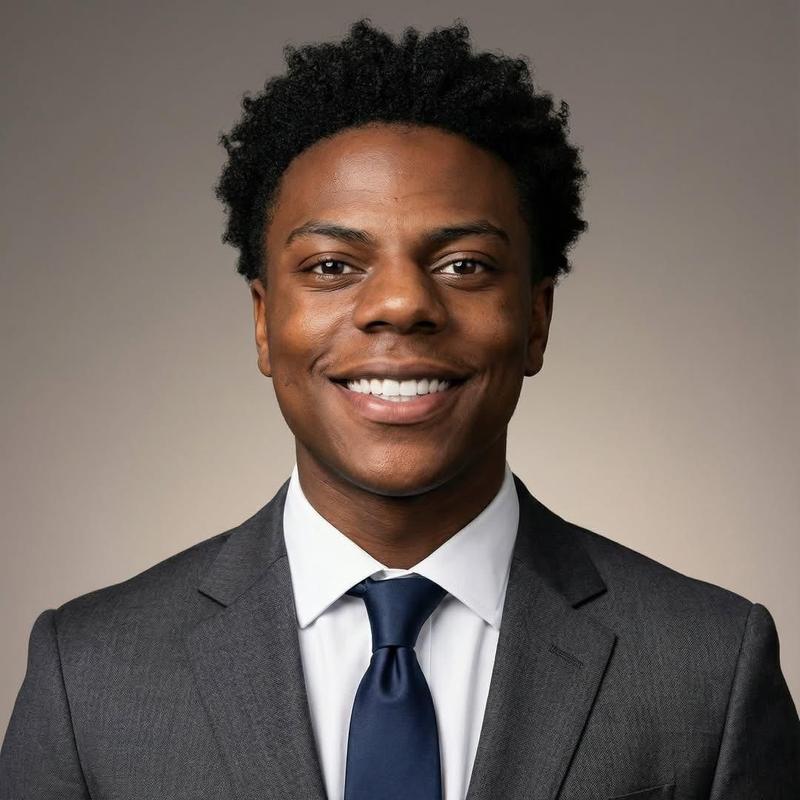
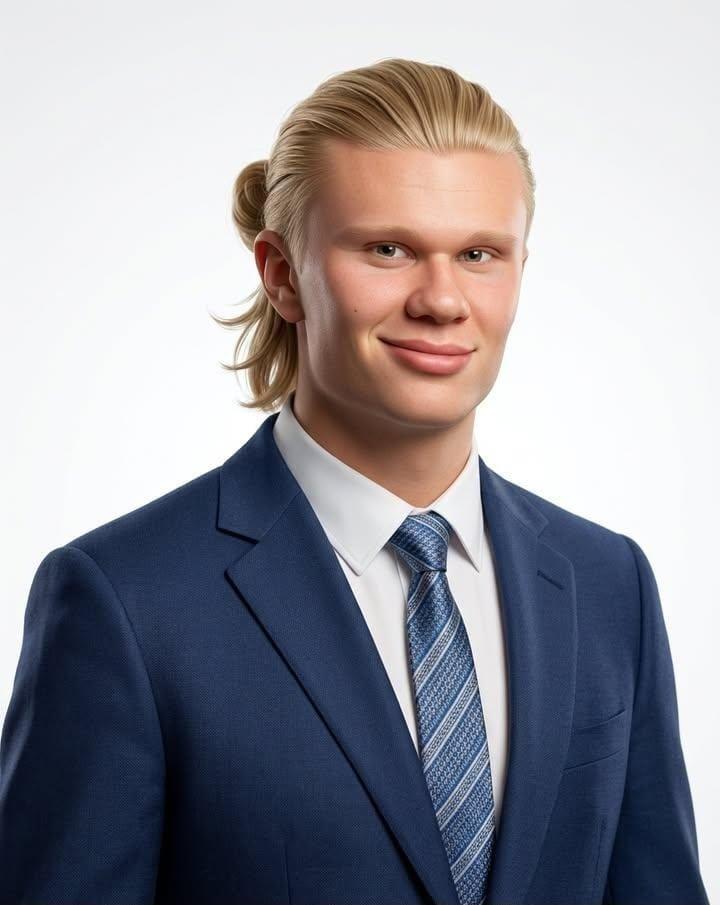
高管肖像与迷你卡通形象
Prompt
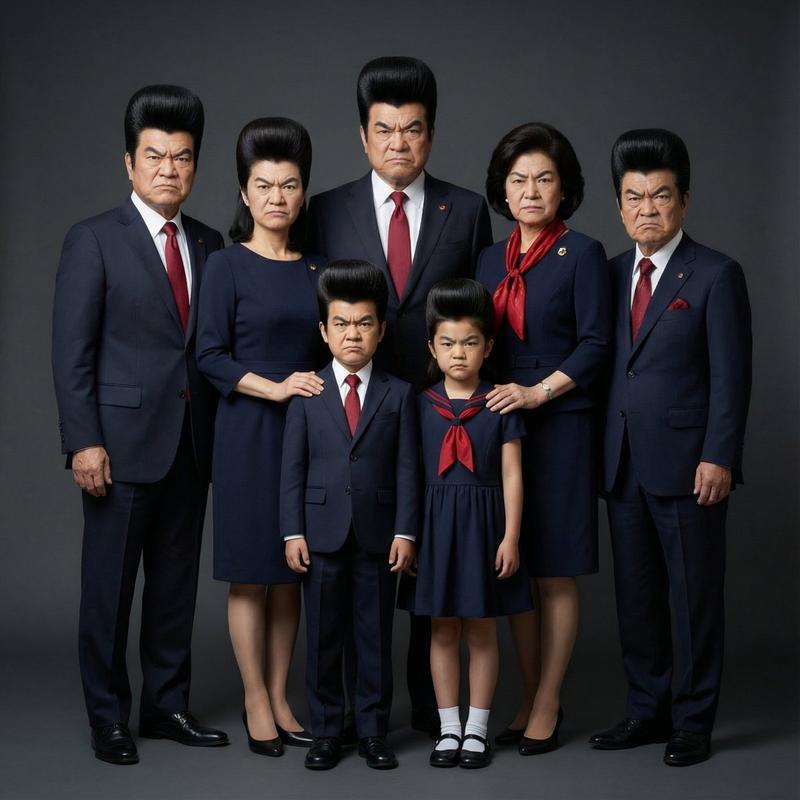
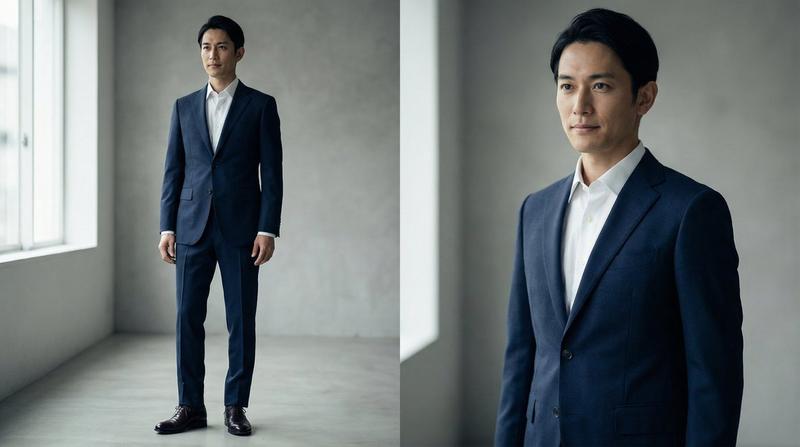
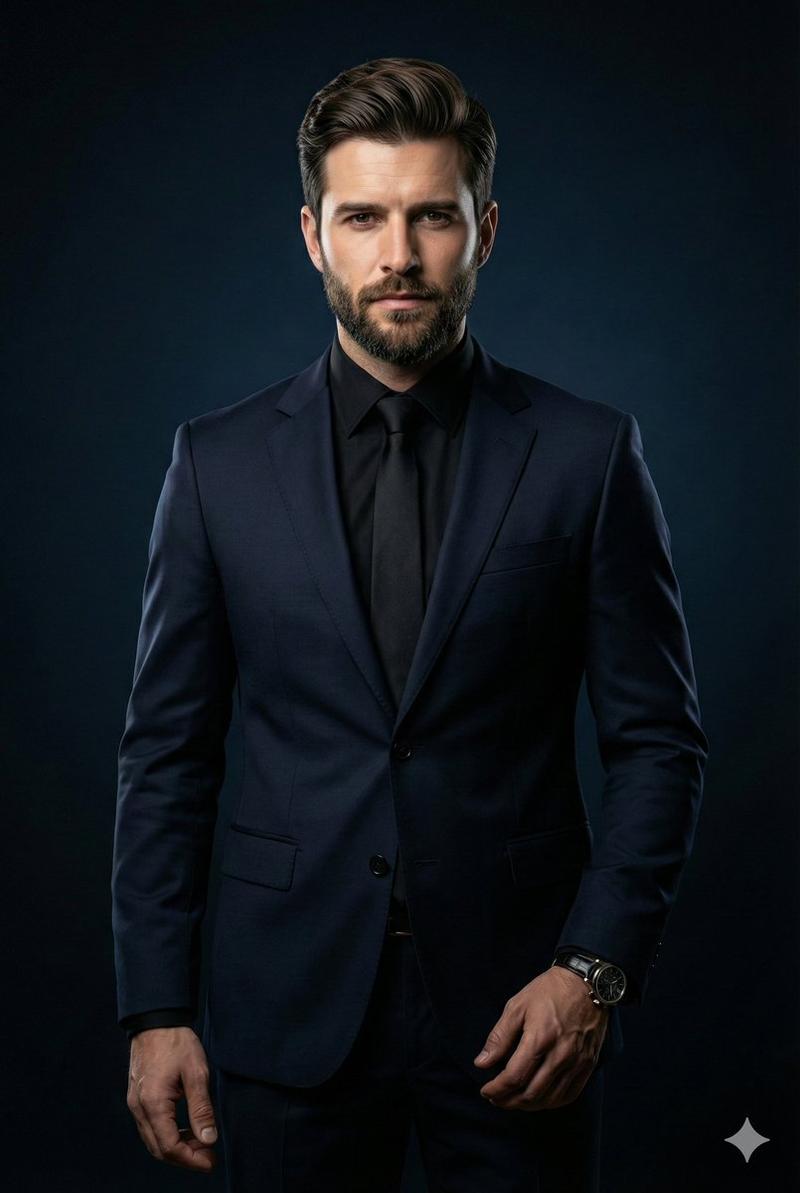
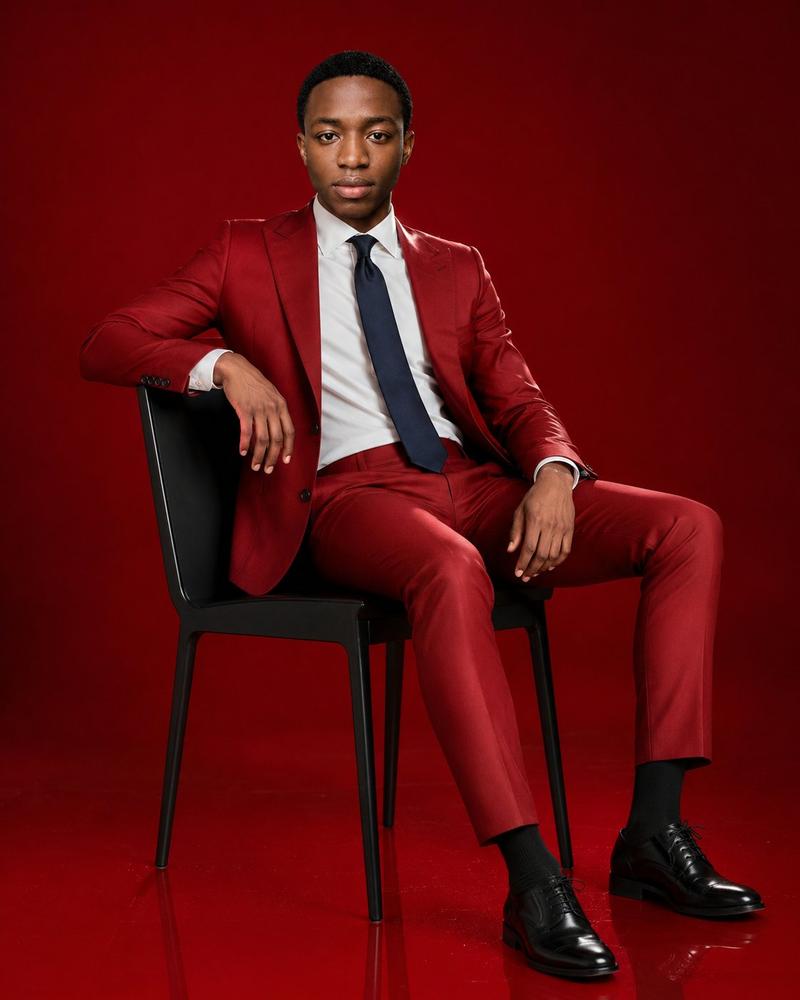
Create a premium studio portrait on a vertical full-body canvas showing exactly 2 versions of the same person: one realistic adult full-body version and one miniature 3D caricature version. The realistic person is a confident professional {argument name="subject identity" default="adult Black man"} standing on the left, tall and photorealistic, wearing a tailored {argument name="suit color" default="deep navy blue"} two-piece suit, crisp white dress shirt, matching navy tie, white pocket square, black belt, and polished black dress shoes. His pose is composed and executive: one hand tucked in his trouser pocket, the other arm extended downward with his palm resting gently on the top of the miniature version’s head. The miniature caricature stands to his right at about one third of his height, with an oversized head, small body, realistic 3D toy-like proportions, and the same formal outfit: navy suit, white shirt, navy tie, pocket square, black shoes, hands in pockets. Both figures face forward with calm confidence. Use a seamless neutral {argument name="background color" default="warm gray"} studio backdrop, soft diffused lighting, subtle floor shadow, high-end fashion editorial styling, realistic fabric texture, crisp tailoring, clean composition, and no text, logos, props, or extra people. Keep the face based on {argument name="reference person" default="the supplied person"} if a reference is provided; otherwise create a polished professional male likeness. Aspect ratio {argument name="aspect ratio" default="2:3 vertical"}.- Category
- Posters & Typography
- Model
- GPT Image 2
- Creator
- Abkr Sadiq
- Source ID
- 26257
- Published
- Jun 19, 2026
Views0