17

奢华巴基斯坦夫妇肖像
Enlarge

奢华巴基斯坦夫妇肖像

Prompt
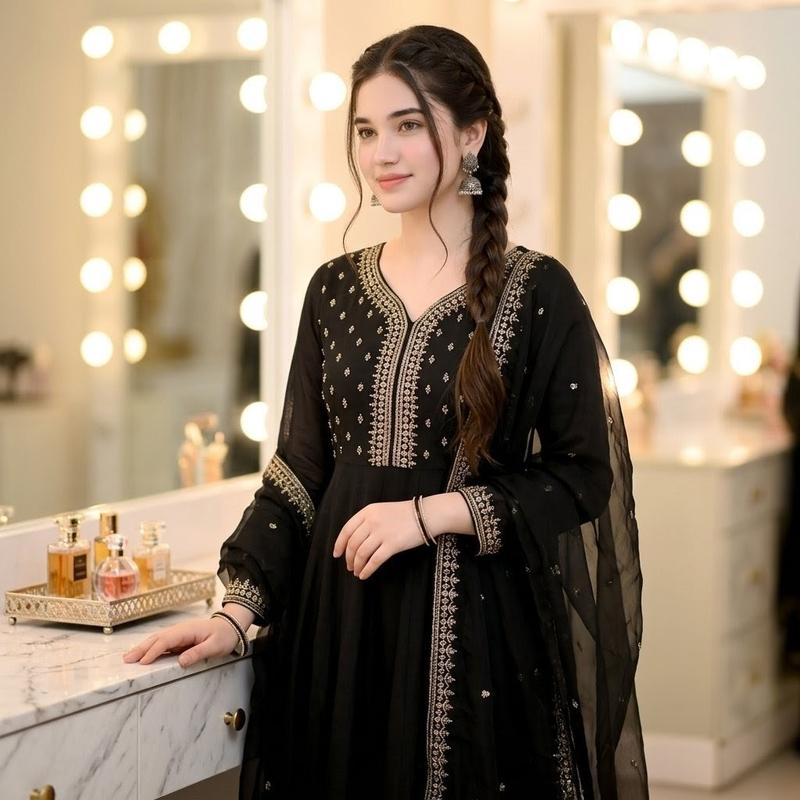
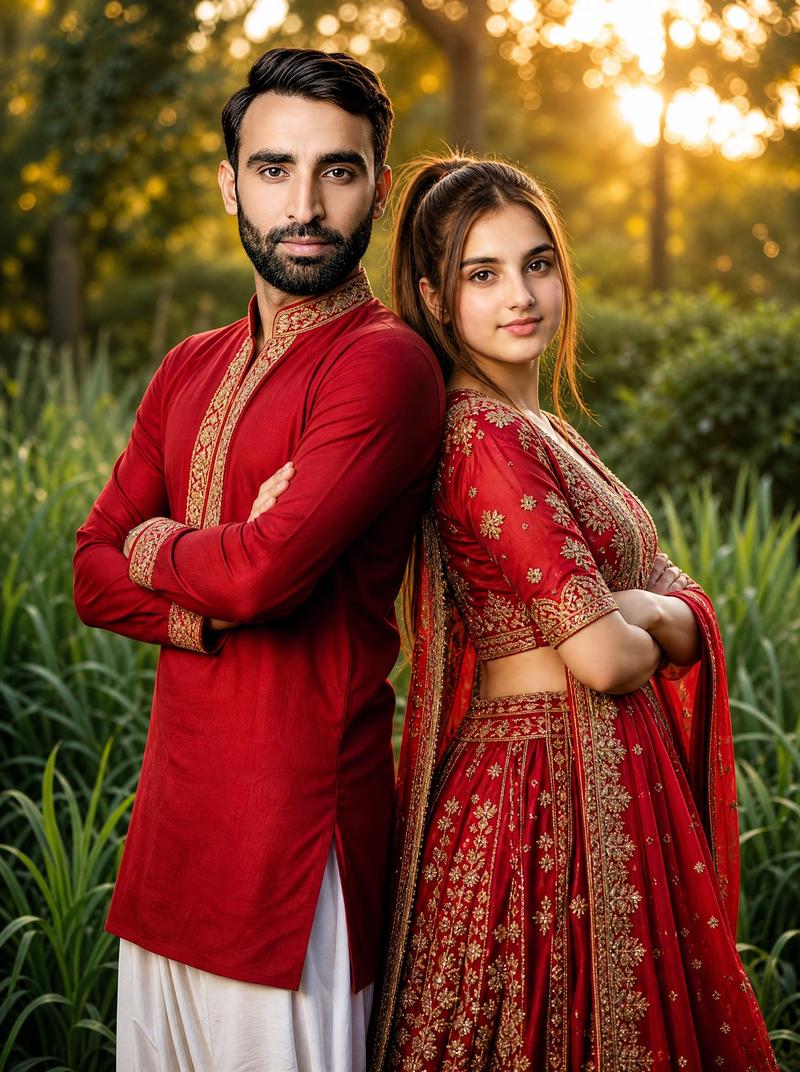
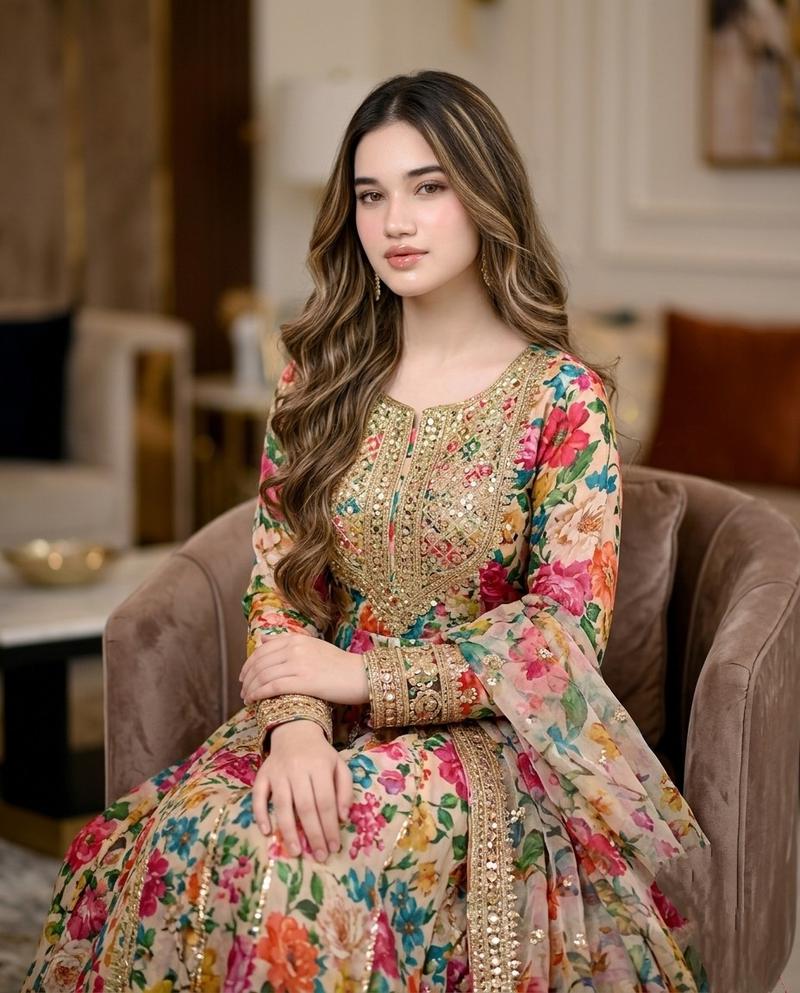
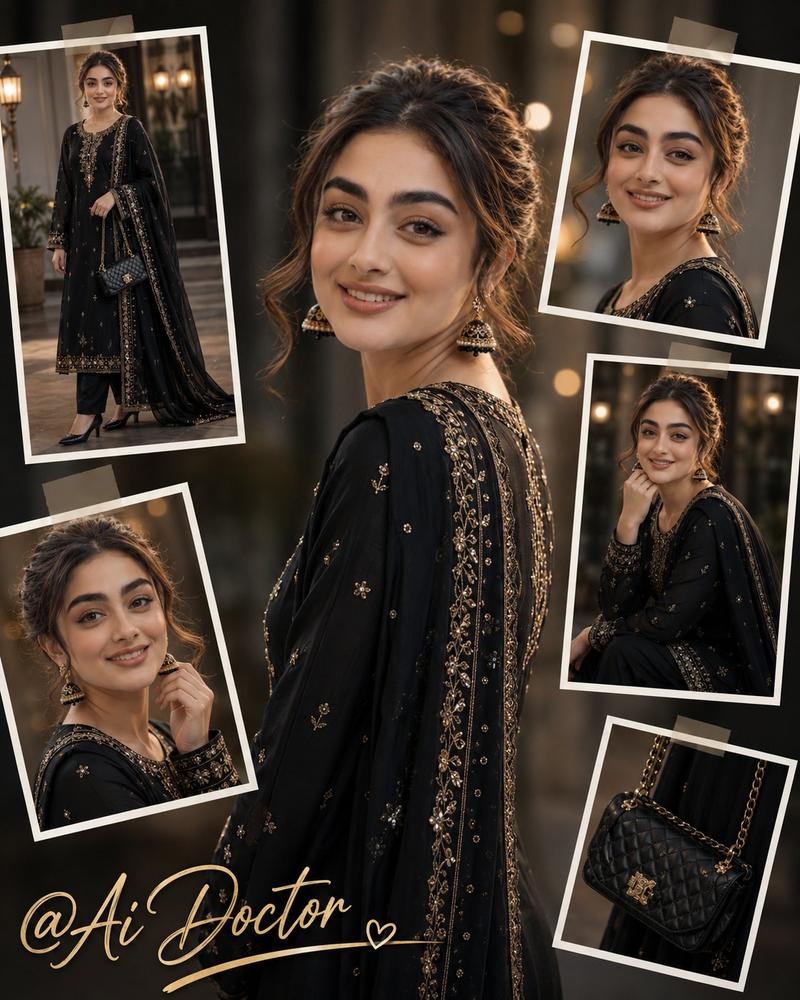
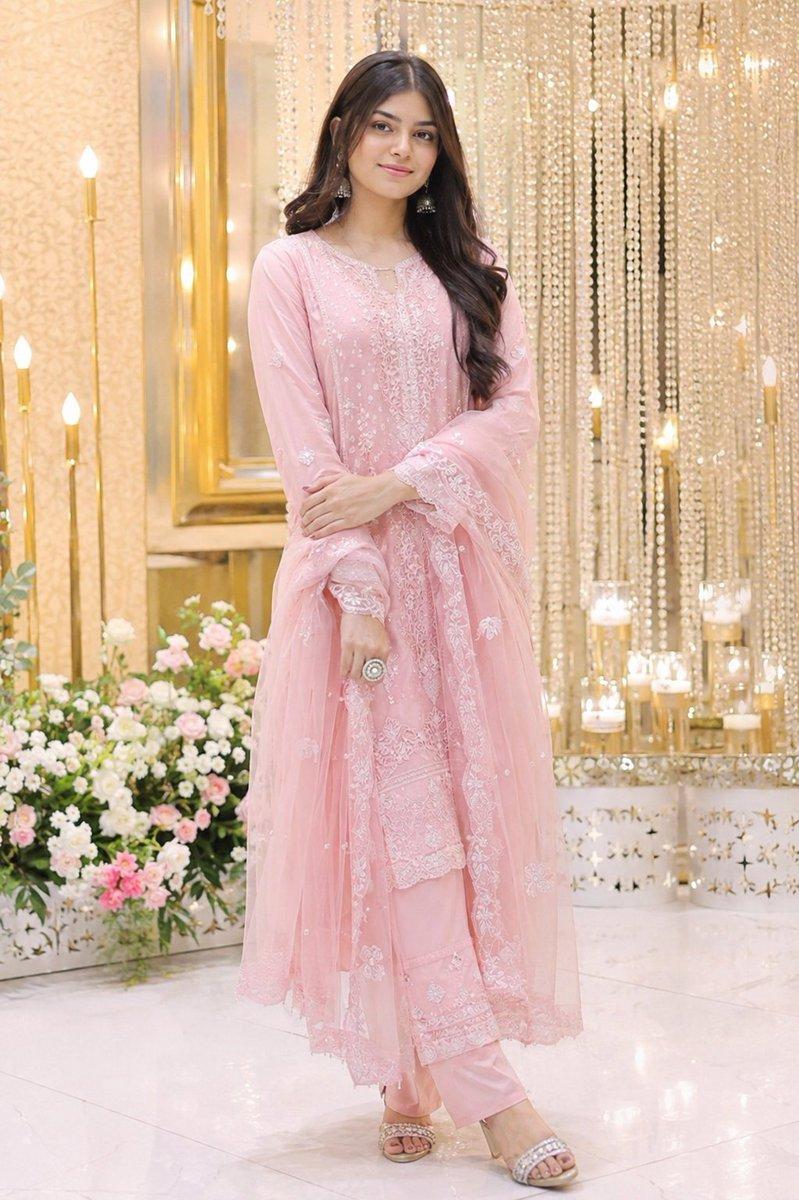
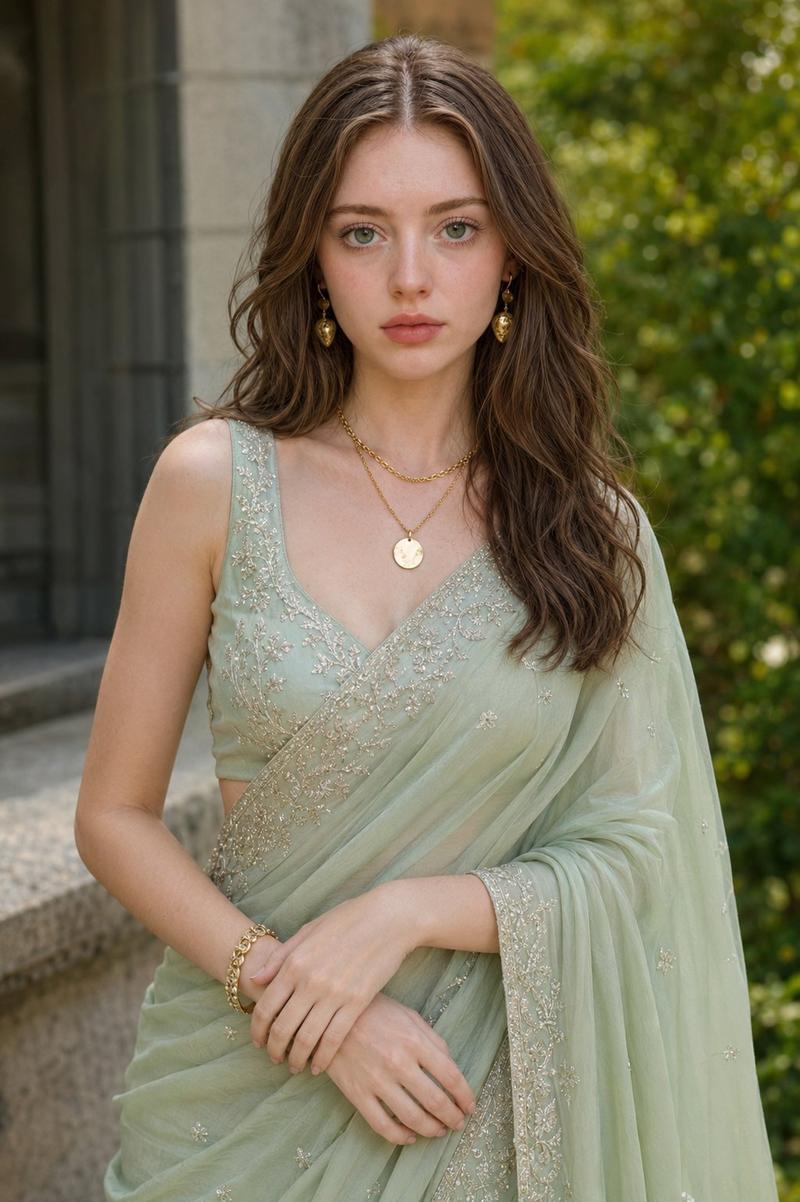
Create a full-body, ultra-realistic formal couple portrait of {argument name="man description" default="a young Pakistani man"} and {argument name="woman description" default="a young Pakistani woman"} standing close together like husband and wife, both facing the camera with calm, composed expressions. The man stands on the left wearing a black Pakistani shalwar kameez with subtle silver embroidery around the collar and placket, loose black trousers, and black dress shoes. The woman stands on the right wearing a glossy black saree with an ornate gold embroidered border, a sleeveless black blouse, delicate earrings, and neatly styled long brown hair; one hand rests near her waist while the saree drape falls elegantly to the floor. Set them in a luxurious wedding ballroom with polished white marble flooring, warm cream walls, gold-framed mirrors on both sides, heavy taupe curtains behind them, and a large sparkling crystal chandelier centered above. Include background guests in black and gold formal South Asian attire, plus one photographer on the right holding a camera, all softly blurred to keep focus on the couple. Use warm indoor lighting, symmetrical composition, shallow depth of field, realistic skin and fabric texture, full HD quality, vertical portrait framing, no text, no watermark.
Category
Architecture & Spaces
Model
GPT Image 2
Views4
Source ID
26282
Published
Jun 19, 2026

Guide

About "奢华巴基斯坦夫妇肖像"

What is this prompt for?

"奢华巴基斯坦夫妇肖像" AI image prompt for GPT Image 2 (Architecture & Spaces). 生成一张写实的巴基斯坦夫妇全身肖像,身着黑色礼服,背景为优雅的婚礼宴会厅。 Copy it on Picva and recreate the look in one click.

The full copyable prompt and example visuals above are ready for AI image generation or one-click recreate in Picva.

How to use this prompt

  1. Step 1

    Open the prompt detail

    Review the example visuals, category, and full prompt text for "奢华巴基斯坦夫妇肖像".

  2. Step 2

    Copy the prompt

    Copy the prompt body from this page, or load it directly in Studio.

  3. Step 3

    Pick a model (GPT Image 2)

    Prefer GPT Image 2. If you switch models, keep subject and composition and tweak style terms.

  4. Step 4

    Generate and export

    Recreate the look in Picva, or export into your workflow for editing and publishing.

FAQ

What is the "奢华巴基斯坦夫妇肖像" prompt?
It is an AI image-generation prompt for GPT Image 2 in the Architecture & Spaces category. This page includes the full prompt text, example visuals, and a one-click recreate path in Picva.
How do I use this prompt to generate an image?
Copy the prompt from this page, or use Generate / Studio. Paste it into a compatible image model, or recreate the look in Picva with optional reference images.
Which model is this prompt for?
This page lists GPT Image 2. Most descriptive prompts also transfer to nearby image models such as GPT Image, Flux, or Midjourney with light style tweaks.
Can I use the result commercially?
You can usually copy the prompt for creation, but commercial use of the final image depends on the model terms, reference-image rights, and the generated content. Follow the source author and platform rules.