15

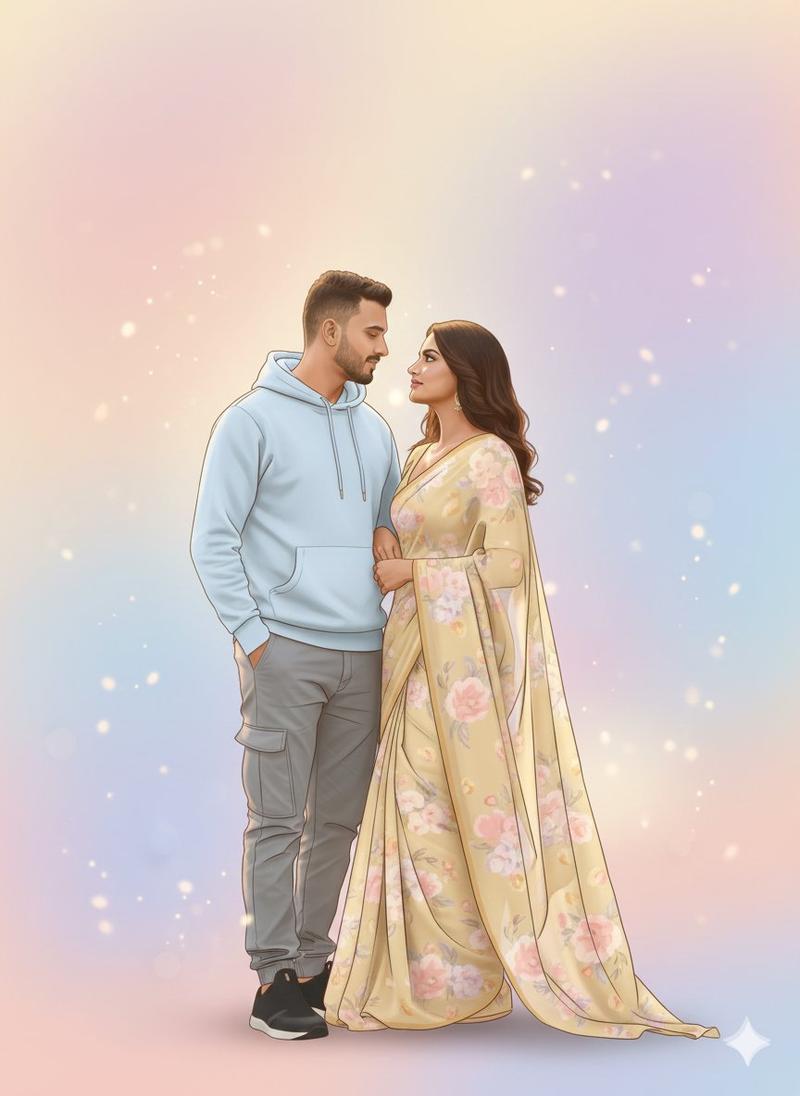
南亚婚礼情侣肖像
Enlarge

南亚婚礼情侣肖像

Prompt
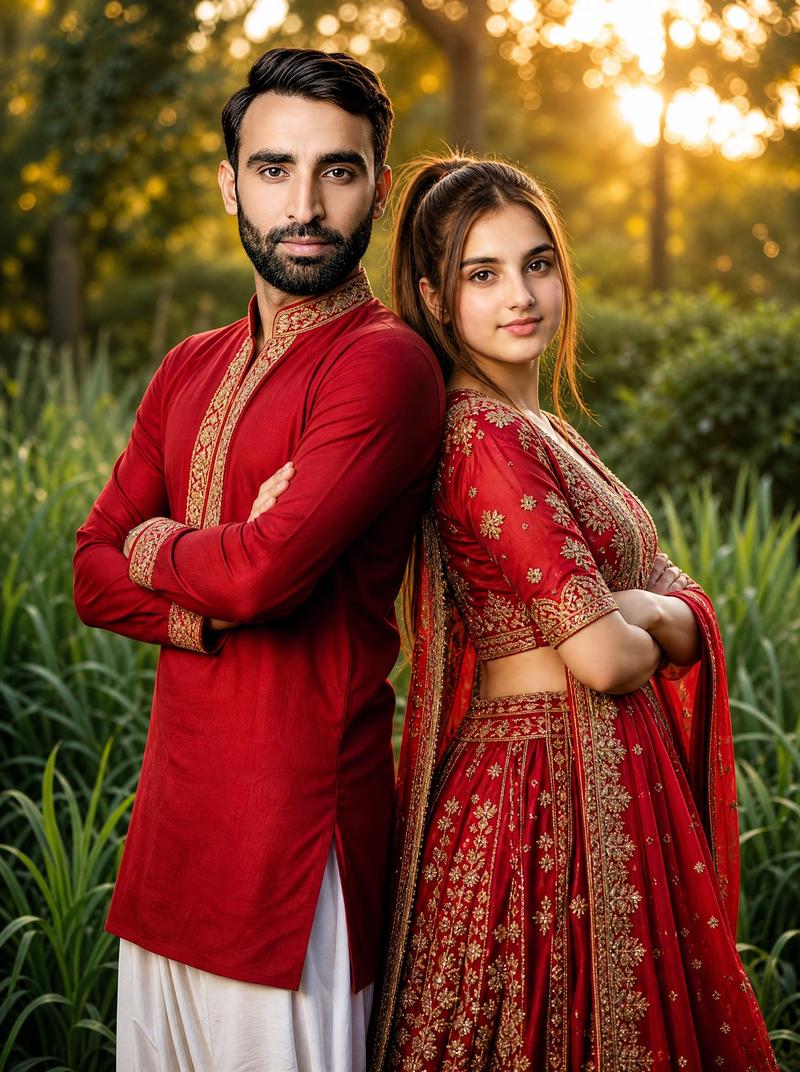
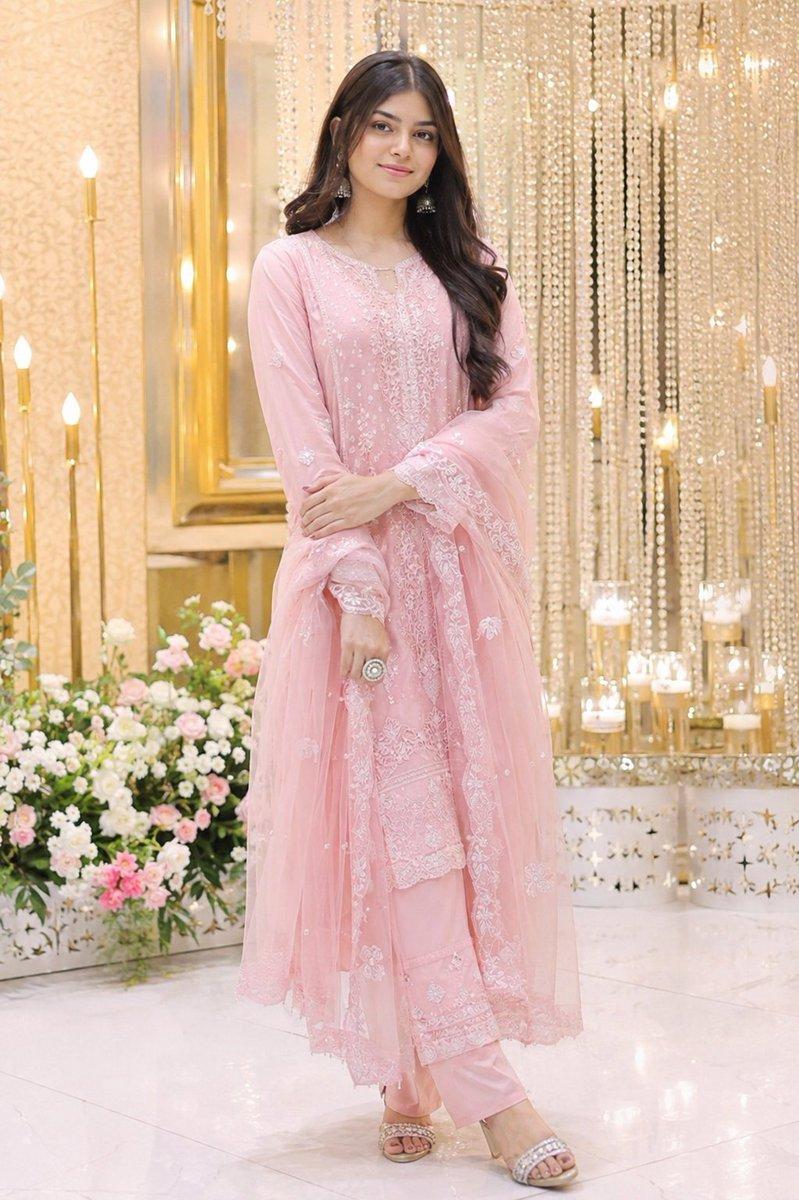
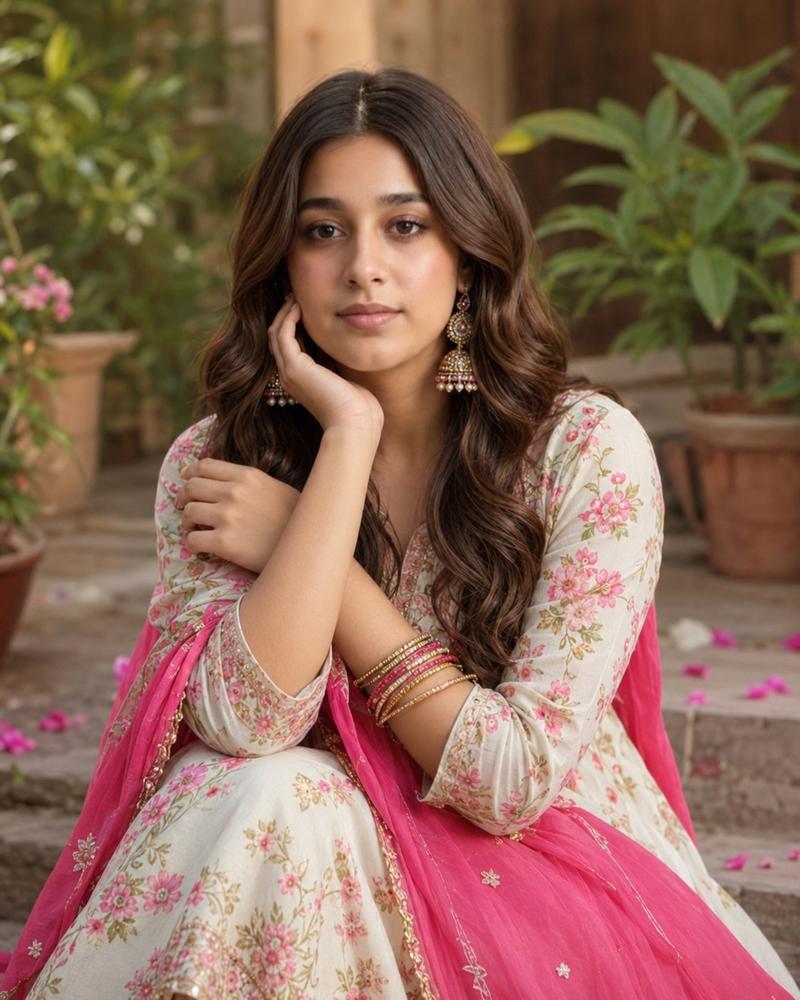
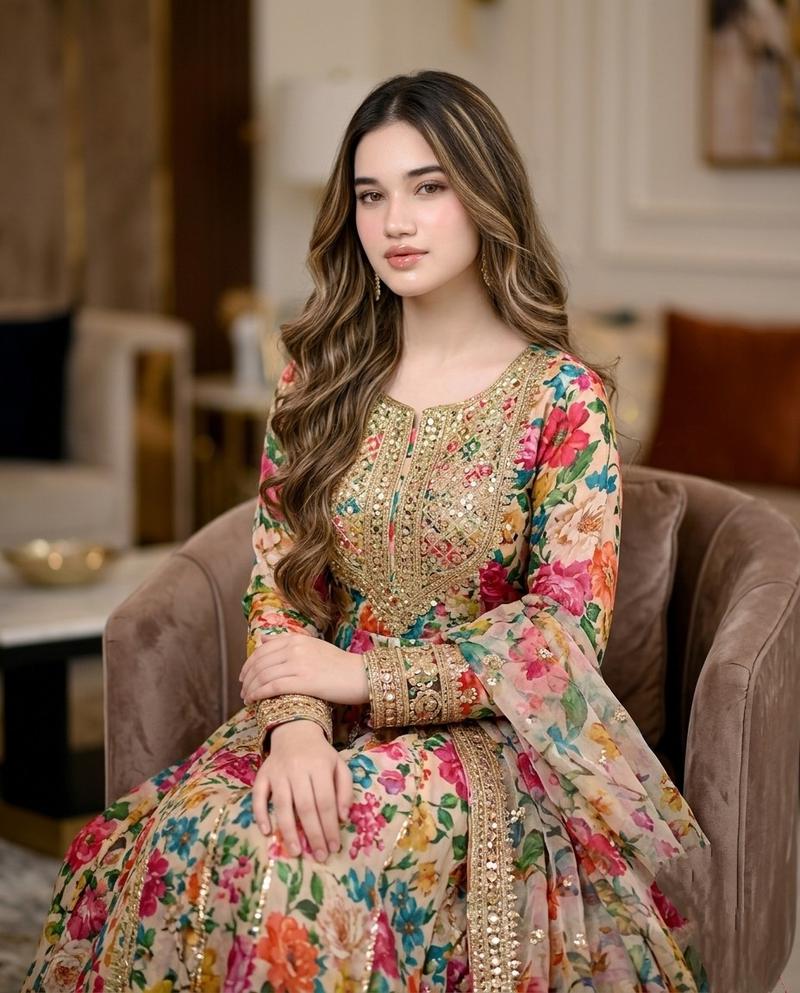
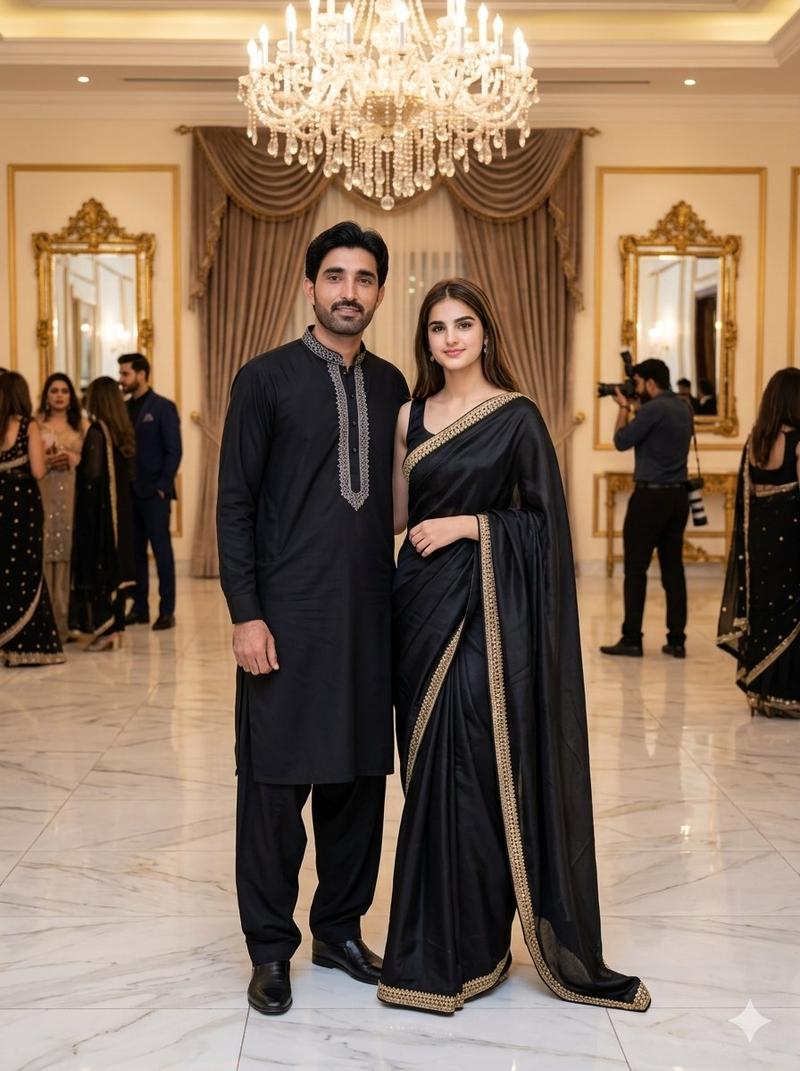
A romantic portrait of a {argument name="couple type" default="young South Asian couple"} wearing {argument name="clothing color" default="elegant pastel sage-green"} traditional ethnic outfits. The handsome man has thick wavy black hair, light stubble, and a warm smile, looking lovingly over his shoulder. The beautiful woman stands behind him with her arms wrapped around his shoulders, gazing at him with an affectionate smile. She has long, silky black hair, delicate earrings, soft natural makeup, and a graceful expression. Both wear embroidered festive attire with intricate traditional detailing. Soft golden-hour lighting, dreamy bokeh background, cinematic composition, ultra-realistic skin texture, natural expressions, premium wedding photography style, shallow depth of field, high detail, vibrant colors, 8K HDR, DSLR quality, sharp focus, luxurious aesthetic, romantic atmosphere, vertical portrait, 9:16.
Category
Posters & Typography
Model
GPT Image 2
Views0
Source ID
27633
Published
Jul 4, 2026

Guide

About "南亚婚礼情侣肖像"

What is this prompt for?

"南亚婚礼情侣肖像" AI image prompt for GPT Image 2 (Posters & Typography). 一个专为上传照片参考而设计的浪漫黄金时刻情侣肖像提示词,适用于身着传统民族服饰的情侣。 Copy it on Picva and recreate the look in one cl…

The full copyable prompt and example visuals above are ready for AI image generation or one-click recreate in Picva.

How to use this prompt

  1. Step 1

    Open the prompt detail

    Review the example visuals, category, and full prompt text for "南亚婚礼情侣肖像".

  2. Step 2

    Copy the prompt

    Copy the prompt body from this page, or load it directly in Studio.

  3. Step 3

    Pick a model (GPT Image 2)

    Prefer GPT Image 2. If you switch models, keep subject and composition and tweak style terms.

  4. Step 4

    Generate and export

    Recreate the look in Picva, or export into your workflow for editing and publishing.

FAQ

What is the "南亚婚礼情侣肖像" prompt?
It is an AI image-generation prompt for GPT Image 2 in the Posters & Typography category. This page includes the full prompt text, example visuals, and a one-click recreate path in Picva.
How do I use this prompt to generate an image?
Copy the prompt from this page, or use Generate / Studio. Paste it into a compatible image model, or recreate the look in Picva with optional reference images.
Which model is this prompt for?
This page lists GPT Image 2. Most descriptive prompts also transfer to nearby image models such as GPT Image, Flux, or Midjourney with light style tweaks.
Can I use the result commercially?
You can usually copy the prompt for creation, but commercial use of the final image depends on the model terms, reference-image rights, and the generated content. Follow the source author and platform rules.