16

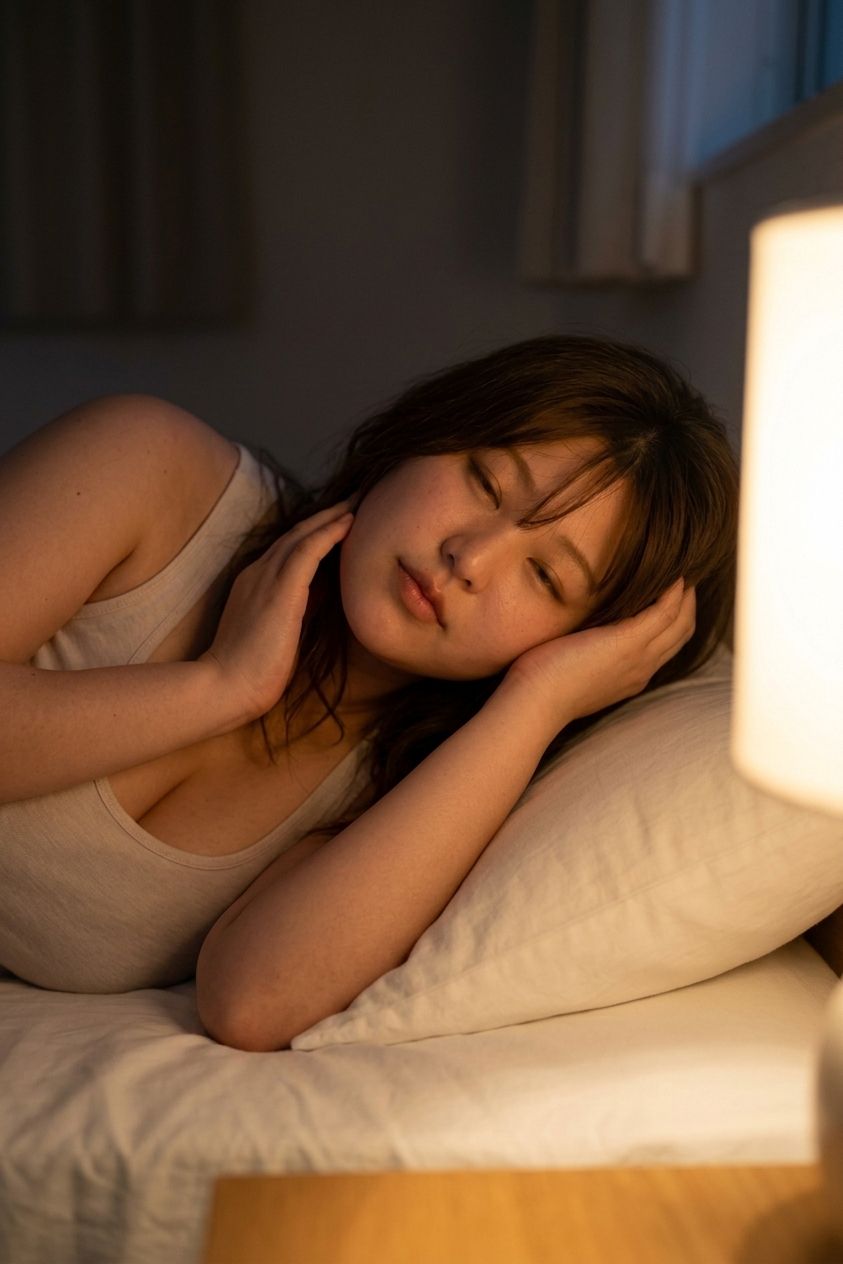
带遮挡效果的温馨床头肖像
Enlarge

带遮挡效果的温馨床头肖像

Prompt
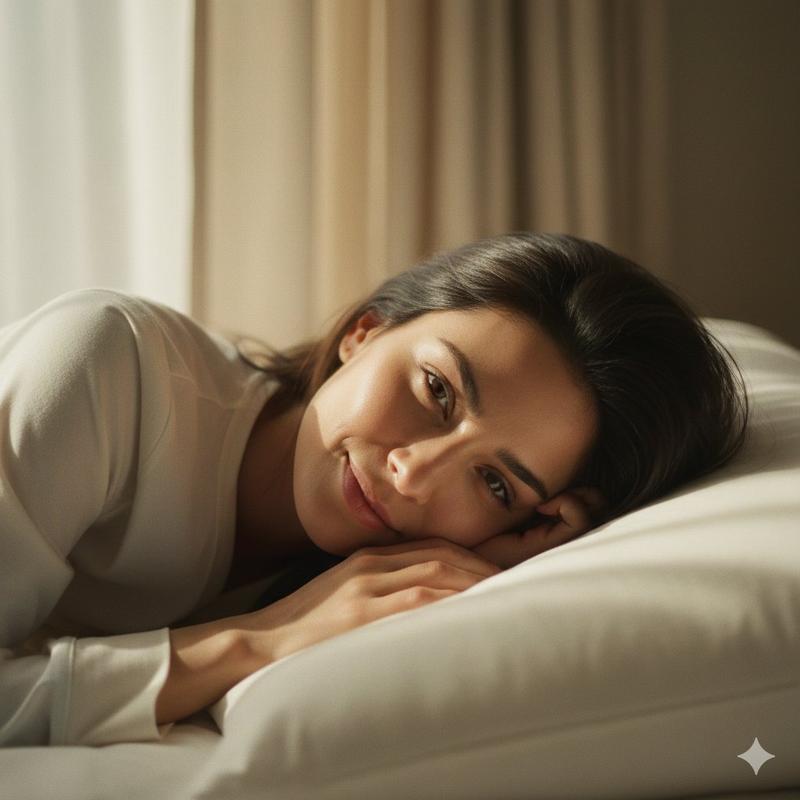
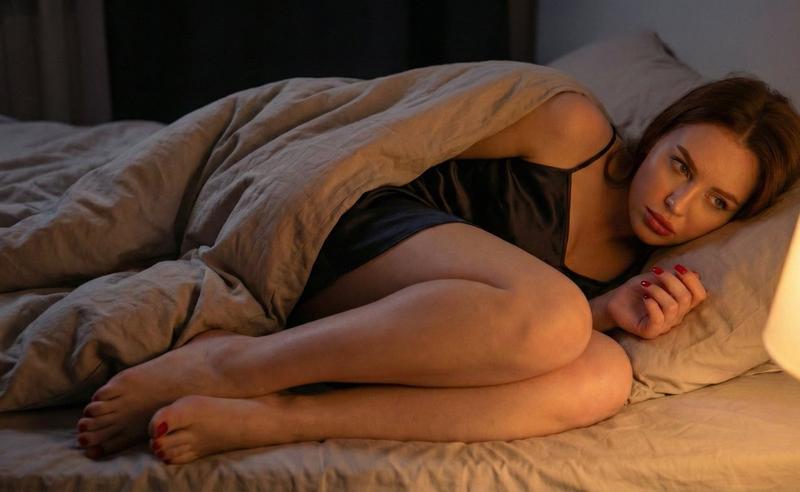
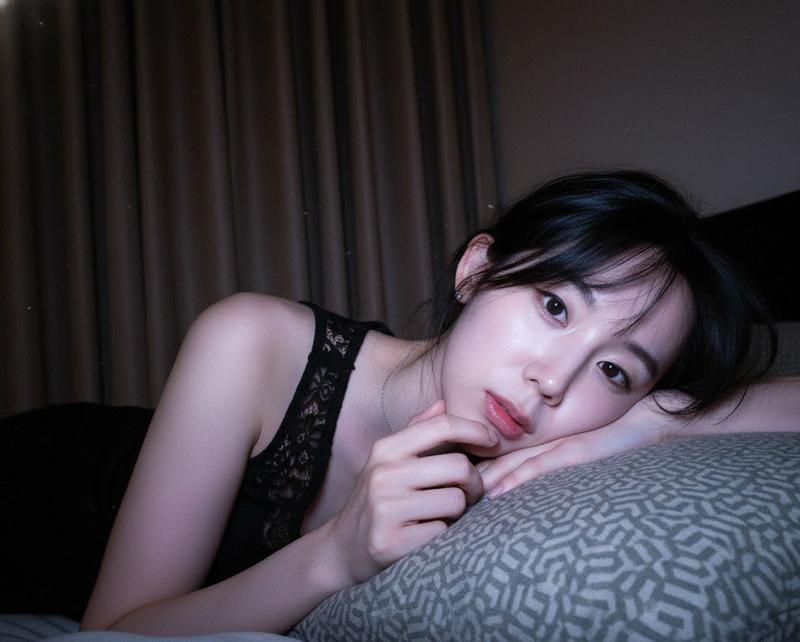
Create a realistic vertical portrait photo of {argument name="subject" default="a young adult woman"} lying on her side in bed at night, half tucked against a large white pillow, wearing a simple beige ribbed tank top or sleep camisole. She has {argument name="hair color" default="dark brown hair"} falling loosely around her shoulders, with one hand resting near her cheek and the other arm bent across the pillow in a sleepy, intimate pose. Her face should be deliberately covered by a solid opaque rectangular censor block in {argument name="censor block color" default="warm medium brown"}, centered over the face. The room is dim and cozy, lit by one visible warm bedside lamp on the right edge of the frame, casting soft golden light across white bedding and gentle shadows on dark curtains in the background. Use shallow depth of field, natural skin texture, soft low-light photography, warm cinematic tones, a quiet bedtime mood, vertical 2:3 composition, close framing from upper torso to pillow, no text, no watermark, no extra people.
Category
Architecture & Spaces
Model
GPT Image 2
Views0
Source ID
26548
Published
Jun 22, 2026

Guide

About "带遮挡效果的温馨床头肖像"

What is this prompt for?

"带遮挡效果的温馨床头肖像" AI image prompt for GPT Image 2 (Architecture & Spaces). 生成一张温暖的低光卧室肖像,画面中一位困倦的女性躺在枕头上,面部被矩形遮挡块覆盖。 Copy it on Picva and recreate the look in one…

The full copyable prompt and example visuals above are ready for AI image generation or one-click recreate in Picva.

How to use this prompt

  1. Step 1

    Open the prompt detail

    Review the example visuals, category, and full prompt text for "带遮挡效果的温馨床头肖像".

  2. Step 2

    Copy the prompt

    Copy the prompt body from this page, or load it directly in Studio.

  3. Step 3

    Pick a model (GPT Image 2)

    Prefer GPT Image 2. If you switch models, keep subject and composition and tweak style terms.

  4. Step 4

    Generate and export

    Recreate the look in Picva, or export into your workflow for editing and publishing.

FAQ

What is the "带遮挡效果的温馨床头肖像" prompt?
It is an AI image-generation prompt for GPT Image 2 in the Architecture & Spaces category. This page includes the full prompt text, example visuals, and a one-click recreate path in Picva.
How do I use this prompt to generate an image?
Copy the prompt from this page, or use Generate / Studio. Paste it into a compatible image model, or recreate the look in Picva with optional reference images.
Which model is this prompt for?
This page lists GPT Image 2. Most descriptive prompts also transfer to nearby image models such as GPT Image, Flux, or Midjourney with light style tweaks.
Can I use the result commercially?
You can usually copy the prompt for creation, but commercial use of the final image depends on the model terms, reference-image rights, and the generated content. Follow the source author and platform rules.