18

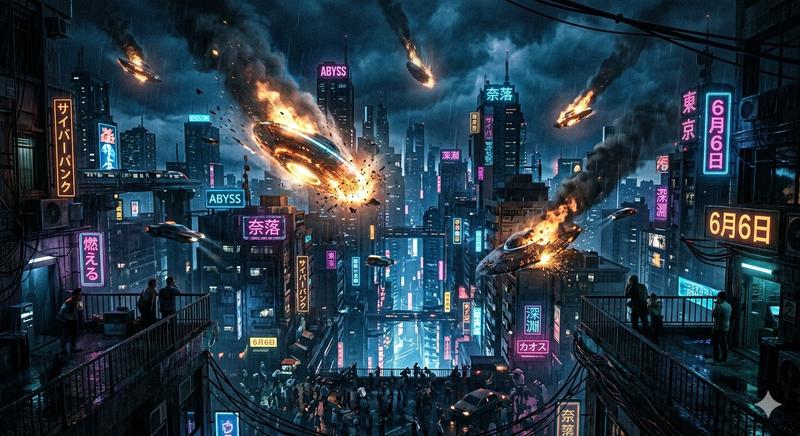
水彩赛博朋克时尚插画
Enlarge

水彩赛博朋克时尚插画

Prompt
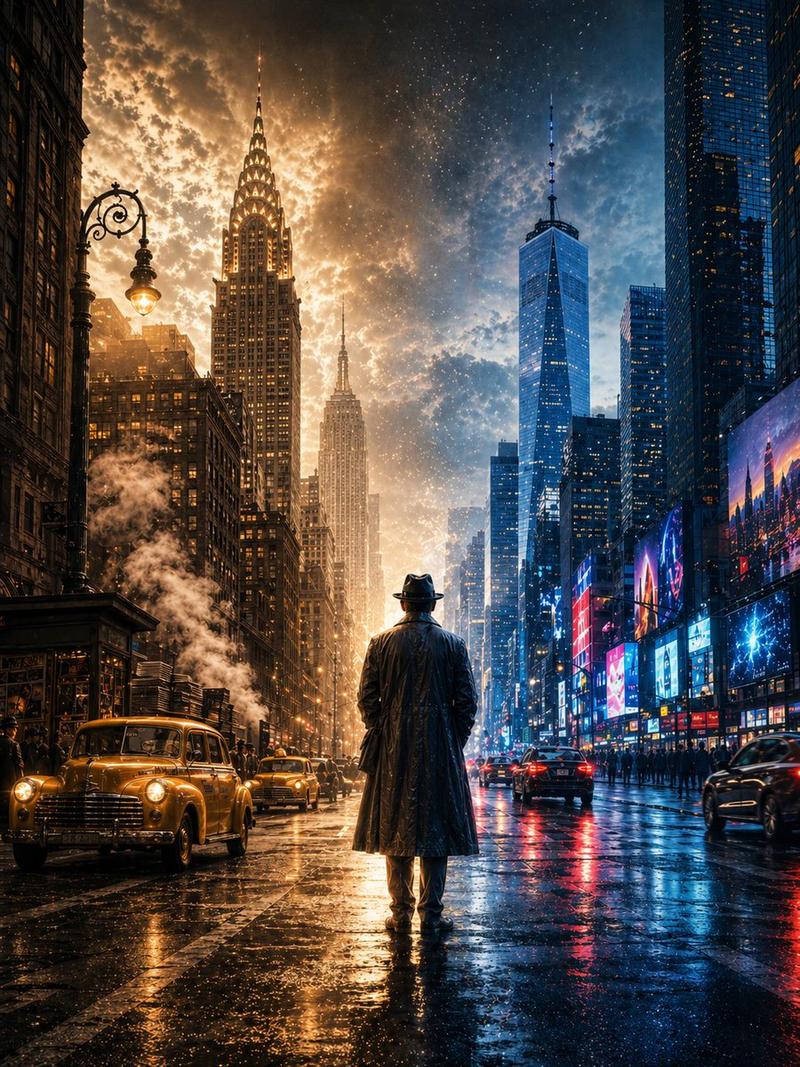
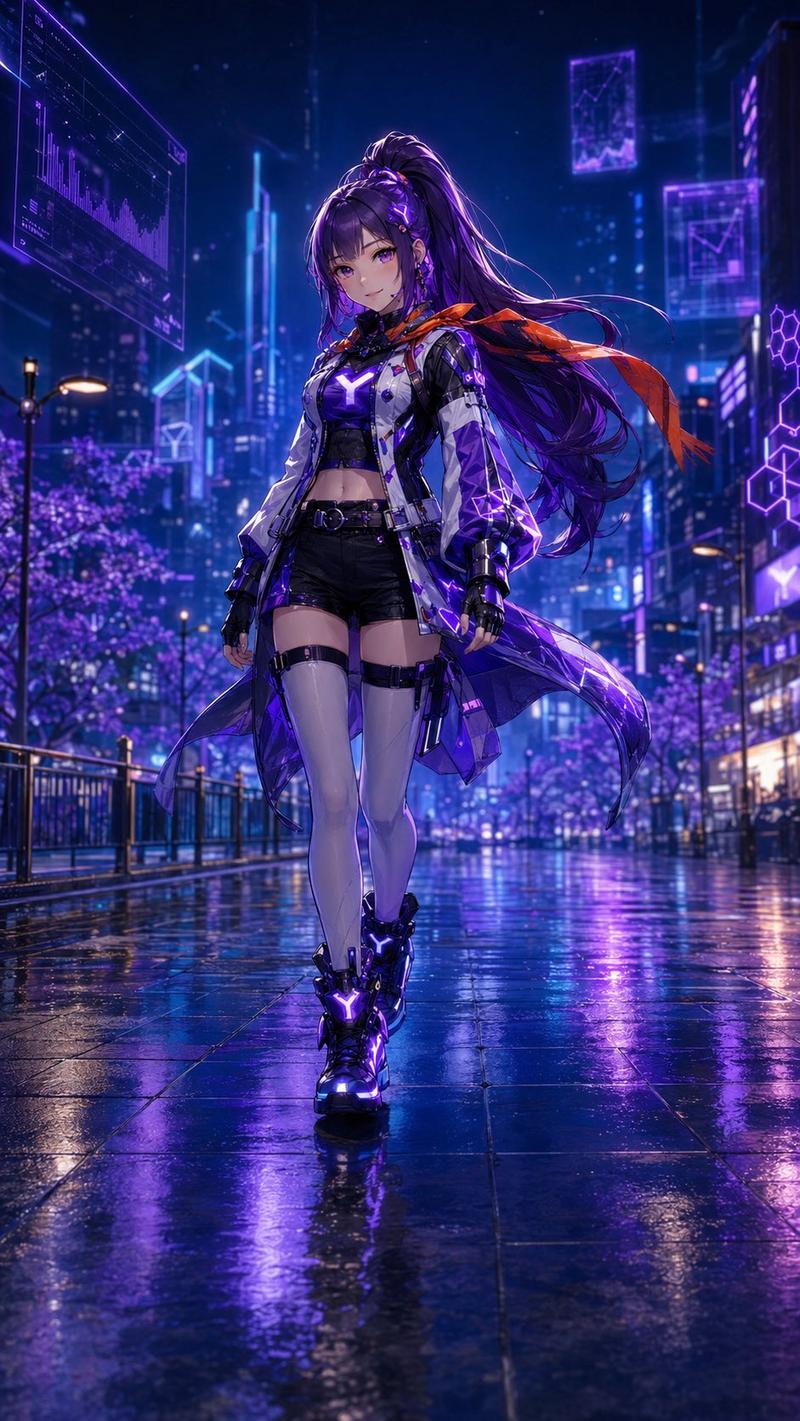
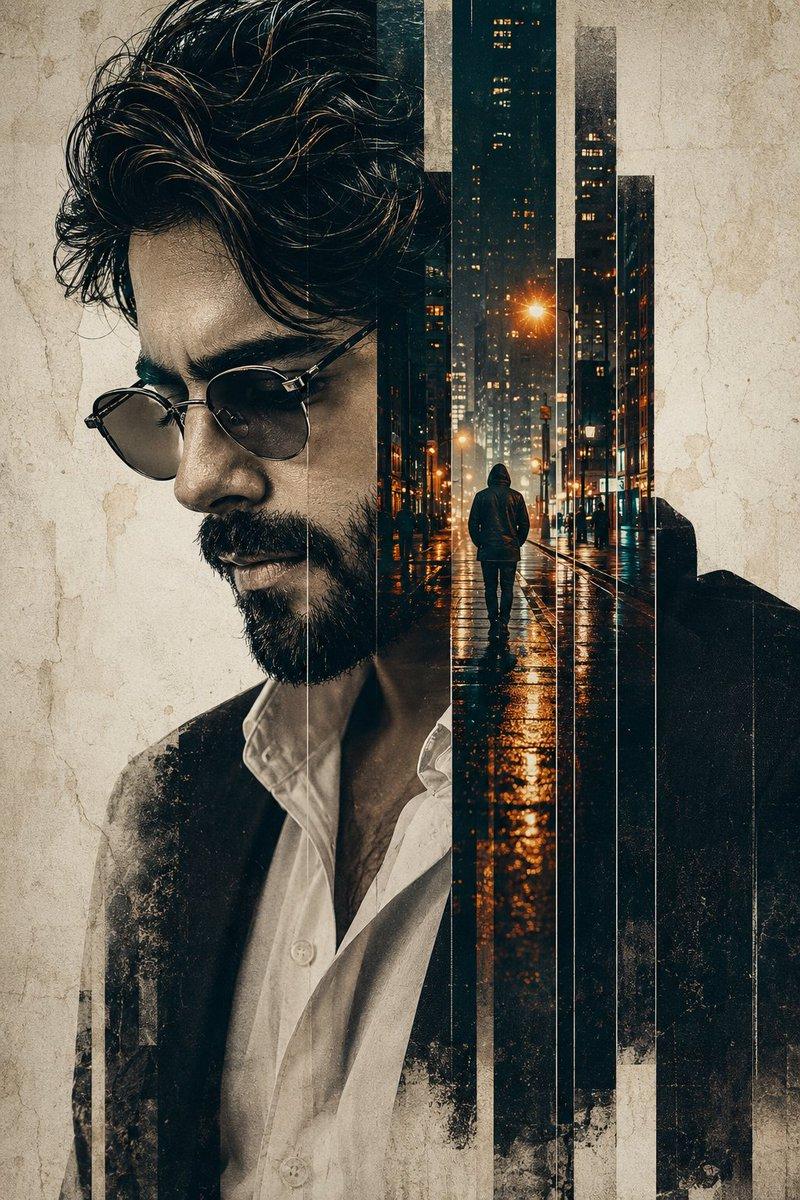
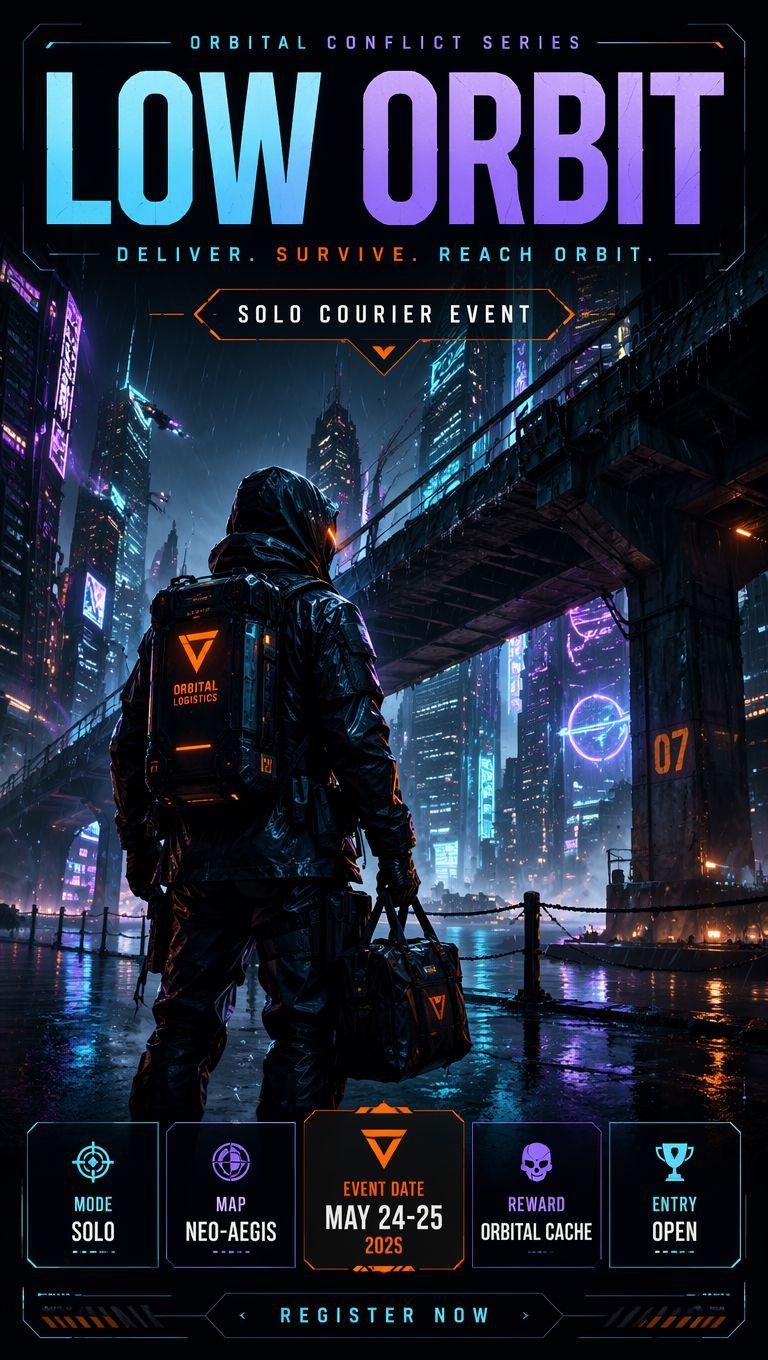
Ultra-realistic, Netflix-style {argument name="theme" default="cyberpunk illustration"} of the model pictured in the attached image, set against a futuristic {argument name="style" default="watercolor"} cityscape. The entire character is rendered in a luxurious watercolor painting style, with a background entirely composed of watercolor neon lights, splashes of teal and orange pigment, abstract cityscapes, artistic paint drips, and colorful watercolor effects. The illustration features ultra-rich cinematic color gradation, deep contrast, vibrant color depth, and is a masterpiece of fashion illustration with a luxurious poster aesthetic and highly detailed brushstrokes. Uses a 3:4 aspect ratio.
Category
Posters & Typography
Model
GPT Image 2
Creator
HER19845
Views0
Source ID
26660
Published
Jun 24, 2026

Guide

About "水彩赛博朋克时尚插画"

What is this prompt for?

"水彩赛博朋克时尚插画" AI image prompt for GPT Image 2 (Posters & Typography). 一幅令人惊叹的水彩风格赛博朋克插画,融合了霓虹灯光与艺术感十足的颜料滴落效果。 Copy it on Picva and recreate the look in one clic…

The full copyable prompt and example visuals above are ready for AI image generation or one-click recreate in Picva.

How to use this prompt

  1. Step 1

    Open the prompt detail

    Review the example visuals, category, and full prompt text for "水彩赛博朋克时尚插画".

  2. Step 2

    Copy the prompt

    Copy the prompt body from this page, or load it directly in Studio.

  3. Step 3

    Pick a model (GPT Image 2)

    Prefer GPT Image 2. If you switch models, keep subject and composition and tweak style terms.

  4. Step 4

    Generate and export

    Recreate the look in Picva, or export into your workflow for editing and publishing.

FAQ

What is the "水彩赛博朋克时尚插画" prompt?
It is an AI image-generation prompt for GPT Image 2 in the Posters & Typography category. This page includes the full prompt text, example visuals, and a one-click recreate path in Picva.
How do I use this prompt to generate an image?
Copy the prompt from this page, or use Generate / Studio. Paste it into a compatible image model, or recreate the look in Picva with optional reference images.
Which model is this prompt for?
This page lists GPT Image 2. Most descriptive prompts also transfer to nearby image models such as GPT Image, Flux, or Midjourney with light style tweaks.
Can I use the result commercially?
You can usually copy the prompt for creation, but commercial use of the final image depends on the model terms, reference-image rights, and the generated content. Follow the source author and platform rules.