17

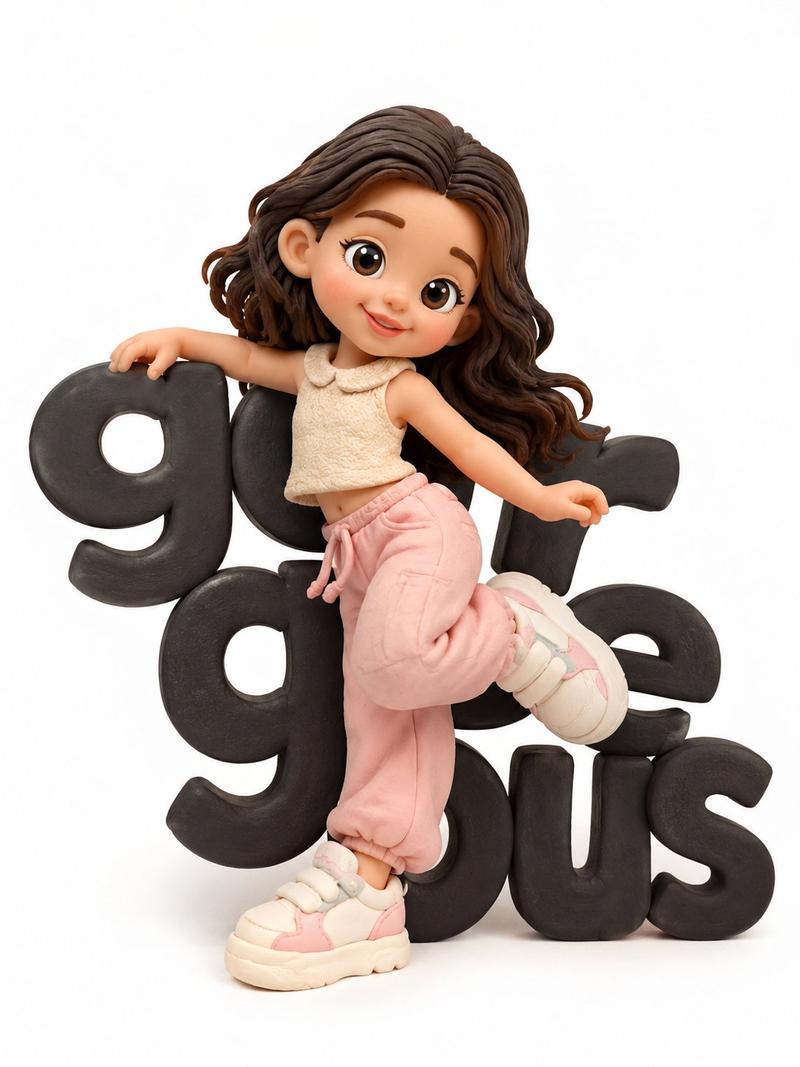
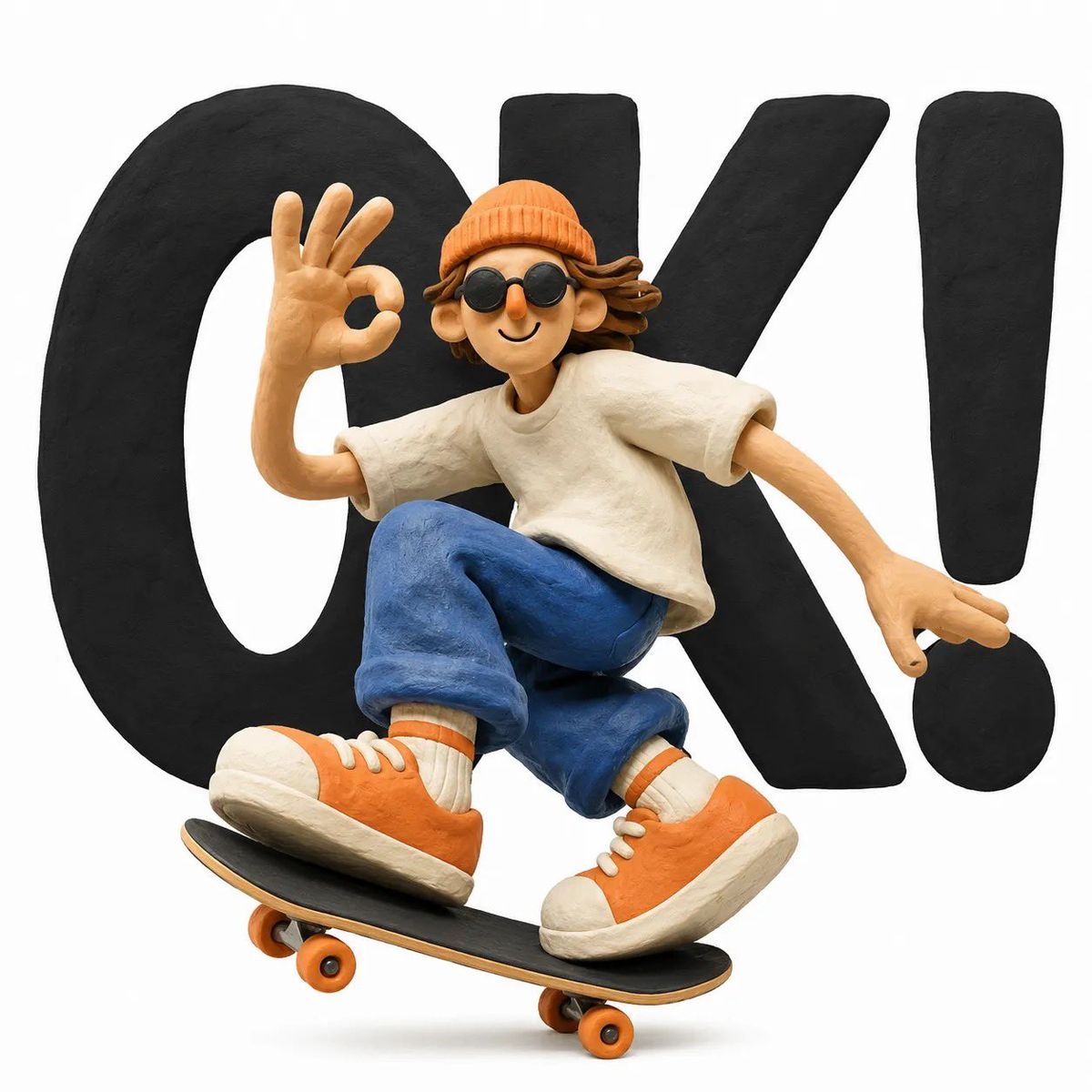
黏土定格动画风格角色
Enlarge

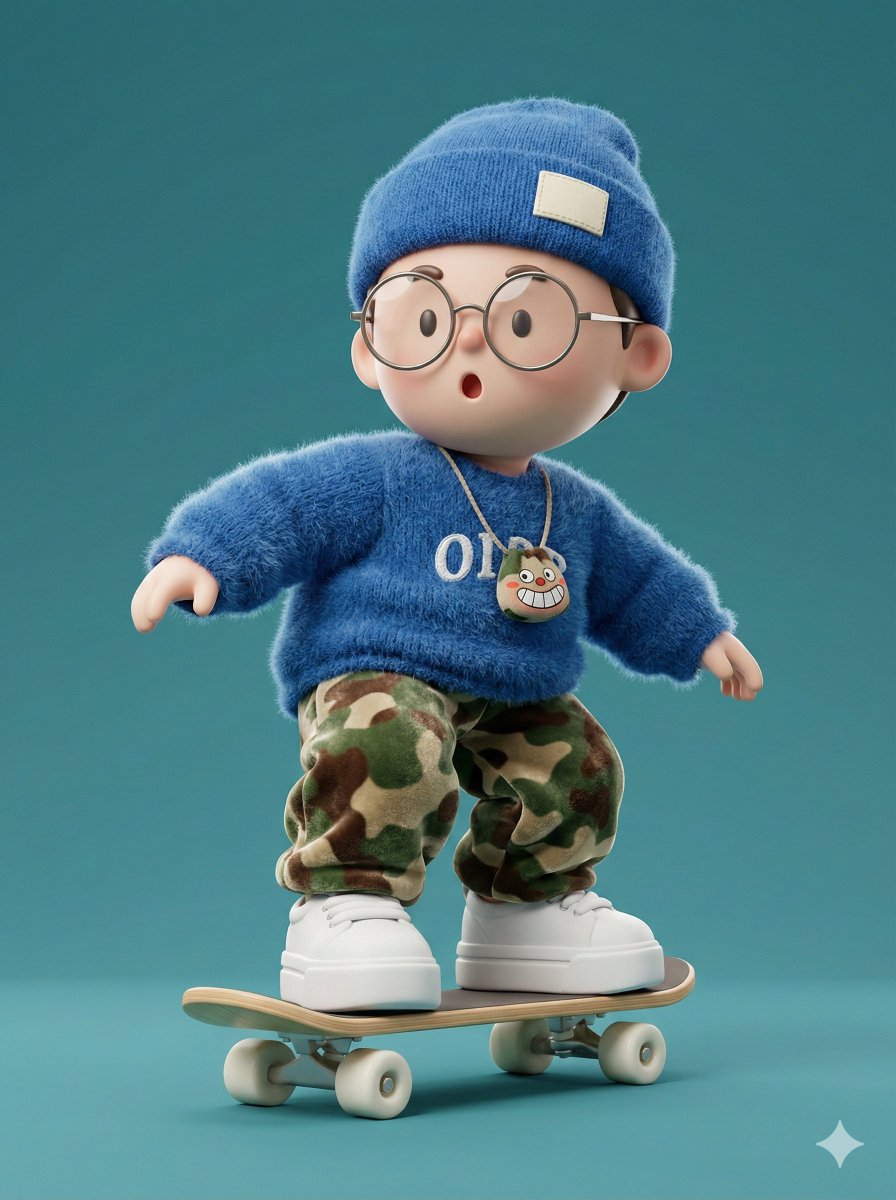
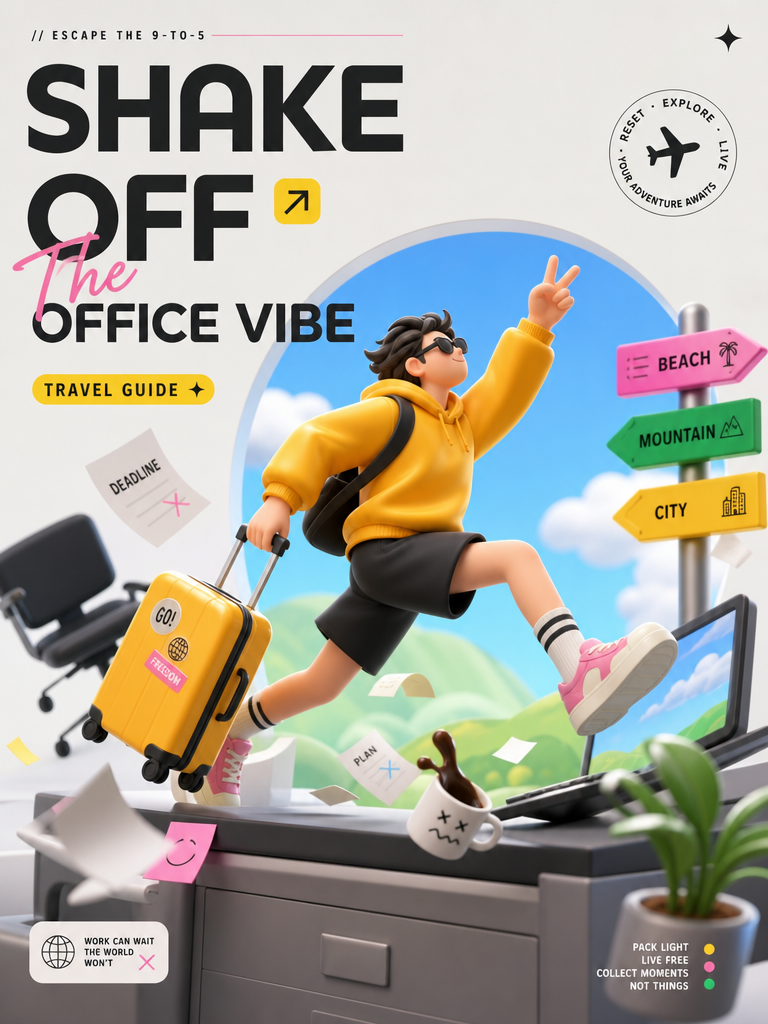
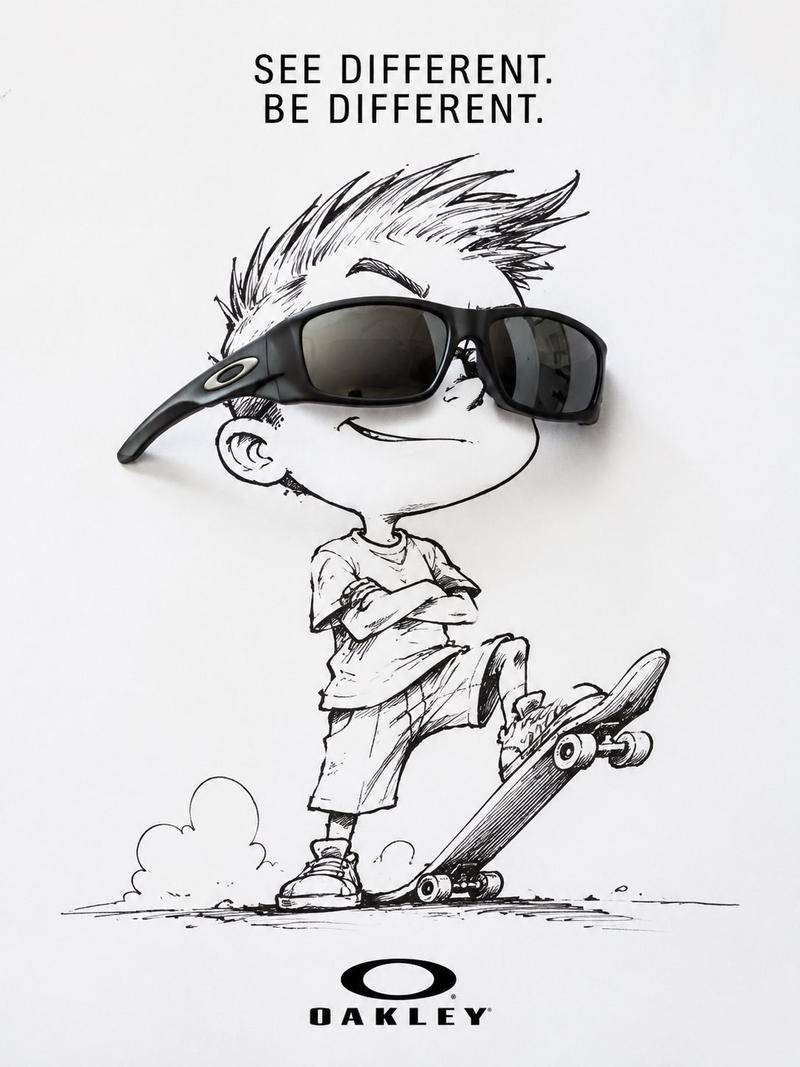
Example images

黏土定格动画风格角色

Prompt
A cute {argument name="character" default="handcrafted clay character"} in a whimsical 3D stop-motion style, standing in front of giant bold black typography on a clean white background. The character has oversized sneakers, simplified facial features, a cheerful expression, rounded proportions, and a playful pose interacting with the word behind them. Soft matte polymer clay texture, visible hand-sculpted imperfections, {argument name="colors" default="vibrant pastel colors"}, minimal composition, studio lighting, soft shadows, high detail, premium toy design, modern graphic poster aesthetic, centered composition, ultra-clean background, Pixar-inspired but handcrafted clay animation look, high-resolution.
Category
Posters & Typography
Model
GPT Image 2
Creator
K
Views1
Source ID
26863
Published
Jun 26, 2026

Guide

About "黏土定格动画风格角色"

What is this prompt for?

"黏土定格动画风格角色" AI image prompt for GPT Image 2 (Posters & Typography). 生成具有趣味排版设计的 3D 定格动画风格黏土角色,非常适合现代海报美学。 Copy it on Picva and recreate the look in one click.

The full copyable prompt and example visuals above are ready for AI image generation or one-click recreate in Picva.

How to use this prompt

  1. Step 1

    Open the prompt detail

    Review the example visuals, category, and full prompt text for "黏土定格动画风格角色".

  2. Step 2

    Copy the prompt

    Copy the prompt body from this page, or load it directly in Studio.

  3. Step 3

    Pick a model (GPT Image 2)

    Prefer GPT Image 2. If you switch models, keep subject and composition and tweak style terms.

  4. Step 4

    Generate and export

    Recreate the look in Picva, or export into your workflow for editing and publishing.

FAQ

What is the "黏土定格动画风格角色" prompt?
It is an AI image-generation prompt for GPT Image 2 in the Posters & Typography category. This page includes the full prompt text, example visuals, and a one-click recreate path in Picva.
How do I use this prompt to generate an image?
Copy the prompt from this page, or use Generate / Studio. Paste it into a compatible image model, or recreate the look in Picva with optional reference images.
Which model is this prompt for?
This page lists GPT Image 2. Most descriptive prompts also transfer to nearby image models such as GPT Image, Flux, or Midjourney with light style tweaks.
Can I use the result commercially?
You can usually copy the prompt for creation, but commercial use of the final image depends on the model terms, reference-image rights, and the generated content. Follow the source author and platform rules.