18

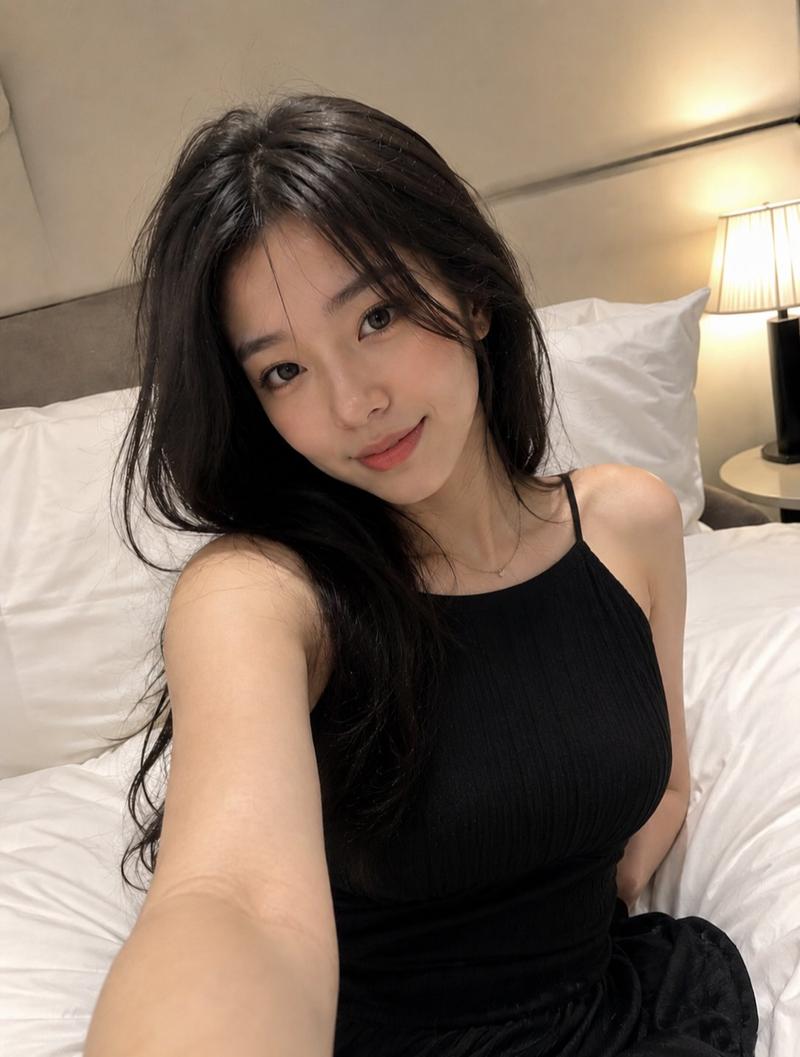
高角度生活化卧室自拍
Enlarge

高角度生活化卧室自拍

Prompt
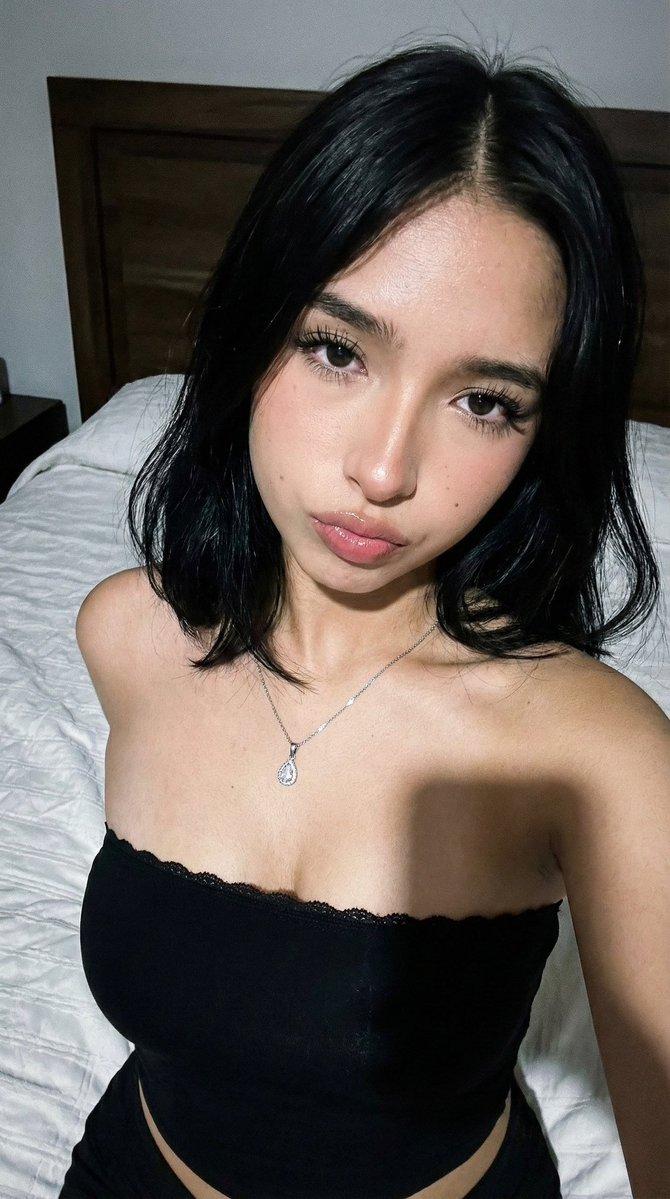
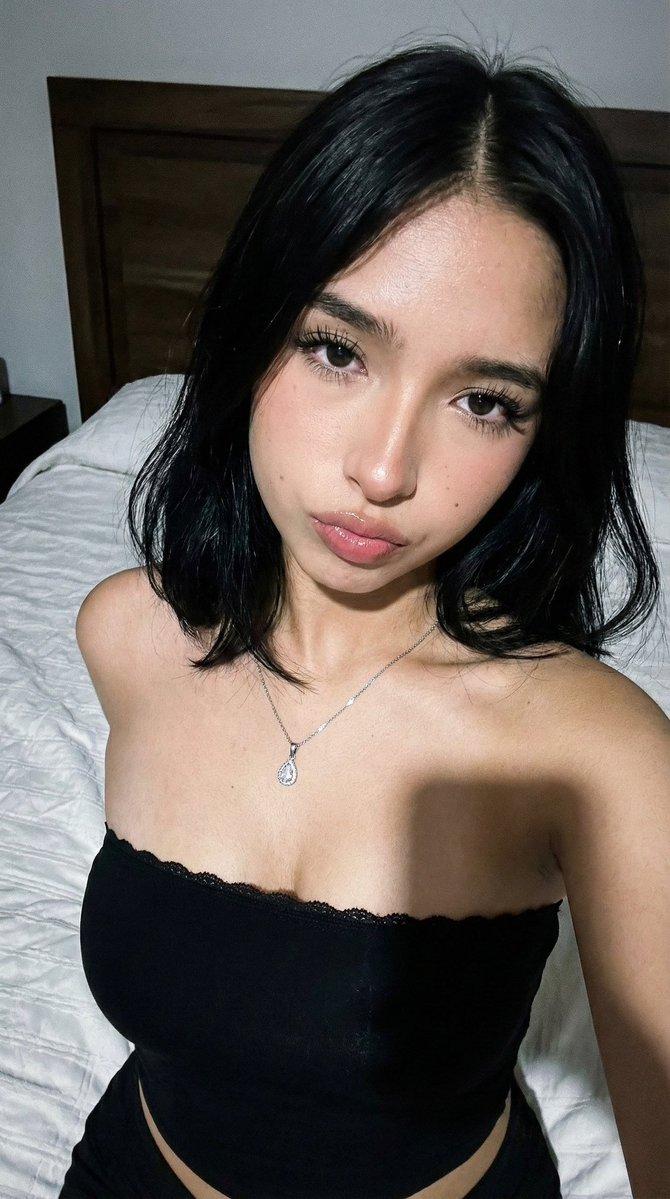
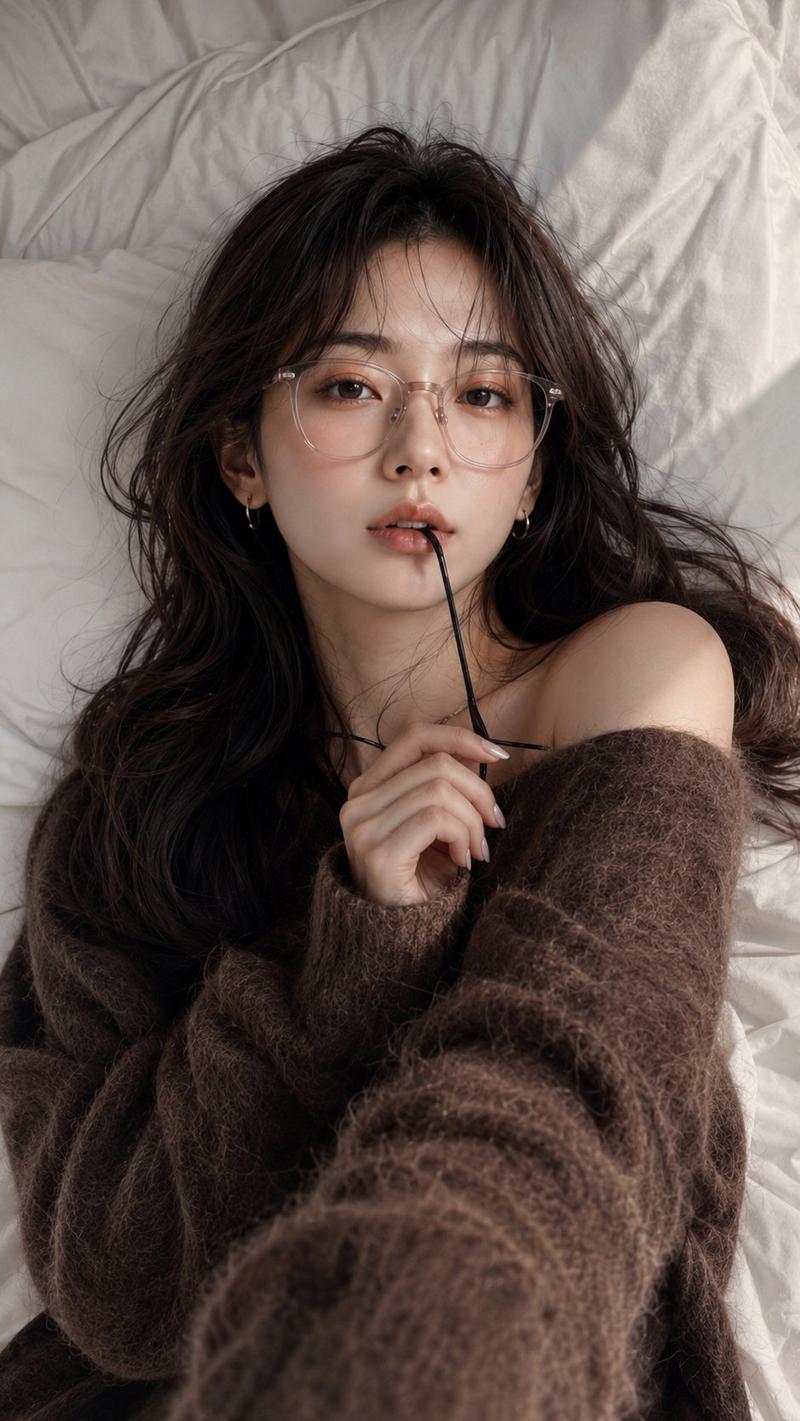
Ultra-realistic lifestyle selfie of a beautiful young woman ( face given in refrance image) sitting on a white bed, holding the camera above her at a high-angle perspective, looking directly into the lens with a soft warm smile. {argument name="hair style" default="Long wavy dark brown hair"} cascading over one shoulder, natural glowing skin, subtle makeup, gold oval earrings, delicate necklace, {argument name="outfit" default="black ribbed sleeveless tank top, white lounge shorts"}. {argument name="setting" default="Cozy modern bedroom"} with white pillows and cream wall paneling in the background. Soft morning sunlight streaming through a window, warm golden tones, shallow depth of field, realistic skin texture, cinematic photography, 35mm lens, f/2.0, high detail, photorealistic, luxury lifestyle aesthetic, 8K.
Category
Architecture & Spaces
Model
GPT Image 2
Creator
auqib
Views0
Source ID
26935
Published
Jun 27, 2026

Guide

About "高角度生活化卧室自拍"

What is this prompt for?

"高角度生活化卧室自拍" AI image prompt for GPT Image 2 (Architecture & Spaces). 生成一张女性在舒适卧室环境中的写实生活化自拍,采用高角度视角,伴有柔和的晨光。 Copy it on Picva and recreate the look in one cli…

The full copyable prompt and example visuals above are ready for AI image generation or one-click recreate in Picva.

How to use this prompt

  1. Step 1

    Open the prompt detail

    Review the example visuals, category, and full prompt text for "高角度生活化卧室自拍".

  2. Step 2

    Copy the prompt

    Copy the prompt body from this page, or load it directly in Studio.

  3. Step 3

    Pick a model (GPT Image 2)

    Prefer GPT Image 2. If you switch models, keep subject and composition and tweak style terms.

  4. Step 4

    Generate and export

    Recreate the look in Picva, or export into your workflow for editing and publishing.

FAQ

What is the "高角度生活化卧室自拍" prompt?
It is an AI image-generation prompt for GPT Image 2 in the Architecture & Spaces category. This page includes the full prompt text, example visuals, and a one-click recreate path in Picva.
How do I use this prompt to generate an image?
Copy the prompt from this page, or use Generate / Studio. Paste it into a compatible image model, or recreate the look in Picva with optional reference images.
Which model is this prompt for?
This page lists GPT Image 2. Most descriptive prompts also transfer to nearby image models such as GPT Image, Flux, or Midjourney with light style tweaks.
Can I use the result commercially?
You can usually copy the prompt for creation, but commercial use of the final image depends on the model terms, reference-image rights, and the generated content. Follow the source author and platform rules.