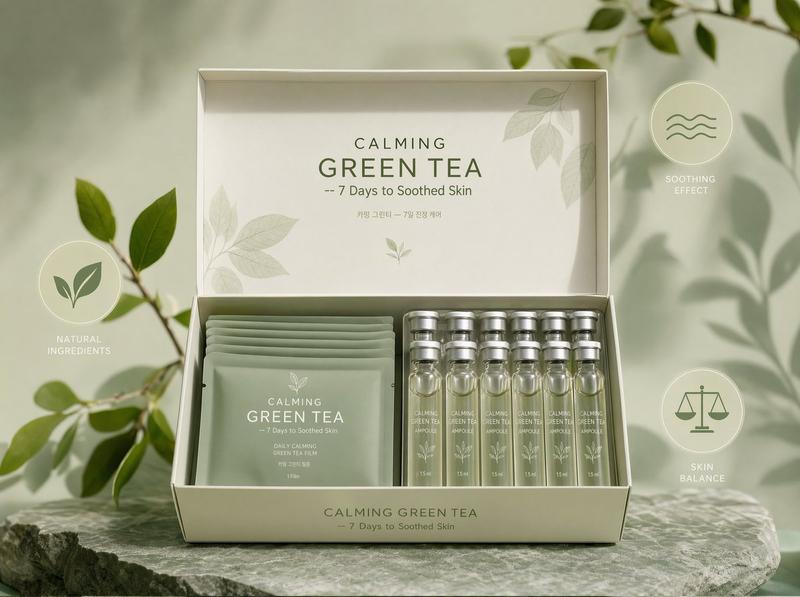
画廊招待会抓拍人像
Prompt
Create a highly realistic candid event photograph in a contemporary art gallery during an evening reception. The central subject is an adult blonde woman, {argument name="main subject" default="a smiling blonde woman in her late 20s"}, standing three-quarter view and laughing while looking toward a man just off to the right. She wears a fitted deep red ruched mini dress with a low scoop neckline, small gold hoop earrings, a delicate gold necklace, a thin bracelet, and dark nail polish, holding a stemmed glass of white wine in one hand. Her blonde hair is styled in a loose messy updo with face-framing strands, and her expression is warm, social, and candid. The scene contains exactly 6 visible people: the central woman in red, a cropped woman in a black dress at the far left with a small chain-strap purse, a cropped man in a navy suit in the right foreground facing her, a blonde woman in a teal top blurred in the background, a bald man in a dark jacket, and a curly-haired man in a dark suit near the wall. Set the location in a bright gallery with cream walls, framed modern photographs, warm parquet wood flooring, and soft indoor exhibition lighting. Use a handheld flash-photo aesthetic with shallow depth of field, slight motion blur in the background, realistic skin texture, natural shadows, casual party atmosphere, and the composition of a vertical smartphone snapshot. Emphasize photorealism, natural imperfections, candid framing, and authentic social-event lighting. Use {argument name="dress color" default="deep red"} as the dominant accent color, {argument name="setting" default="modern art gallery reception"}, {argument name="held drink" default="white wine in a stemmed glass"}, and {argument name="camera style" default="candid vertical smartphone flash photo"}.- Category
- Products & E-commerce
- Model
- GPT Image 2
- Creator
- John Greg
- Source ID
- 27083
- Published
- Jun 28, 2026
Views0


![Exploding [food item] with [filling], broken into two pieces with [filling actio](https://i.pixshop.app/storage/v1/render/image/public/prompt-source-media/promptsref/work-2413/image-1-e26dc765f3c49579.png?width=800&quality=75&resize=contain)