17

90 年代动漫风格都市自拍肖像
Enlarge

Example images

90 年代动漫风格都市自拍肖像

Prompt
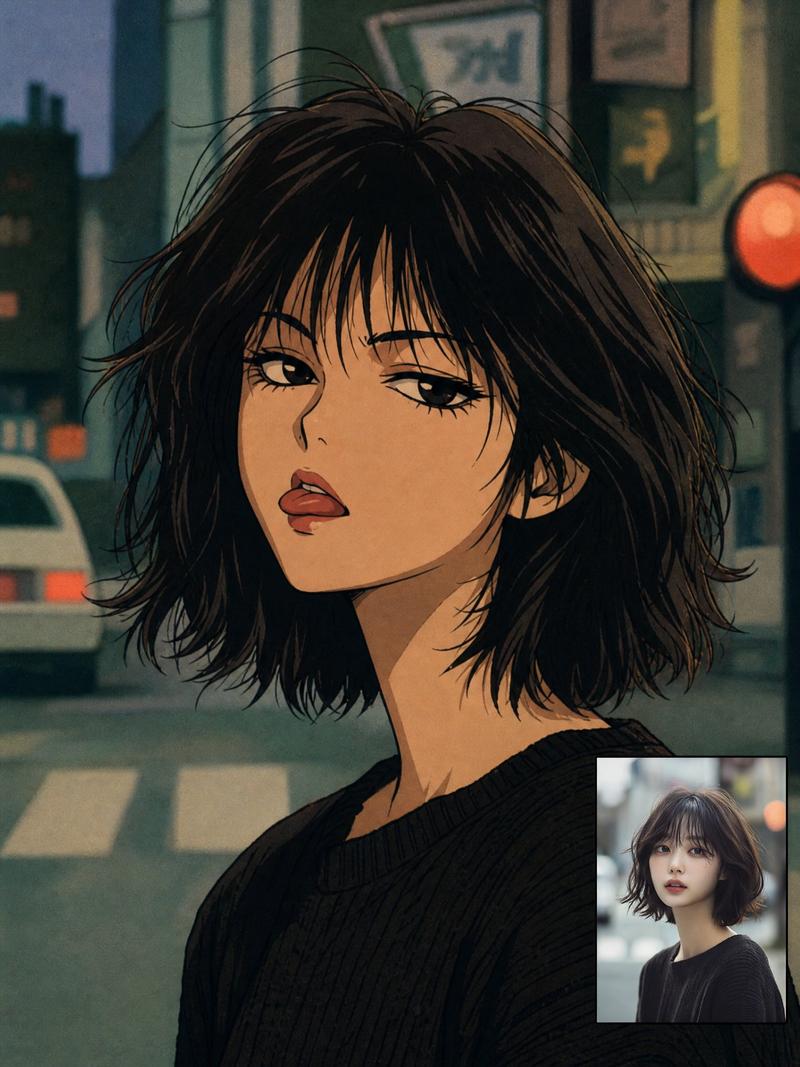
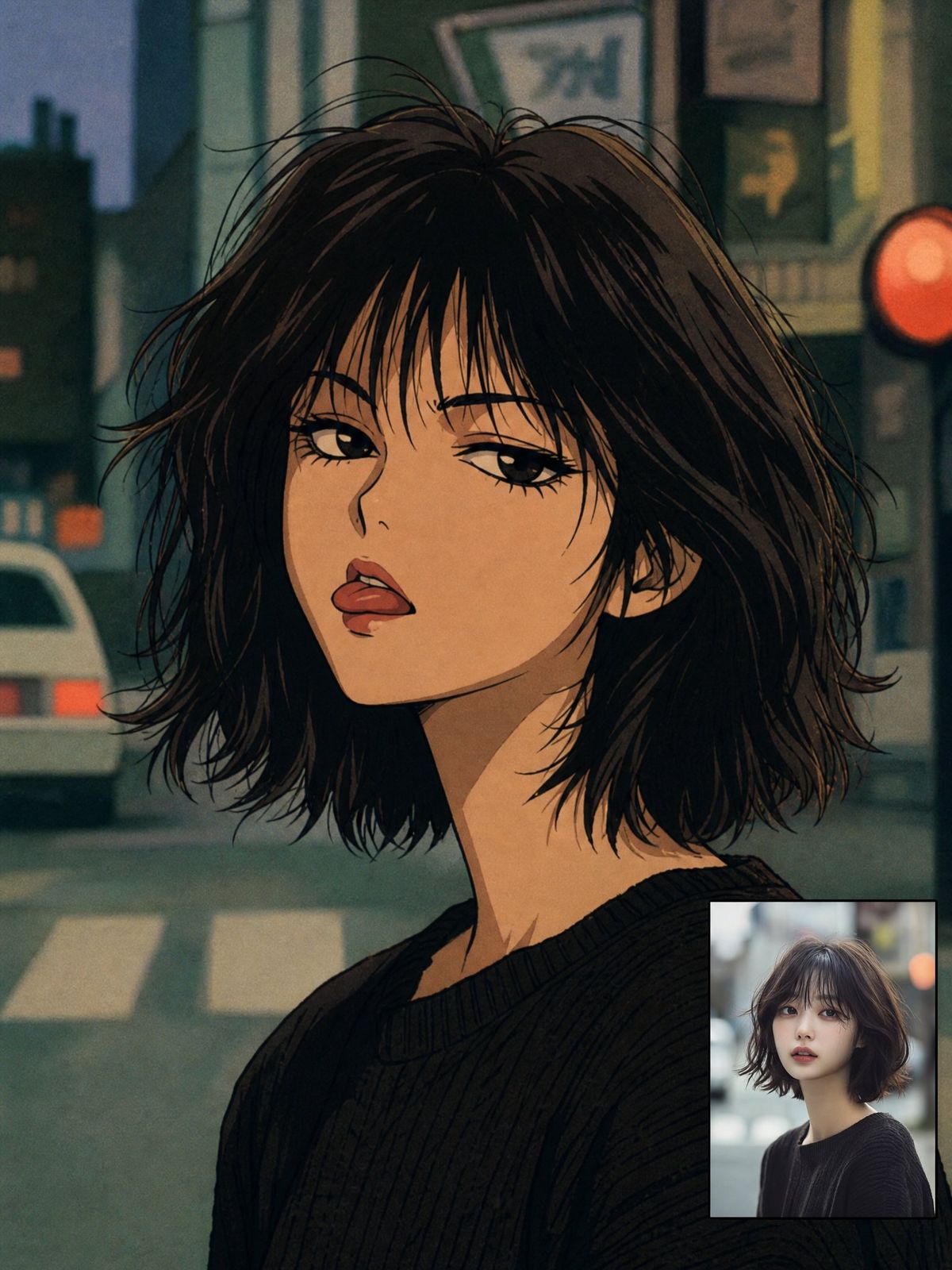
Create a square-to-portrait 90s anime transformation portrait of {argument name="character name" default="a young woman"} in a gritty urban night setting. Show a close-up bust portrait turned slightly over one shoulder, with a long slender neck, pale warm skin, heavy-lidded expressive eyes, full parted lips, and a cool melancholic gaze. Give her messy chin-length {argument name="hair color" default="dark brown-black"} bob hair with wispy bangs and many loose flyaway strands, drawn with fine ink outlines and hand-painted cel shading. She wears a simple oversized {argument name="outfit" default="black ribbed knit sweater"}. Use authentic late-1980s/1990s anime aesthetics: muted unflattering colors, grainy film texture, soft airbrushed shadows, imperfect analog linework, dramatic eyelashes, angular nose bridge, slightly exaggerated lips, and subdued teal/green/orange color grading. Background: blurred Japanese city street at dusk or night with exactly 5 visible urban elements: a white car on the left, a crosswalk at the bottom, dark building silhouettes, rectangular shop signs above, and one glowing red circular traffic signal or sign on the right. Add a small rectangular inset reference-photo preview in the lower-right corner showing the same real-life woman in a modern photographic style, bordered subtly, occupying about one-sixth of the image. Preserve the subject’s facial structure and hairstyle while adapting everything else to nostalgic 90s anime. No extra text, no watermark, no modern glossy digital look.
Category
Brand & Logos
Model
GPT Image 2
Creator
Cherry 2.O
Views0
Source ID
27293
Published
Jun 30, 2026

Guide

About "90 年代动漫风格都市自拍肖像"

What is this prompt for?

"90 年代动漫风格都市自拍肖像" AI image prompt for GPT Image 2 (Brand & Logos). 将现代自拍概念转化为怀旧的 90 年代动漫风格肖像,营造柔和的都市夜景氛围,并附带一张小型参考照片插图。 Copy it on Picva and recreate the look…

The full copyable prompt and example visuals above are ready for AI image generation or one-click recreate in Picva.

How to use this prompt

  1. Step 1

    Open the prompt detail

    Review the example visuals, category, and full prompt text for "90 年代动漫风格都市自拍肖像".

  2. Step 2

    Copy the prompt

    Copy the prompt body from this page, or load it directly in Studio.

  3. Step 3

    Pick a model (GPT Image 2)

    Prefer GPT Image 2. If you switch models, keep subject and composition and tweak style terms.

  4. Step 4

    Generate and export

    Recreate the look in Picva, or export into your workflow for editing and publishing.

FAQ

What is the "90 年代动漫风格都市自拍肖像" prompt?
It is an AI image-generation prompt for GPT Image 2 in the Brand & Logos category. This page includes the full prompt text, example visuals, and a one-click recreate path in Picva.
How do I use this prompt to generate an image?
Copy the prompt from this page, or use Generate / Studio. Paste it into a compatible image model, or recreate the look in Picva with optional reference images.
Which model is this prompt for?
This page lists GPT Image 2. Most descriptive prompts also transfer to nearby image models such as GPT Image, Flux, or Midjourney with light style tweaks.
Can I use the result commercially?
You can usually copy the prompt for creation, but commercial use of the final image depends on the model terms, reference-image rights, and the generated content. Follow the source author and platform rules.