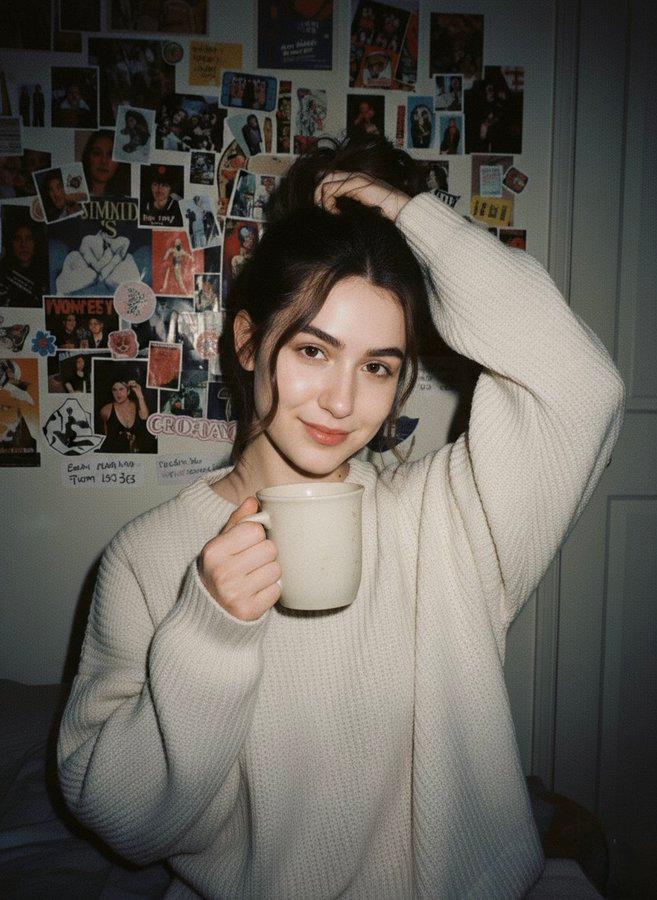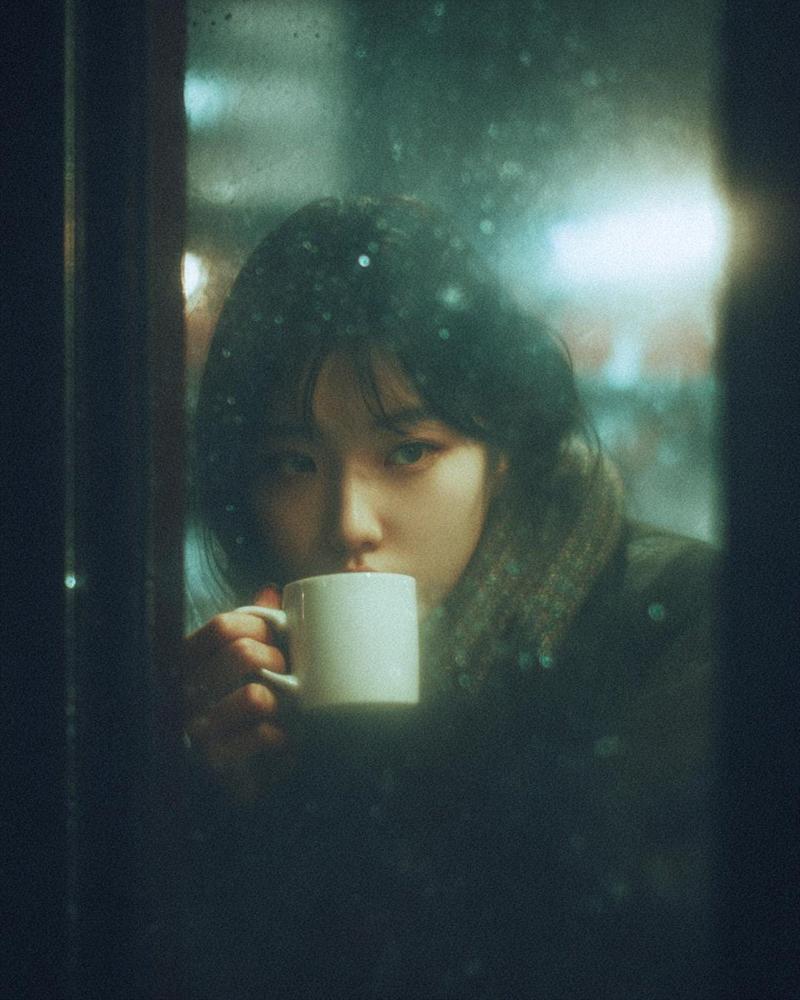
2000 年代复古数码相机咖啡馆人像
Prompt
Use the attached image as the primary facial reference. Preserve the exact facial identity, recognizable facial structure, facial proportions, eye shape, nose shape, lip shape, jawline, cheekbone structure, natural asymmetry, skin characteristics, facial harmony, and overall appearance with maximum accuracy. Maintain realistic skin texture, pores, and natural facial details. Do not beautify, alter ethnicity, change age, modify facial features, or generate a different person. The final image should clearly resemble the reference subject while naturally fitting the scene, lighting, expression, and camera characteristics described below.

Create an ultra-realistic nostalgic café portrait captured on a premium early-2000s compact digital camera, blending direct flash with soft afternoon daylight. The image has a dreamy, imperfect snapshot quality with gentle motion softness caused by natural handheld camera movement, subtle subject motion, and shifting strands of hair. The atmosphere feels candid, intimate, and effortlessly authentic.

The {argument name="subject" default="woman"} sits alone at a cozy café table beside a large sunlit window. Instead of facing outward, she is turned slightly toward the camera while lowering her gaze with a quiet, thoughtful expression. One hand loosely holds a ceramic coffee cup near her lips while the other rests naturally on the table. A few strands of hair move softly across her face as if caught by a subtle indoor breeze. The small hand movement, shifting hair, changing window reflections, and slight camera sway create realistic dream-like motion softness.

She wears an oversized cream-colored knit cardigan layered over a soft sage-green top, loose charcoal trousers, a slim vintage wristwatch, and delicate minimalist jewelry. On the table sits a {argument name="beverage" default="cappuccino with foam art"}, a small notebook, and a bouquet of {argument name="flowers" default="pale peach roses"} wrapped in kraft paper. Warm wooden furniture, indoor plants, window reflections, and softly blurred café details create a calm and intimate everyday atmosphere.

Photographed through premium vintage thick optics with low resolving power, pronounced spherical aberration, gentle focus drift, optical halation, subtle veiling flare, lifted shadows, lifted blacks, soft blooming highlights, reduced micro-contrast, JPEG softness, and authentic CCD digicam color rendering. The image feels naturally imperfect rather than artificially filtered.

Controlled blown-out micro highlights appear naturally along hair edges, glossy lips, watch crystal, jewelry, coffee cup rims, flower petals, notebook edges, window reflections, cardigan fibers, and bright outdoor light. Flash and sunlight softly bloom into surrounding tones through the vintage optics while remaining physically realistic. No glitter effects, sparkle overlays, or starburst artifacts.- Category
- Charts & Infographics
- Model
- GPT Image 2
- Creator
- Meem
- Source ID
- 27416
- Published
- Jul 2, 2026
Views0