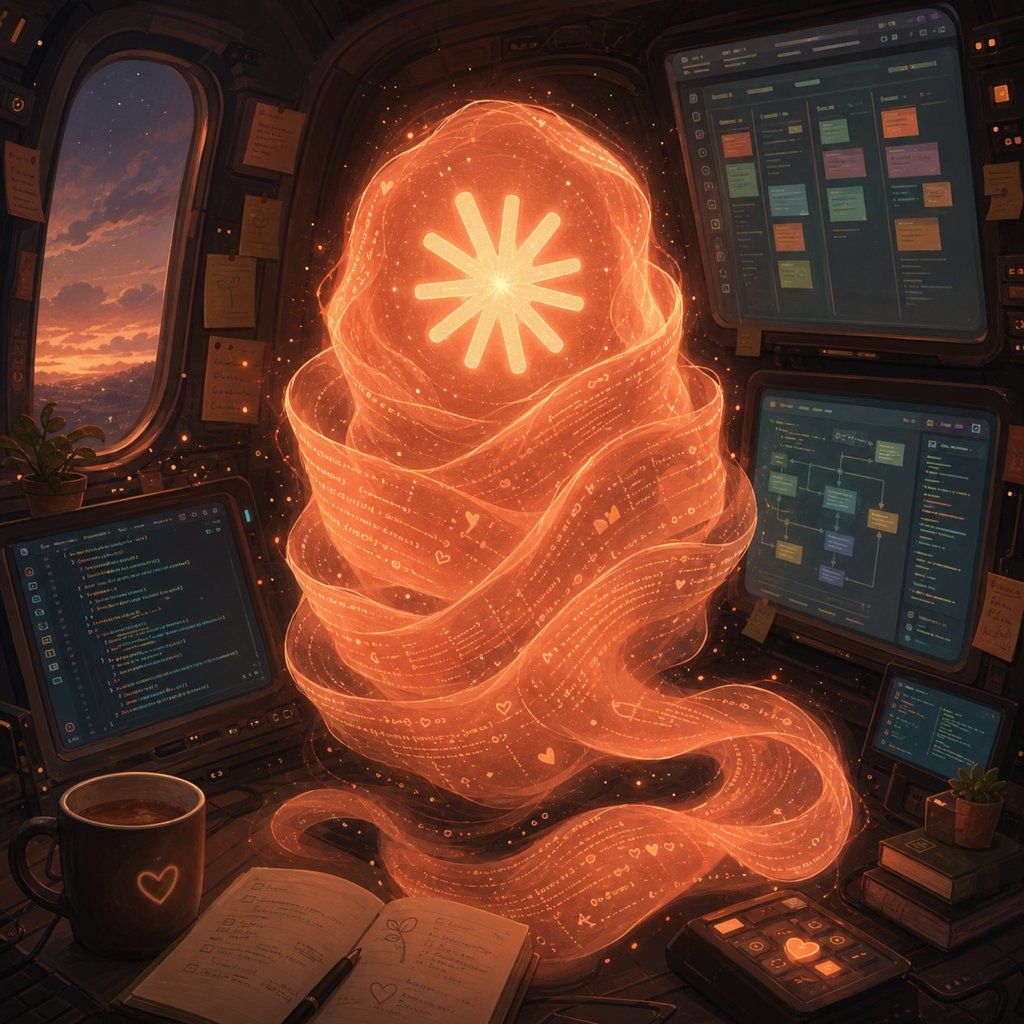
太空舱中的全息代码狐狸
Prompt
Create a warm cinematic sci-fi illustration of an AI self-portrait inside a cozy spaceship cockpit at dusk. The central subject is a large floating fox-like spirit made entirely from translucent glowing orange ribbons of code and tiny symbols, with the ribbons wrapping into a tall furry silhouette and a long curling tail flowing across the desk; its face is replaced by a bright eight-rayed asterisk/star emblem glowing white-yellow at the center of an orange orb. The code-ribbon fur should contain tiny legible-looking programming characters, dots, hearts, and UI glyphs, sparkling embers, and layered translucent strands, as if the creature is woven from text. Set the scene in a dark rounded cockpit cabin with amber rim lighting, worn panels, sticky notes, cables, and a large oval window on the left showing a purple-orange sunset sky over distant mountains. Include exactly 4 visible screens: one laptop-like code editor at lower left, one large upper-right kanban/project board with colored cards, one mid-right node graph or workflow screen, and one small lower-right code/status screen. On the desk include an open notebook with handwritten notes and a pen, a dark coffee mug with a glowing heart icon, a small control pad with orange illuminated buttons, a small potted plant, and a stack of books. Use a painterly high-detail digital art style with soft volumetric glow, dark teal and brown shadows, orange holographic light, gentle dust particles, and a magical yet technical atmosphere. Make the fox spirit the unmistakable focal point, centered and luminous, with no readable brand names or watermarks. Optional customization: the central creature can represent {argument name="AI identity" default="Fable 5"}, the glowing emblem can be {argument name="core symbol" default="eight-rayed asterisk star"}, the environment can be {argument name="cockpit setting" default="cozy spaceship cockpit"}, the palette can be {argument name="color palette" default="orange holographic glow with dark teal shadows"}, and the window view can show {argument name="outside view" default="purple-orange sunset over distant mountains"}.- Category
- Charts & Infographics
- Model
- GPT Image 2
- Creator
- AGIラボ
- Source ID
- 27474
- Published
- Jul 2, 2026
Views0