19

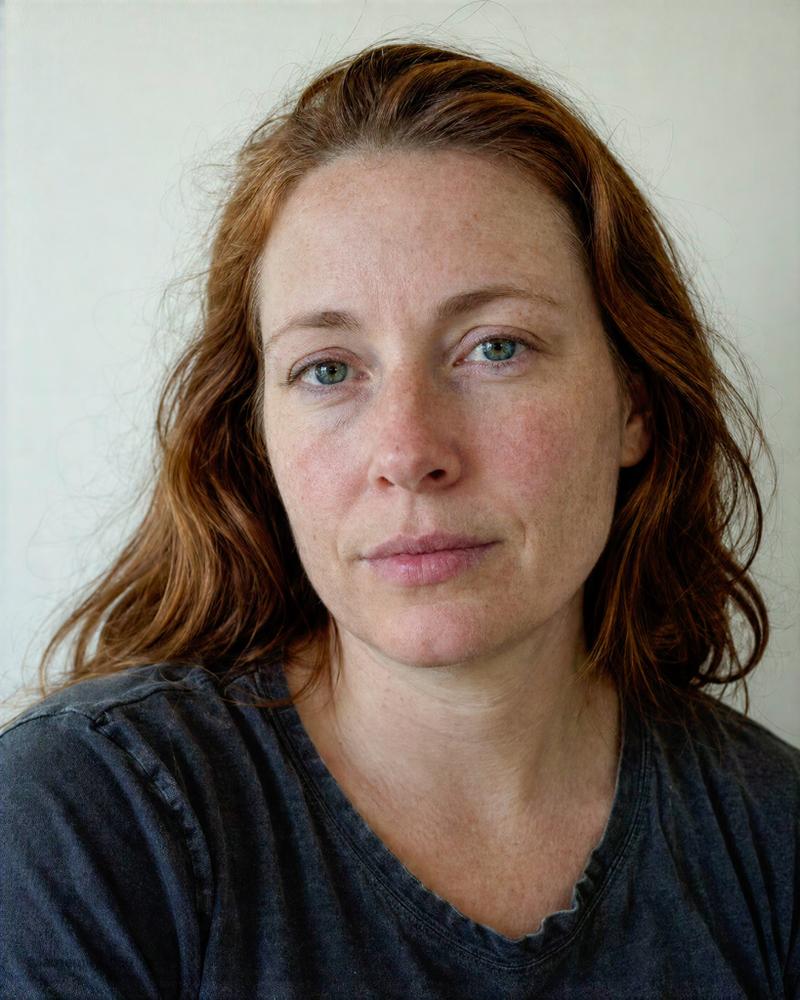
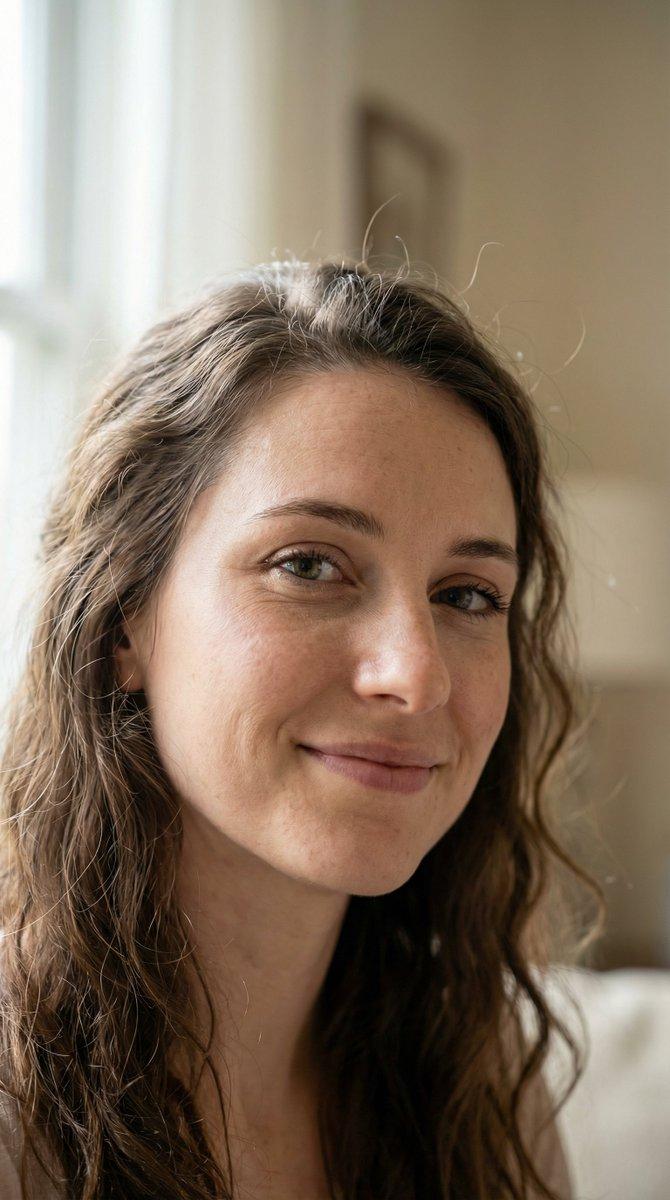
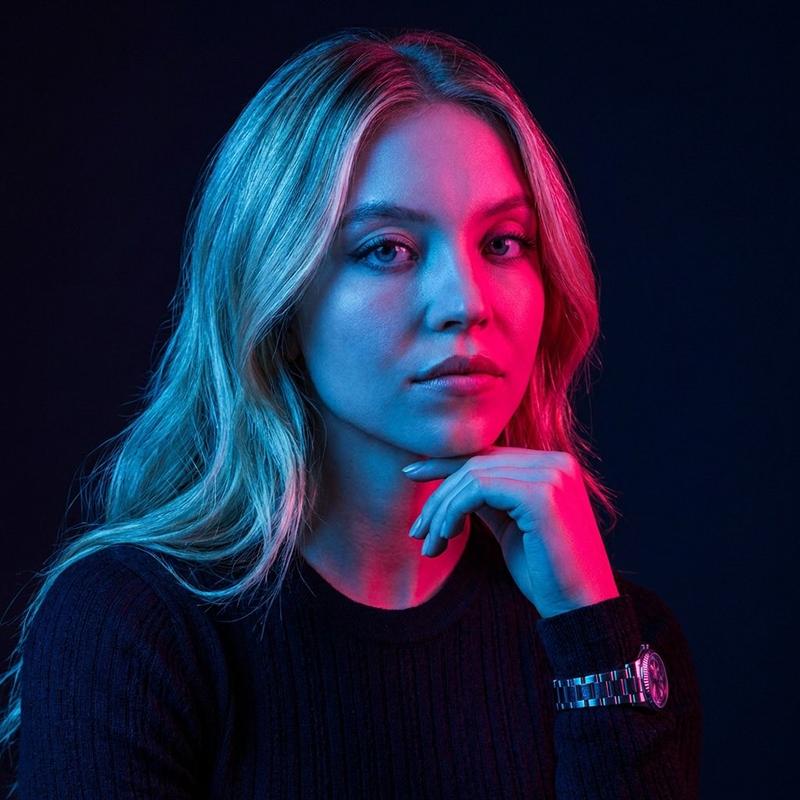
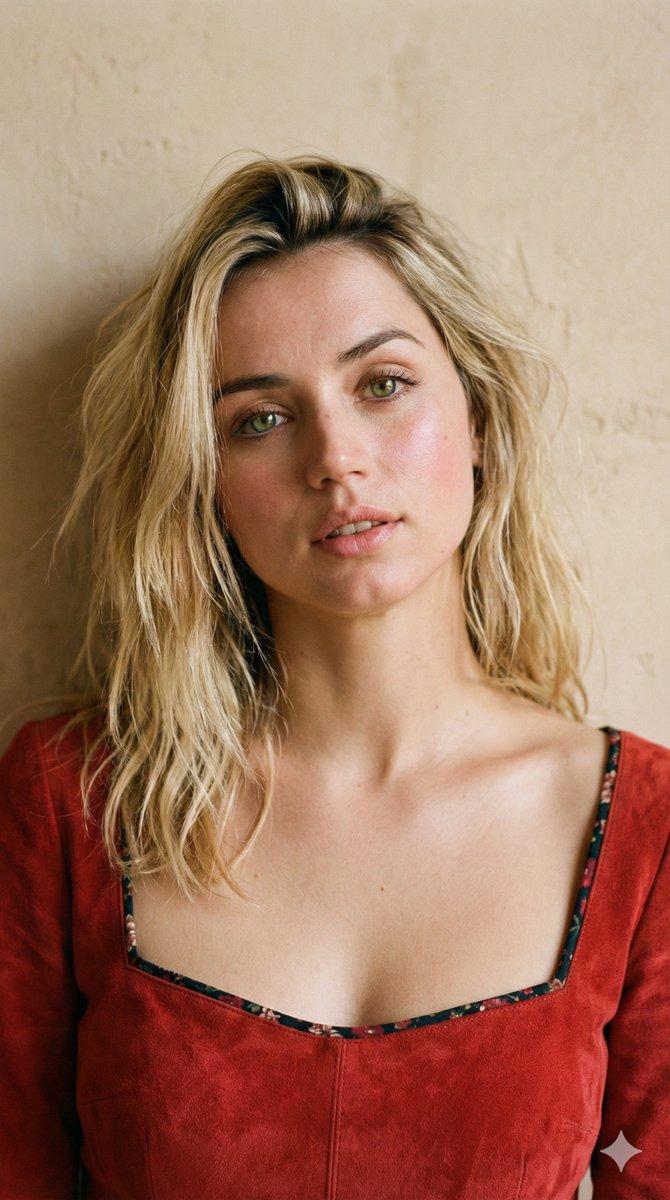
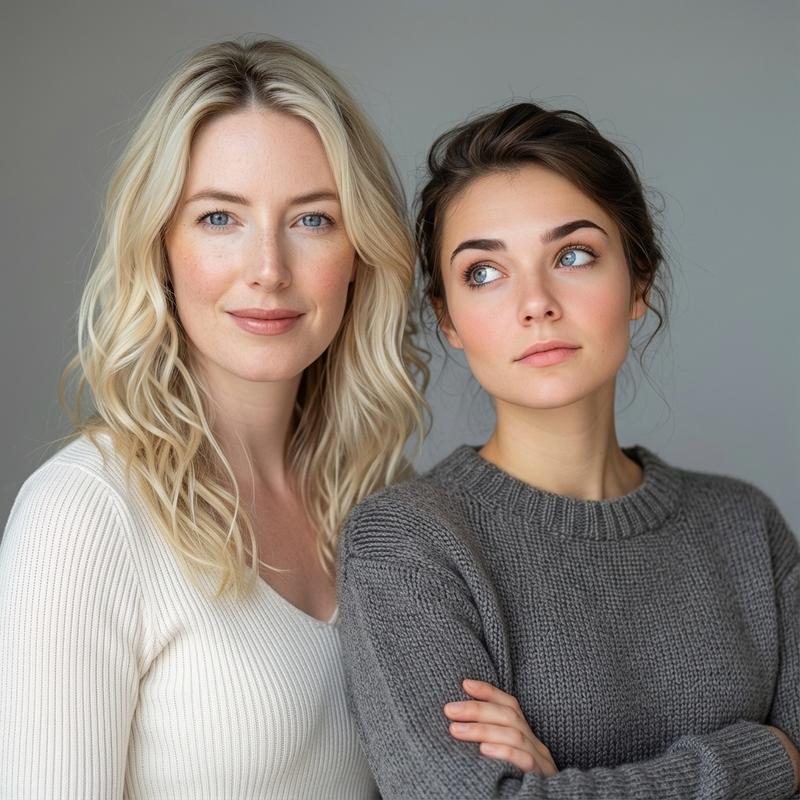
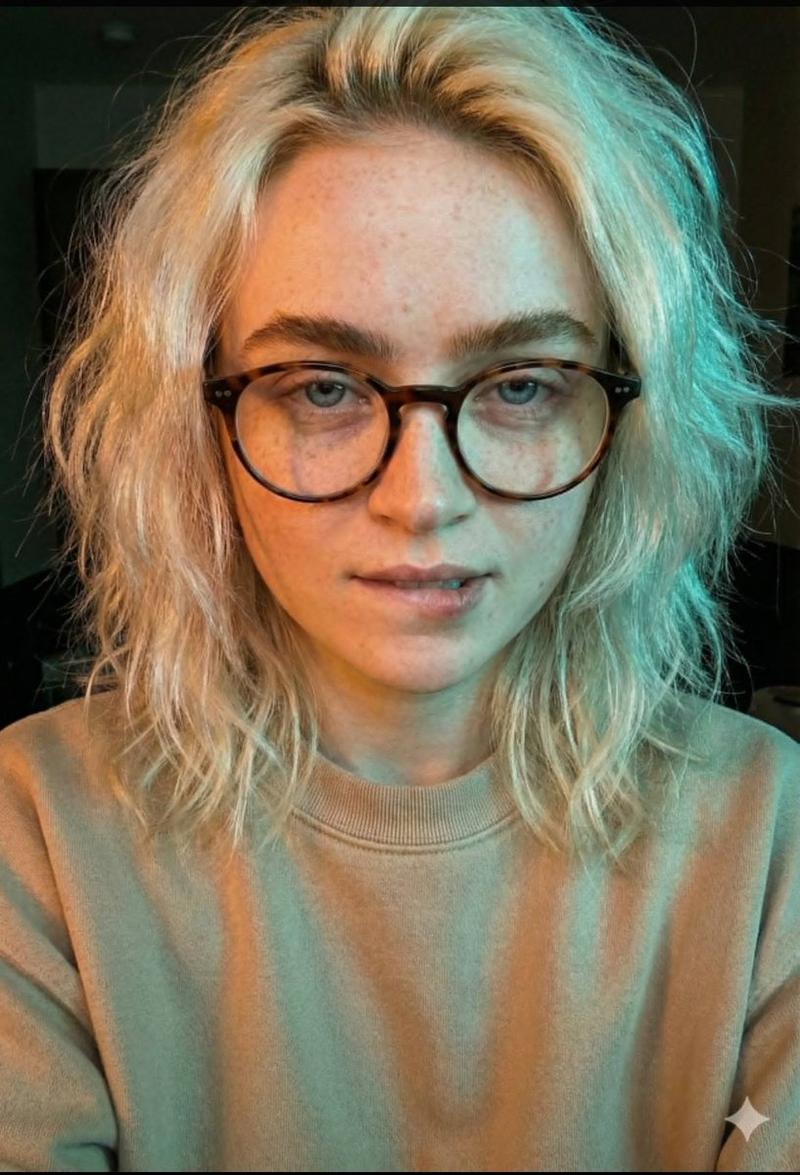
红发女性原始试镜肖像
Enlarge

Example images

红发女性原始试镜肖像

Prompt
A straight-out-of-camera close portrait photo of an adult {argument name="subject" default="red-haired woman"} facing the camera in a plain agency casting-photo style. Frame as a tight head-and-shoulders portrait, slightly below the collarbone, with the face centered and filling most of the image. She has long loose {argument name="hair color" default="copper red"} hair, slightly messy and natural with flyaway strands, parted loosely off center and falling over both shoulders. Her skin is fair with visible freckles, mild redness, pores, fine lines, and natural under-eye texture; no makeup or only barely visible makeup. Expression is neutral, calm, and unsmiling, lips relaxed, eyes looking directly into the lens. She wears a worn dark charcoal gray crew-neck T-shirt with soft folds and a slightly stretched neckline. Background is a simple pale off-white wall in daylight, with no props or decoration. Use soft window light from the front-left, realistic portrait-lens compression, shallow restrained depth of field with the eye plane sharp and ears and shoulders gently falling off, faint digital grain, slight edge softness, mild cool-green room color cast, imperfect white balance, and natural uneven skin tones. Make it feel physically present, documentary, unsmoothed, unretouched, and believable, like a raw casting test file rather than a polished studio portrait.
Category
Architecture & Spaces
Model
GPT Image 2
Creator
PromptLab
Views0
Source ID
27812
Published
Jul 6, 2026

Guide

About "红发女性原始试镜肖像"

What is this prompt for?

"红发女性原始试镜肖像" AI image prompt for GPT Image 2 (Architecture & Spaces). 创作一张未经修饰、日光试镜风格的近景肖像,呈现自然的皮肤纹理和纯粹的纪实真实感。 Copy it on Picva and recreate the look in one cl…

The full copyable prompt and example visuals above are ready for AI image generation or one-click recreate in Picva.

How to use this prompt

  1. Step 1

    Open the prompt detail

    Review the example visuals, category, and full prompt text for "红发女性原始试镜肖像".

  2. Step 2

    Copy the prompt

    Copy the prompt body from this page, or load it directly in Studio.

  3. Step 3

    Pick a model (GPT Image 2)

    Prefer GPT Image 2. If you switch models, keep subject and composition and tweak style terms.

  4. Step 4

    Generate and export

    Recreate the look in Picva, or export into your workflow for editing and publishing.

FAQ

What is the "红发女性原始试镜肖像" prompt?
It is an AI image-generation prompt for GPT Image 2 in the Architecture & Spaces category. This page includes the full prompt text, example visuals, and a one-click recreate path in Picva.
How do I use this prompt to generate an image?
Copy the prompt from this page, or use Generate / Studio. Paste it into a compatible image model, or recreate the look in Picva with optional reference images.
Which model is this prompt for?
This page lists GPT Image 2. Most descriptive prompts also transfer to nearby image models such as GPT Image, Flux, or Midjourney with light style tweaks.
Can I use the result commercially?
You can usually copy the prompt for creation, but commercial use of the final image depends on the model terms, reference-image rights, and the generated content. Follow the source author and platform rules.