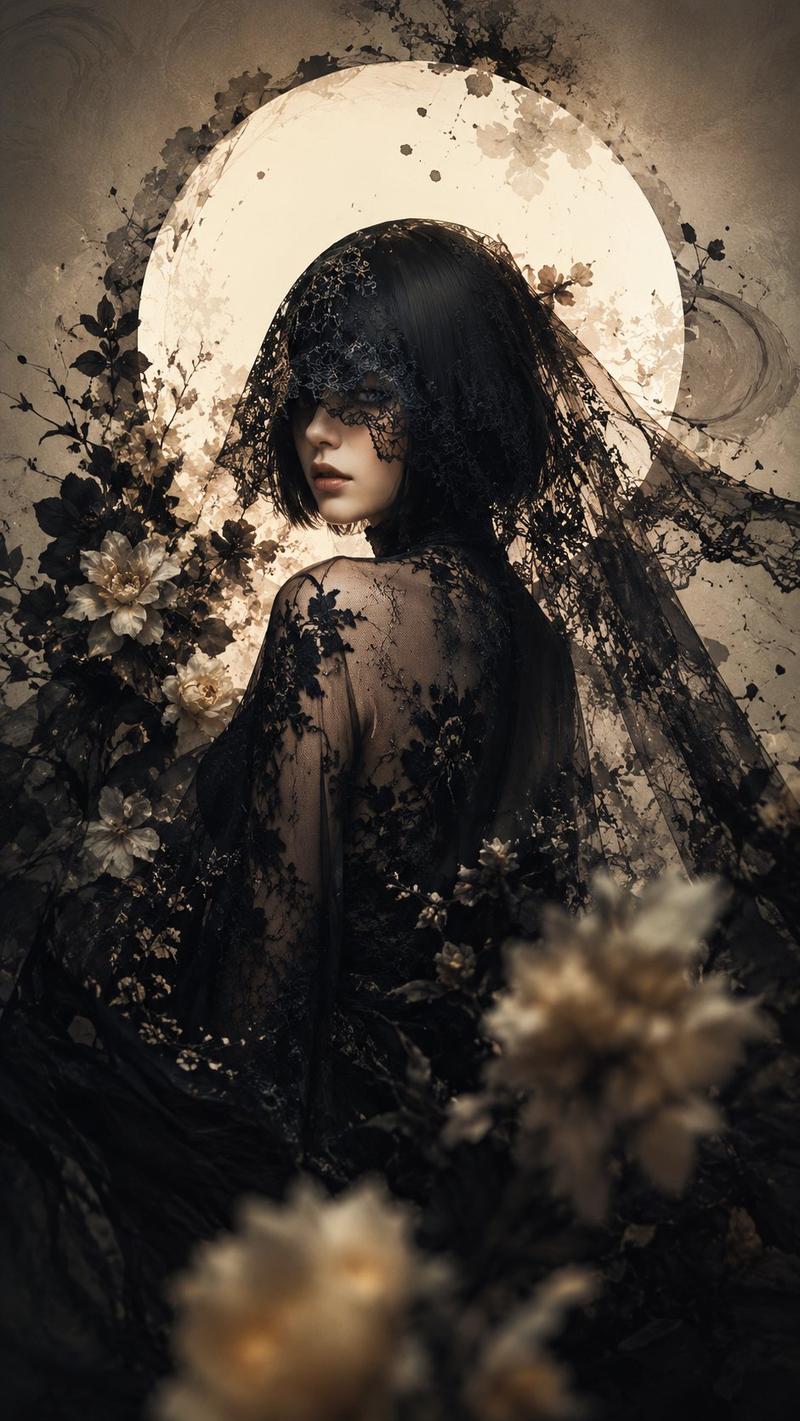
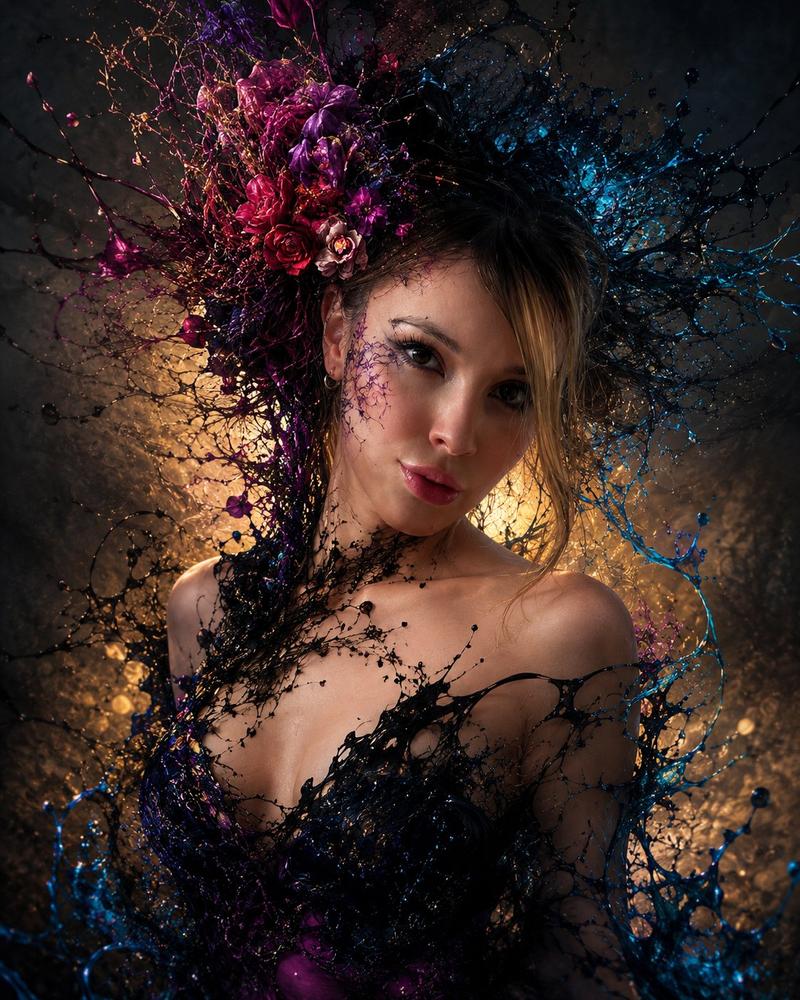
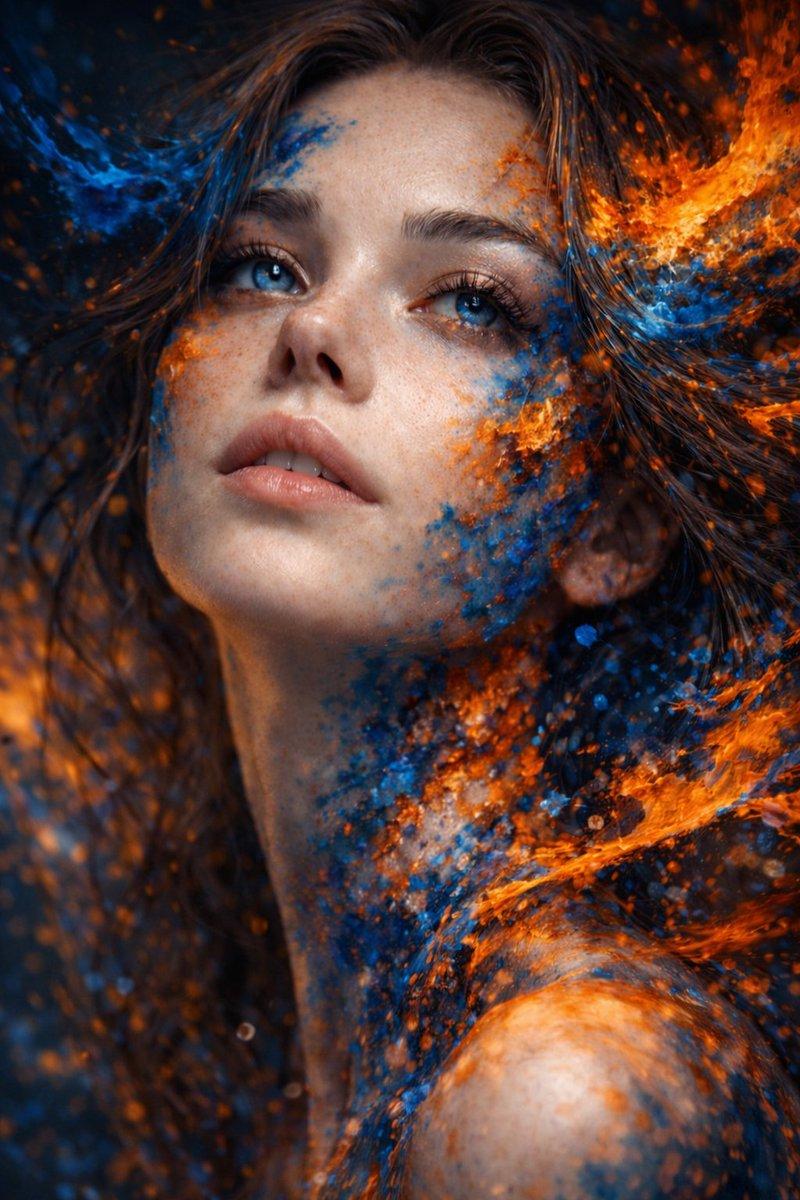
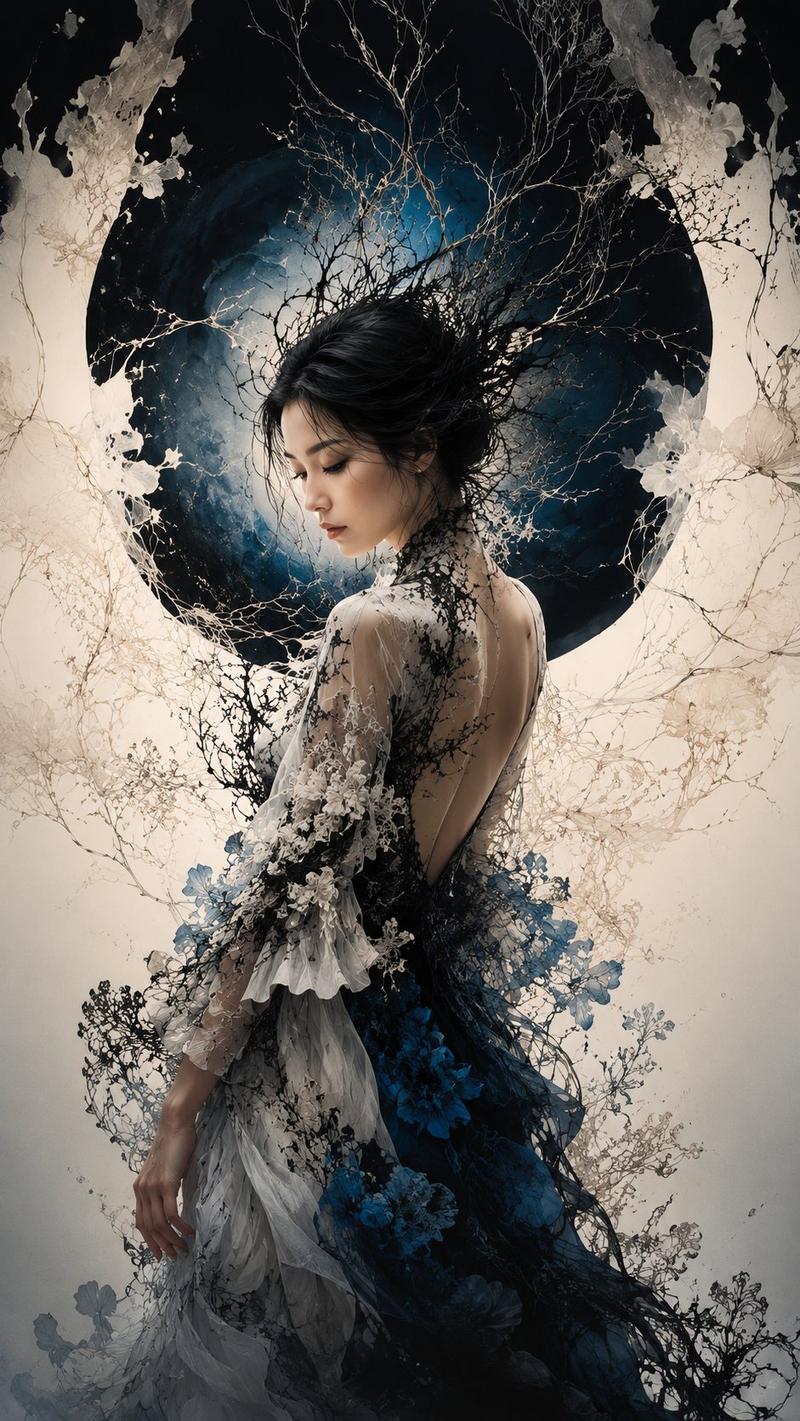
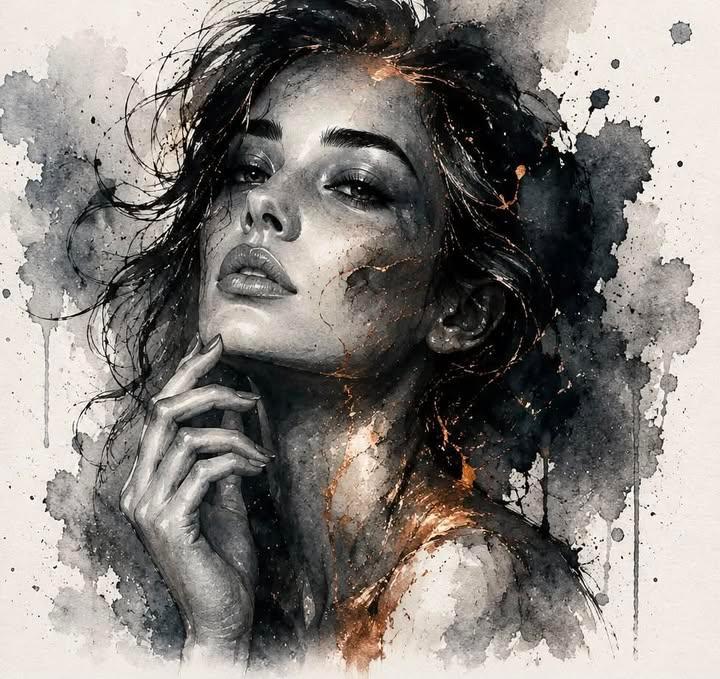
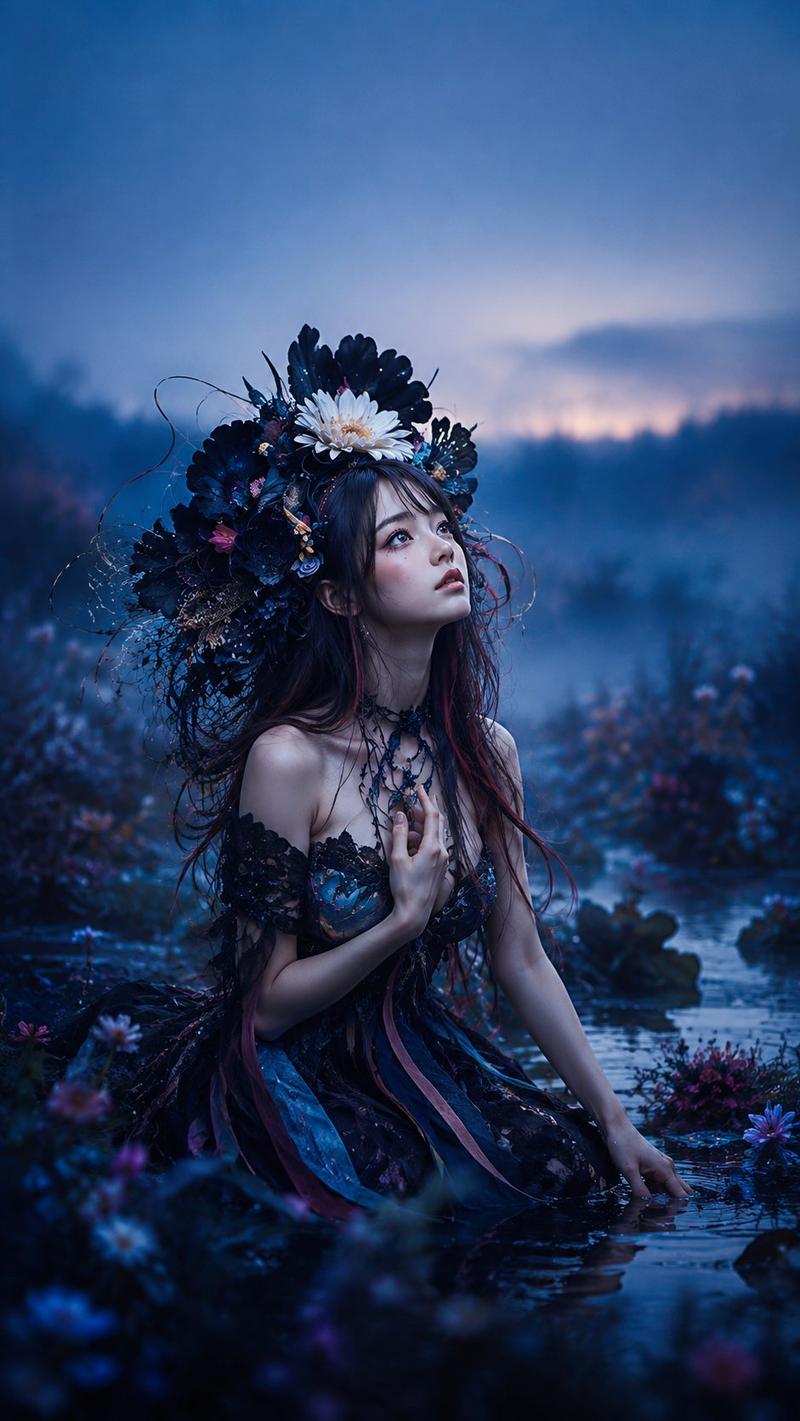
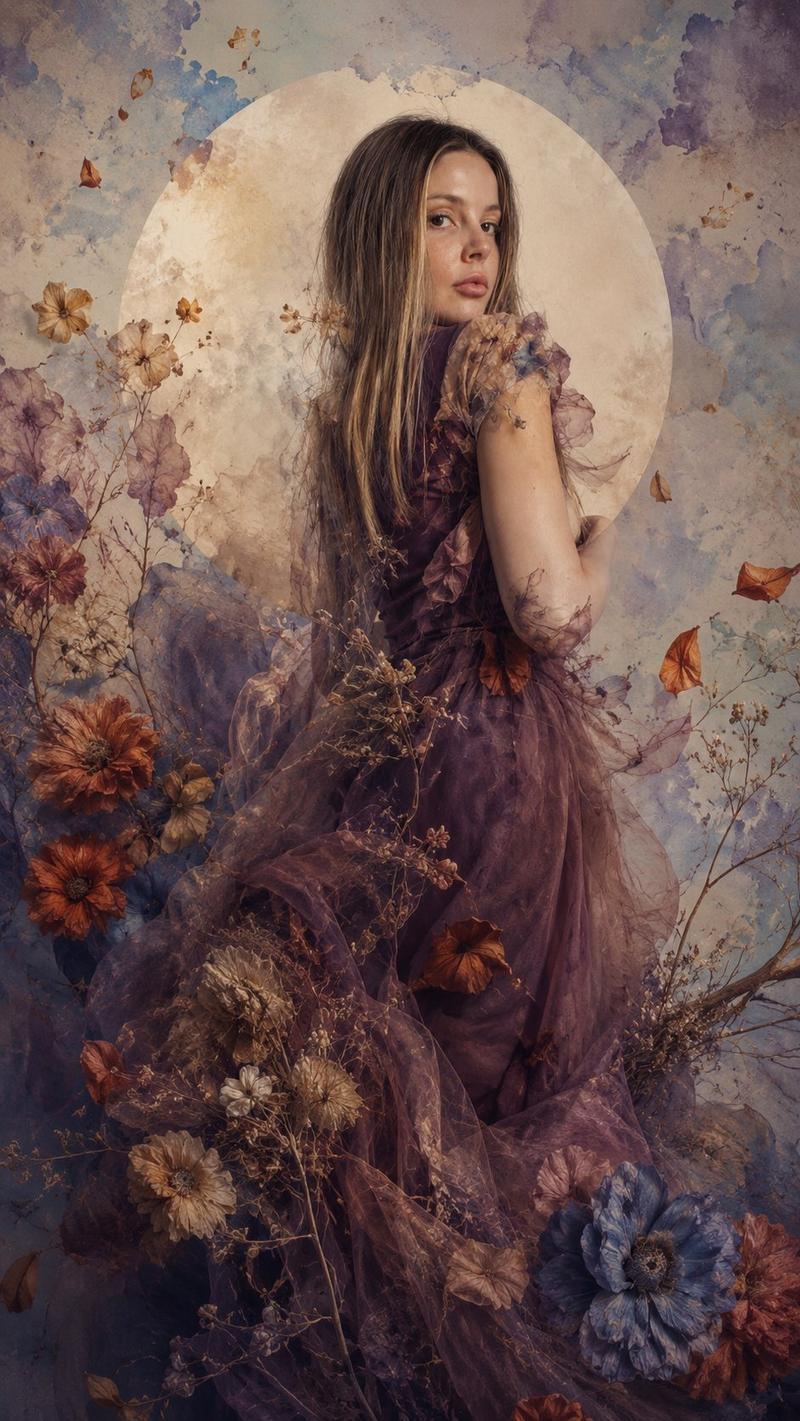
深色花卉明暗对照肖像
Prompt
Create a dark romantic fine-art fashion portrait of {argument name="character description" default="a young woman with medium-deep skin and dark curly hair"} emerging from a dense halo of dried branches and flowers. Vertical 9:16 composition, close-up from upper torso to head, face tilted upward in three-quarter view, eyes hidden in deep shadow, lips softly parted, one slender hand raised to her cheek with elegant fingers. She wears a {argument name="dress color" default="deep midnight blue"} plunging satin or chiffon dress with a circular rosette ornament at the center of the bodice and delicate translucent sleeves partly covered by botanical textures. Surround her with exactly 8 large pale cream blossoms: 2 near the top edge, 1 large flower on the left shoulder area, 1 blurred foreground flower at bottom left, 1 blurred foreground flower at bottom right, and 3 along the upper right floral arch; add exactly 40 tiny white and beige wildflowers and thin seed stems woven around her hair, neck, shoulders, and forearm. Use an ornate crescent-shaped botanical frame behind her made from pale leaves, dried grass, and branch filigree, forming a dark gothic floral headdress. Lighting: {argument name="lighting style" default="dramatic chiaroscuro moonlight"}, with a narrow beam illuminating her nose, lips, hand, collarbone, and parts of the dress while the background falls into near-black shadow. Style: hyperrealistic editorial photography blended with dark botanical fantasy, cinematic depth of field, soft foreground blur, muted ivory flowers, brown twigs, subtle skin highlights, high detail, painterly atmosphere, no text, no watermark.- Category
- Photography & Realism
- Model
- GPT Image 2
- Creator
- NIKKO
- Source ID
- 27844
- Published
- Jul 6, 2026
Views1