17

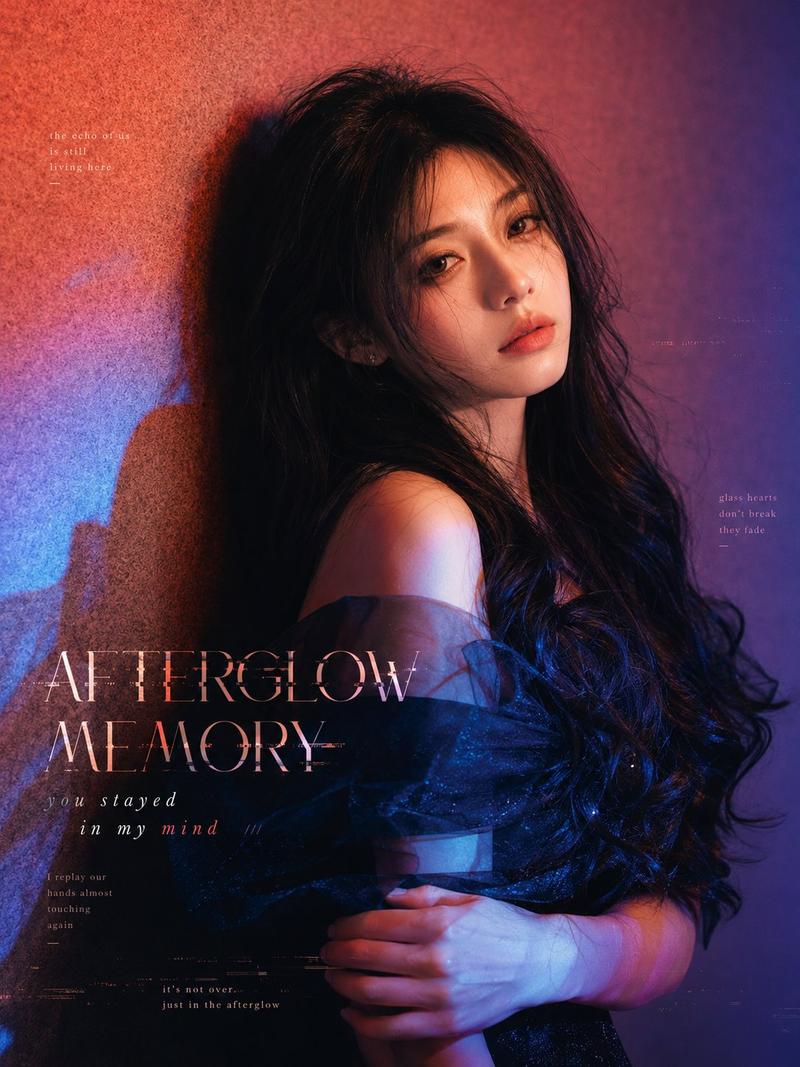
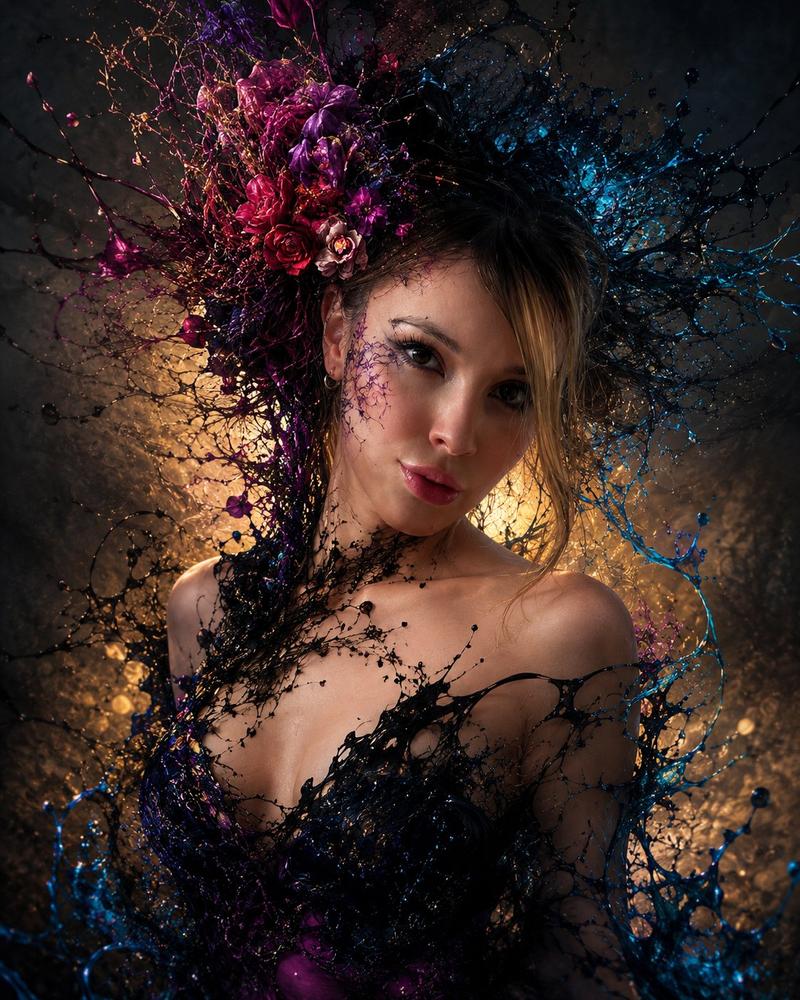
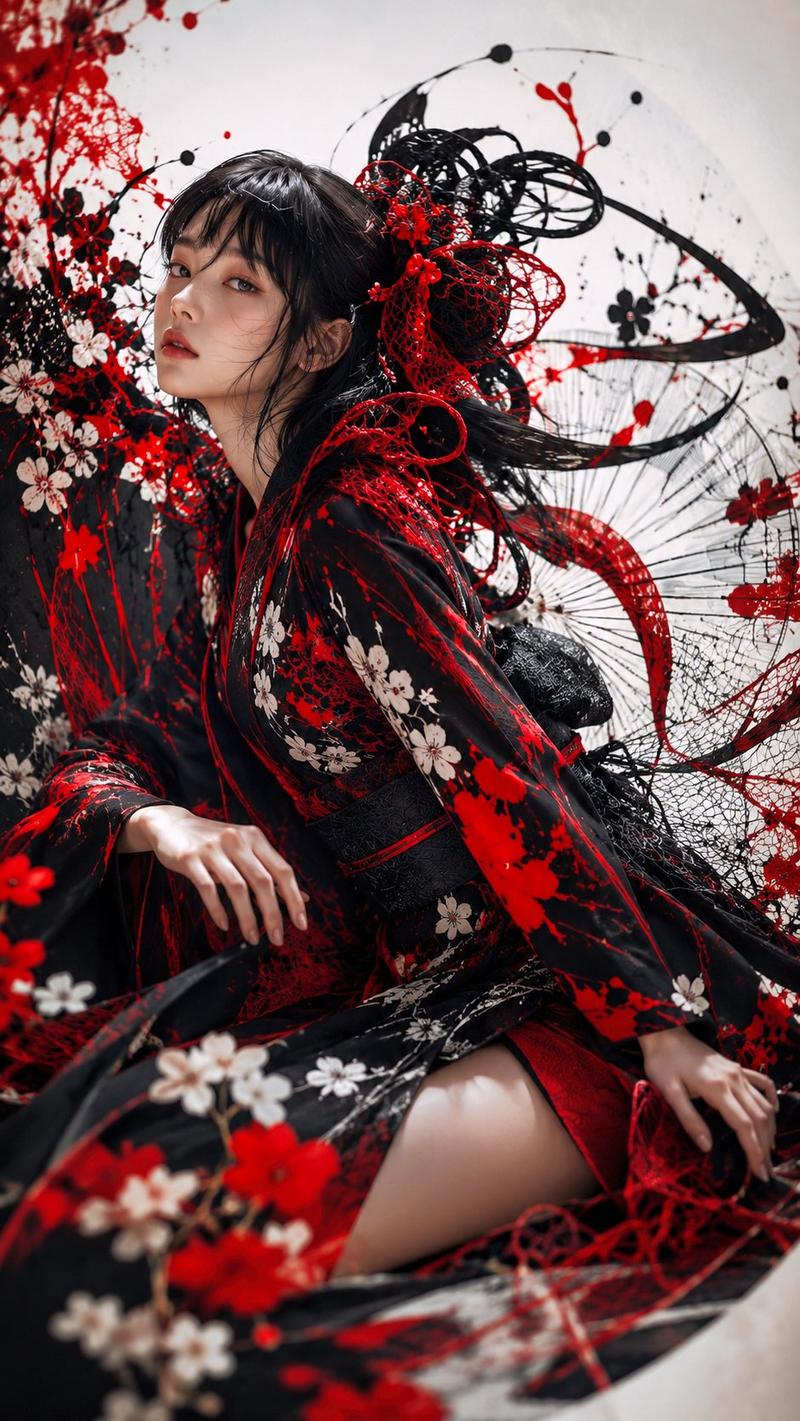
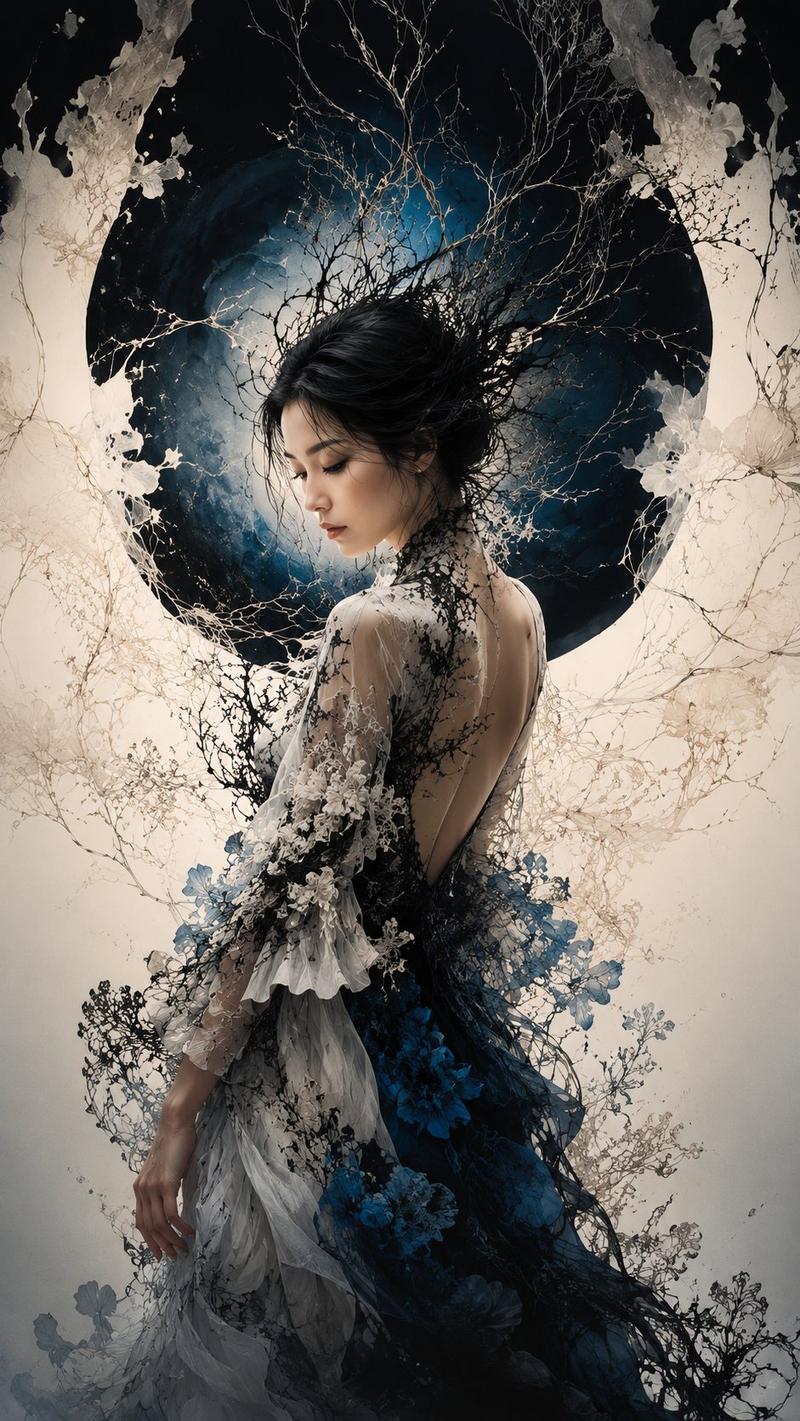
深色花卉日式时尚人像
Enlarge

Example images

深色花卉日式时尚人像

Prompt
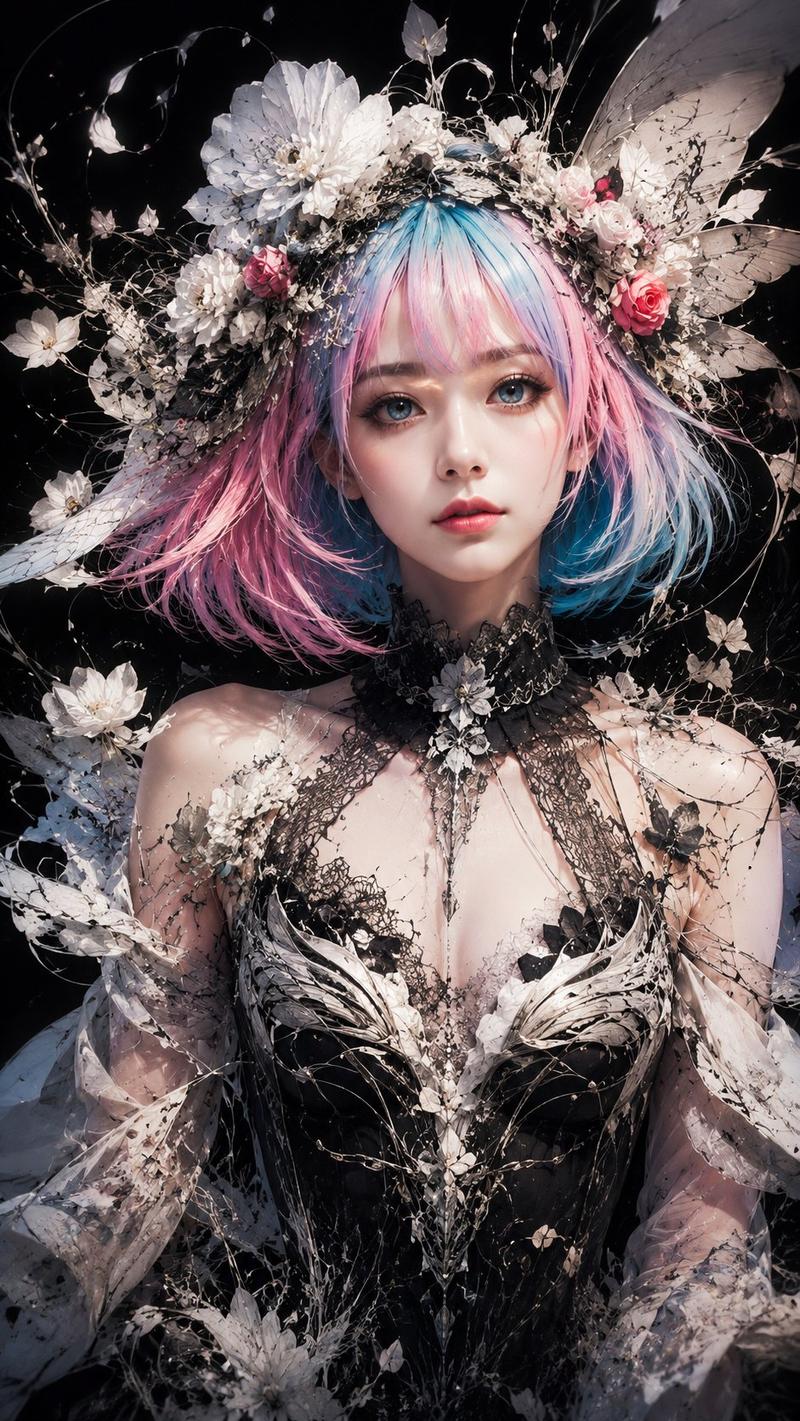
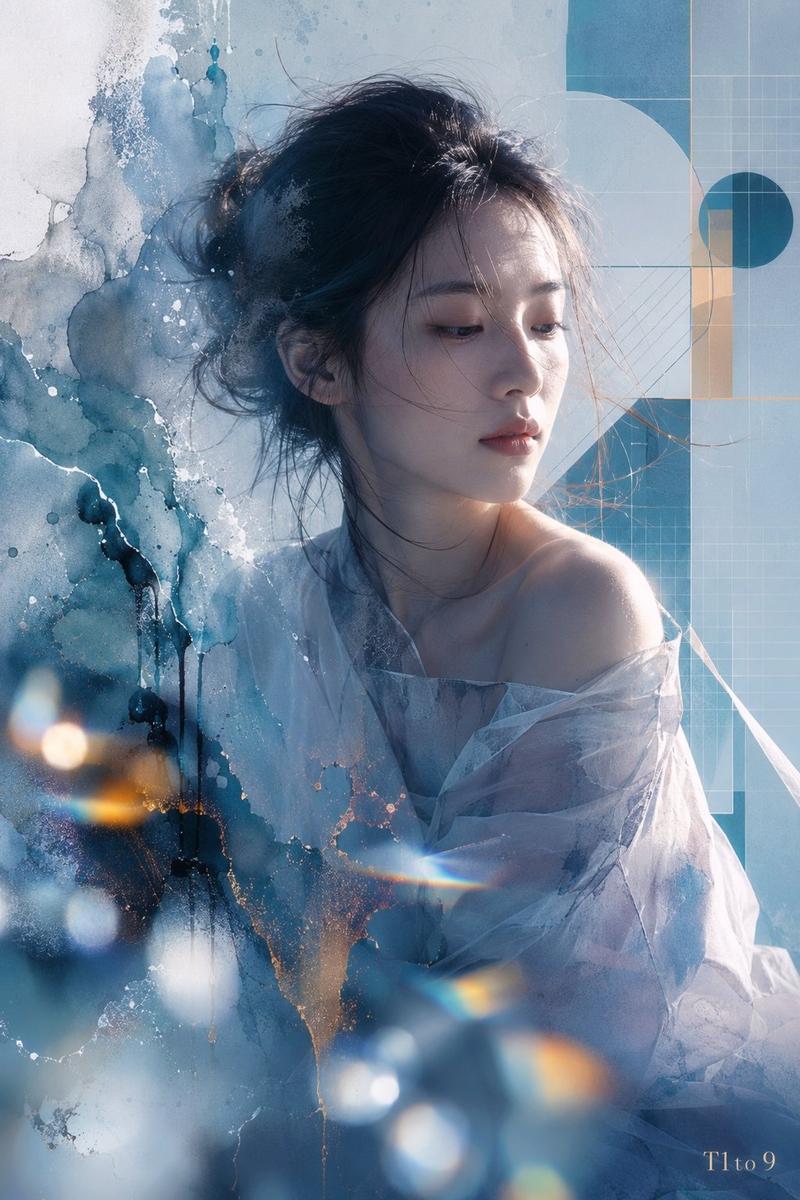
Create a vertical cinematic fine-art portrait of a young East Asian woman in an elegant dark floral gown, set against a deep matte black background. The woman has {argument name="hair style" default="short wavy black bob with soft bangs"}, porcelain skin, delicate makeup, and a calm melancholic expression, looking down and to the right rather than at the viewer. Her shoulders are bare under sheer black tulle, with a lace-like black choker and embroidered blossoms across the bodice. Around and behind her, compose an ornate Japanese-inspired abstract collage: exactly 5 prominent white satin ribbon streams spiraling vertically through the image, 7 large visible cream or white flowers, 4 red or rust circular paper fan/disc motifs, 3 dark folding fan shapes, many fine gold botanical line drawings, thin looping gold arcs, scattered bronze ink splatters, antique beige paper textures, and layered dried-flower silhouettes. The main decorative column rises from the lower center to the upper left, while the portrait occupies the lower-right third. Use a luxurious dark palette of black, ivory, antique gold, sepia, muted red, and warm bronze. Lighting should be dramatic and soft, with the face and shoulder gently illuminated from the front-left, glossy highlights on skin, and surrounding collage elements fading into shadow. Style: ultra-detailed photorealistic fashion editorial mixed with Japanese paper collage, lacquerware elegance, wabi-sabi textures, high contrast, shallow depth of field, no text, no watermark, no border.
Category
Photography & Realism
Model
GPT Image 2
Creator
NIKKO
Views1
Source ID
28294
Published
Jul 10, 2026

Guide

About "深色花卉日式时尚人像"

What is this prompt for?

"深色花卉日式时尚人像" AI image prompt for GPT Image 2 (Photography & Realism). 一张奢华的竖构图时尚艺术人像,将年轻女性与日式花卉拼贴、丝带、折扇及金色植物装饰元素相结合。 Copy it on Picva and recreate the look in…

The full copyable prompt and example visuals above are ready for AI image generation or one-click recreate in Picva.

How to use this prompt

  1. Step 1

    Open the prompt detail

    Review the example visuals, category, and full prompt text for "深色花卉日式时尚人像".

  2. Step 2

    Copy the prompt

    Copy the prompt body from this page, or load it directly in Studio.

  3. Step 3

    Pick a model (GPT Image 2)

    Prefer GPT Image 2. If you switch models, keep subject and composition and tweak style terms.

  4. Step 4

    Generate and export

    Recreate the look in Picva, or export into your workflow for editing and publishing.

FAQ

What is the "深色花卉日式时尚人像" prompt?
It is an AI image-generation prompt for GPT Image 2 in the Photography & Realism category. This page includes the full prompt text, example visuals, and a one-click recreate path in Picva.
How do I use this prompt to generate an image?
Copy the prompt from this page, or use Generate / Studio. Paste it into a compatible image model, or recreate the look in Picva with optional reference images.
Which model is this prompt for?
This page lists GPT Image 2. Most descriptive prompts also transfer to nearby image models such as GPT Image, Flux, or Midjourney with light style tweaks.
Can I use the result commercially?
You can usually copy the prompt for creation, but commercial use of the final image depends on the model terms, reference-image rights, and the generated content. Follow the source author and platform rules.