13

时尚选角联系表
Enlarge

时尚选角联系表

Prompt
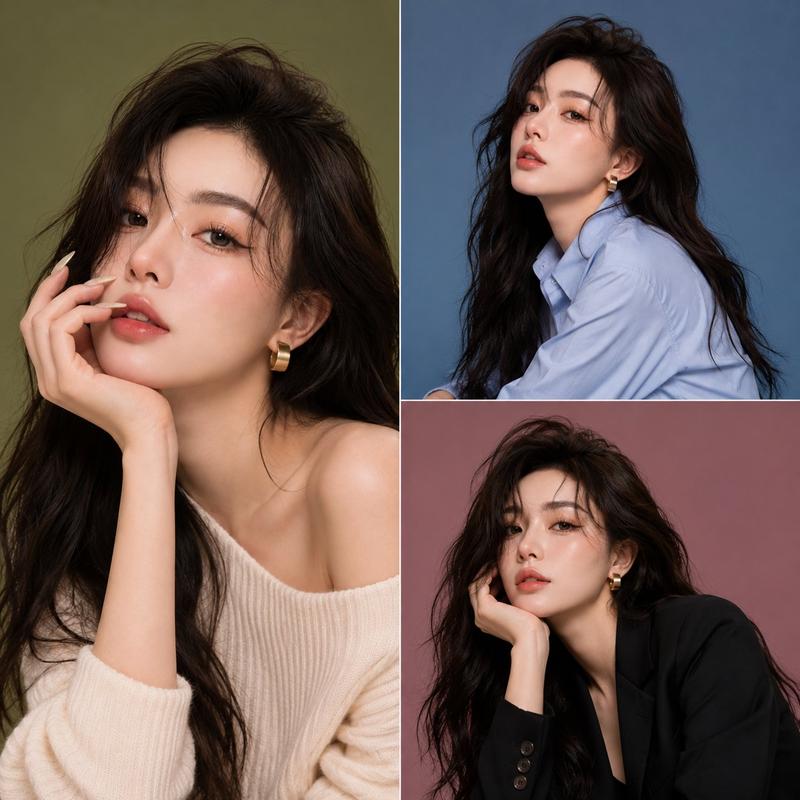
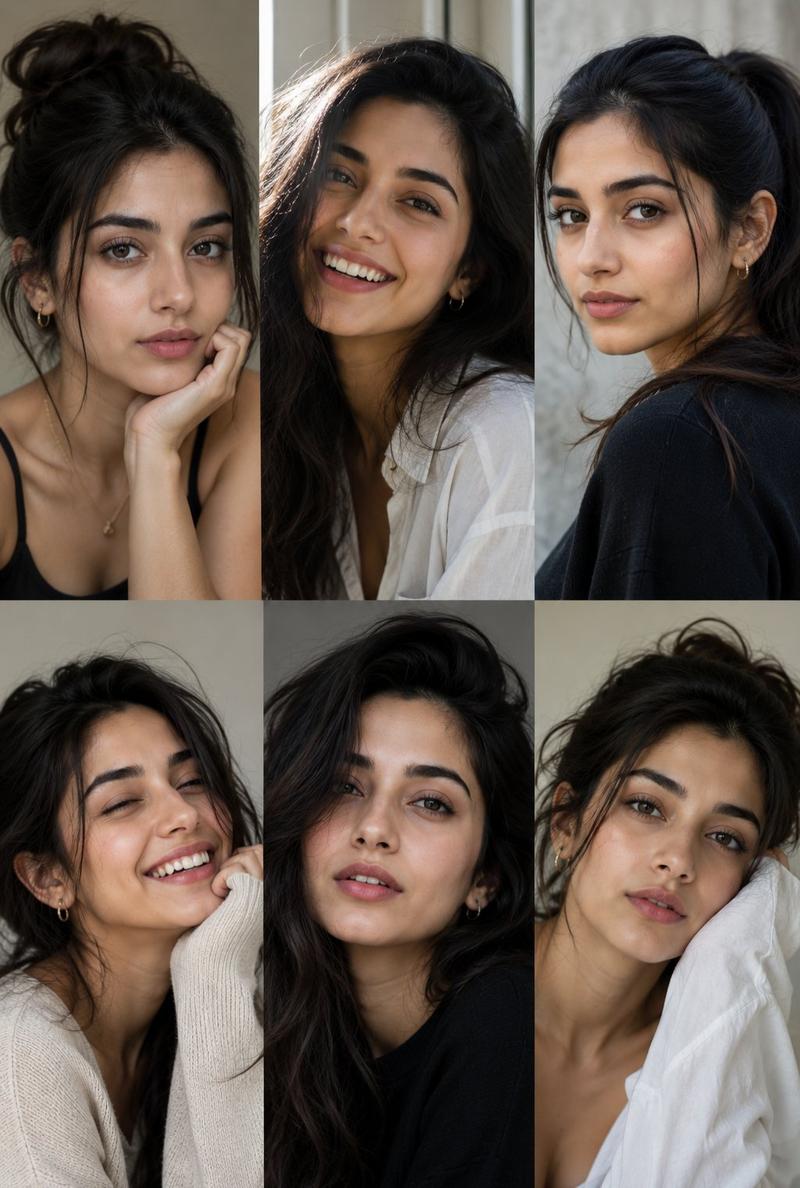
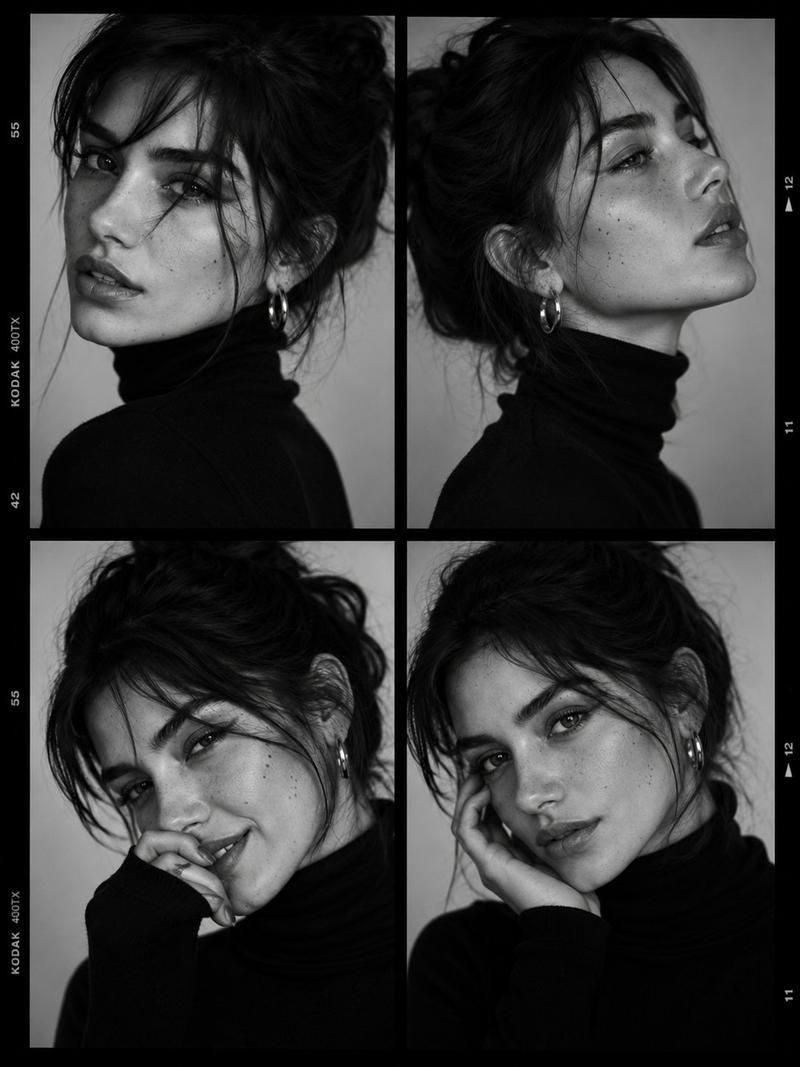
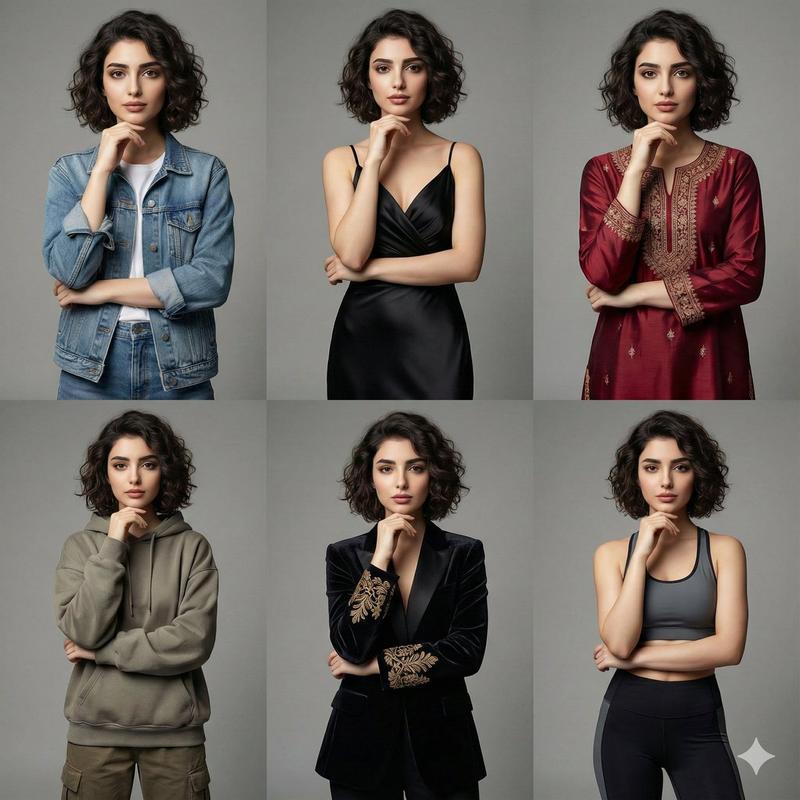
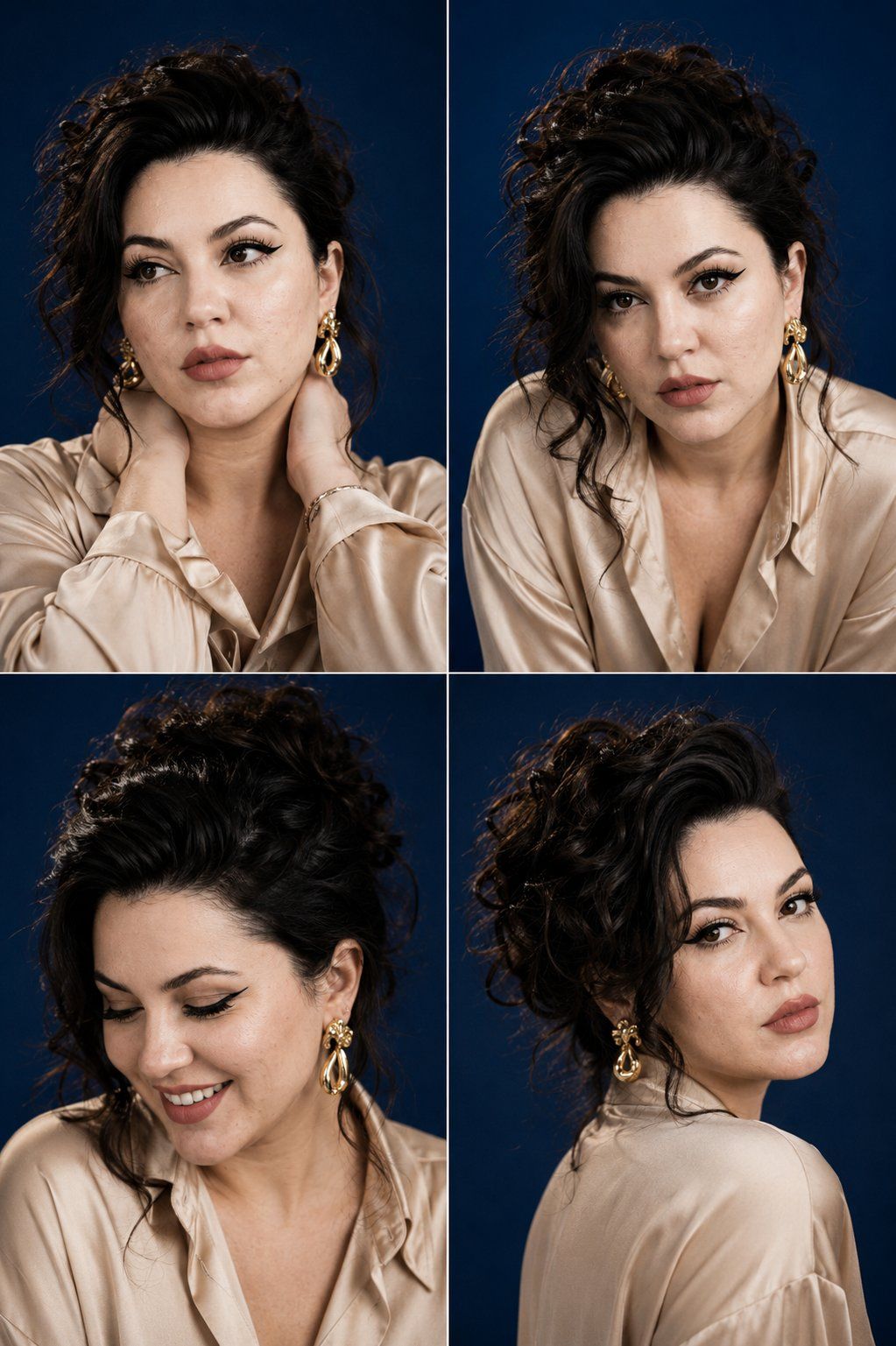
Luxury fashion casting contact sheet of a woman with {argument name="hair style" default="thick espresso-brown curls gathered into a loose sculptural updo"}, arranged in a clean 2x2 grid of four close portrait frames against a {argument name="background" default="deep cobalt-blue backdrop"}, wearing a {argument name="clothing" default="silk champagne-colored blouse"} and oversized gold statement earrings. Each frame shows a different pose and expression: both hands wrapped around the back of her neck, leaning forward with an intense gaze, laughing softly while looking down, and turning into profile while glancing back toward the camera. Rich jewel-toned colors, luminous skin, editorial beauty lighting, refined contrast, luxury campaign photography, subtle film grain, natural facial details, aspect ratio 4:5.
Category
Posters & Typography
Model
GPT Image 2
Creator
Virena
Views0
Source ID
27881
Published
Jul 7, 2026

Guide

About "时尚选角联系表"

What is this prompt for?

"时尚选角联系表" AI image prompt for GPT Image 2 (Posters & Typography). 一个奢华时尚提示词,用于创建一张 2x2 网格的联系表,展示一位留着浓郁浓缩咖啡色卷发、在钴蓝色背景下摆出各种姿势的女性。 Copy it on Picva and recreate t…

The full copyable prompt and example visuals above are ready for AI image generation or one-click recreate in Picva.

How to use this prompt

  1. Step 1

    Open the prompt detail

    Review the example visuals, category, and full prompt text for "时尚选角联系表".

  2. Step 2

    Copy the prompt

    Copy the prompt body from this page, or load it directly in Studio.

  3. Step 3

    Pick a model (GPT Image 2)

    Prefer GPT Image 2. If you switch models, keep subject and composition and tweak style terms.

  4. Step 4

    Generate and export

    Recreate the look in Picva, or export into your workflow for editing and publishing.

FAQ

What is the "时尚选角联系表" prompt?
It is an AI image-generation prompt for GPT Image 2 in the Posters & Typography category. This page includes the full prompt text, example visuals, and a one-click recreate path in Picva.
How do I use this prompt to generate an image?
Copy the prompt from this page, or use Generate / Studio. Paste it into a compatible image model, or recreate the look in Picva with optional reference images.
Which model is this prompt for?
This page lists GPT Image 2. Most descriptive prompts also transfer to nearby image models such as GPT Image, Flux, or Midjourney with light style tweaks.
Can I use the result commercially?
You can usually copy the prompt for creation, but commercial use of the final image depends on the model terms, reference-image rights, and the generated content. Follow the source author and platform rules.