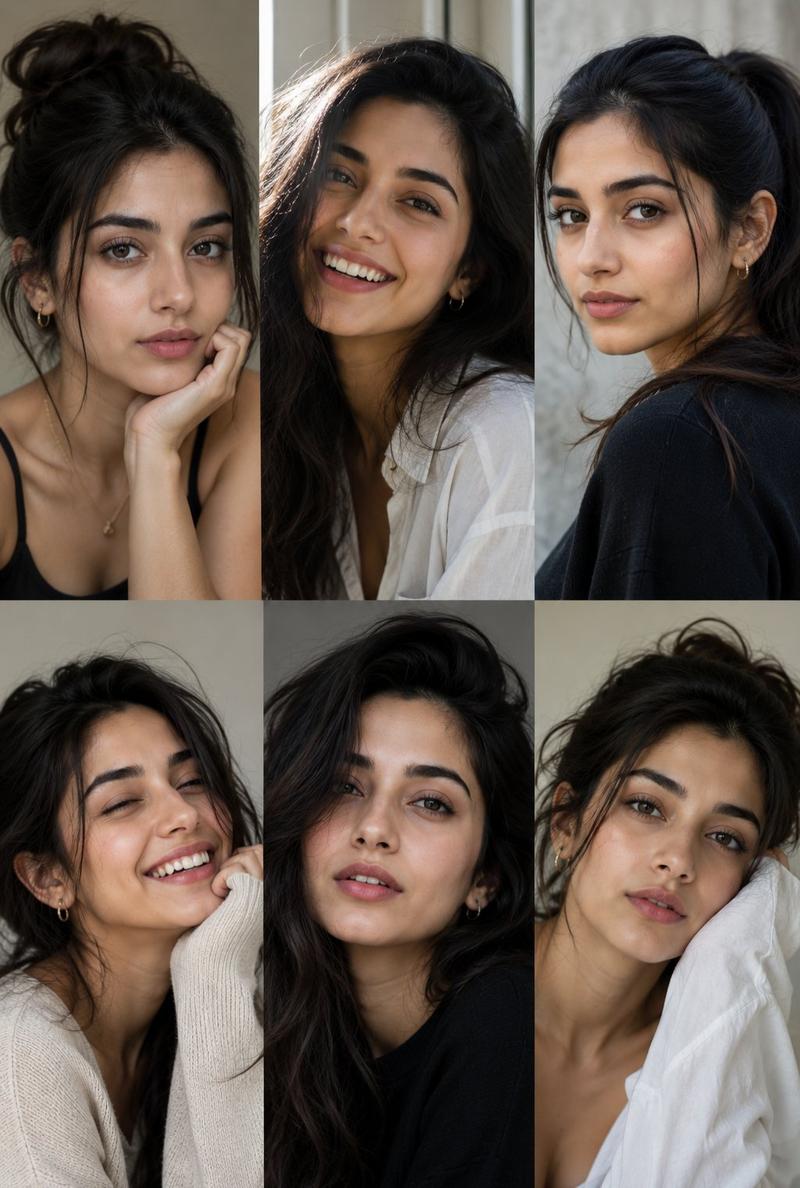
17

漫画角色设计三联画海报
Enlarge

漫画角色设计三联画海报

Prompt
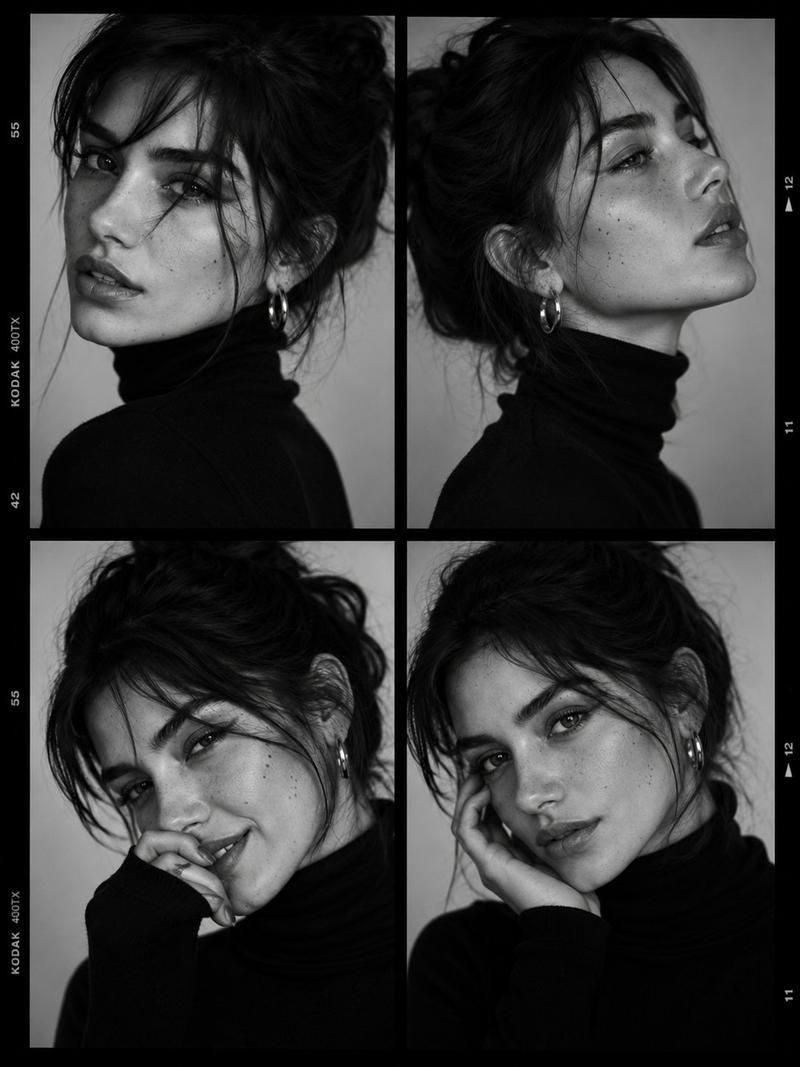
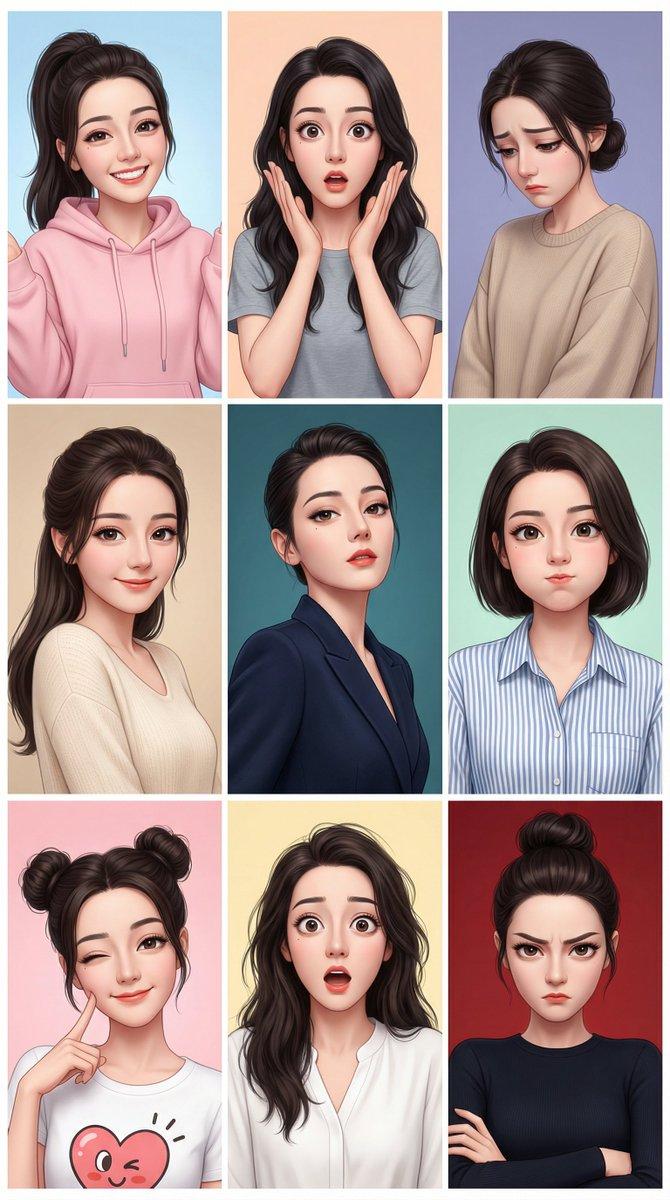
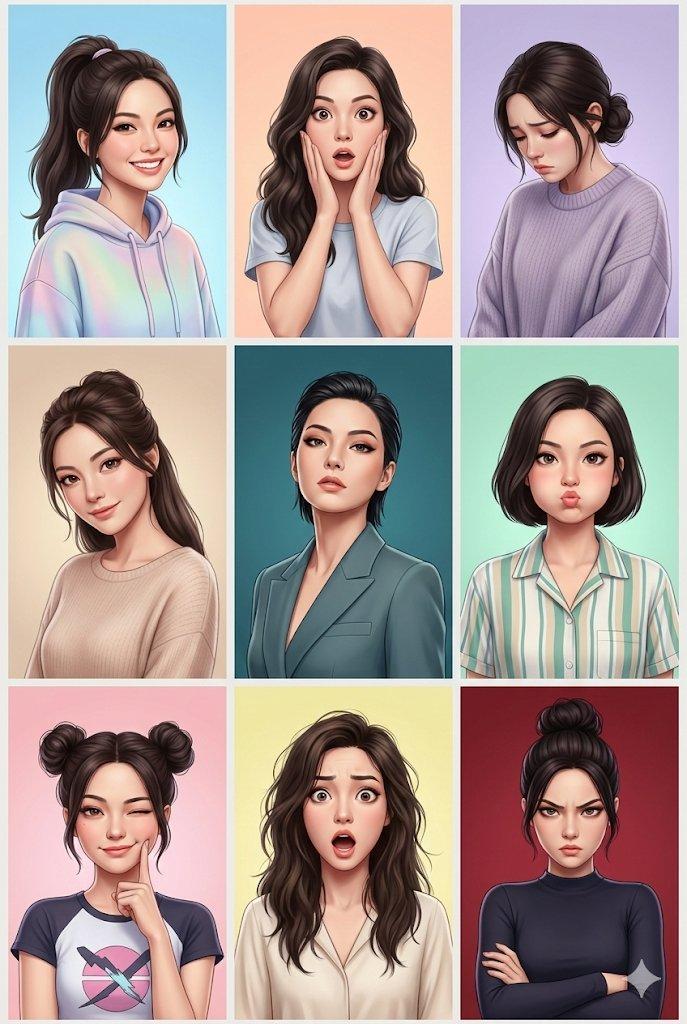
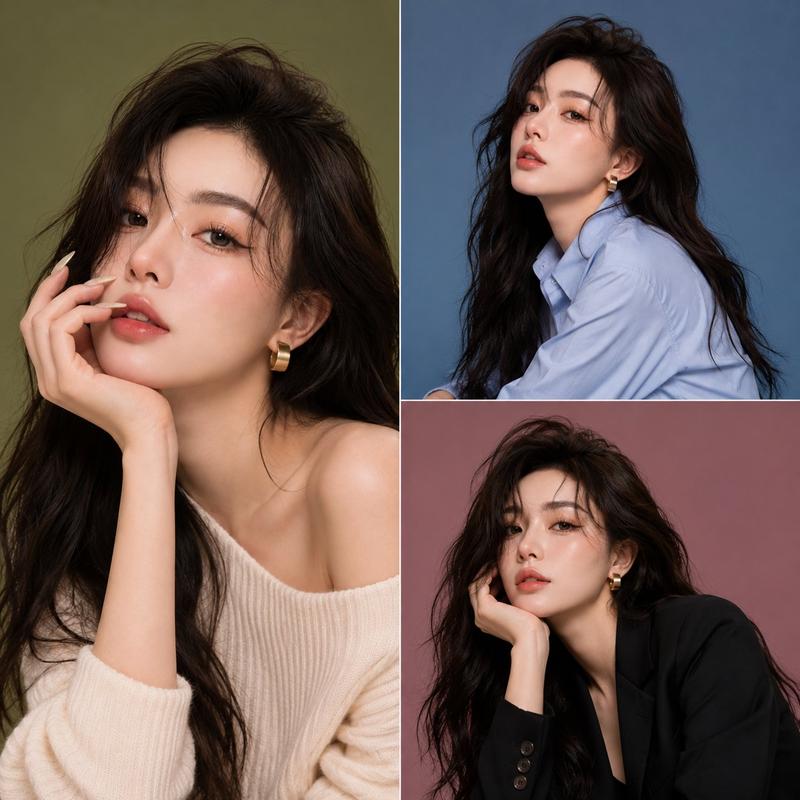
Create a triptych graphic poster on a vertical canvas divided into {argument name="layout" default="three horizontal panels"}, featuring the same {argument name="character style" default="Japanese manga-style character"} in every panel. Keep the face, eyes, nose, mouth, face shape, age, and hair color identical, changing only the hairstyle, bangs, expression, head angle, glasses, and accessories like a professional character design sheet. Each panel should be a shoulder-up portrait with bold graphic poster aesthetics, thick clean line art, minimal detail, and large flat color shapes. Choose {argument name="mood" default="three distinct moods"} inspired by the chat history, expressing each through a single dominant color with only black and white added. Instead of a traditional background, immerse the character within the atmosphere itself so the ambient color naturally reflects onto the skin, hair, and clothing, creating the feeling that the character exists inside the light and air of that world. No text, logos, UI elements, or speech bubbles. Each panel should work as a standalone artwork while forming a cohesive series together.
Category
UI & Interfaces
Model
GPT Image 2
Creator
lovimg_com
Views3
Source ID
28488
Published
Jul 12, 2026

Guide

About "漫画角色设计三联画海报"

What is this prompt for?

"漫画角色设计三联画海报" AI image prompt for GPT Image 2 (UI & Interfaces). 一套用于三联画海报的角色设计提示词,通过大胆的色彩和简洁的线条,在保持角色身份一致的同时,展现不同的发型与情绪。 Copy it on Picva and recreate the loo…

The full copyable prompt and example visuals above are ready for AI image generation or one-click recreate in Picva.

How to use this prompt

  1. Step 1

    Open the prompt detail

    Review the example visuals, category, and full prompt text for "漫画角色设计三联画海报".

  2. Step 2

    Copy the prompt

    Copy the prompt body from this page, or load it directly in Studio.

  3. Step 3

    Pick a model (GPT Image 2)

    Prefer GPT Image 2. If you switch models, keep subject and composition and tweak style terms.

  4. Step 4

    Generate and export

    Recreate the look in Picva, or export into your workflow for editing and publishing.

FAQ

What is the "漫画角色设计三联画海报" prompt?
It is an AI image-generation prompt for GPT Image 2 in the UI & Interfaces category. This page includes the full prompt text, example visuals, and a one-click recreate path in Picva.
How do I use this prompt to generate an image?
Copy the prompt from this page, or use Generate / Studio. Paste it into a compatible image model, or recreate the look in Picva with optional reference images.
Which model is this prompt for?
This page lists GPT Image 2. Most descriptive prompts also transfer to nearby image models such as GPT Image, Flux, or Midjourney with light style tweaks.
Can I use the result commercially?
You can usually copy the prompt for creation, but commercial use of the final image depends on the model terms, reference-image rights, and the generated content. Follow the source author and platform rules.