19

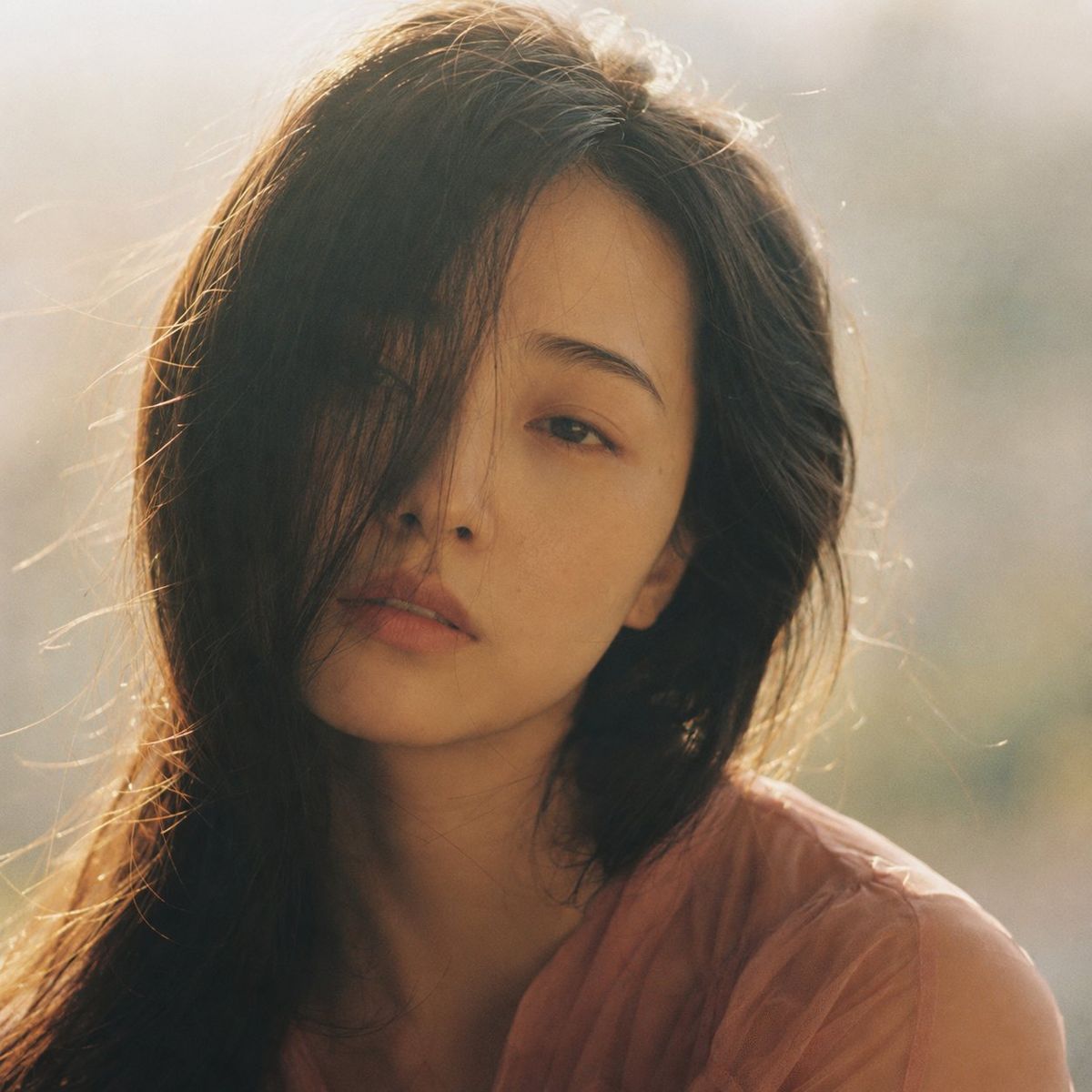
梦幻朦胧胶片人像
Enlarge

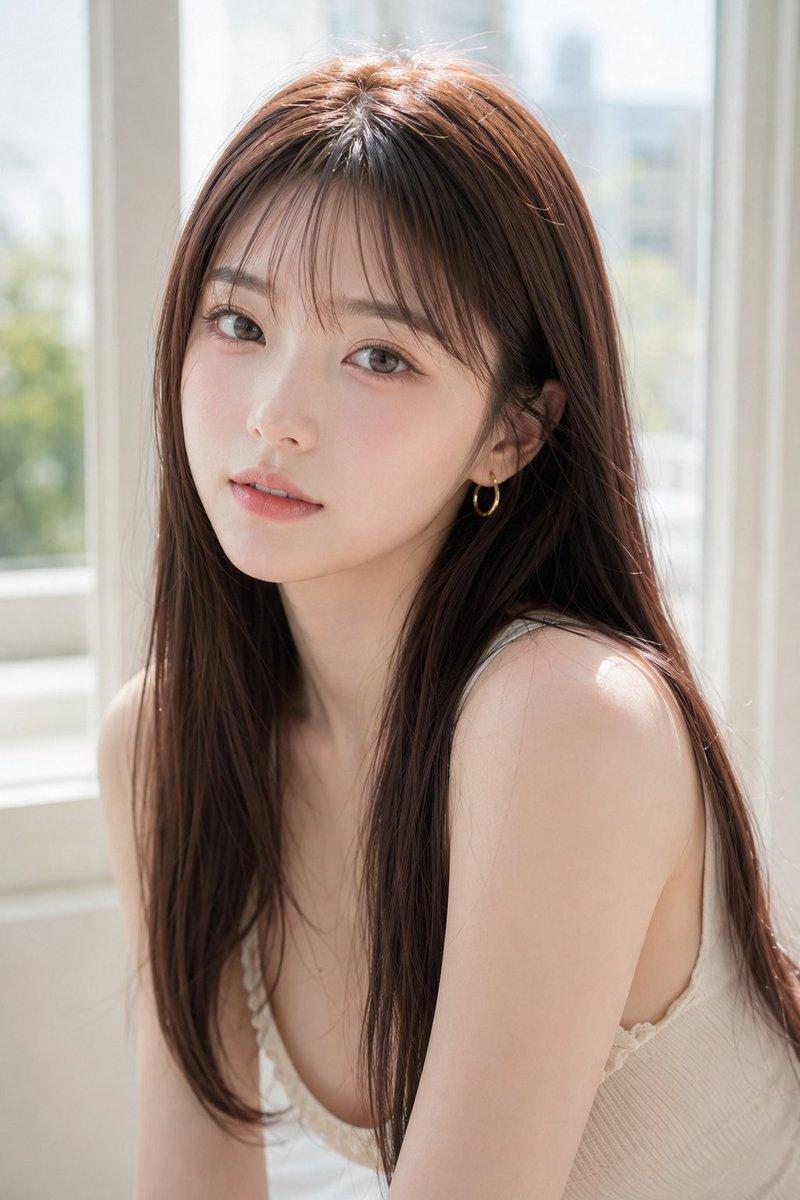
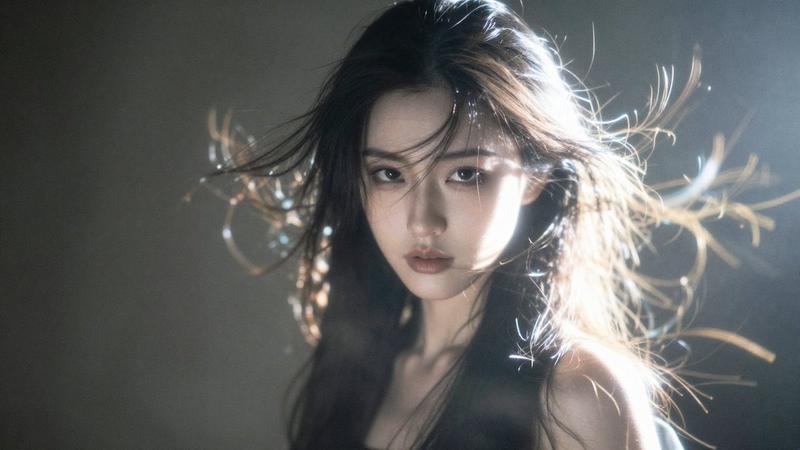
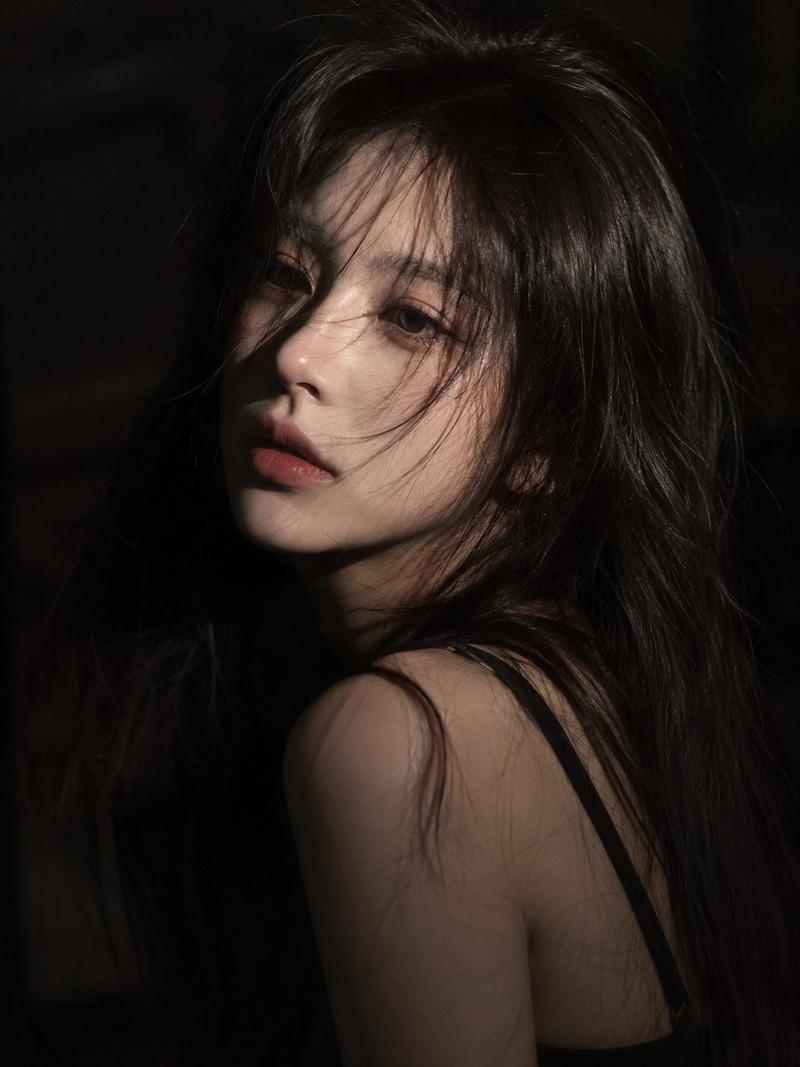
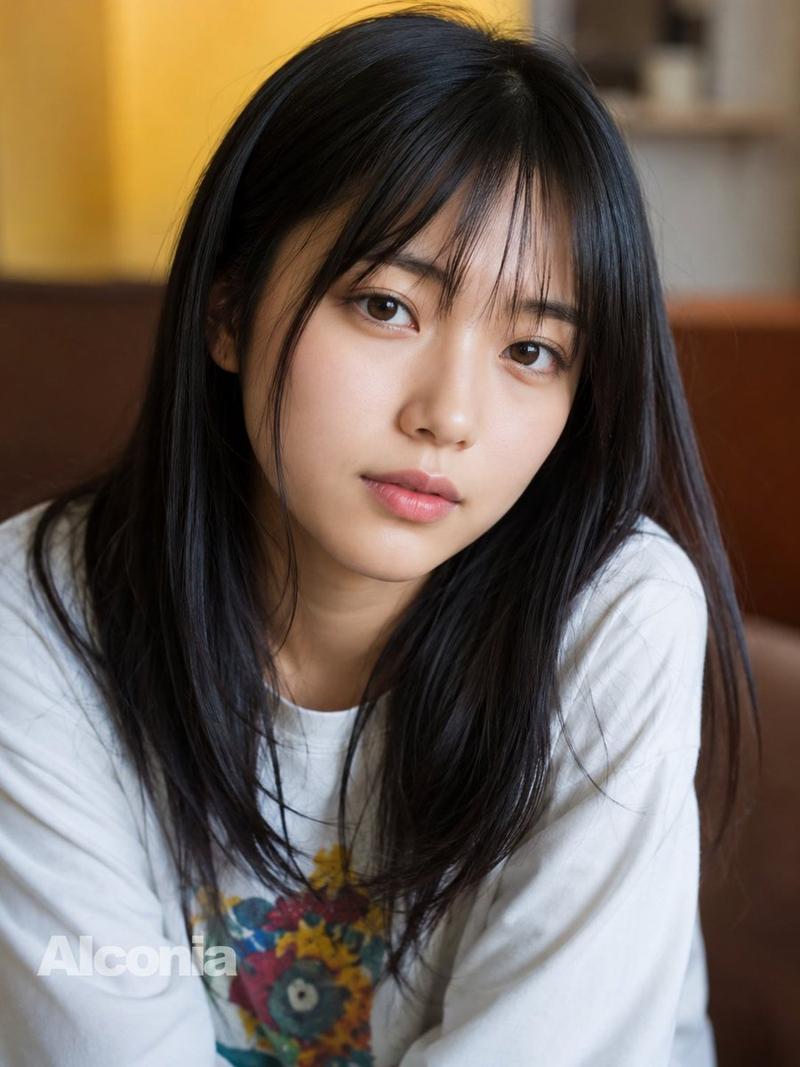
Example images

梦幻朦胧胶片人像

Prompt
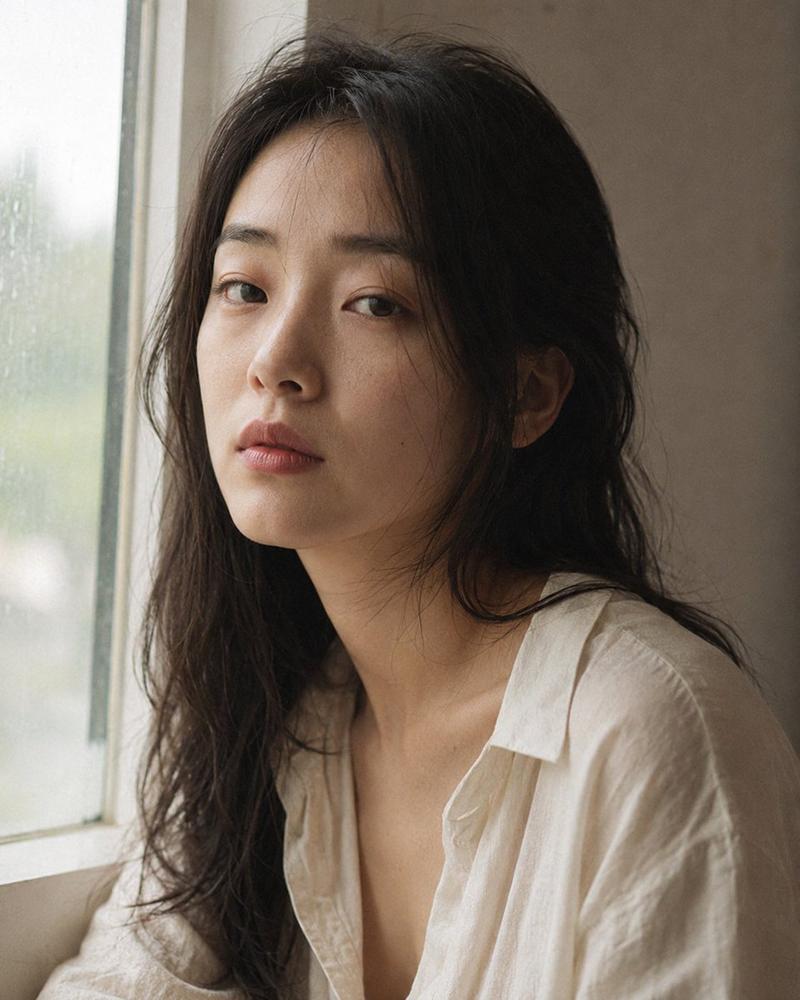
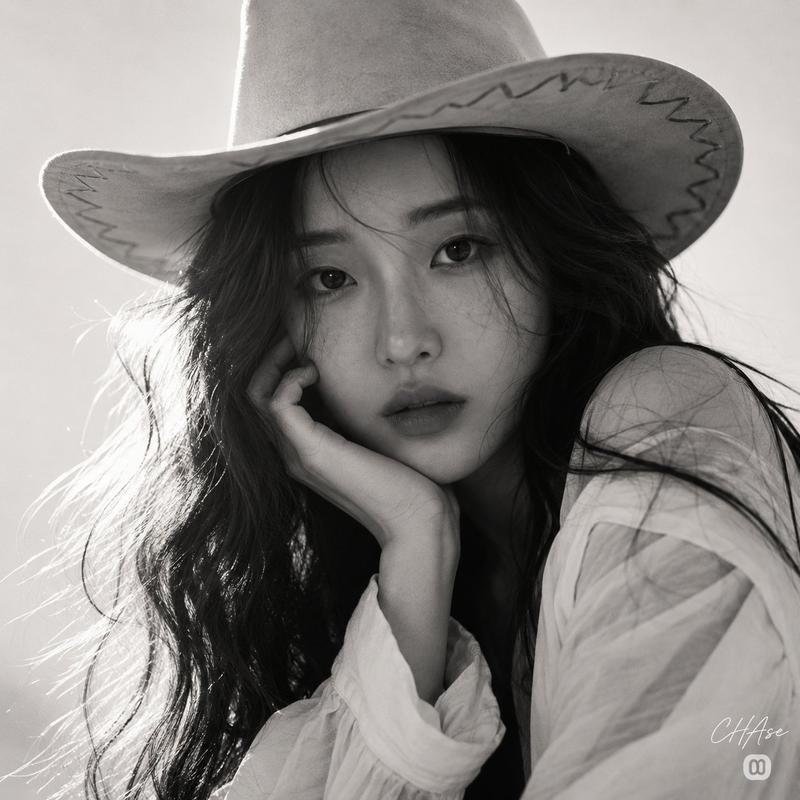
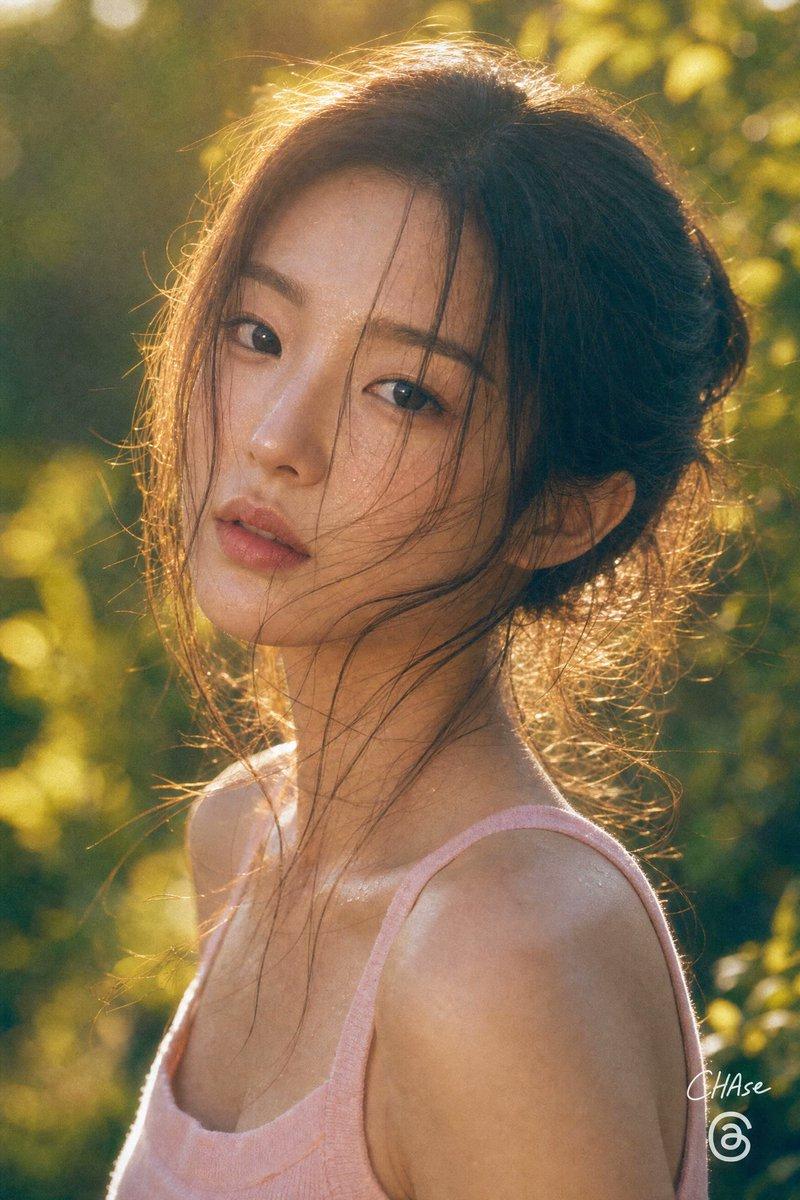
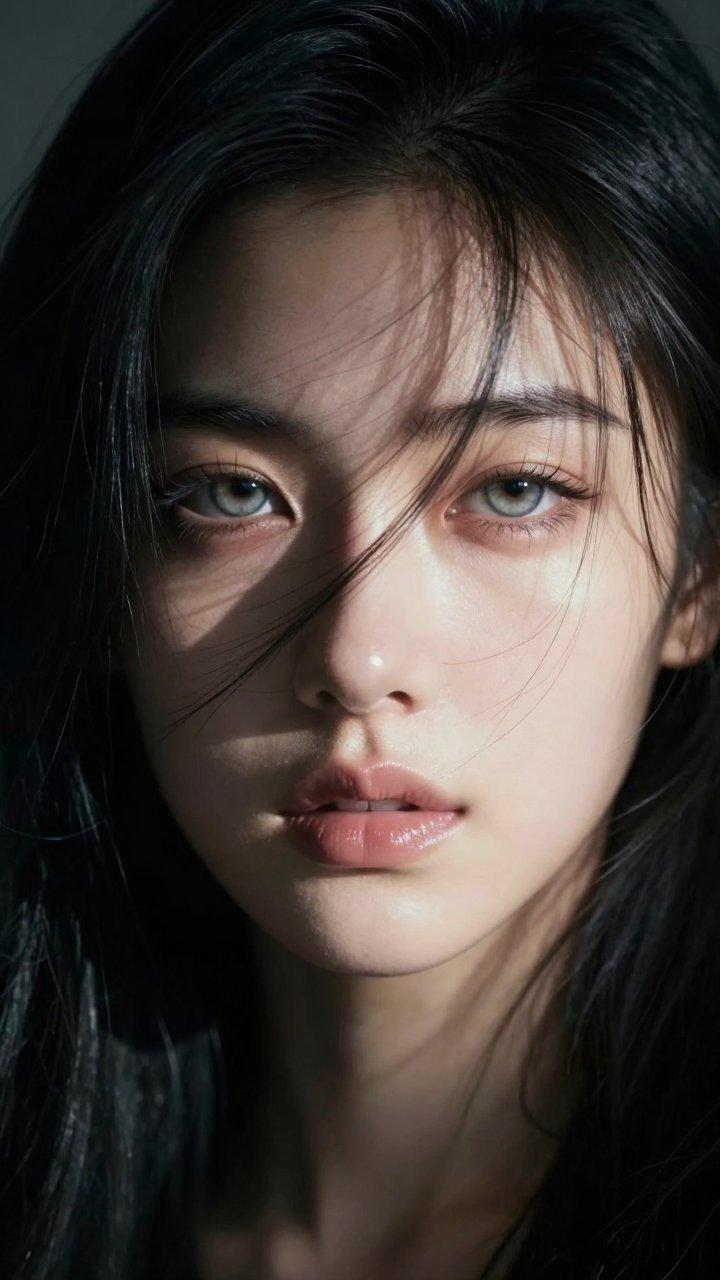
Portrait shot on 85mm f/1.4, square crop close-up of a {argument name="subject" default="Japanese woman"} in her {argument name="age" default="early 20s"}, soft features, single side parted dark hair falling across cheek partially obscuring one eye, eyes with pale unfocused gaze, expression: dreaming while awake. She wears a {argument name="outfit" default="sheer dusty rose blouse"}. Square composition, face centered, hair falling across left eye, negative space to the right, shallow depth of field with background in complete blur. Backlit afternoon hazy light, golden diffused through clouds, soft rim light on hair, face slightly underlit and soft. Photographic texture and quality: Kodak Portra 400 palette, warm skin tones slightly faded, subtle halation around hair highlights, film grain in shadow and mid-tone areas, stray hairs backlit by haze. Avoid: sharp contrast, blue-cool tones, AI-polished skin. --ar 1:1
Category
Architecture & Spaces
Model
GPT Image 2
Views0
Source ID
27907
Published
Jul 7, 2026

Guide

About "梦幻朦胧胶片人像"

What is this prompt for?

"梦幻朦胧胶片人像" AI image prompt for GPT Image 2 (Architecture & Spaces). 一张柔和的电影感胶片人像,拍摄一位神情梦幻的日本女性,呈现出朦胧的黄金时刻光影与 Kodak Portra 胶片美学。 Copy it on Picva and recreate t…

The full copyable prompt and example visuals above are ready for AI image generation or one-click recreate in Picva.

How to use this prompt

  1. Step 1

    Open the prompt detail

    Review the example visuals, category, and full prompt text for "梦幻朦胧胶片人像".

  2. Step 2

    Copy the prompt

    Copy the prompt body from this page, or load it directly in Studio.

  3. Step 3

    Pick a model (GPT Image 2)

    Prefer GPT Image 2. If you switch models, keep subject and composition and tweak style terms.

  4. Step 4

    Generate and export

    Recreate the look in Picva, or export into your workflow for editing and publishing.

FAQ

What is the "梦幻朦胧胶片人像" prompt?
It is an AI image-generation prompt for GPT Image 2 in the Architecture & Spaces category. This page includes the full prompt text, example visuals, and a one-click recreate path in Picva.
How do I use this prompt to generate an image?
Copy the prompt from this page, or use Generate / Studio. Paste it into a compatible image model, or recreate the look in Picva with optional reference images.
Which model is this prompt for?
This page lists GPT Image 2. Most descriptive prompts also transfer to nearby image models such as GPT Image, Flux, or Midjourney with light style tweaks.
Can I use the result commercially?
You can usually copy the prompt for creation, but commercial use of the final image depends on the model terms, reference-image rights, and the generated content. Follow the source author and platform rules.