19

公园蹲姿肖像
Enlarge

公园蹲姿肖像

Prompt
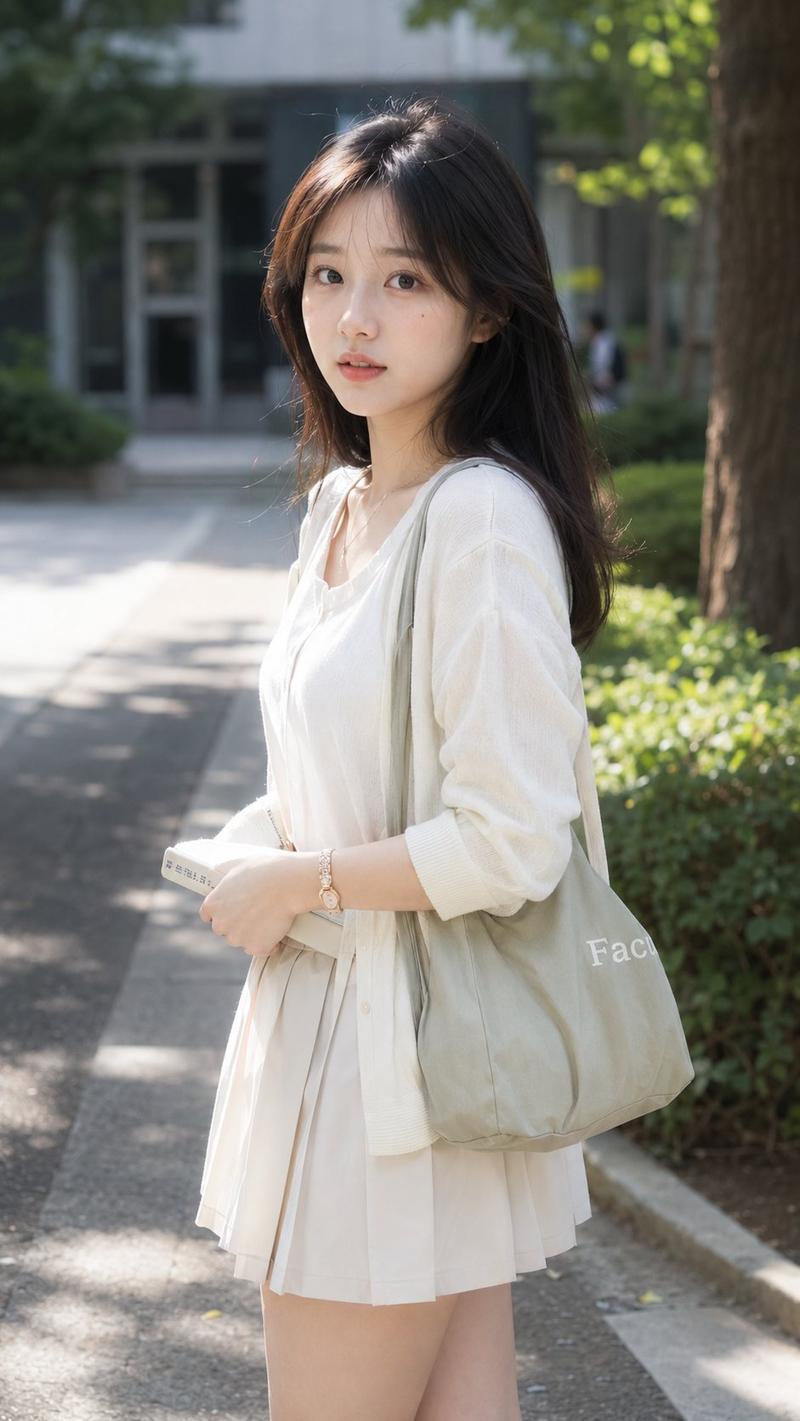
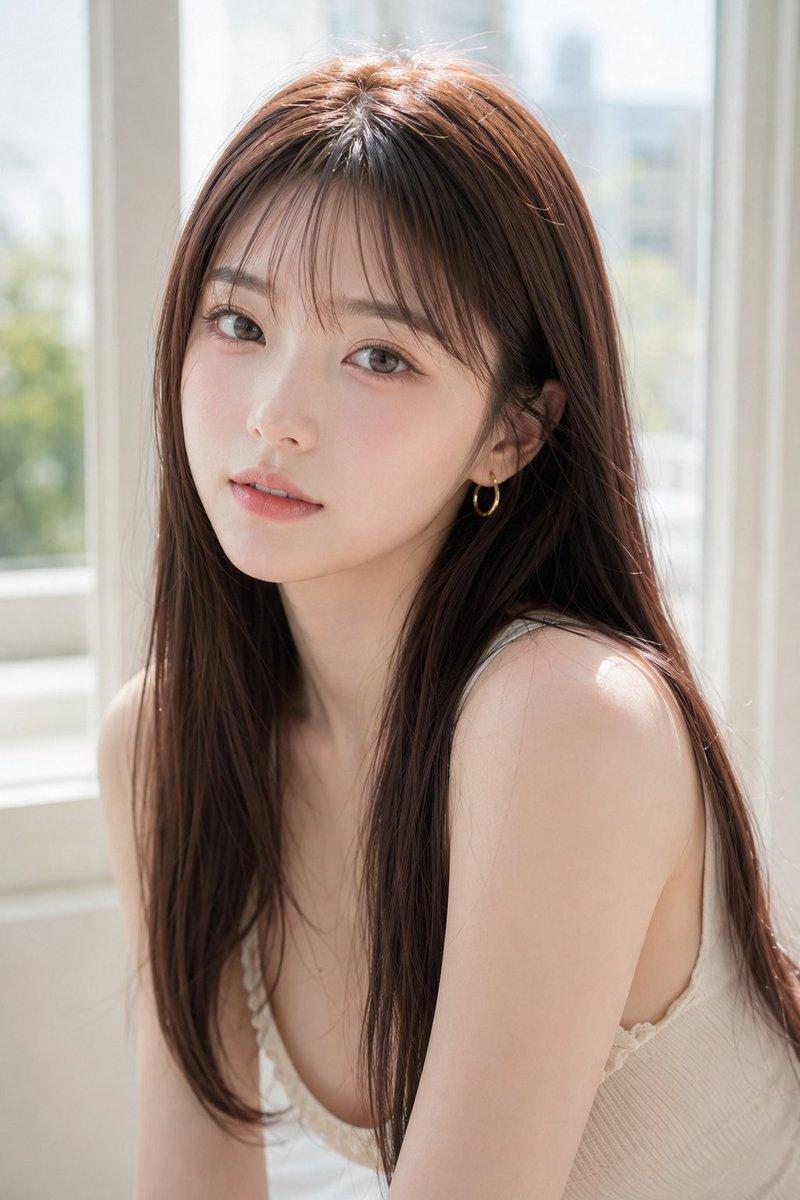
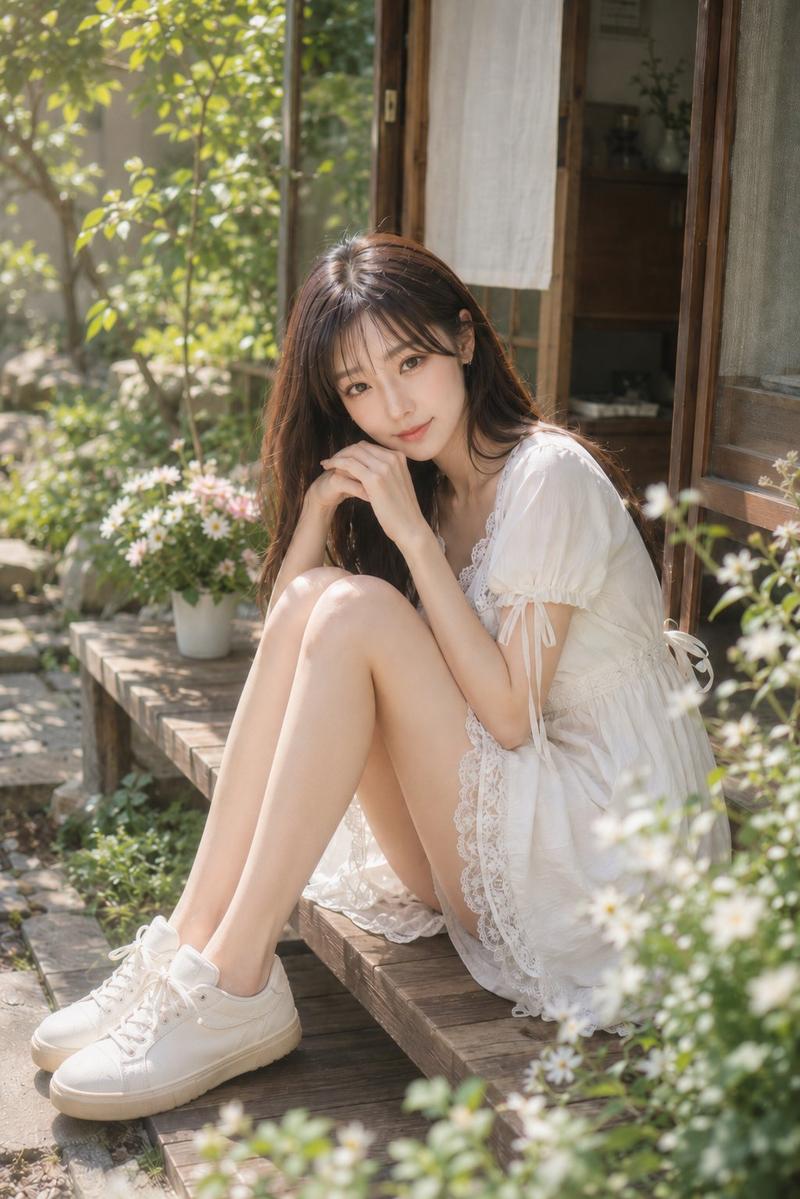
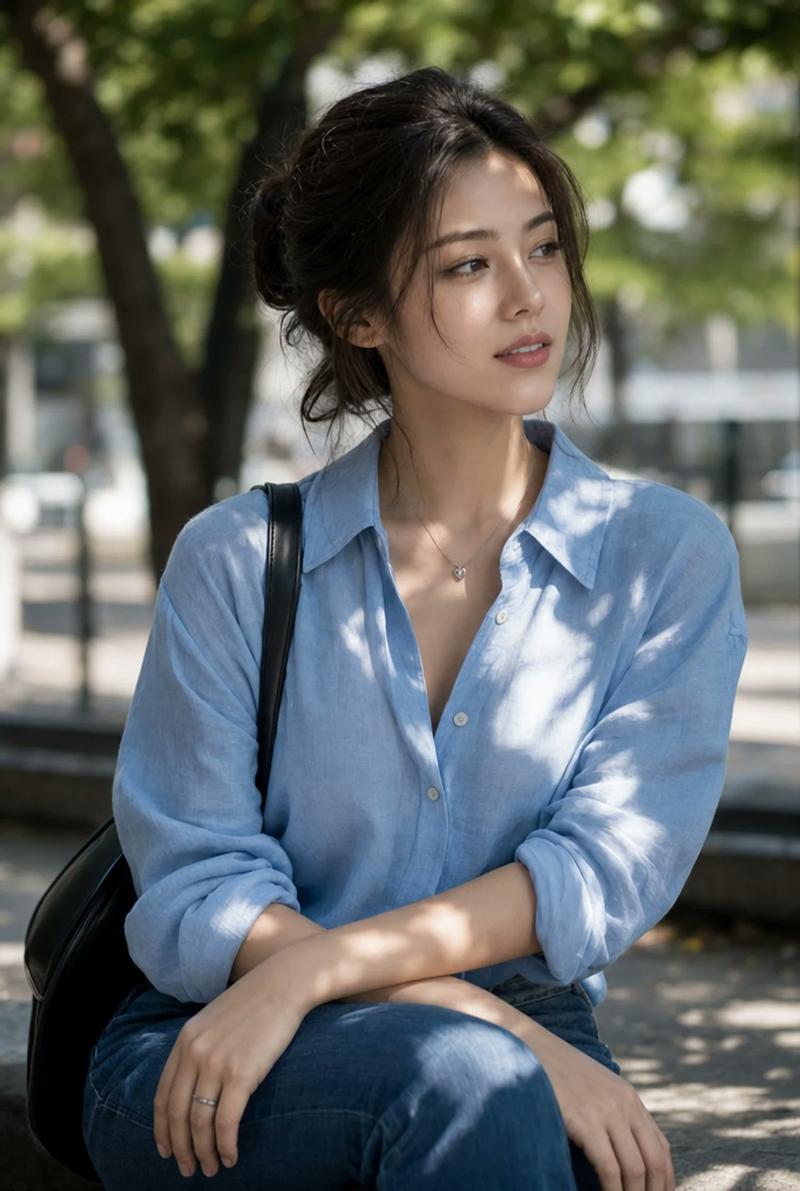
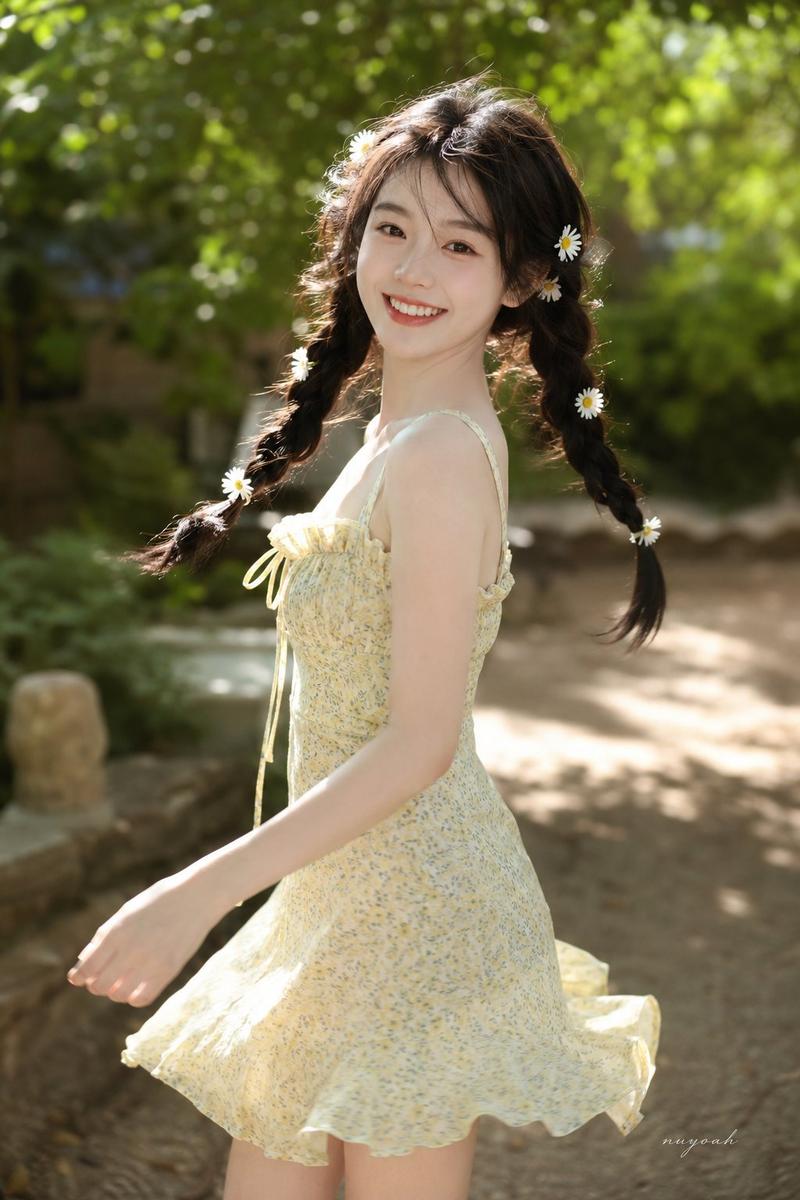
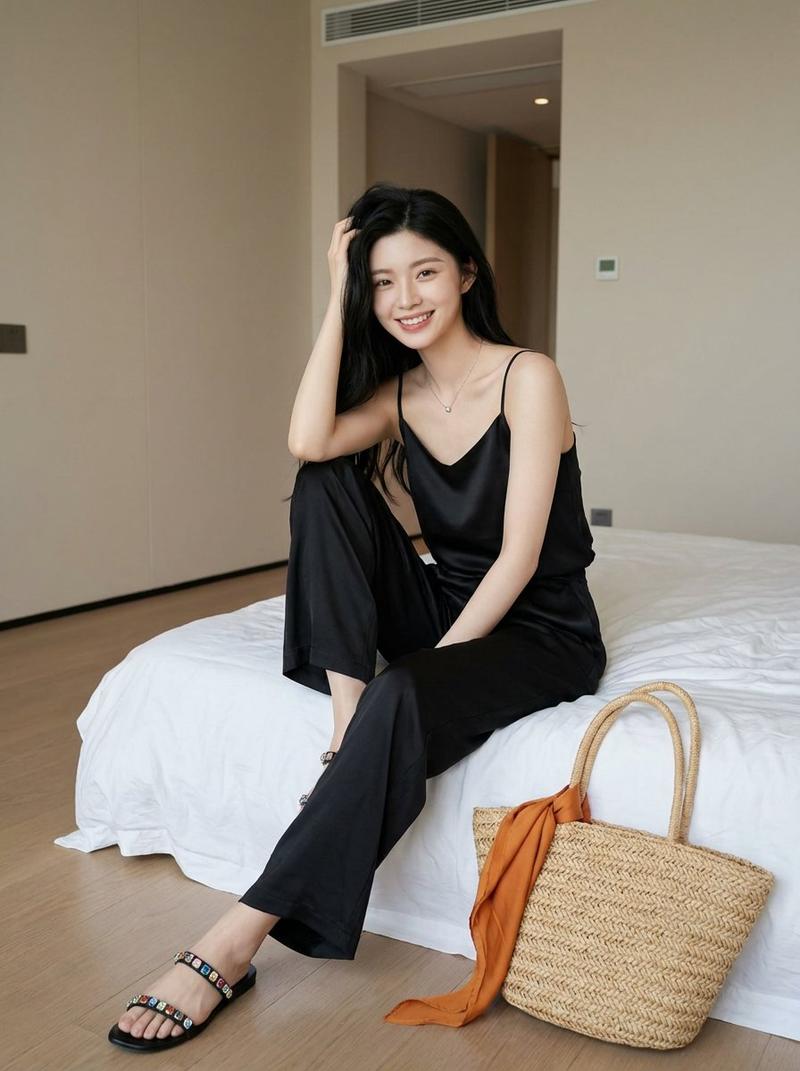
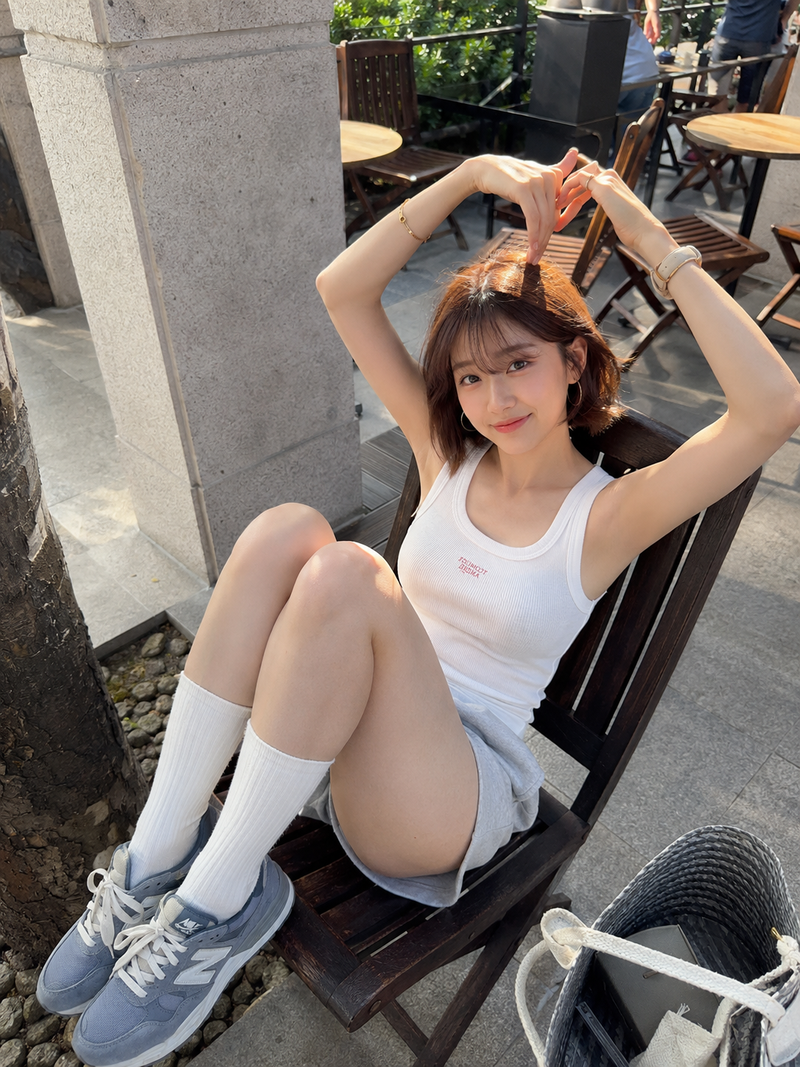
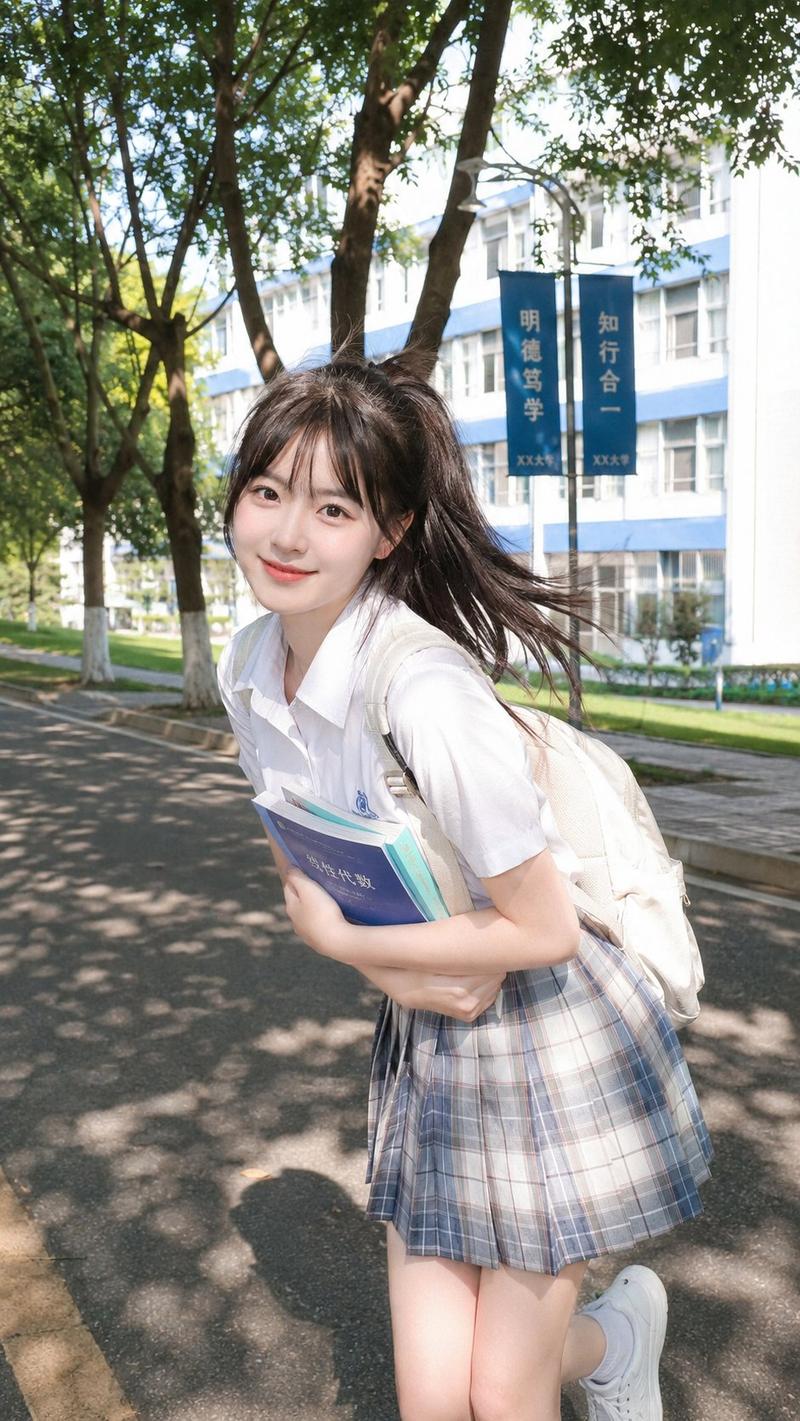
Create a realistic vertical outdoor portrait photo of a young East Asian woman with {argument name="hair color" default="long dark brown-black hair with soft bangs"} crouching beside a wooden park bench on a paved walkway. She has a delicate oval face, fair skin, subtle natural makeup, soft pink lips, and a calm slightly wistful expression while looking directly at the camera. She wears a sleeveless cream lace-trimmed top with small colorful floral embroidery, a short layered white ruffled skirt, white low-heeled strappy sandals, and a beige woven straw shoulder bag with a long braided strap hanging at her side. Her pose is low and compact, knees bent, arms extended downward with relaxed hands near the ground. The bench sits diagonally along the left side with dark wooden slats and metal supports, and the path recedes into a green leafy park background on the right. Use bright natural summer daylight with dappled shadows from trees, shallow depth of field, soft bokeh foliage, crisp facial detail, realistic skin texture, and a gentle fashion-magazine photography style. No text, no watermark, no extra people, no distorted hands or feet.
Category
Posters & Typography
Model
GPT Image 2
Views0
Source ID
28418
Published
Jul 11, 2026

Guide

About "公园蹲姿肖像"

What is this prompt for?

"公园蹲姿肖像" AI image prompt for GPT Image 2 (Posters & Typography). 一个写实的时尚肖像提示词,用于生成一位年轻女性在柔和夏日阳光下蹲在公园长椅旁的画面。 Copy it on Picva and recreate the look in one click.

The full copyable prompt and example visuals above are ready for AI image generation or one-click recreate in Picva.

How to use this prompt

  1. Step 1

    Open the prompt detail

    Review the example visuals, category, and full prompt text for "公园蹲姿肖像".

  2. Step 2

    Copy the prompt

    Copy the prompt body from this page, or load it directly in Studio.

  3. Step 3

    Pick a model (GPT Image 2)

    Prefer GPT Image 2. If you switch models, keep subject and composition and tweak style terms.

  4. Step 4

    Generate and export

    Recreate the look in Picva, or export into your workflow for editing and publishing.

FAQ

What is the "公园蹲姿肖像" prompt?
It is an AI image-generation prompt for GPT Image 2 in the Posters & Typography category. This page includes the full prompt text, example visuals, and a one-click recreate path in Picva.
How do I use this prompt to generate an image?
Copy the prompt from this page, or use Generate / Studio. Paste it into a compatible image model, or recreate the look in Picva with optional reference images.
Which model is this prompt for?
This page lists GPT Image 2. Most descriptive prompts also transfer to nearby image models such as GPT Image, Flux, or Midjourney with light style tweaks.
Can I use the result commercially?
You can usually copy the prompt for creation, but commercial use of the final image depends on the model terms, reference-image rights, and the generated content. Follow the source author and platform rules.