20

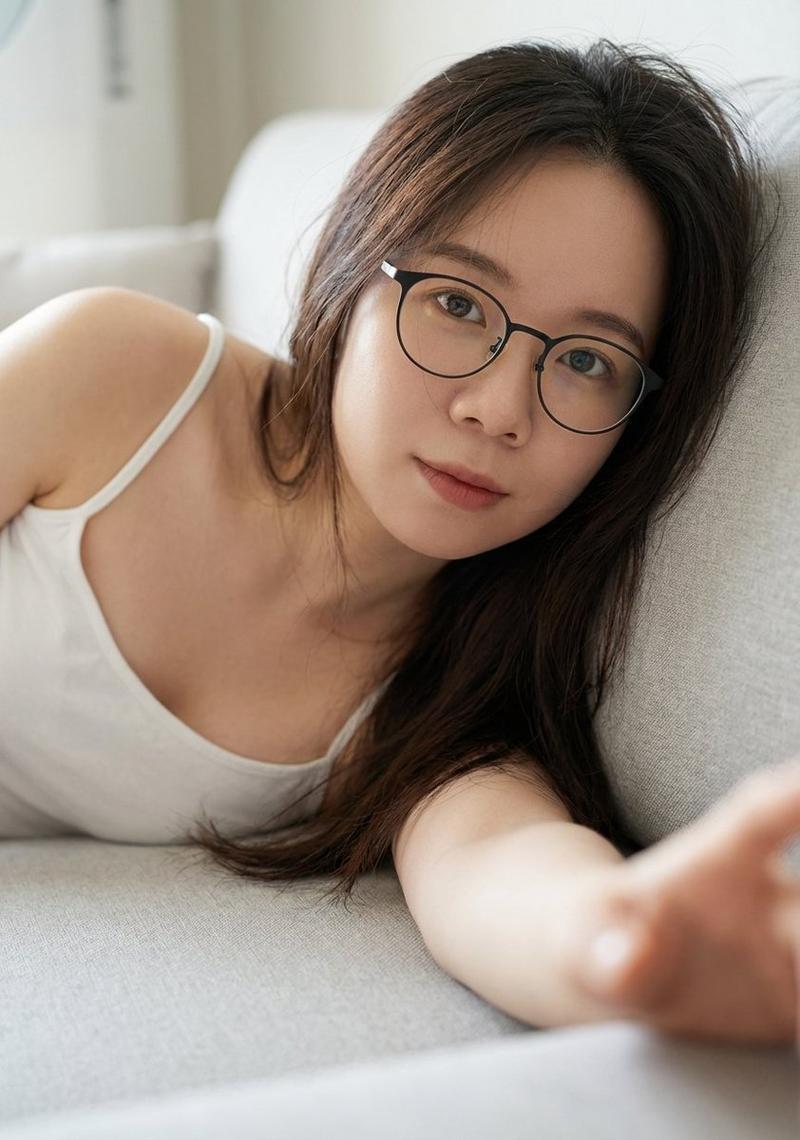
韩式时尚人像
Enlarge

Example images

韩式时尚人像

Prompt
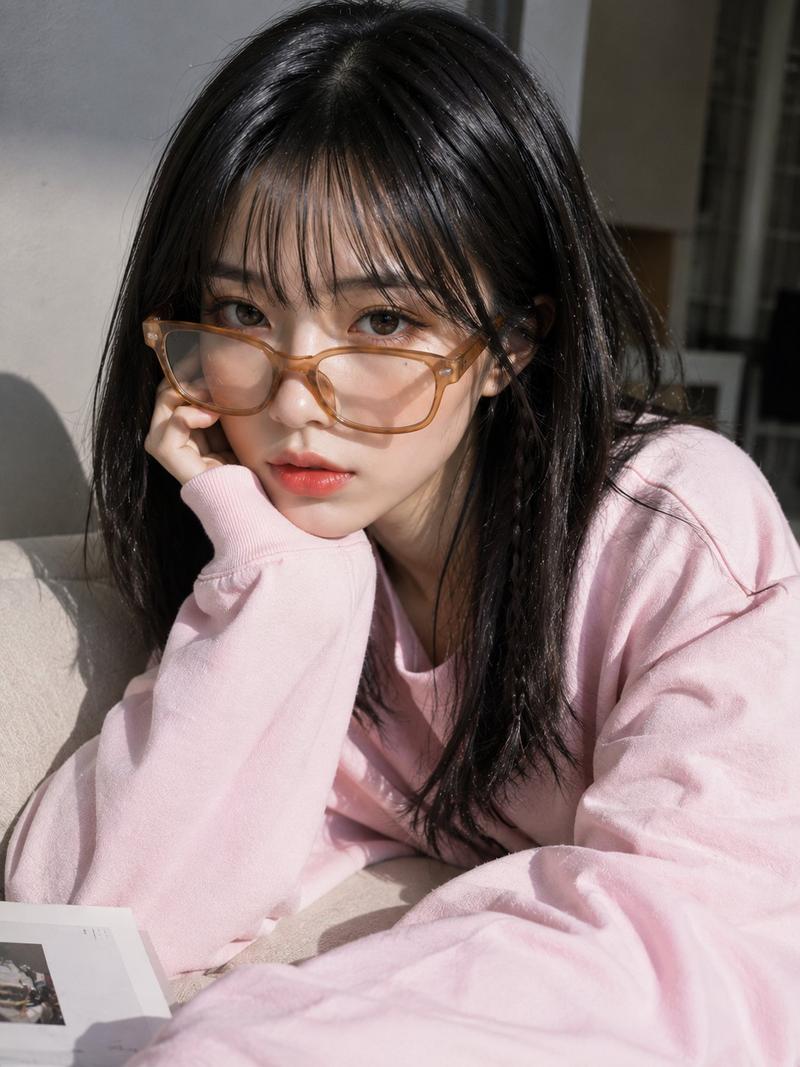
A {argument name="subject" default="young Asian woman"} with a soft oval face, fair porcelain skin, a subtle beauty mark near one eye, almond-shaped dark brown eyes, straight brows, a small delicate nose, and naturally glossy pink gradient lips. Shoulder-length jet-black hair with silky layers, wispy see-through bangs, and a thin braided strand on one side. She wears oversized translucent amber rectangular glasses sitting low on her nose while gently adjusting them with her left hand, index finger pointing near the outer corner of her eye. Minimal Korean makeup with smooth matte skin, soft blush, natural eyeliner, and glossy coral lips. She wears an {argument name="clothing" default="oversized pastel light-blue sweatshirt"} with bold black typography and loose sleeves covering part of her hand. Tight chest-up portrait, 9:16, soft {argument name="background" default="gray bokeh"} background, subtle film grain and floating dust, soft diffused lighting, realistic skin pores, lifelike hair strands, accurate glass reflections, ultra-photorealistic, premium fashion editorial, high detail.

Negative Prompt: low quality, blurry, cartoon, anime, CGI, plastic skin, AI artifacts, deformed face, bad anatomy, extra fingers, distorted hands, duplicate glasses, watermark, logo, text, motion blur, oversaturated, unrealistic hair.
Category
Posters & Typography
Model
GPT Image 2
Views0
Source ID
27987
Published
Jul 8, 2026

Guide

About "韩式时尚人像"

What is this prompt for?

"韩式时尚人像" AI image prompt for GPT Image 2 (Posters & Typography). 一个用于生成写实风格亚洲女性胸部以上人像的详细提示词,身着蓝色卫衣,具备逼真的皮肤质感和胶片颗粒感。 Copy it on Picva and recreate the look in o…

The full copyable prompt and example visuals above are ready for AI image generation or one-click recreate in Picva.

How to use this prompt

  1. Step 1

    Open the prompt detail

    Review the example visuals, category, and full prompt text for "韩式时尚人像".

  2. Step 2

    Copy the prompt

    Copy the prompt body from this page, or load it directly in Studio.

  3. Step 3

    Pick a model (GPT Image 2)

    Prefer GPT Image 2. If you switch models, keep subject and composition and tweak style terms.

  4. Step 4

    Generate and export

    Recreate the look in Picva, or export into your workflow for editing and publishing.

FAQ

What is the "韩式时尚人像" prompt?
It is an AI image-generation prompt for GPT Image 2 in the Posters & Typography category. This page includes the full prompt text, example visuals, and a one-click recreate path in Picva.
How do I use this prompt to generate an image?
Copy the prompt from this page, or use Generate / Studio. Paste it into a compatible image model, or recreate the look in Picva with optional reference images.
Which model is this prompt for?
This page lists GPT Image 2. Most descriptive prompts also transfer to nearby image models such as GPT Image, Flux, or Midjourney with light style tweaks.
Can I use the result commercially?
You can usually copy the prompt for creation, but commercial use of the final image depends on the model terms, reference-image rights, and the generated content. Follow the source author and platform rules.