18

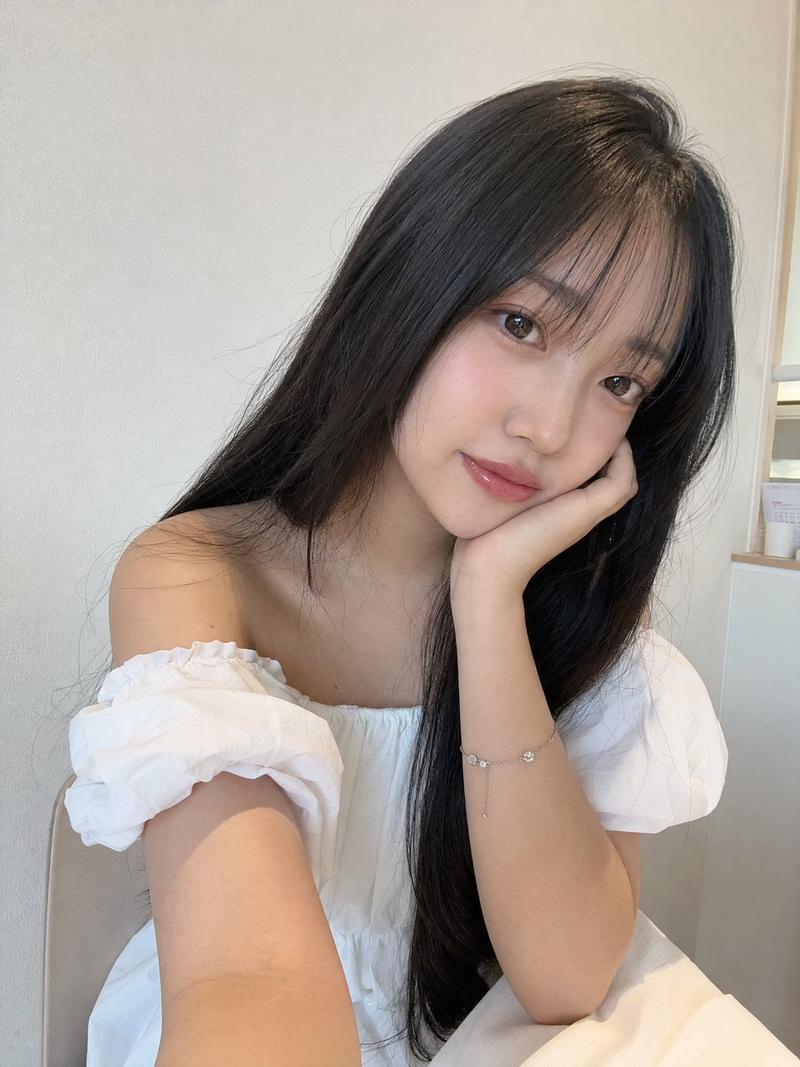
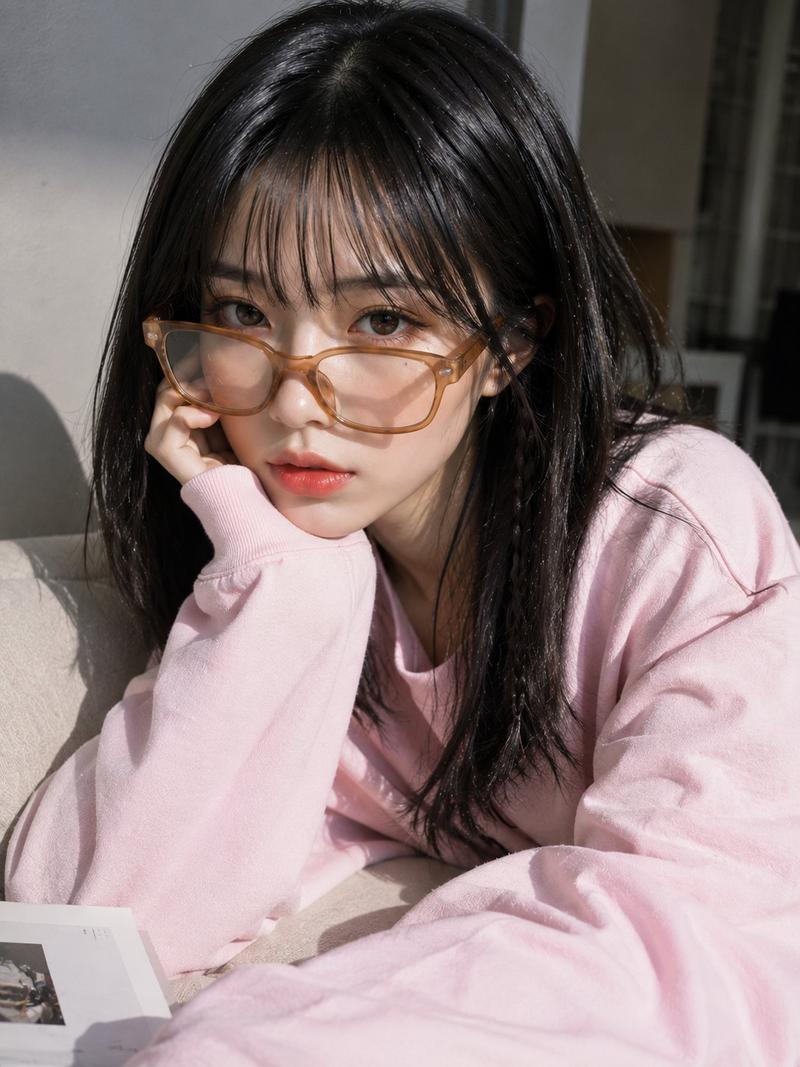
超写实 Instagram 抓拍自拍
Enlarge

Example images

超写实 Instagram 抓拍自拍

Prompt
Ultra-realistic smartphone selfie, looks genuinely taken with a mobile phone, not a DSLR. A beautiful {argument name="subject" default="young East Asian woman"} with fair porcelain skin, long silky black hair in low twin ponytails with soft wispy bangs, wearing {argument name="accessories" default="oversized round silver glasses"}, a cozy white cable-knit sweater, and a delicate silver necklace. She smiles playfully with her tongue slightly out while looking directly into the phone camera. Casual indoor setting with a wooden door and plain white wall in the background, soft natural daylight from a nearby window, slight handheld angle, natural phone HDR, subtle skin texture, realistic hair strands, gentle digital noise, minimal depth of field, authentic front-camera perspective, candid lifestyle aesthetic, Instagram-style selfie, high detail, photorealistic, captured on an iPhone/mobile camera, no studio lighting, no AI-generated look.
Category
Architecture & Spaces
Model
GPT Image 2
Creator
Aqsa
Views8
Source ID
28373
Published
Jul 11, 2026

Guide

About "超写实 Instagram 抓拍自拍"

What is this prompt for?

"超写实 Instagram 抓拍自拍" AI image prompt for GPT Image 2 (Architecture & Spaces). 此提示词旨在模拟随意的智能手机自拍,生成具有移动端相机特征和自然室内光线的真实抓拍人像。 Copy it on Picva and recreate the lo…

The full copyable prompt and example visuals above are ready for AI image generation or one-click recreate in Picva.

How to use this prompt

  1. Step 1

    Open the prompt detail

    Review the example visuals, category, and full prompt text for "超写实 Instagram 抓拍自拍".

  2. Step 2

    Copy the prompt

    Copy the prompt body from this page, or load it directly in Studio.

  3. Step 3

    Pick a model (GPT Image 2)

    Prefer GPT Image 2. If you switch models, keep subject and composition and tweak style terms.

  4. Step 4

    Generate and export

    Recreate the look in Picva, or export into your workflow for editing and publishing.

FAQ

What is the "超写实 Instagram 抓拍自拍" prompt?
It is an AI image-generation prompt for GPT Image 2 in the Architecture & Spaces category. This page includes the full prompt text, example visuals, and a one-click recreate path in Picva.
How do I use this prompt to generate an image?
Copy the prompt from this page, or use Generate / Studio. Paste it into a compatible image model, or recreate the look in Picva with optional reference images.
Which model is this prompt for?
This page lists GPT Image 2. Most descriptive prompts also transfer to nearby image models such as GPT Image, Flux, or Midjourney with light style tweaks.
Can I use the result commercially?
You can usually copy the prompt for creation, but commercial use of the final image depends on the model terms, reference-image rights, and the generated content. Follow the source author and platform rules.