15

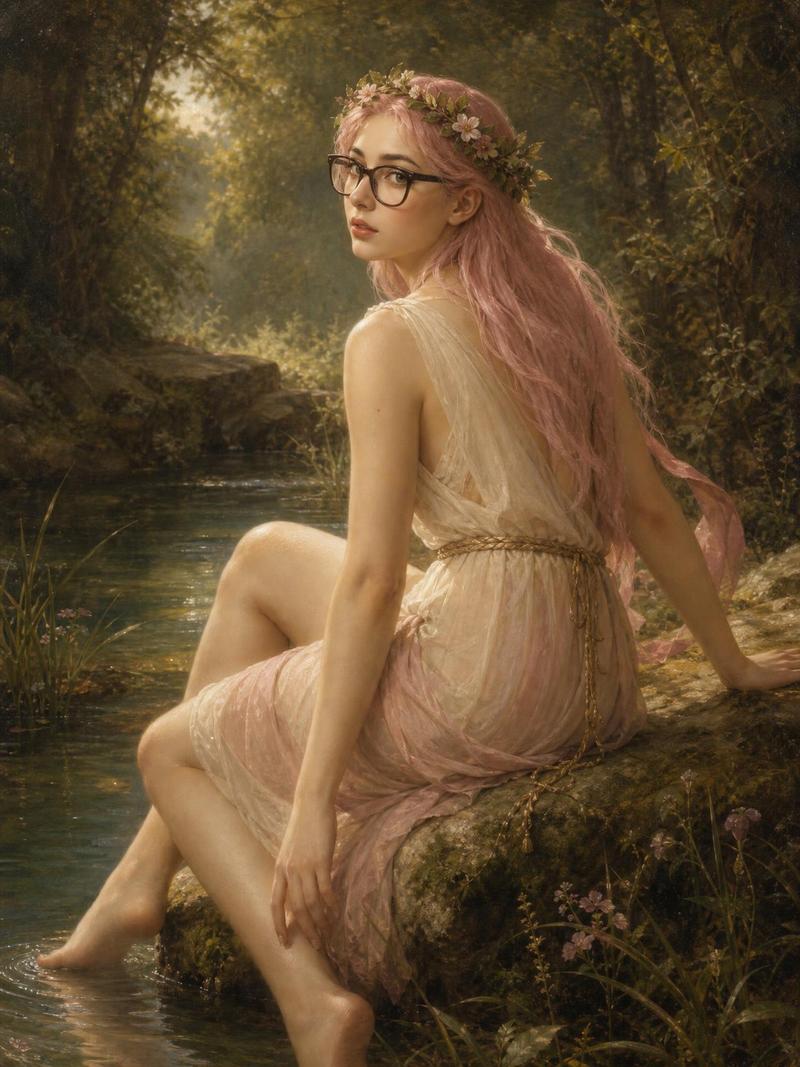
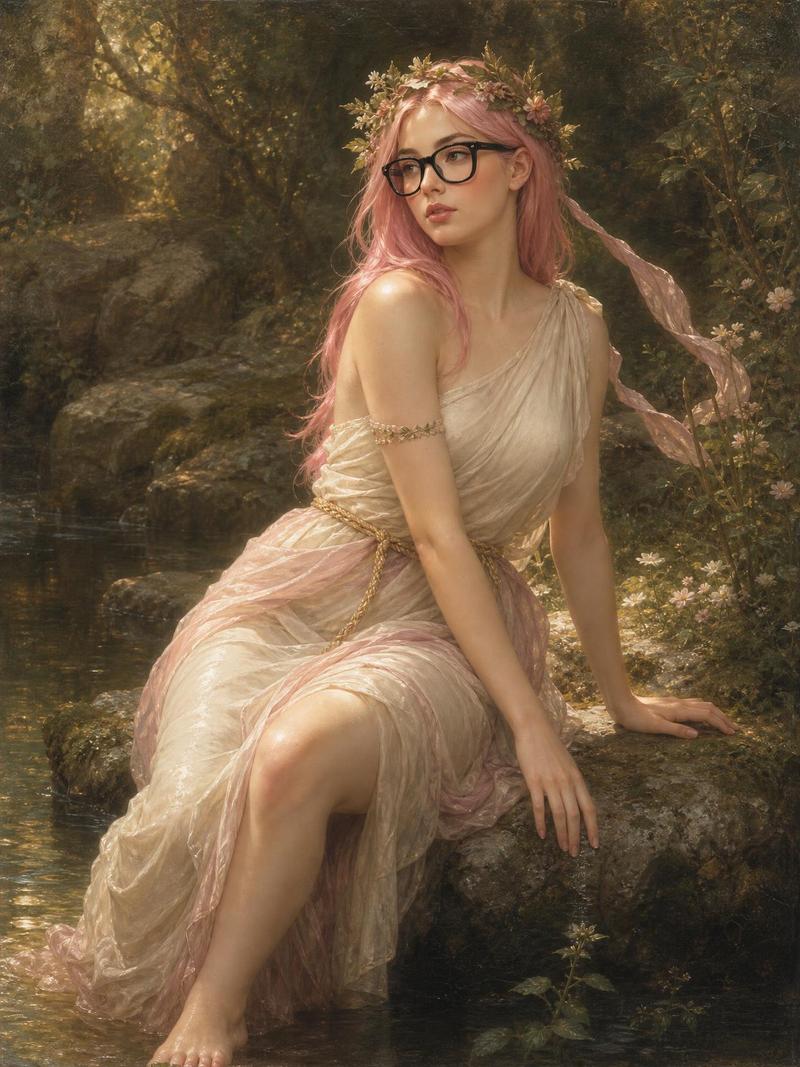
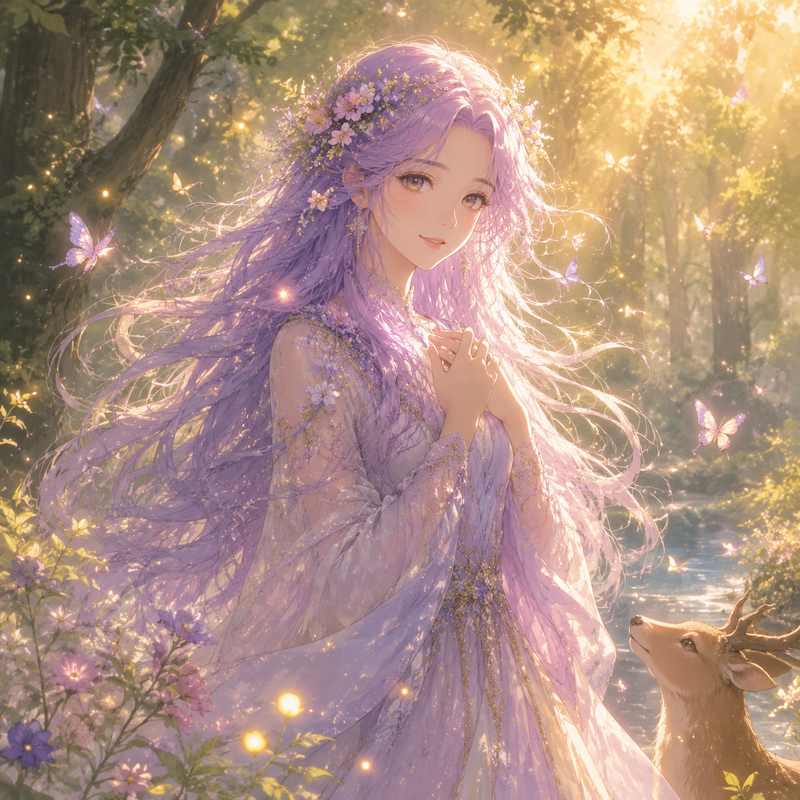
布格罗风格的粉发林中仙女
Enlarge

布格罗风格的粉发林中仙女

Prompt
Create a vertical 3:4 romantic academic oil painting in the style of William-Adolphe Bouguereau: one young woman with {argument name="hair color" default="long pastel pink hair"} sits sideways on a mossy rock at the edge of a shallow forest stream, looking back over her shoulder toward the viewer with a calm, wistful expression. She wears {argument name="eyewear" default="black rectangular glasses"}, one delicate flower crown of pale blossoms and green leaves, one small pink flower tattoo or sticker on her upper back/shoulder, and one translucent ivory-and-blush Grecian draped gown with gold braided trim, the fabric gathered around her hips and trailing behind her. Her two bare feet rest near and in the water; her left hand touches the wet rock while her posture is elegant and slightly twisted. The setting contains one dark massive tree trunk on the left, one quiet reflective stream in the foreground, one moss-covered stone ledge beneath her, and dense woodland foliage with small pale flowers on the right. Use warm golden dappled sunlight filtering through leaves, soft sfumato edges, luminous skin, realistic anatomy, painterly brush texture, muted greens and browns, pearly cream fabric, and a dreamy mythological nymph atmosphere. Keep the composition intimate and centered, with no text, no watermark, and no modern objects besides the glasses.
Category
Brand & Logos
Model
GPT Image 2
Views4
Source ID
28399
Published
Jul 11, 2026

Guide

About "布格罗风格的粉发林中仙女"

What is this prompt for?

"布格罗风格的粉发林中仙女" AI image prompt for GPT Image 2 (Brand & Logos). 一个浪漫主义古典油画提示词,用于生成一位坐在溪边、戴着眼镜的粉发林中仙女。 Copy it on Picva and recreate the look in one click.

The full copyable prompt and example visuals above are ready for AI image generation or one-click recreate in Picva.

How to use this prompt

  1. Step 1

    Open the prompt detail

    Review the example visuals, category, and full prompt text for "布格罗风格的粉发林中仙女".

  2. Step 2

    Copy the prompt

    Copy the prompt body from this page, or load it directly in Studio.

  3. Step 3

    Pick a model (GPT Image 2)

    Prefer GPT Image 2. If you switch models, keep subject and composition and tweak style terms.

  4. Step 4

    Generate and export

    Recreate the look in Picva, or export into your workflow for editing and publishing.

FAQ

What is the "布格罗风格的粉发林中仙女" prompt?
It is an AI image-generation prompt for GPT Image 2 in the Brand & Logos category. This page includes the full prompt text, example visuals, and a one-click recreate path in Picva.
How do I use this prompt to generate an image?
Copy the prompt from this page, or use Generate / Studio. Paste it into a compatible image model, or recreate the look in Picva with optional reference images.
Which model is this prompt for?
This page lists GPT Image 2. Most descriptive prompts also transfer to nearby image models such as GPT Image, Flux, or Midjourney with light style tweaks.
Can I use the result commercially?
You can usually copy the prompt for creation, but commercial use of the final image depends on the model terms, reference-image rights, and the generated content. Follow the source author and platform rules.