16

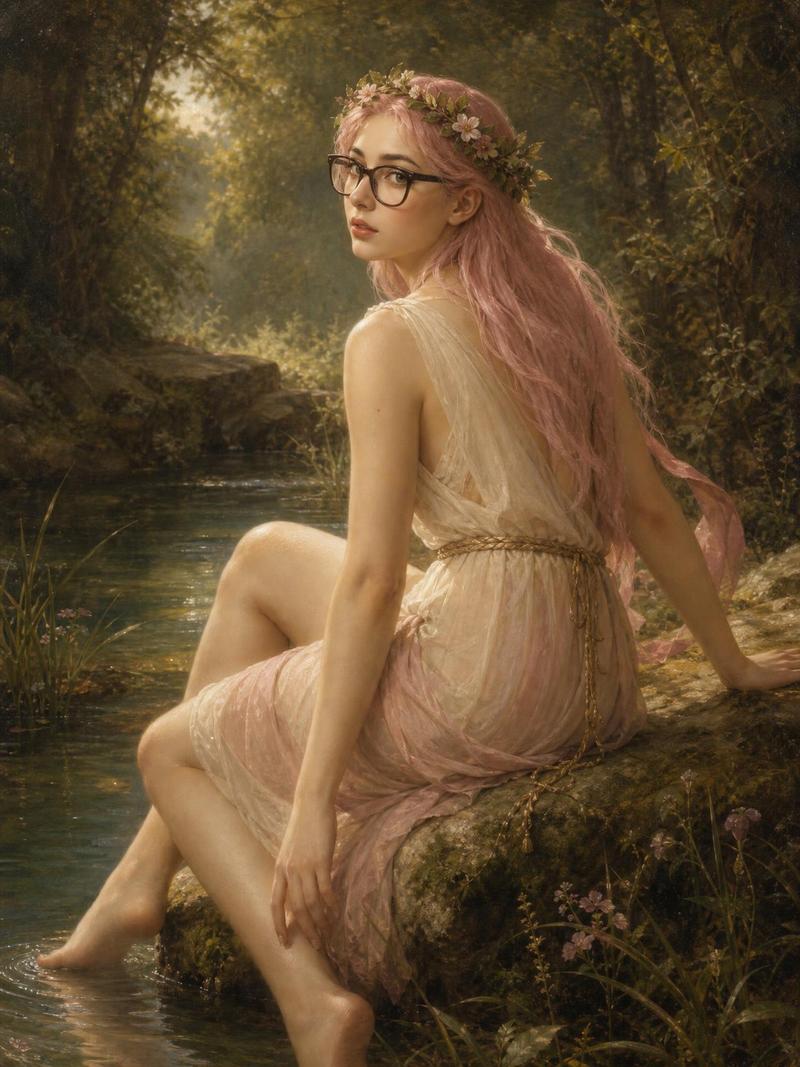
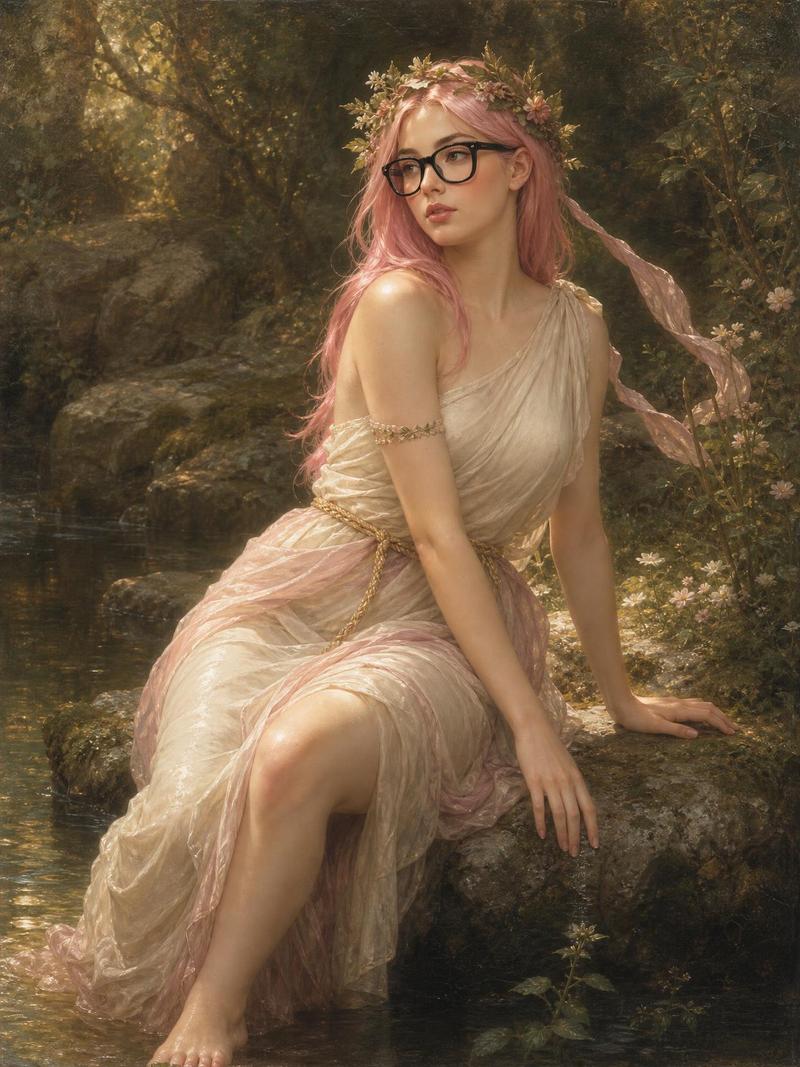
粉发布格罗风格森林仙女
Enlarge

粉发布格罗风格森林仙女

Prompt
Create a romantic 19th-century French academic oil painting in the style of William-Adolphe Bouguereau, depicting a graceful young nymph seated on a mossy rock beside a shallow forest stream. The subject is {argument name="character description" default="a delicate young woman with long flowing pastel pink hair"}, turned three-quarters away but looking back over her shoulder toward the viewer with a calm, wistful expression. She wears modern black rectangular eyeglasses, a floral wreath of tiny pale blossoms and greenery in her hair, and a translucent ivory-white classical draped gown with soft blush-pink gauze wrapping around her arms and trailing across the rock. Her bare feet dip into the water, one hand resting on the rock behind her and the other relaxed near her knee. Add three small decorative flower-like tattoos or ornaments on her upper shoulder. The setting is an enchanted woodland with tall dark trees, dense foliage, wildflowers, soft moss, and a narrow reflective stream with lily pads; warm golden sunlight filters through leaves from the upper left, creating hazy atmospheric depth. Use {argument name="painting style" default="highly polished classical realism with soft sfumato, luminous skin, delicate brushwork, and old-master varnish texture"}. Color palette: muted greens, warm browns, cream, rose pink, and golden light. Composition is vertical 3:4, full-body seated figure centered slightly right, serene mythological mood, no visible text, no watermark, no extra figures.
Category
Photography & Realism
Model
GPT Image 2
Views2
Source ID
28404
Published
Jul 11, 2026

Guide

About "粉发布格罗风格森林仙女"

What is this prompt for?

"粉发布格罗风格森林仙女" AI image prompt for GPT Image 2 (Photography & Realism). 生成一幅古典学院派油画风格的肖像,描绘了一位坐在森林溪流旁的现代粉发戴眼镜仙女。 Copy it on Picva and recreate the look in one c…

The full copyable prompt and example visuals above are ready for AI image generation or one-click recreate in Picva.

How to use this prompt

  1. Step 1

    Open the prompt detail

    Review the example visuals, category, and full prompt text for "粉发布格罗风格森林仙女".

  2. Step 2

    Copy the prompt

    Copy the prompt body from this page, or load it directly in Studio.

  3. Step 3

    Pick a model (GPT Image 2)

    Prefer GPT Image 2. If you switch models, keep subject and composition and tweak style terms.

  4. Step 4

    Generate and export

    Recreate the look in Picva, or export into your workflow for editing and publishing.

FAQ

What is the "粉发布格罗风格森林仙女" prompt?
It is an AI image-generation prompt for GPT Image 2 in the Photography & Realism category. This page includes the full prompt text, example visuals, and a one-click recreate path in Picva.
How do I use this prompt to generate an image?
Copy the prompt from this page, or use Generate / Studio. Paste it into a compatible image model, or recreate the look in Picva with optional reference images.
Which model is this prompt for?
This page lists GPT Image 2. Most descriptive prompts also transfer to nearby image models such as GPT Image, Flux, or Midjourney with light style tweaks.
Can I use the result commercially?
You can usually copy the prompt for creation, but commercial use of the final image depends on the model terms, reference-image rights, and the generated content. Follow the source author and platform rules.