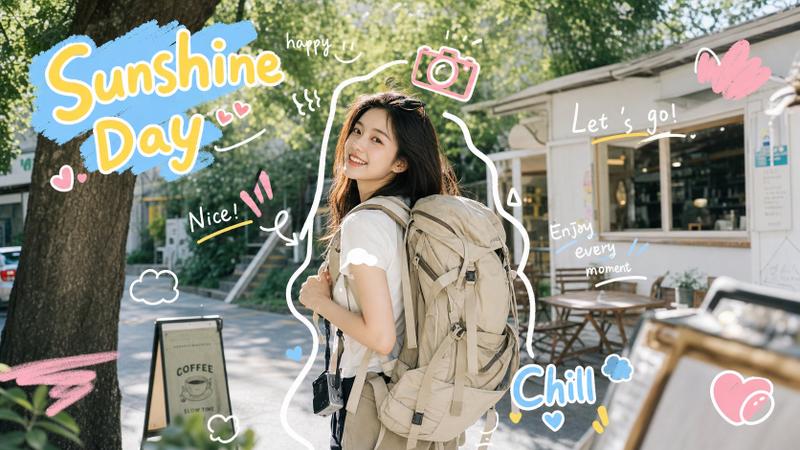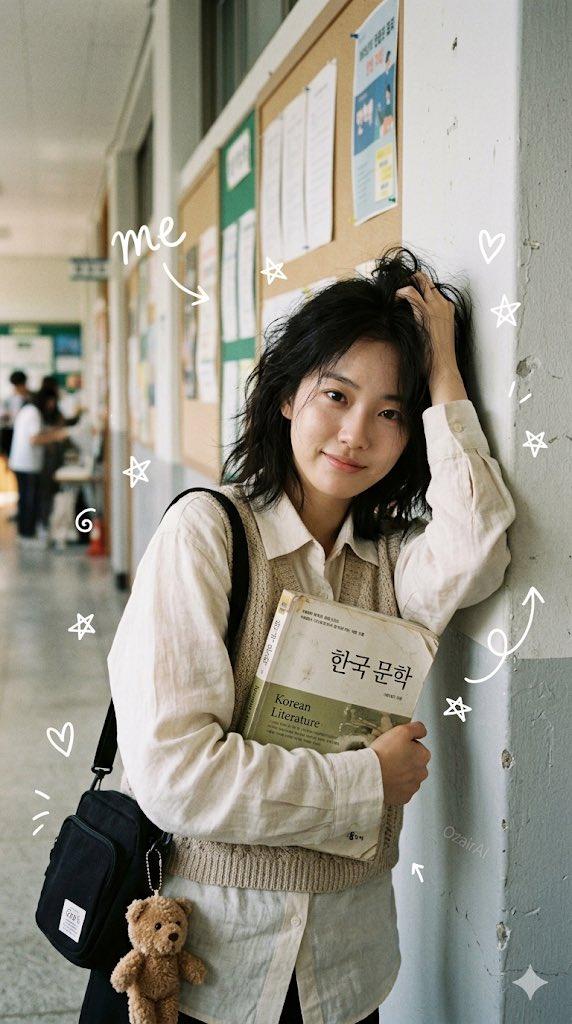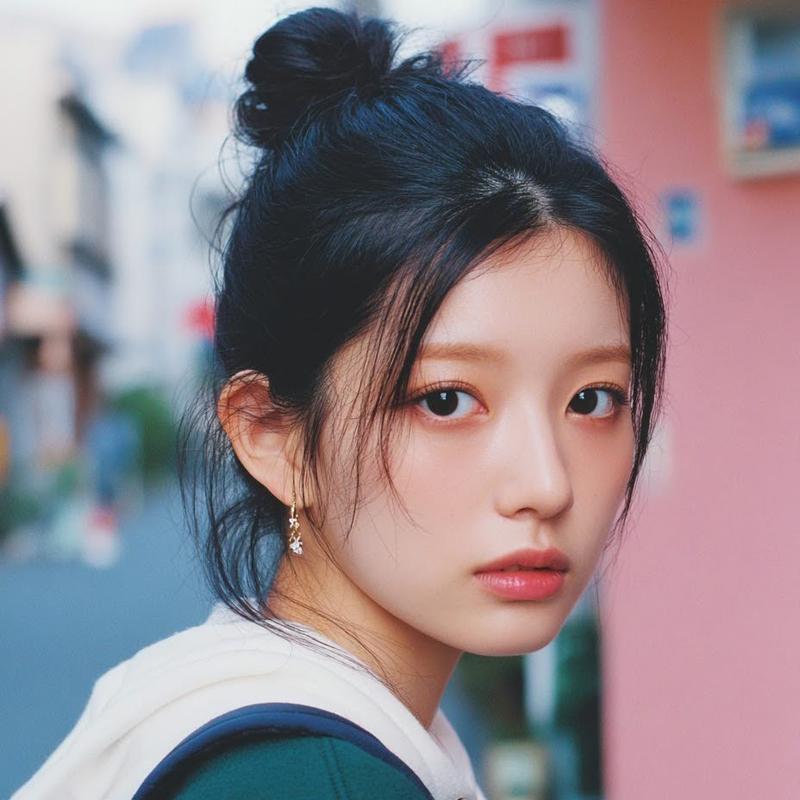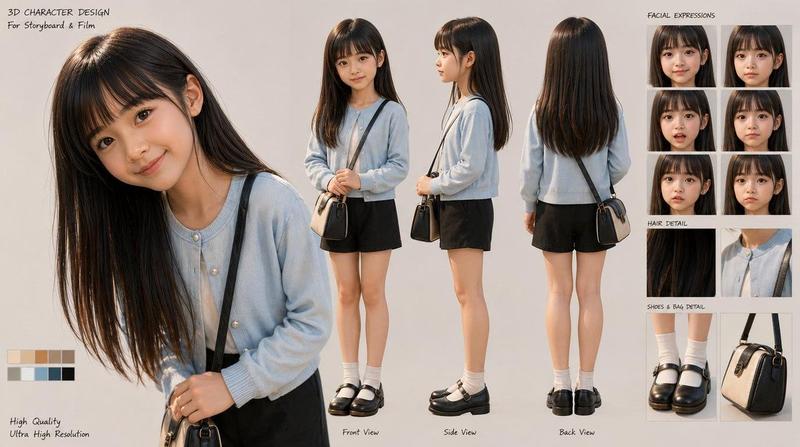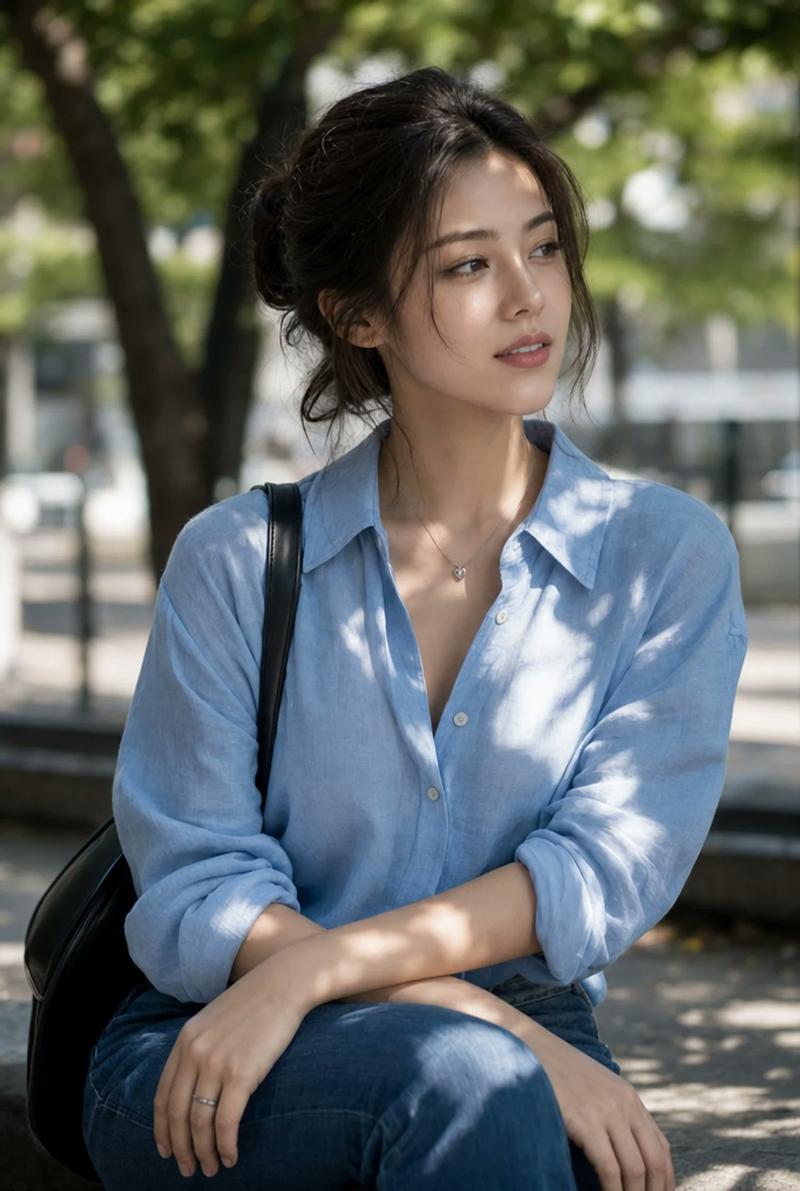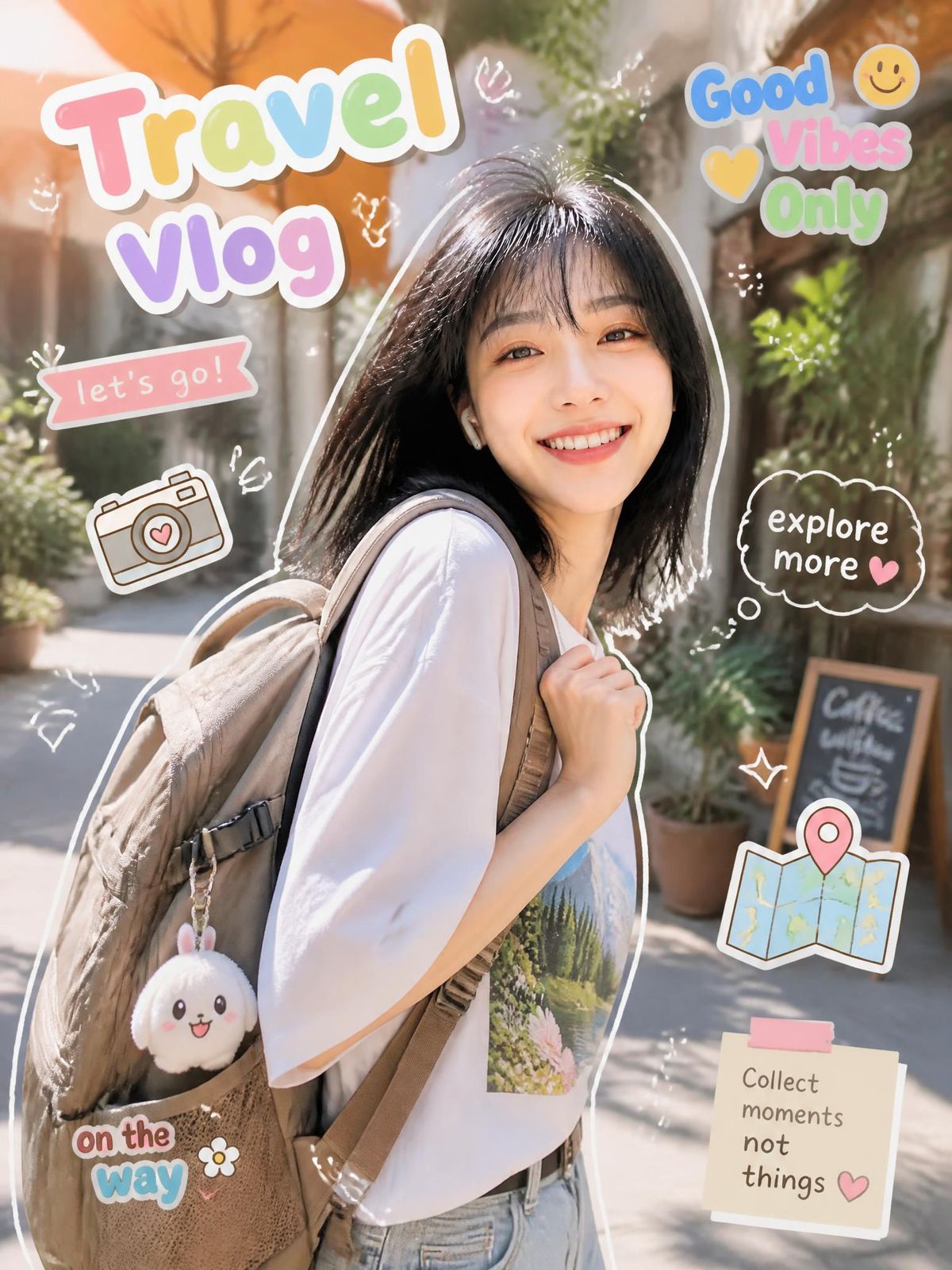
可爱的旅行 Vlog 缩略图
Prompt
Goal: Create a bright vertical travel vlog thumbnail/collage featuring a smiling young woman traveler in a sunny outdoor alley, surrounded by cute scrapbook stickers and hand-drawn doodles.

Canvas: Vertical 3:4 social media image, high-resolution, warm daylight, shallow depth of field. Background is a charming pedestrian street or café alley with plants, terracotta umbrellas, soft bokeh, and a small chalkboard sign in the distance.

Main subject: A cheerful {argument name="character description" default="young East Asian woman with shoulder-length black hair and bangs"} stands slightly right of center, turned three-quarters toward the camera, smiling warmly. She wears a loose white T-shirt with a small nature print on the chest, light blue jeans, and a large beige backpack over one shoulder. Add a cute plush keychain hanging from the backpack. Put a thick white cutout outline around the subject, like a sticker.

Layout and text stickers: Use exactly 6 main text stickers: 1) large top-left title reading {argument name="main title" default="Travel Vlog"} in oversized rounded pastel bubble letters with a thick white border; 2) top-right stacked sticker reading {argument name="top right phrase" default="Good Vibes Only"} with a yellow heart and yellow smiley face; 3) small pink ribbon banner on the left reading {argument name="banner text" default="let's go!"}; 4) dark cloud speech bubble on the right reading "explore more" with a small pink heart; 5) bottom-left sticker reading "on the way" in playful blue and pink bubble letters with a small white flower; 6) bottom-right sticky note reading {argument name="note text" default="Collect moments not things"} with a pink tape strip and a small heart.

Decorative elements: Include exactly 3 illustrated travel icons: a cute line-art camera with a heart on the lens on the left, a folded map with a pink location pin on the lower right, and the backpack plush charm. Add multiple small white hand-drawn sparkles, arrows, hearts, squiggles, and doodle marks scattered around the subject, keeping them light and airy.

Visual style: Photorealistic lifestyle portrait blended with kawaii sticker graphics, pastel colors, glossy scrapbook aesthetic, soft white outlines, playful vlog thumbnail design, warm golden sunlight, cheerful vacation mood.

Constraints: Keep all text legible and in English, preserve the exact 6 main text stickers and 3 illustrated travel icons, avoid extra large words, avoid watermarks or logos, and make the subject the clear focal point.- Category
- Charts & Infographics
- Model
- GPT Image 2
- Creator
- Haybrook
- Source ID
- 28434
- Published
- Jul 11, 2026
Views4