20

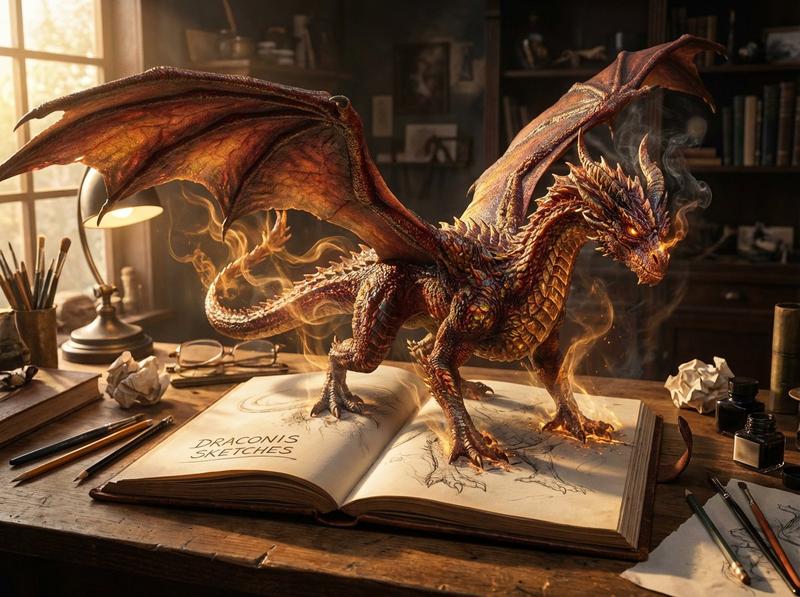
史诗级动漫龙骑士之战

Prompt
A fearless dragon rider with piercing blue eyes, flowing red scarf and lightweight fantasy armor, mounted on a colossal sapphire dragon, rendered in ultra-premium Japanese anime rendering, MAPPA-inspired sakuga, sharp manga linework, vibrant cel shading, dynamic motion smears and cinematic anime lighting + - Dives through thunderclouds above a kingdom besieged by thousands of flying wyverns, camera racing alongside the dragon's wings while lightning illuminates the battlefield below; - Dragon tears through enemy creatures while the rider jumps between airborne monsters, dual blades flashing through the sky, impossible aerial combat unfolding through orbit shots and speed-line transitions; - Dragon and rider combine for a final spiral dive attack, creating a gigantic vortex shockwave that annihilates the entire invading swarm, ending with the kingdom saved beneath golden sunlight while the dragon roars victoriously above the clouds Heroic fantasy anime masterpiece, airborne sakuga combat, breathtaking final payoff.
Category
Charts & Infographics
Model
seedance-2.0
Views0
Source ID
6725
Published
Jul 2, 2026

Guide

About "史诗级动漫龙骑士之战"

What is this prompt for?

"史诗级动漫龙骑士之战" AI image prompt for seedance-2.0 (Charts & Infographics). 一个高度精细的电影级动漫提示词,用于生成龙骑士与双足飞龙群之间的史诗级空战,呈现 MAPPA 风格的作画(sakuga)和动态运镜。 Copy it on Picva and…

The full copyable prompt and example visuals above are ready for AI image generation or one-click recreate in Picva.

How to use this prompt

  1. Step 1

    Open the prompt detail

    Review the example visuals, category, and full prompt text for "史诗级动漫龙骑士之战".

  2. Step 2

    Copy the prompt

    Copy the prompt body from this page, or load it directly in Studio.

  3. Step 3

    Pick a model (seedance-2.0)

    Prefer seedance-2.0. If you switch models, keep subject and composition and tweak style terms.

  4. Step 4

    Generate and export

    Recreate the look in Picva, or export into your workflow for editing and publishing.

FAQ

What is the "史诗级动漫龙骑士之战" prompt?
It is an AI image-generation prompt for seedance-2.0 in the Charts & Infographics category. This page includes the full prompt text, example visuals, and a one-click recreate path in Picva.
How do I use this prompt to generate an image?
Copy the prompt from this page, or use Generate / Studio. Paste it into a compatible image model, or recreate the look in Picva with optional reference images.
Which model is this prompt for?
This page lists seedance-2.0. Most descriptive prompts also transfer to nearby image models such as GPT Image, Flux, or Midjourney with light style tweaks.
Can I use the result commercially?
You can usually copy the prompt for creation, but commercial use of the final image depends on the model terms, reference-image rights, and the generated content. Follow the source author and platform rules.