触感剪纸风格产品展示
Prompt
Use @image1 as the exact final hero-frame composition. Use @image2 as the strict product identity lock.
Animate like a premium tactile editorial paper-cut product reveal: layered cardstock pieces slide, fold, pop up, and settle with tiny stop-motion overshoot. Mostly locked camera, subtle tabletop parallax only. Physical paper shadows under every layer.
PRODUCT LOCK: preserve the perfume bottle silhouette, white geometric lattice, aqua-blue inner body, square cap, central RAYHAAN plaque, front-facing readability, and luxury material finish from @image2.
SHOT 1, 16:9, 6 seconds:
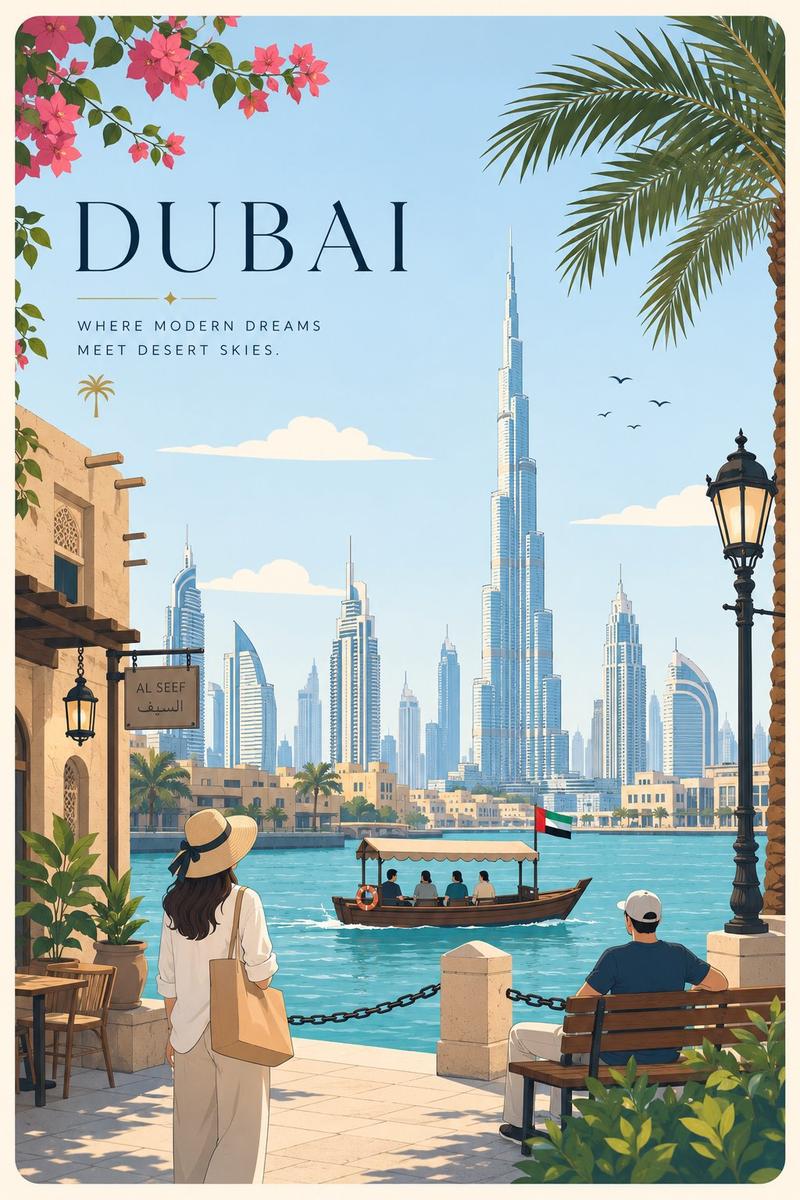
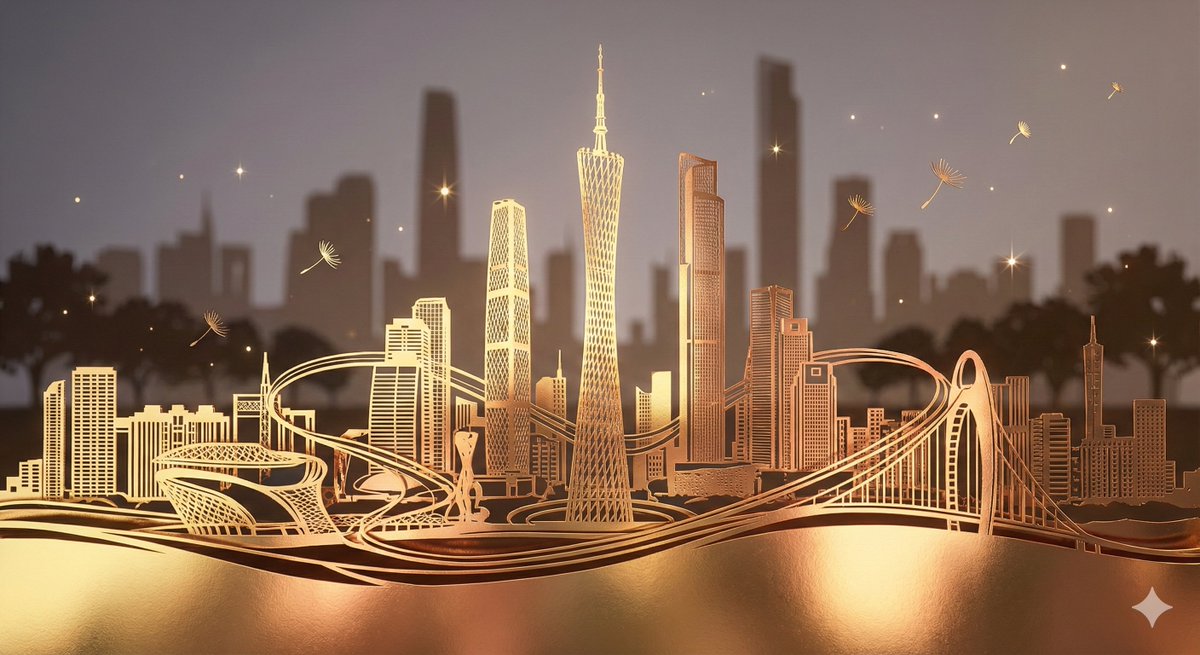
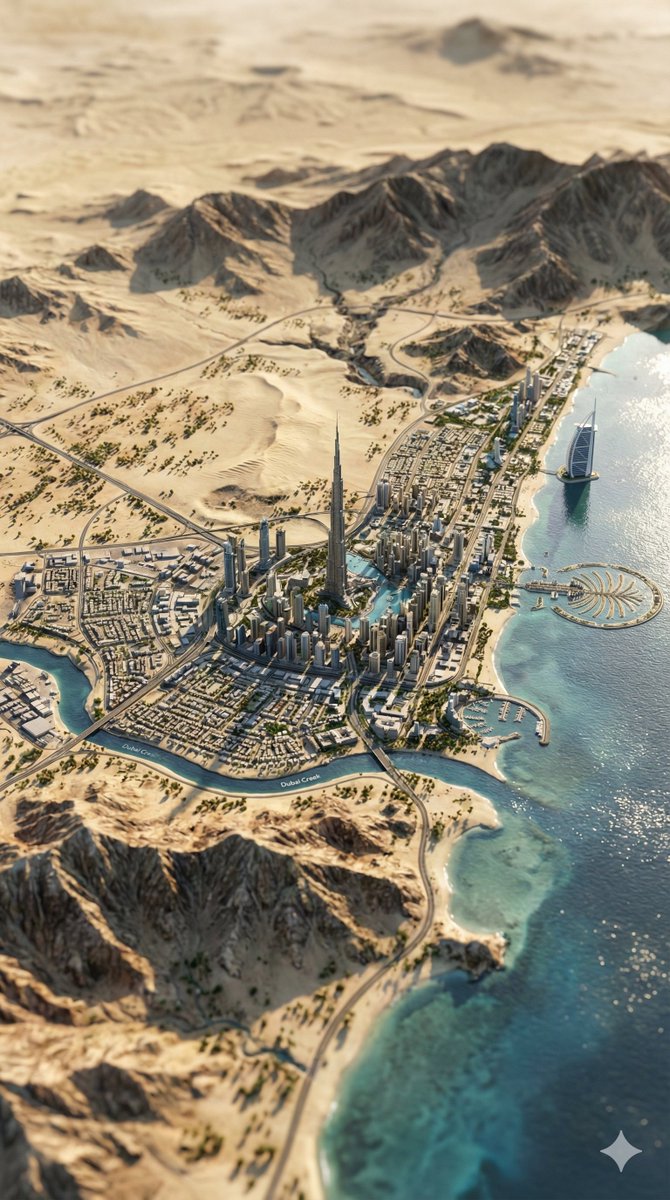
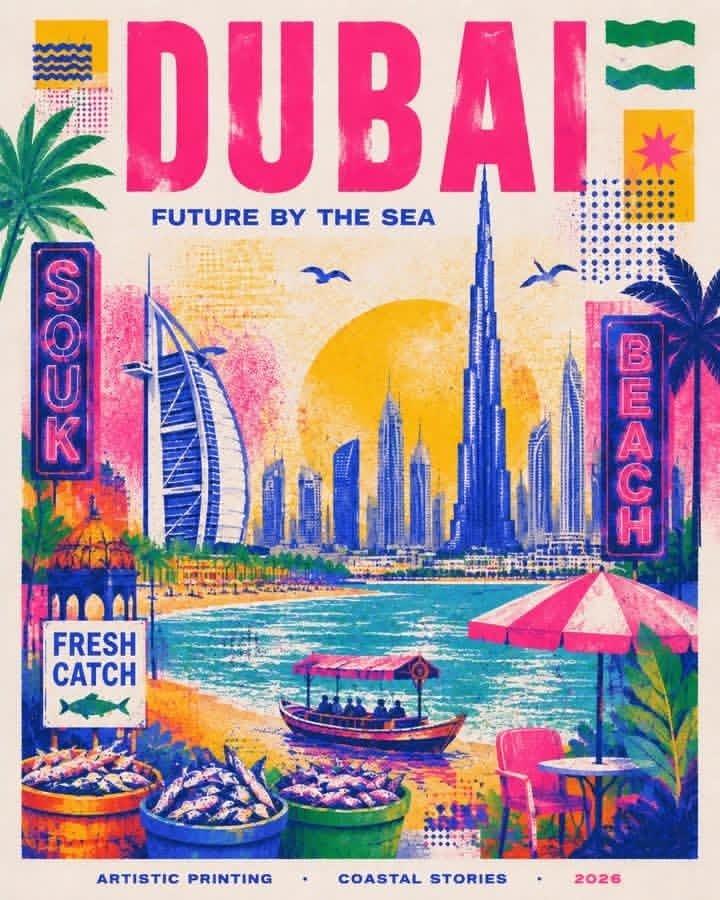
0-1.2s: The Dubai paper city comes to life. Skyscrapers lift in staggered layers, small clouds slide, and aqua paper water waves shimmer forward.
1.2-2.6s: The product folds into place. White panels flip inward, the aqua inner body slides behind the lattice, the cap drops on, and the bottle settles cleanly on the plinth.
2.6-4.2s: Ingredients animate once around the product. Bergamot and lemon slices rotate gently, grapefruit blossoms open, Calone waves ripple, and sandalwood strips slide into a neat base.
4.2-6s: The note cards fold in top-to-bottom: TOP “Bergamot, Lemon”, MIDDLE “Grapefruit blossom”, BASE “Calone, Sandalwood”. Preserve exact readable text. End fully settled on @image1.
Sound design: crisp paper slides, dry cardstock flicks, soft paper taps, tiny adhesive-peel folds, subtle paper-water shimmer. No music, no voiceover, no extra captions.
Constraints: no new text, no misspellings, no duplicated labels, no warped product, no melting or liquid morphing, no CGI camera flythrough, no hands, no people, no watermark.
- Category
- Products & E-commerce
- Model
- seedance-2.0
- Creator
- Safwaan Mujawar
- Source ID
- 6771
- Published
- Jul 3, 2026
Views0