18

王家卫风格动态模糊电影感视频

Prompt
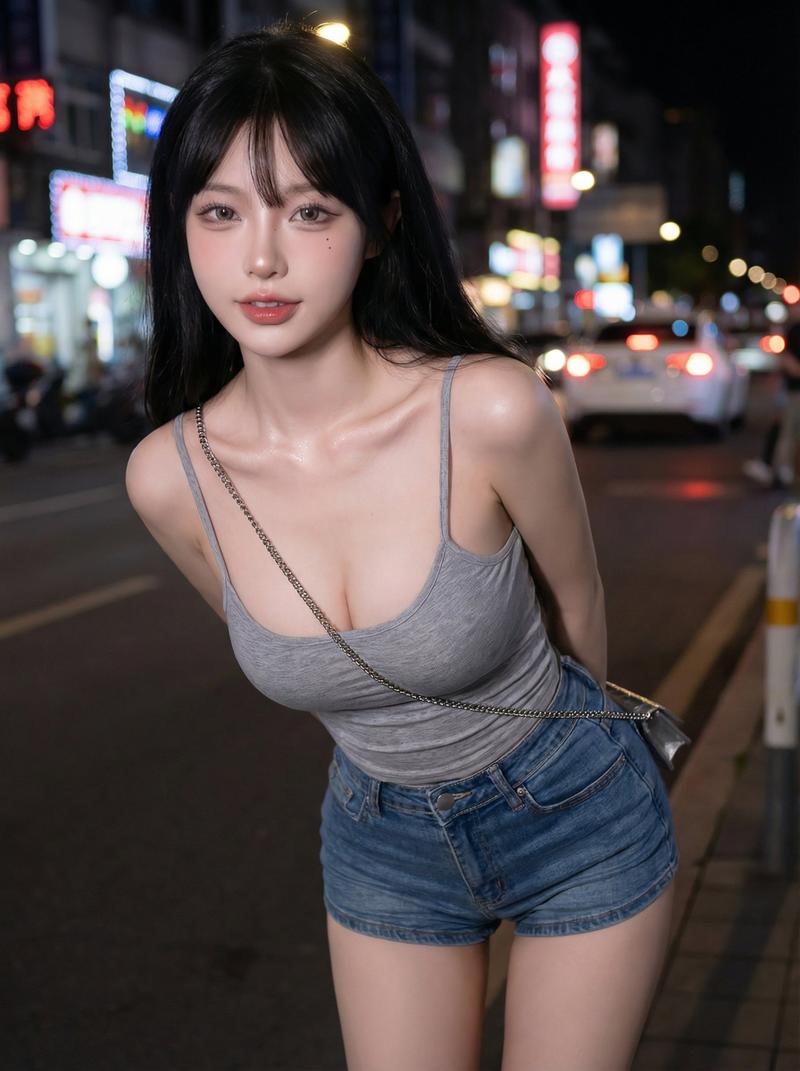
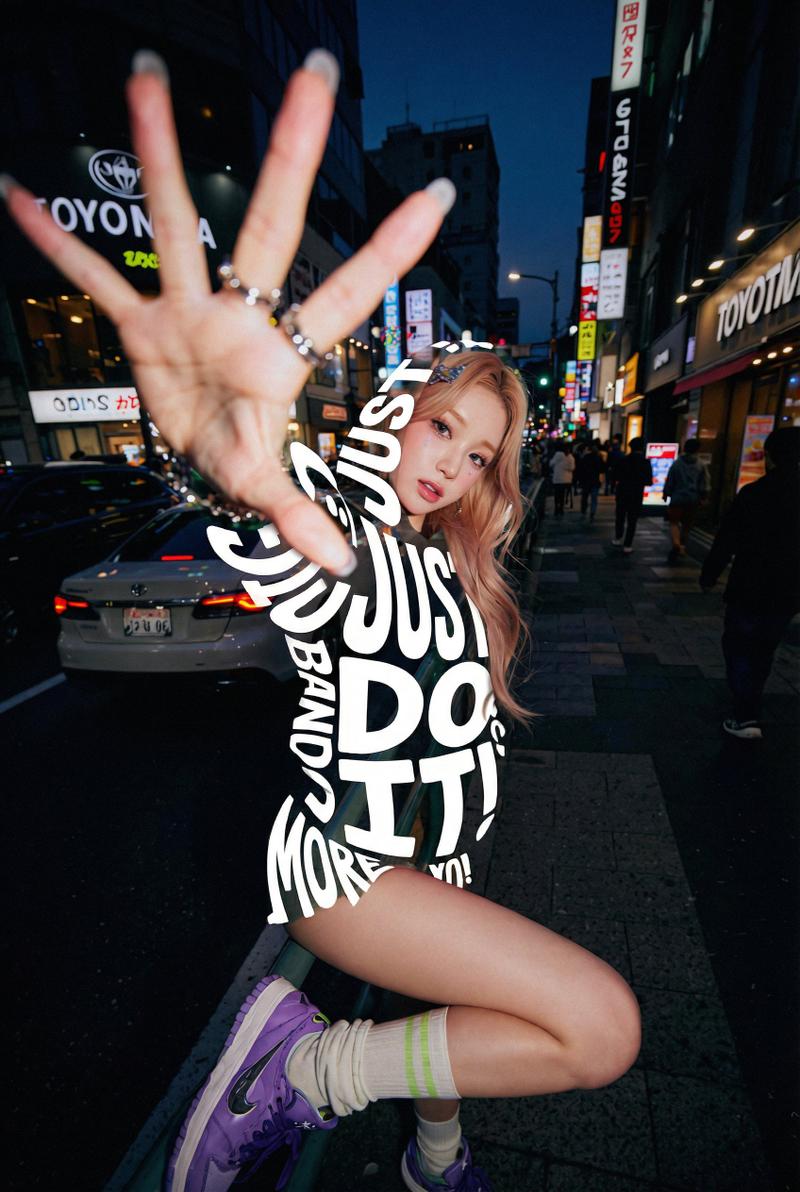
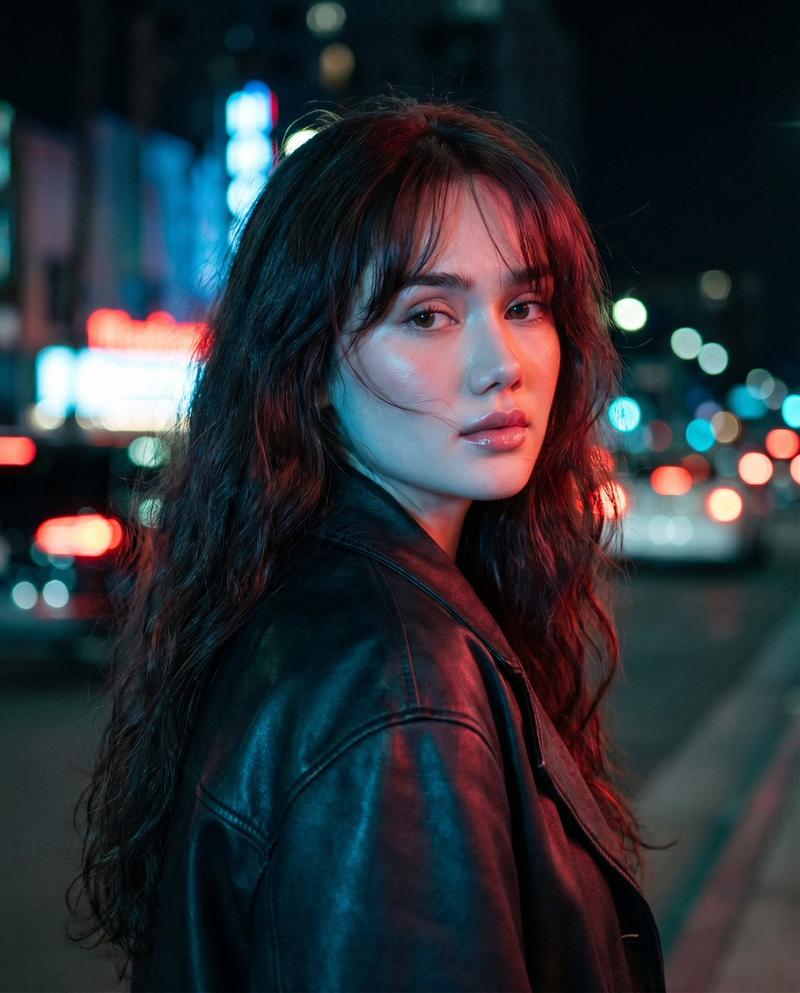
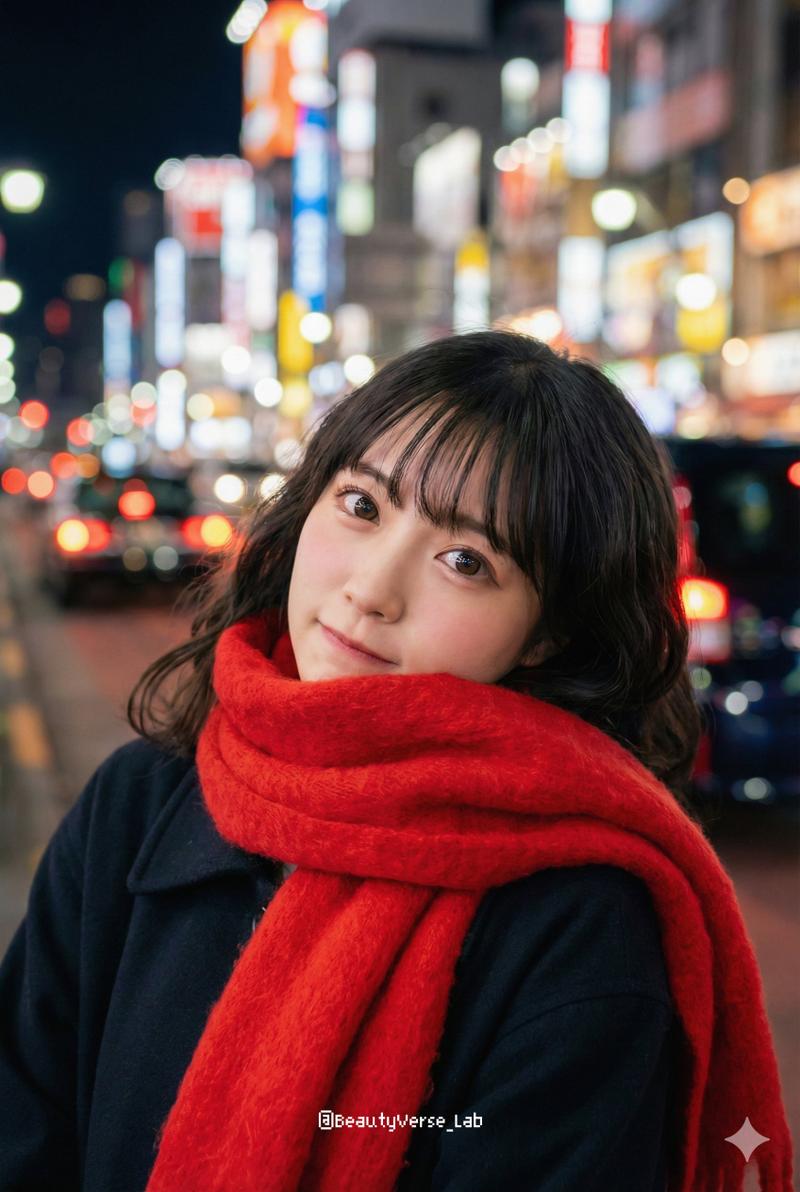
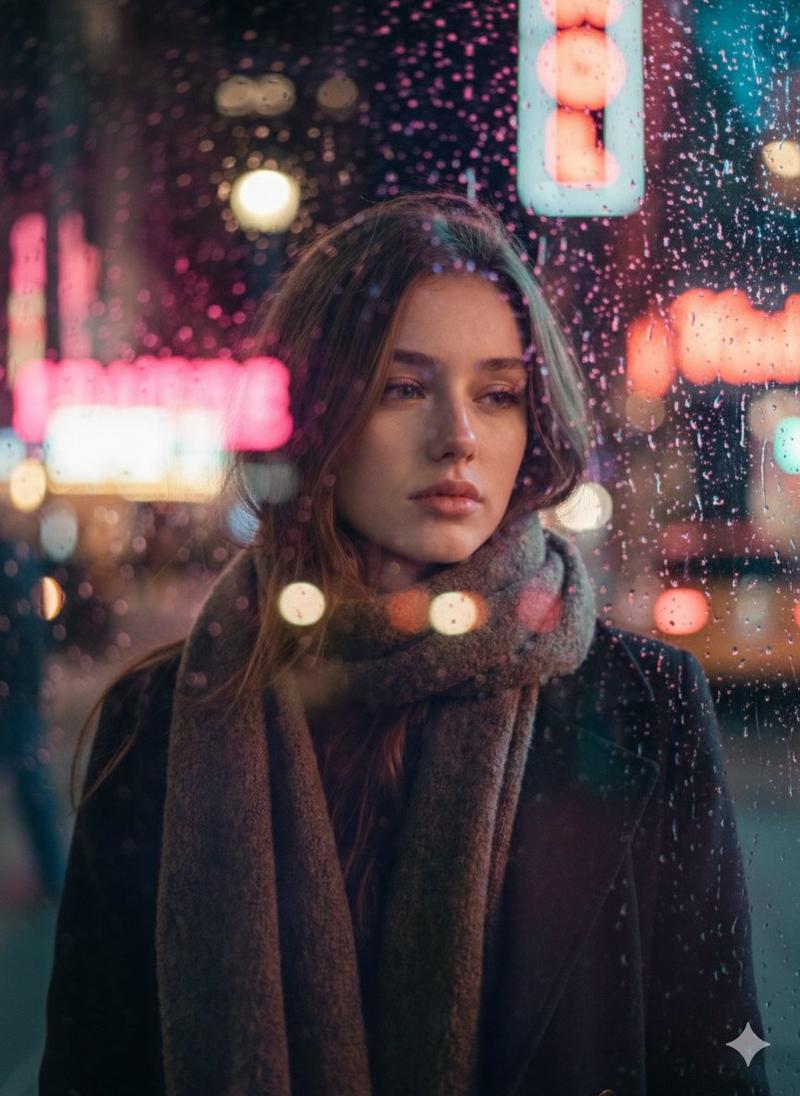
[风格] 王家卫电影风格,1/4 秒慢快门抽帧动态模糊,胶片颗粒感,高饱和度钨丝灯黄 + 霓虹绿 + 暗红配色,手持广角微倾斜荷兰式构图,四角暗角,香港老城夜景氛围质感。

[时长] 15 秒

[场景] 深夜老城区街道:湿润的反射路面,绿色霓虹灯招牌,老式茶餐厅的暖黄色灯光,穿梭的人群和出租车光轨。

[角色] 主角,表情疏离。

[00:00-00:03] 镜头 1:旋转的迷失
视觉:主角站在街道中央,摄像机围绕其快速旋转一圈半。周围的霓虹灯和人群在 1/4 慢快门下被拉扯成光环,只有主角的面部保持相对清晰。
音频:模糊的城市声音如漩涡般盘旋,一声钟表滴答声。
旁白:(低沉女声)“城市转得太快,只有我留在原地。”

[00:03-00:06] 镜头 2:抽帧行走
视觉:主角以正常速度缓慢走向镜头,周围人群以高速穿过,化作模糊的色块。手持跟拍后退,伴随轻微镜头晃动。
音频:带有长混响的脚步声,远处隐约传来粤语电台声。
旁白:“每个人都在赶路,我在等一个不会回头的人。”

[00:06-00:09] 镜头 3:霓虹特写
视觉:在茶餐厅窗边,绿色霓虹灯映在主角侧脸。主角低头,摆弄杯子上的水珠。倾斜特写构图,烟雾缭绕,缓慢飘过前景。
音频:雨水敲击遮雨棚的声音,轻微的餐具碰撞声。
旁白:“那晚的雨下得太久,久到我以为它永远不会停。”

[00:09-00:12] 镜头 4:镜面反射
视觉:主角倒映在布满水珠的窗户上,红色霓虹灯透过水珠变得模糊。摄像机缓慢推进,主角看向玻璃,一辆出租车的光轨扫过。
音频:失真的汽车声,轮胎溅过水洼的声音。

[00:12-00:15] 镜头 5:步入模糊
视觉:主角转身走进街道深处。在 1/4 慢快门下,尾灯和霓虹灯汇成红绿光河。剪影逐渐被光流吞没,最后一帧轻微定格。
音频:城市声音渐弱,慵懒的爵士萨克斯风渐入。
旁白:“后来我才明白,有些路口,错过了就是一辈子。”

[导演笔记] 1. 锁定模糊规则:慢快门模糊仅作用于背景人群、车灯和霓虹灯;主角必须保持相对清晰,以营造“世界流动,人静止”的对比感。 2. 全程手持呼吸感运动,不使用稳定器。 3. 抽帧感:动作带有节奏性的滞后感,而非标准的慢动作。 4. 主角在每个镜头中要有细微动作(摆弄杯子、抬头、整理衣领)。 5. 统一的钨丝灯/霓虹色调,带有胶片颗粒感。 6. 旁白语速缓慢,与爵士乐节奏相匹配。
Category
Brand & Logos
Model
seedance-2.0
Creator
John
Views16
Source ID
7263
Published
Jul 14, 2026

Guide

About "王家卫风格动态模糊电影感视频"

What is this prompt for?

"王家卫风格动态模糊电影感视频" AI image prompt for seedance-2.0 (Brand & Logos). 这是一个为 Seedance 2.0 设计的精美多场景脚本,旨在重现标志性的王家卫美学,包含抽帧动态模糊、高饱和度霓虹色彩以及忧郁的城市夜景氛围。 Copy it on Picva a…

The full copyable prompt and example visuals above are ready for AI image generation or one-click recreate in Picva.

How to use this prompt

  1. Step 1

    Open the prompt detail

    Review the example visuals, category, and full prompt text for "王家卫风格动态模糊电影感视频".

  2. Step 2

    Copy the prompt

    Copy the prompt body from this page, or load it directly in Studio.

  3. Step 3

    Pick a model (seedance-2.0)

    Prefer seedance-2.0. If you switch models, keep subject and composition and tweak style terms.

  4. Step 4

    Generate and export

    Recreate the look in Picva, or export into your workflow for editing and publishing.

FAQ

What is the "王家卫风格动态模糊电影感视频" prompt?
It is an AI image-generation prompt for seedance-2.0 in the Brand & Logos category. This page includes the full prompt text, example visuals, and a one-click recreate path in Picva.
How do I use this prompt to generate an image?
Copy the prompt from this page, or use Generate / Studio. Paste it into a compatible image model, or recreate the look in Picva with optional reference images.
Which model is this prompt for?
This page lists seedance-2.0. Most descriptive prompts also transfer to nearby image models such as GPT Image, Flux, or Midjourney with light style tweaks.
Can I use the result commercially?
You can usually copy the prompt for creation, but commercial use of the final image depends on the model terms, reference-image rights, and the generated content. Follow the source author and platform rules.