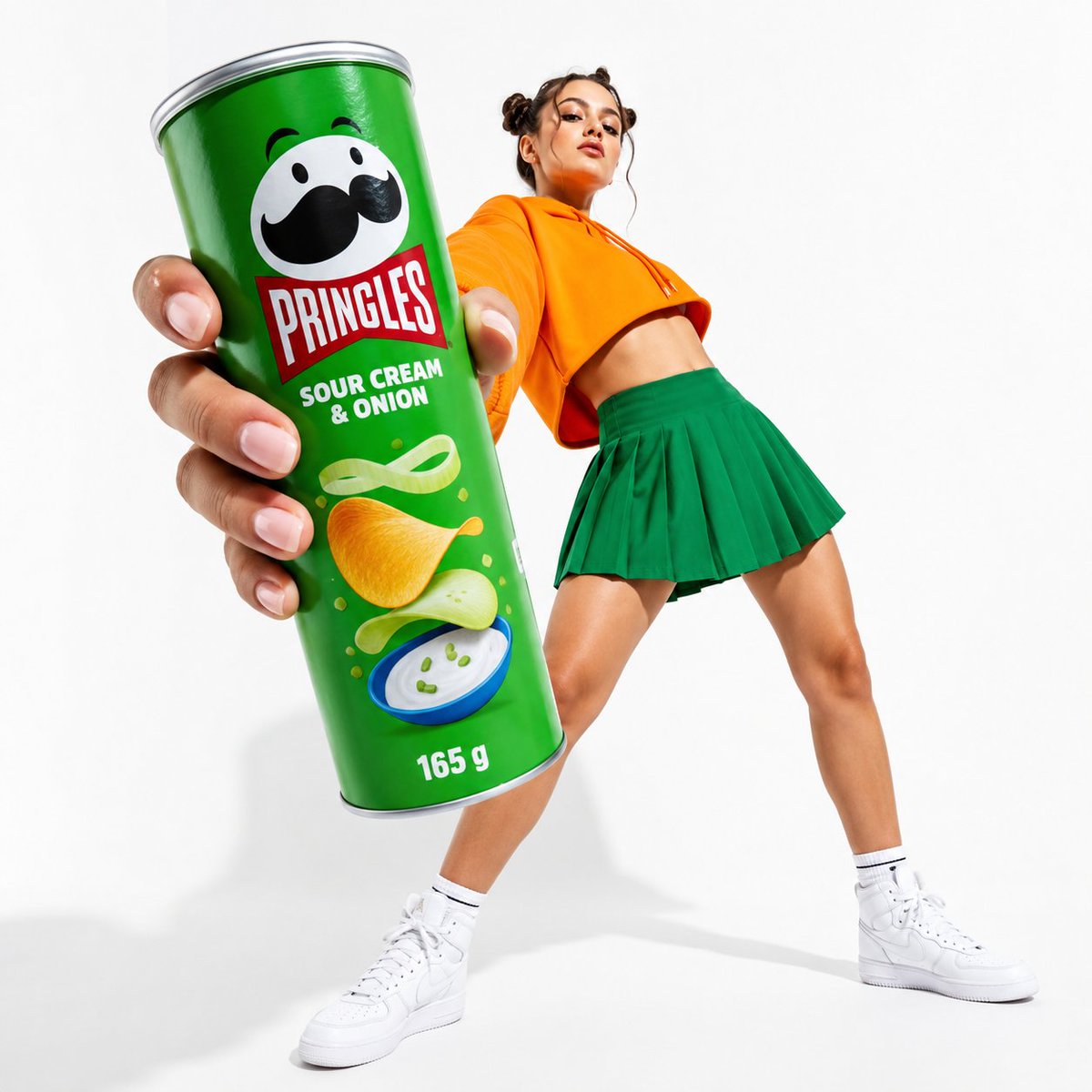
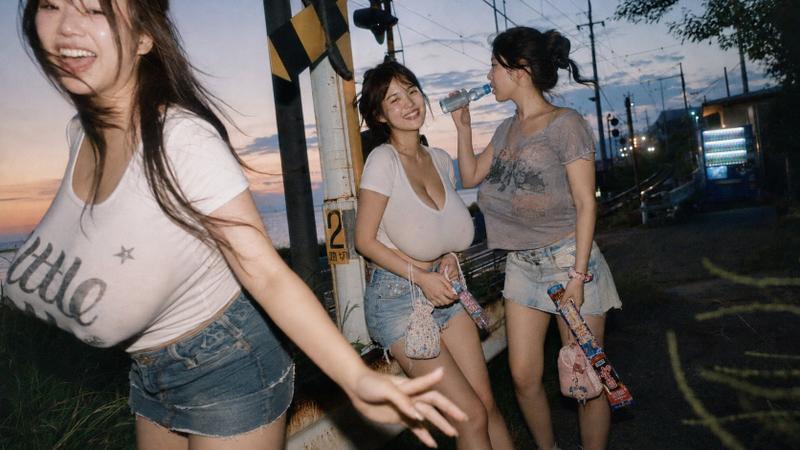
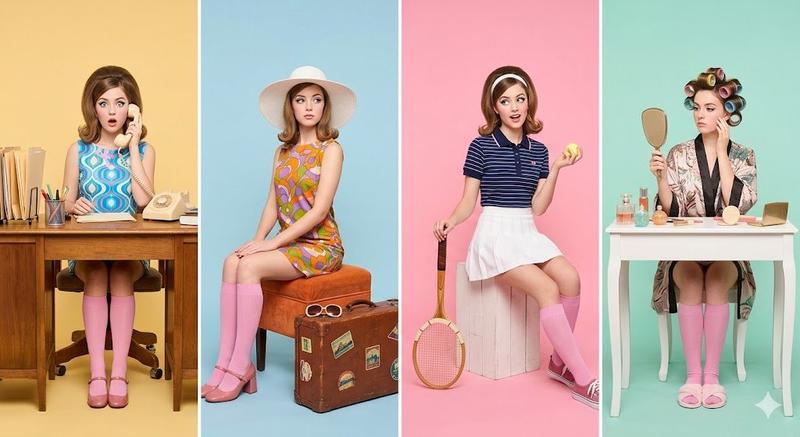
Surreal product metaphor ad: GPT Image 2 prompt
Prompt
PRODUCT: [ADD PRODUCT NAME OR ATTACH ITS PHOTO]

Create ONE scroll-stopping premium surreal advertising visual for the product above.

First, silently identify and analyze the product’s brand, purpose, audience, visual DNA, iconic colors, emotional promise and strongest customer benefit.

Translate that single benefit into ONE ingenious surreal visual metaphor that communicates the entire advertising idea instantly—an impossible scene that feels logically perfect, emotionally meaningful and understandable within one second.

Creative benchmark: the clarity of a hand holding a key while an entire road emerges from it. Do not copy this execution; invent a completely original metaphor specifically connected to the submitted product.

PRODUCT ACCURACY:
If a reference image is attached, preserve the real product with absolute accuracy: identical shape, proportions, colors, materials, packaging, typography, label placement, logo and every recognizable detail. Do not redesign, distort, replace or stylize it.

The product must remain intact, realistic, clearly branded and visually dominant. Build the surreal event around it, emerging from it or interacting with one of its functional features—never transform it into an unrecognizable fantasy object.

BRAND VISIBILITY:
Display the official brand logo clearly and naturally on the product. If the attached product already includes the logo, preserve it exactly. Do not invent, misspell, duplicate or redesign the logo.

ART DIRECTION:
World-class premium advertising, intelligent visual wit, photorealistic commercial product photography, minimal seamless background inspired by the brand palette, sophisticated editorial composition, tactile materials, cinematic studio lighting, physically believable shadows, subtle depth, generous negative space and immaculate high-end retouching.

Use only:
• one hero product
• one surreal visual event
• one supporting hand or object only when essential

Avoid miniature worlds, generic portals, decorative surrealism, floating particles, visual clutter, excessive props, busy environments, multiple concepts, collages, split screens and presentation layouts.

COPY:
Write exactly THREE powerful English words that complete the metaphor and feel native to the brand DNA. The words must express the product promise—not describe the image.

Typography must occupy less than 8% of the canvas. Add no other copy, CTA, explanation or disclaimer.

Before generating, silently reject generic or reusable ideas and refine the concept until it scores at least 9/10 for:
visual hook, instant clarity, product relevance, brand recognition, originality and premium execution.

Final output: ONE standalone advertising image, portrait 4:5.
- Category
- Products & E-commerce
- Model
- GPT Image 2
- Creator
- AZIZ | AI 🇸🇦
- Source ID
- 2075307262399176752
- Published
- Jul 9, 2026
Views0