19

极速踢击与大师防守的动漫对决

Prompt
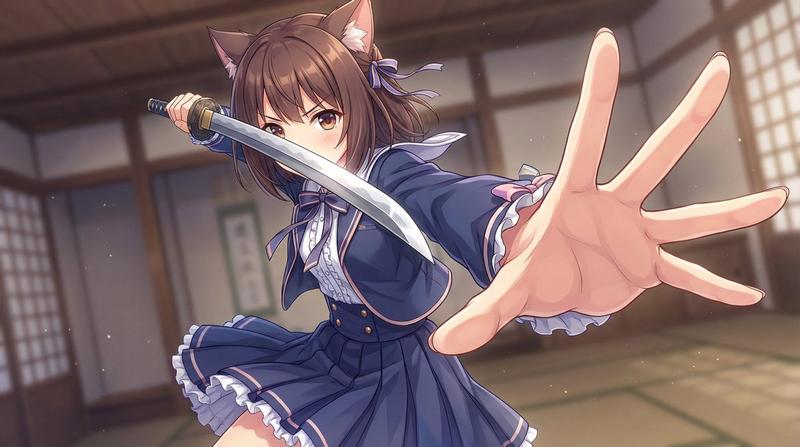
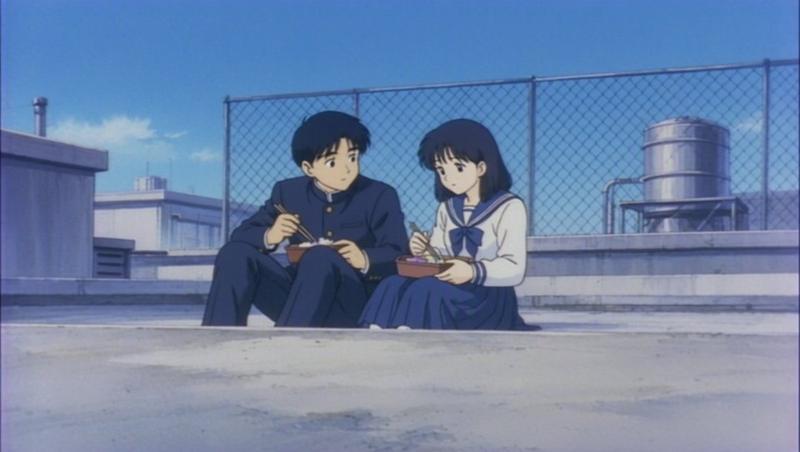
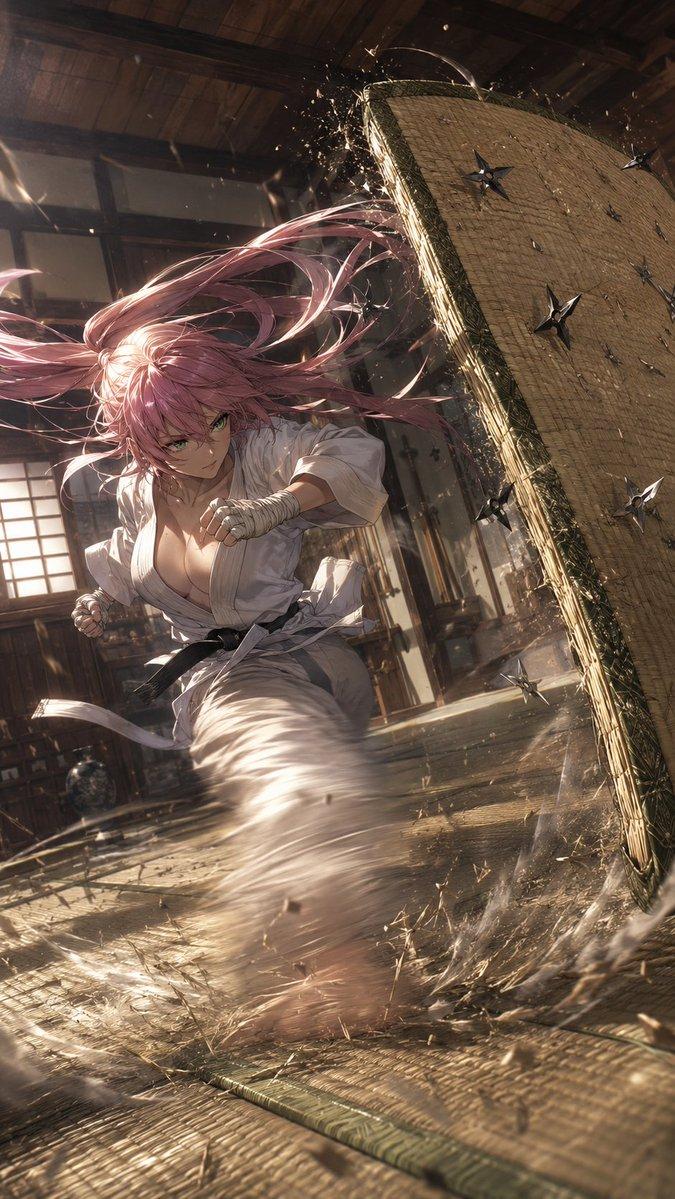
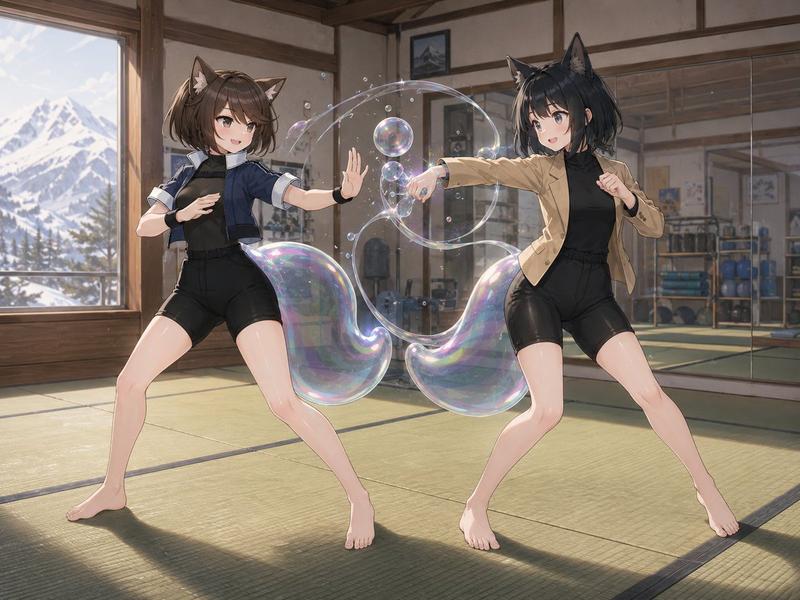
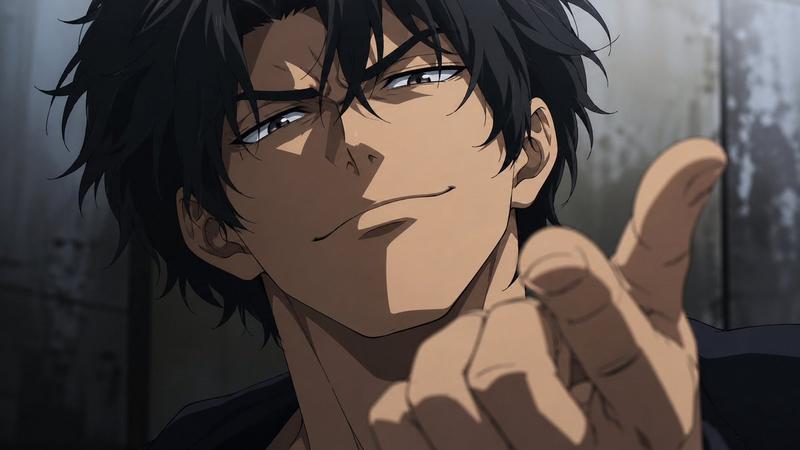
@Image1's character Kai attacks @Image2's character Master Tanaka in the @Image3 dojo. anime with motion blur on Kai's kicks and crisp movement for Tanaka. Choreography: Shot 1 (0.0-2.0s): Medium shot. Kai attacks with a high roundhouse kick. Tanaka blocks with his forearm, barely shifting. Shot 2 (2.0-3.5s): CU. Kai throws a mid-level side kick. Tanaka deflects it with a small circular hand movement. Shot 3 (3.5-5.0s): Low angle. Kai attempts a low sweep. Tanaka lifts his foot as it passes under. Shot 4 (5.0-7.0s): CU on Kai's confused face. Sound is three taiko beats, a loud THUD, a WHOOSH, a SWISH, then silence. Constraints: Contrast between speed and economy of motion is critical.
Category
Video Prompts
Model
Seedance 2.0
Views256
Source ID
3219
Published
Mar 11, 2026

Guide

About "极速踢击与大师防守的动漫对决"

What is this prompt for?

"极速踢击与大师防守的动漫对决" AI image prompt for Seedance 2.0 (Video Prompts). @Image1 的角色 Kai 在 @Image3 的道场攻击 @Image2 的角色 Master Tanaka。动漫风格,Kai 的踢击带有动态模糊,而 Tanaka 的动作干脆利…

The full copyable prompt and example visuals above are ready for AI image generation or one-click recreate in Picva.

How to use this prompt

  1. Step 1

    Open the prompt detail

    Review the example visuals, category, and full prompt text for "极速踢击与大师防守的动漫对决".

  2. Step 2

    Copy the prompt

    Copy the prompt body from this page, or load it directly in Studio.

  3. Step 3

    Pick a model (Seedance 2.0)

    Prefer Seedance 2.0. If you switch models, keep subject and composition and tweak style terms.

  4. Step 4

    Generate and export

    Recreate the look in Picva, or export into your workflow for editing and publishing.

FAQ

What is the "极速踢击与大师防守的动漫对决" prompt?
It is an AI image-generation prompt for Seedance 2.0 in the Video Prompts category. This page includes the full prompt text, example visuals, and a one-click recreate path in Picva.
How do I use this prompt to generate an image?
Copy the prompt from this page, or use Generate / Studio. Paste it into a compatible image model, or recreate the look in Picva with optional reference images.
Which model is this prompt for?
This page lists Seedance 2.0. Most descriptive prompts also transfer to nearby image models such as GPT Image, Flux, or Midjourney with light style tweaks.
Can I use the result commercially?
You can usually copy the prompt for creation, but commercial use of the final image depends on the model terms, reference-image rights, and the generated content. Follow the source author and platform rules.