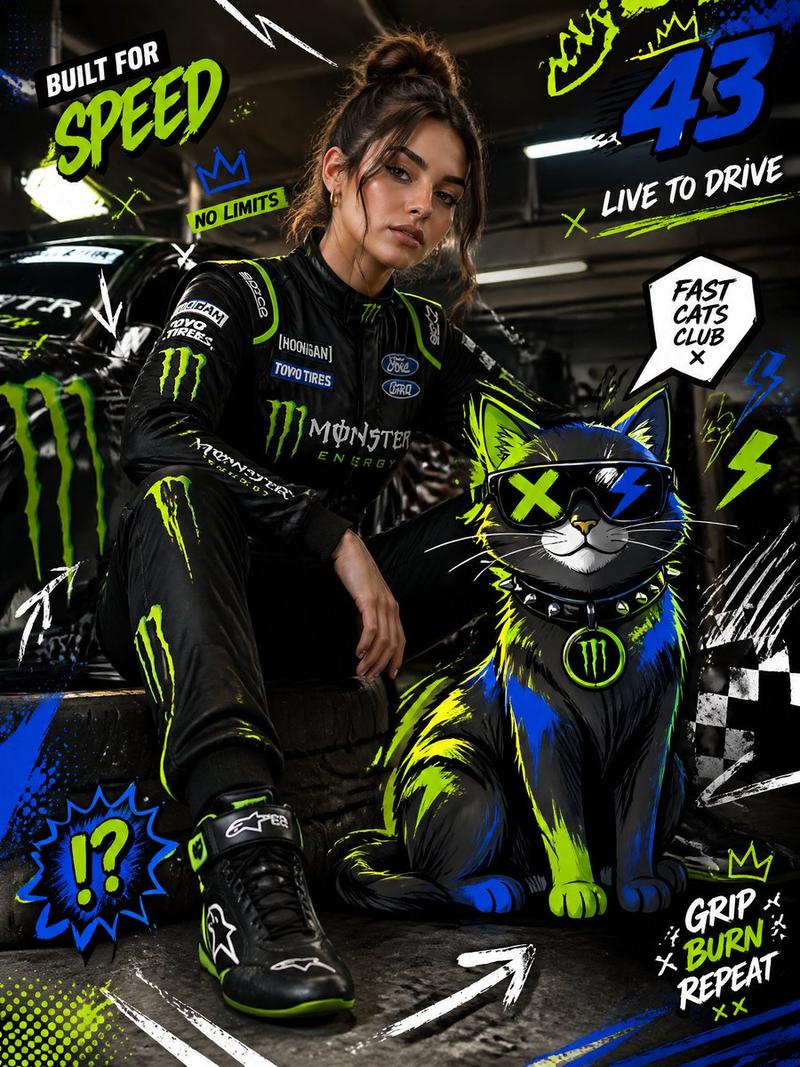
20

萌猫MotoGP赛道超越本田93号赛车

Prompt
The image I provide contains my kitten — please use it as the character model reference. Create a video where the kitten is riding a small cart and racing on a MotoGP track. The kitten overtakes the Honda #93 race bike in a corner (this sequence should last 3 seconds). Cut to a rear shot of the kitten, filmed from a ground-level low angle, capturing the kitten leaning hard into the turn (3 seconds). Then use an ultra-telephoto lens shot of the kitten speeding through a large C-shaped corner (3 seconds). Switch to a wide shot showing the kitten and the Honda #93 bike going through the final corner before the finish line (3 seconds). Finally, show the kitten lifting the front of the cart into a wheelie as it crosses the finish line (3 seconds). Throughout the video, add authentic MotoGP-style original male English commentary — but only include commentary for the opening overtake and the final finish-line moment.
Category
Video Prompts
Model
Seedance 2.0
Views287
Source ID
3145
Published
Mar 19, 2026

Guide

About "萌猫MotoGP赛道超越本田93号赛车"

What is this prompt for?

"萌猫MotoGP赛道超越本田93号赛车" AI image prompt for Seedance 2.0 (Video Prompts). 我提供的图片包含我的小猫——请将其用作角色模型参考。创作一个视频,展示小猫驾驶一辆小推车在MotoGP赛道上竞速。小猫在弯道超越本田 #93 赛车(该镜头持续3秒)。切换到小…

The full copyable prompt and example visuals above are ready for AI image generation or one-click recreate in Picva.

How to use this prompt

  1. Step 1

    Open the prompt detail

    Review the example visuals, category, and full prompt text for "萌猫MotoGP赛道超越本田93号赛车".

  2. Step 2

    Copy the prompt

    Copy the prompt body from this page, or load it directly in Studio.

  3. Step 3

    Pick a model (Seedance 2.0)

    Prefer Seedance 2.0. If you switch models, keep subject and composition and tweak style terms.

  4. Step 4

    Generate and export

    Recreate the look in Picva, or export into your workflow for editing and publishing.

FAQ

What is the "萌猫MotoGP赛道超越本田93号赛车" prompt?
It is an AI image-generation prompt for Seedance 2.0 in the Video Prompts category. This page includes the full prompt text, example visuals, and a one-click recreate path in Picva.
How do I use this prompt to generate an image?
Copy the prompt from this page, or use Generate / Studio. Paste it into a compatible image model, or recreate the look in Picva with optional reference images.
Which model is this prompt for?
This page lists Seedance 2.0. Most descriptive prompts also transfer to nearby image models such as GPT Image, Flux, or Midjourney with light style tweaks.
Can I use the result commercially?
You can usually copy the prompt for creation, but commercial use of the final image depends on the model terms, reference-image rights, and the generated content. Follow the source author and platform rules.