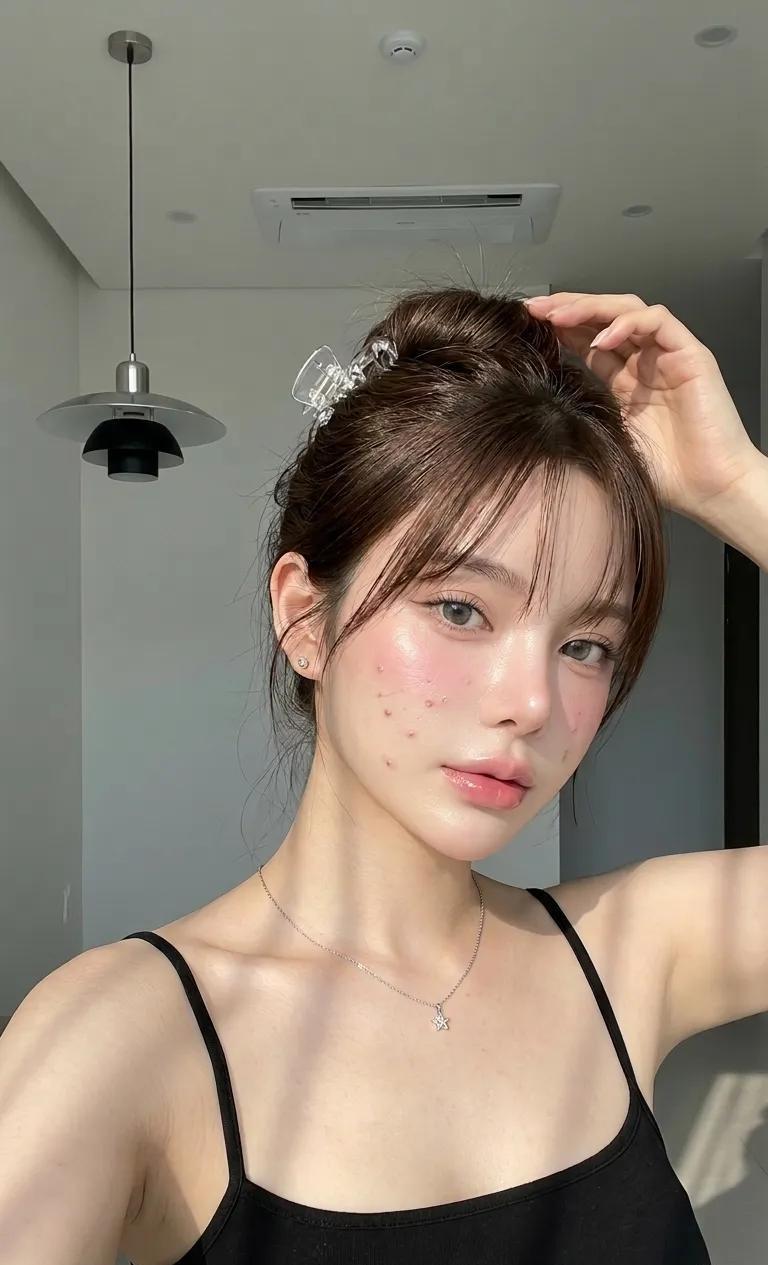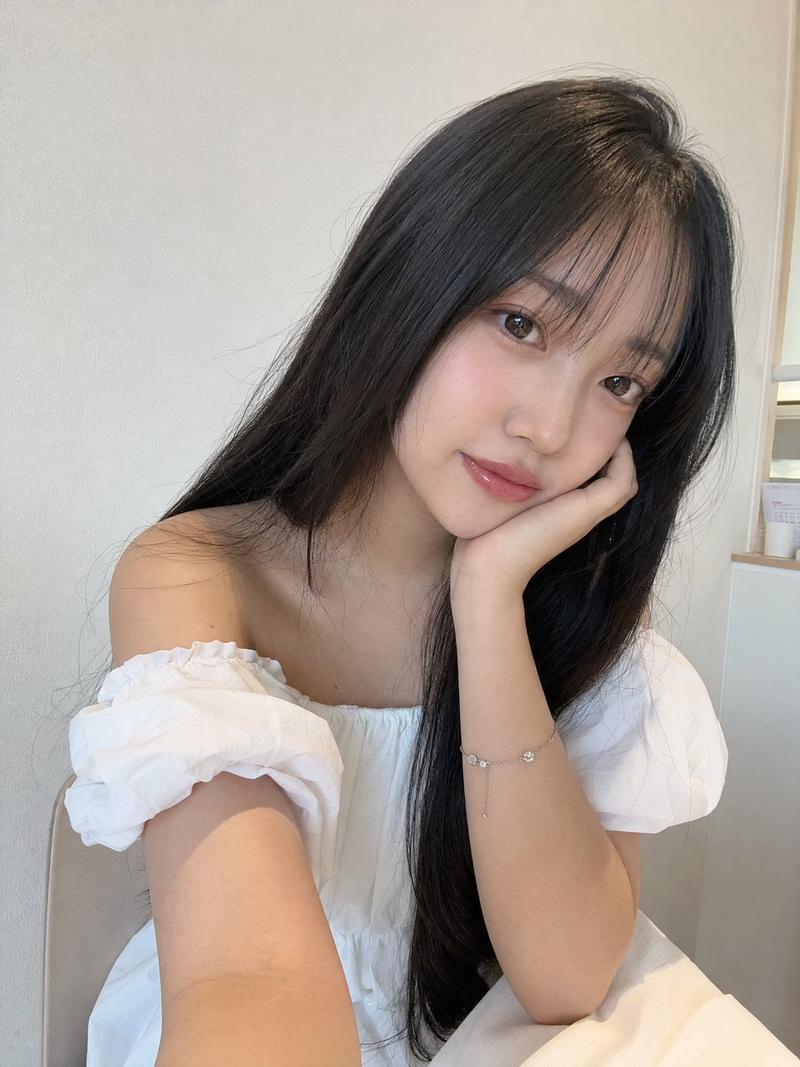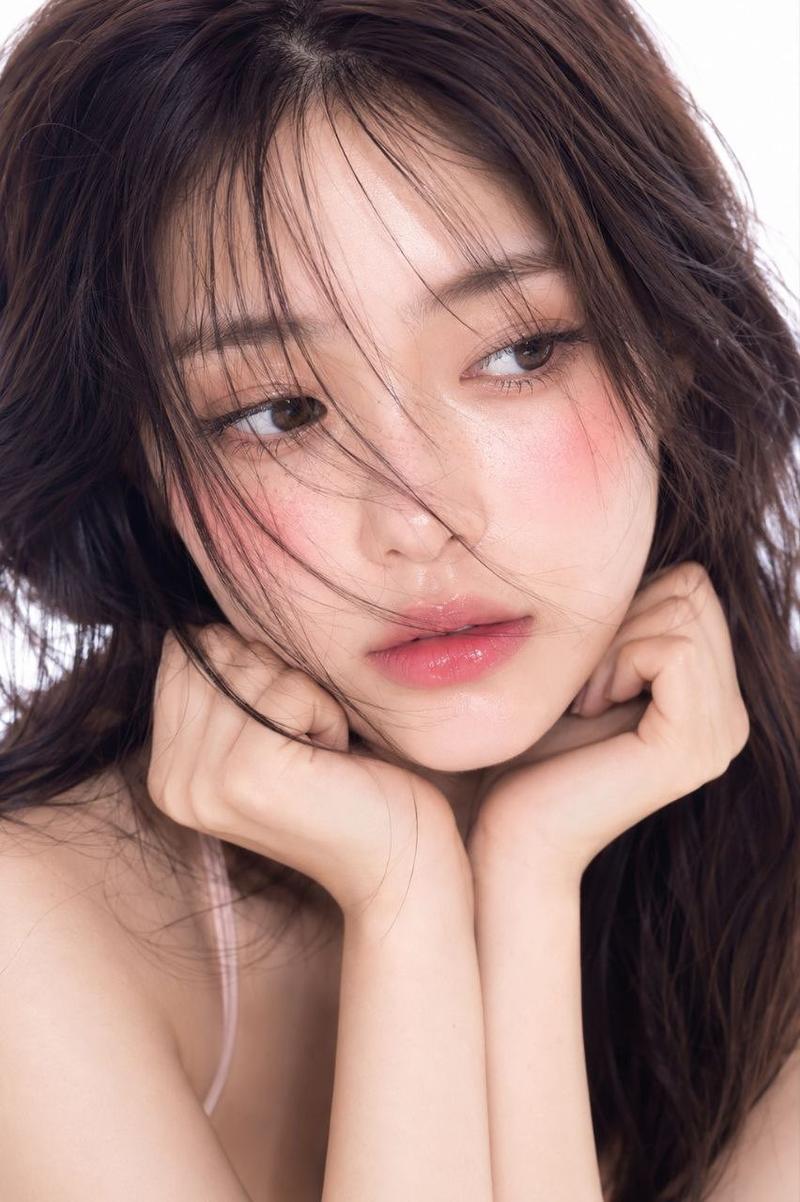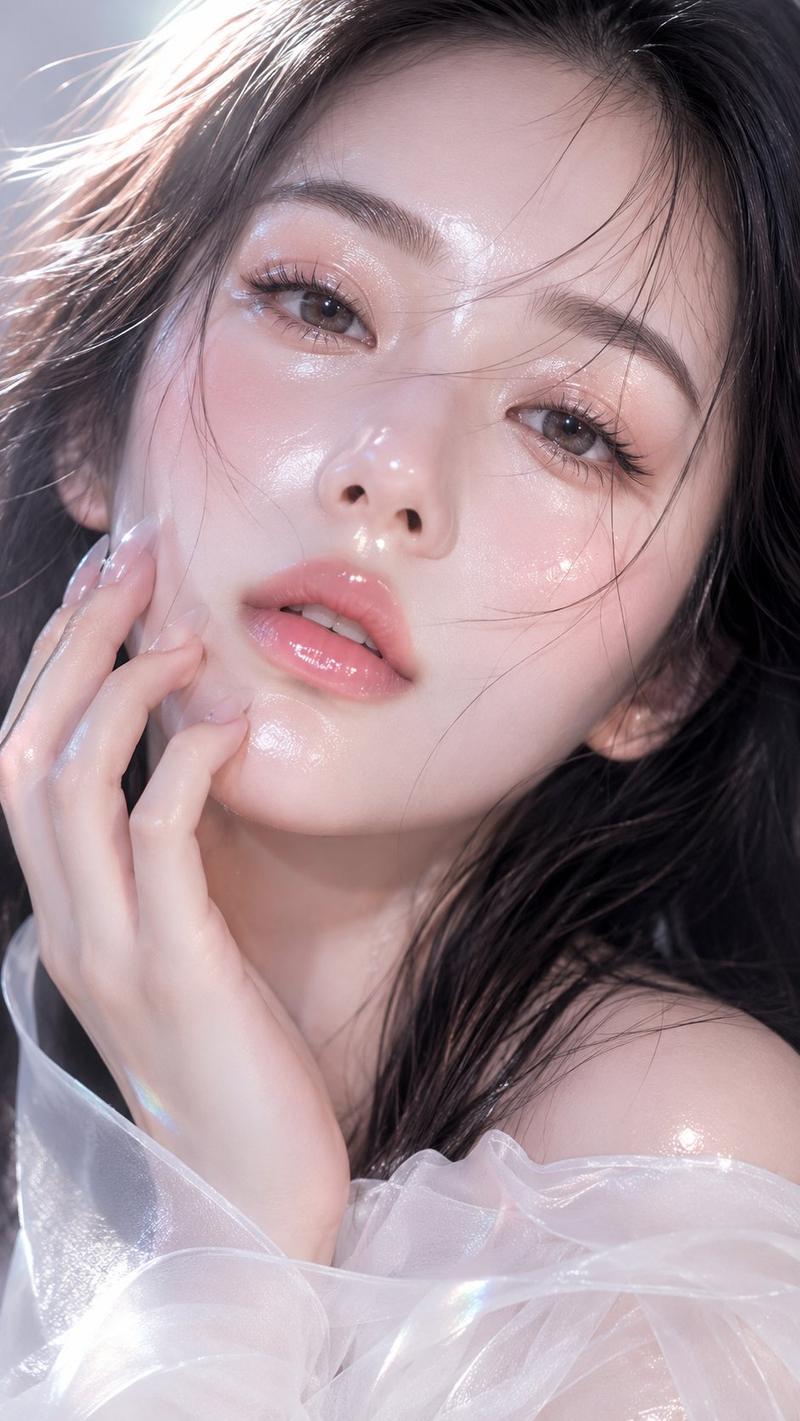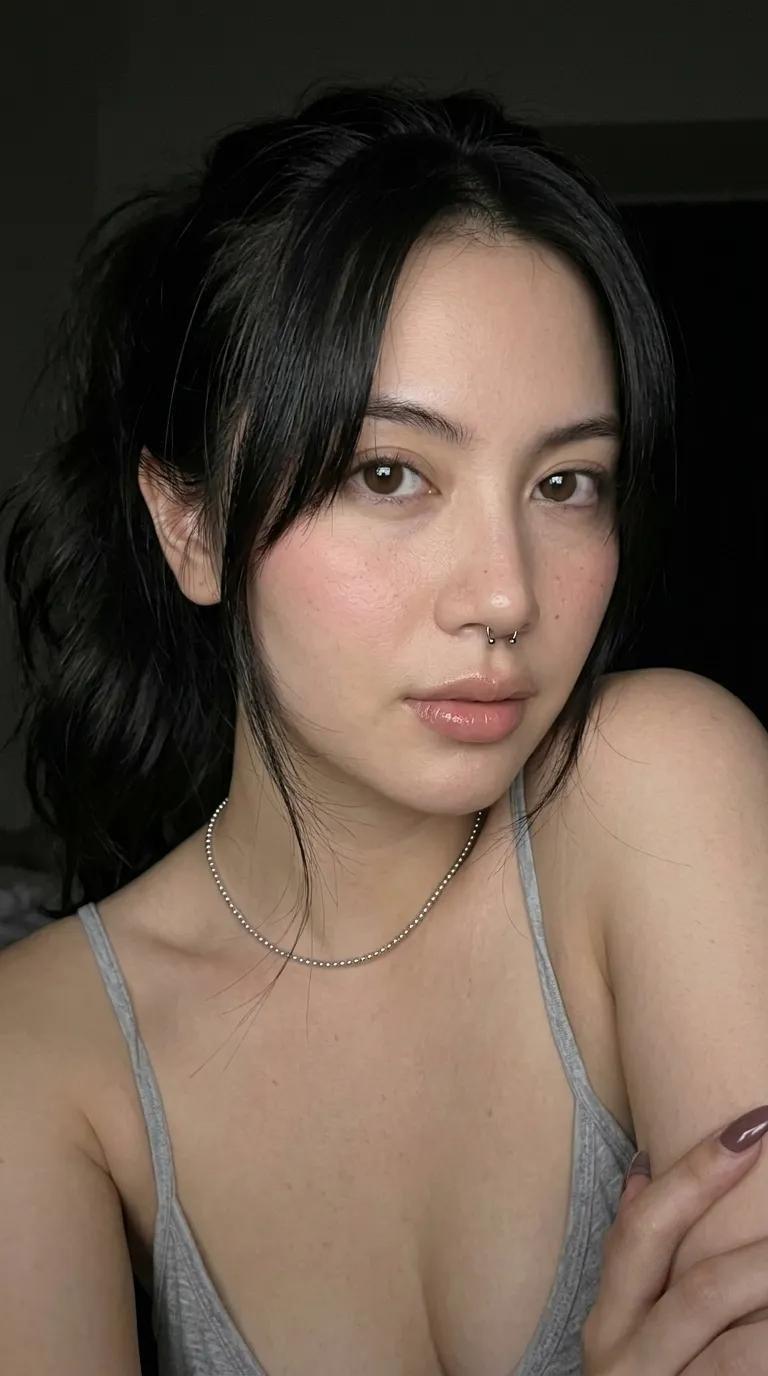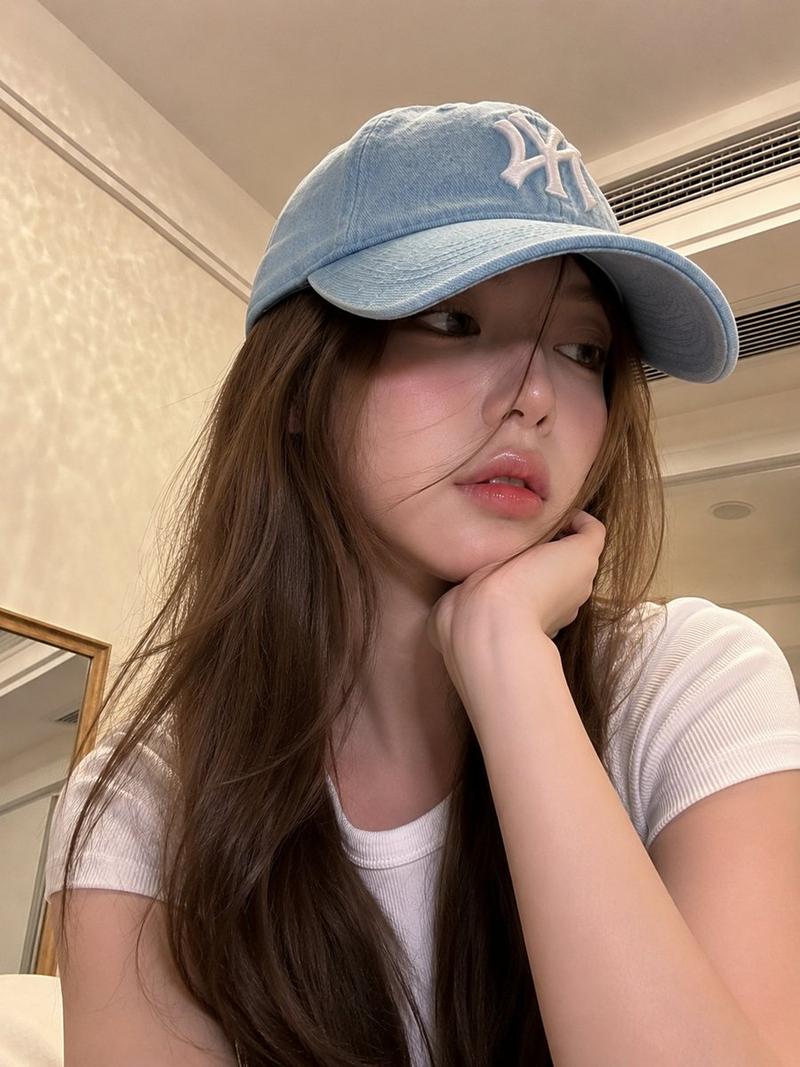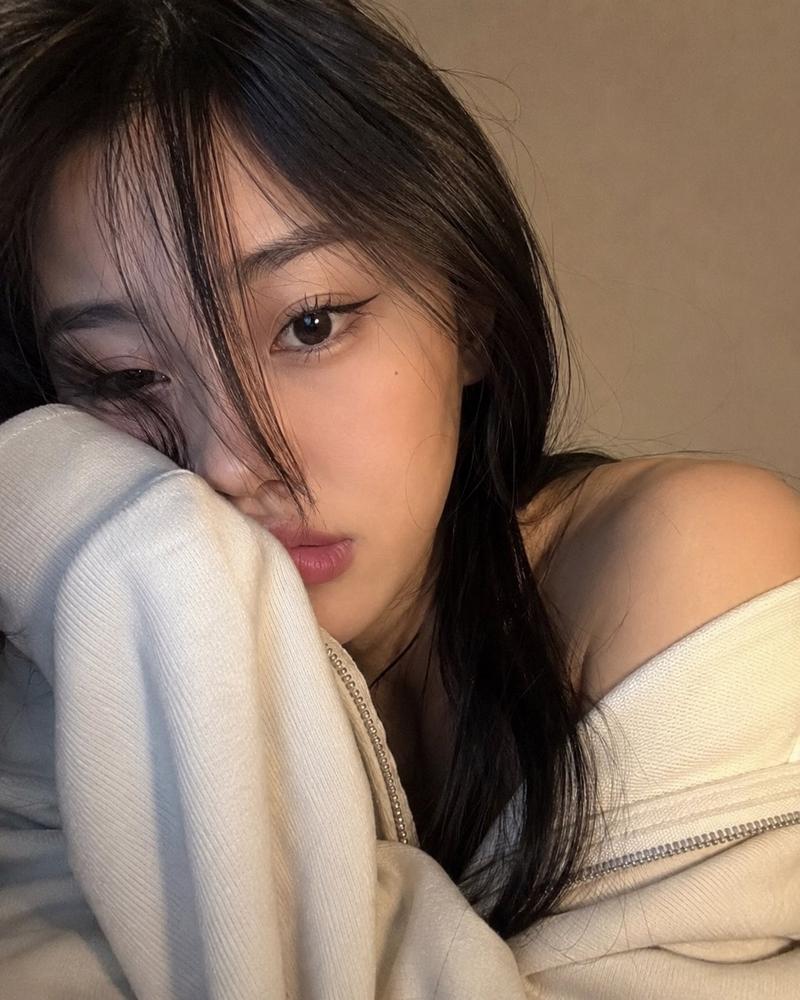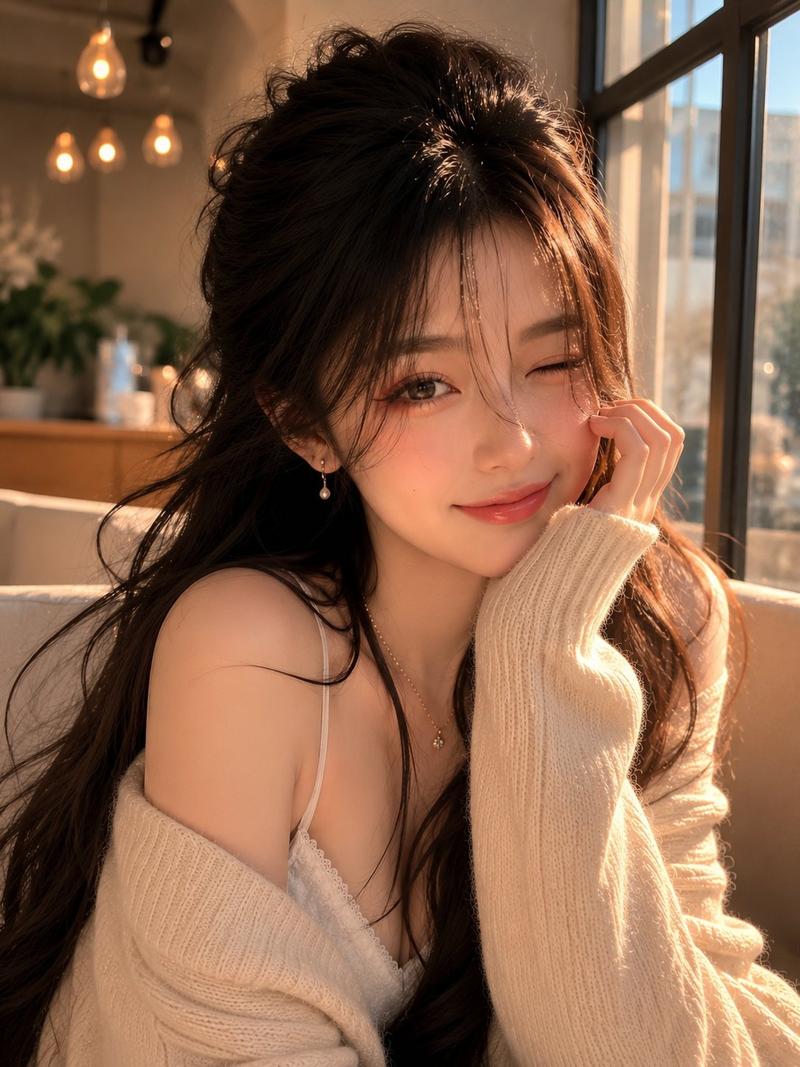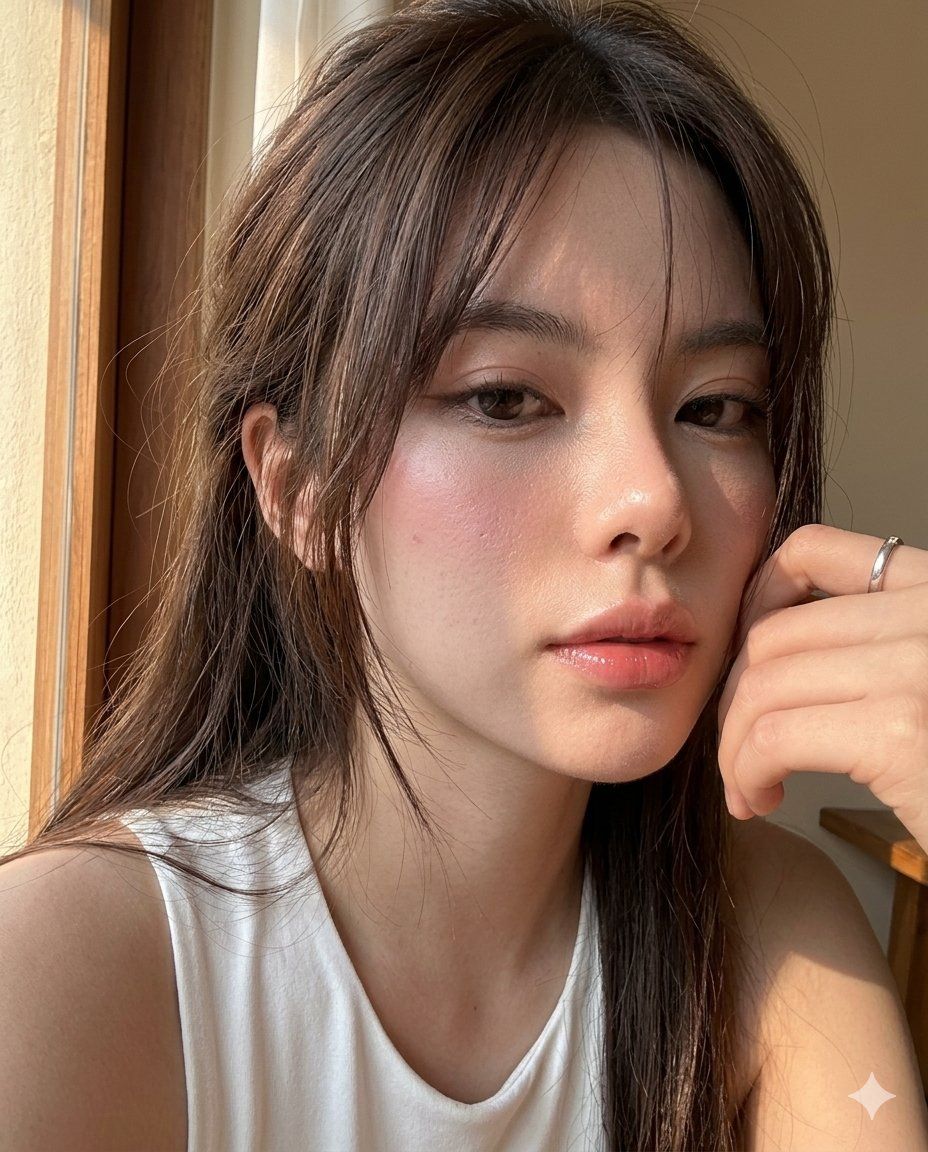
iPhone17Pro超写实窗边亲密人像自拍
Prompt
Create image: use the attached image for facial reference with high precision apply hyper-realistic iPhone 17 Pro rear camera rendering while preserving exact facial structure and natural asymmetry. Maintain realistic proportion while enhancing crisp and clarity.

SCENE:
A young woman takes an extremely close intimate selfie near a sunlit window, with warm sunlight cutting across her cheek, nose, lips, and hair. The mood feels soft, romantic, quiet, and emotionally close like an accidental afternoon selfie.

CAMERA / SMARTPHONE LOGIC:
Authentic modern smartphone computational photography with mixed subtle flash-lit clarity and strong natural window sunlight. Ultra-crisp facial micro-details, visible pores, glossy lip texture, sharp eyelashes, clean hair strand separation, realistic highlight bloom, and natural edge sharpening. Slight close-distance wide-angle distortion, imperfect crop, tight framing, slanted angle, and natural handheld intimacy. Realistic HDR preserves bright sunlight and soft face shadows. No DSLR blur, no cinematic grading, no beauty-filter smoothing.

MAIN SUBJECT / SKIN DETAILS:
Warm dewy skin with visible pores, glowing cheek highlight, realistic under-eye softness, glossy rose lips, natural nose shine, soft facial redness, and dimensional sunlight texture.

EXPRESSION / MOOD:
Soft dreamy gaze with expressive eyes partly framed by hair, relaxed lips, and quiet intimate emotion.

MAKEUP:
Minimal soft makeup with feathered brows, warm beige-brown eyeshadow, subtle eyeliner, delicate lashes, flushed rosy cheek warmth, luminous dewy skin, and glossy rose-pink lips.

HAIRSTYLE:
Long brown hair with natural volume, messy face-framing strands, warm sunlit shine, and crisp individual hair fibers.

OUTFIT:
Soft white sleeveless top with delicate casual home styling.

BACKGROUND / ENVIRONMENT:
Neutral indoor window-side setting with warm sunlight, muted shadows, and soft minimal background.

COMPOSITION:
Extreme close-up crop cutting part of the face and forehead, hair sweeping through the frame, intimate tilted perspective, and imperfect handheld spacing.

LIGHTING:
Strong warm sunlight mixed with subtle flash-like clarity. Bright highlights on cheek, nose, lips, and hair while shadows remain dimensional and textured.

--ar 4:5

NEGATIVE PROMPT:
perfect editorial framing, DSLR bokeh, plastic skin, AI beauty filter, oversmoothed pores, blown-out highlights, dull colors, blurry eyes, muddy shadows, unrealistic symmetry, fake studio lighting, painterly rendering, lifeless expression, low-resolution textures, overprocessed HDR
- Category
- UI & Interfaces
- Model
- ChatGPT
- Creator
- @Chryzleenprompt
- Source ID
- 14979
- Published
- May 25, 2026
Views116