18

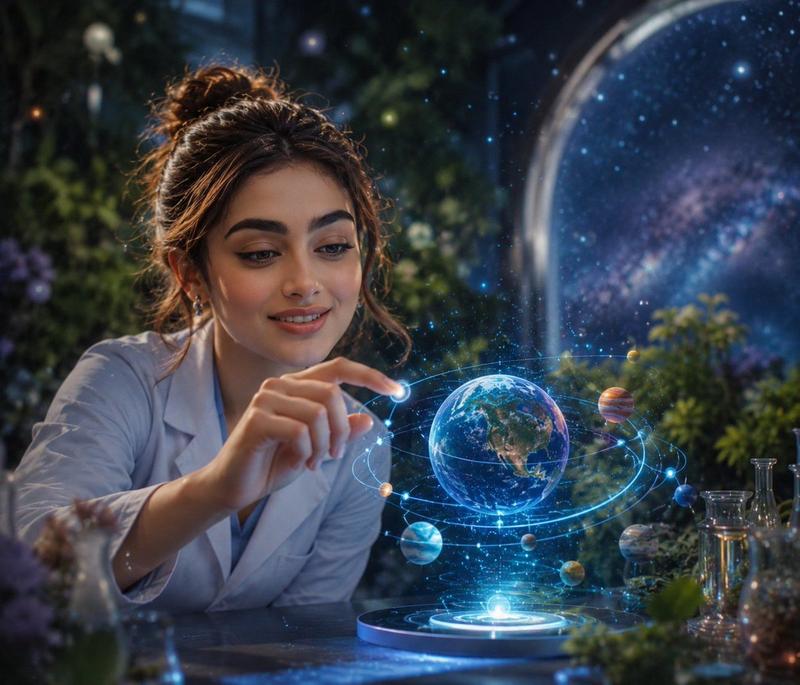
高端商业平面设计合成效果图
Enlarge

高端商业平面设计合成效果图

Prompt
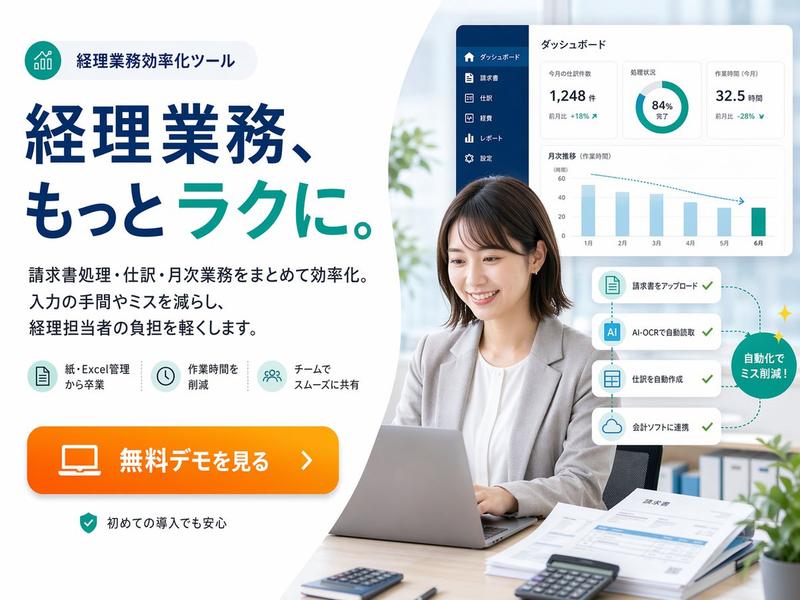
A highly professional commercial graphic design composite shot, captured from a dynamic high-angle perspective using a 35mm lens for a polished look. The subject, featuring the uploaded face as reference, is dressed in sleek smart-casual attire—a tailored navy blazer, crisp white t-shirt, and clean chinos—looking confidently upwards. The core Photoshop manipulation features a clean, hyper-realistic 'out-of-bounds' effect: the subject is holding a sleek matte-black tablet, and a vibrant, translucent 3D glass-morphism marketing growth chart physically extrudes seamlessly from the screen into the real space. The subject's other hand is precisely adjusting a glowing data node on the chart. The background is a minimalist, premium matte slate-grey with subtle, clean geometric drop shadows to emphasize the depth. The lighting is crisp, high-end studio illumination with perfectly controlled edge lights, ensuring flawless integration between the digital glass elements and the physical subject. The composition relies on pristine masking, vivid yet balanced brand colors (cyan and orange highlights), deep depth of field, and elegant negative space, delivering a top-tier, sophisticated marketing agency aesthetic.
Category
Charts & Infographics
Model
ChatGPT
Creator
@HaniaAi12
Views0
Source ID
17459
Published
Jul 6, 2026

Guide

About "高端商业平面设计合成效果图"

What is this prompt for?

"高端商业平面设计合成效果图" AI image prompt for ChatGPT (Charts & Infographics). 一张高度专业的商业平面设计合成镜头,采用35mm镜头从动态高角度拍摄,呈现出精美的视觉效果。主体以上传的面部为参考,身穿干练的商务休闲装——精裁剪裁的深蓝色西装外套、洁白的T恤和干…

The full copyable prompt and example visuals above are ready for AI image generation or one-click recreate in Picva.

How to use this prompt

  1. Step 1

    Open the prompt detail

    Review the example visuals, category, and full prompt text for "高端商业平面设计合成效果图".

  2. Step 2

    Copy the prompt

    Copy the prompt body from this page, or load it directly in Studio.

  3. Step 3

    Pick a model (ChatGPT)

    Prefer ChatGPT. If you switch models, keep subject and composition and tweak style terms.

  4. Step 4

    Generate and export

    Recreate the look in Picva, or export into your workflow for editing and publishing.

FAQ

What is the "高端商业平面设计合成效果图" prompt?
It is an AI image-generation prompt for ChatGPT in the Charts & Infographics category. This page includes the full prompt text, example visuals, and a one-click recreate path in Picva.
How do I use this prompt to generate an image?
Copy the prompt from this page, or use Generate / Studio. Paste it into a compatible image model, or recreate the look in Picva with optional reference images.
Which model is this prompt for?
This page lists ChatGPT. Most descriptive prompts also transfer to nearby image models such as GPT Image, Flux, or Midjourney with light style tweaks.
Can I use the result commercially?
You can usually copy the prompt for creation, but commercial use of the final image depends on the model terms, reference-image rights, and the generated content. Follow the source author and platform rules.