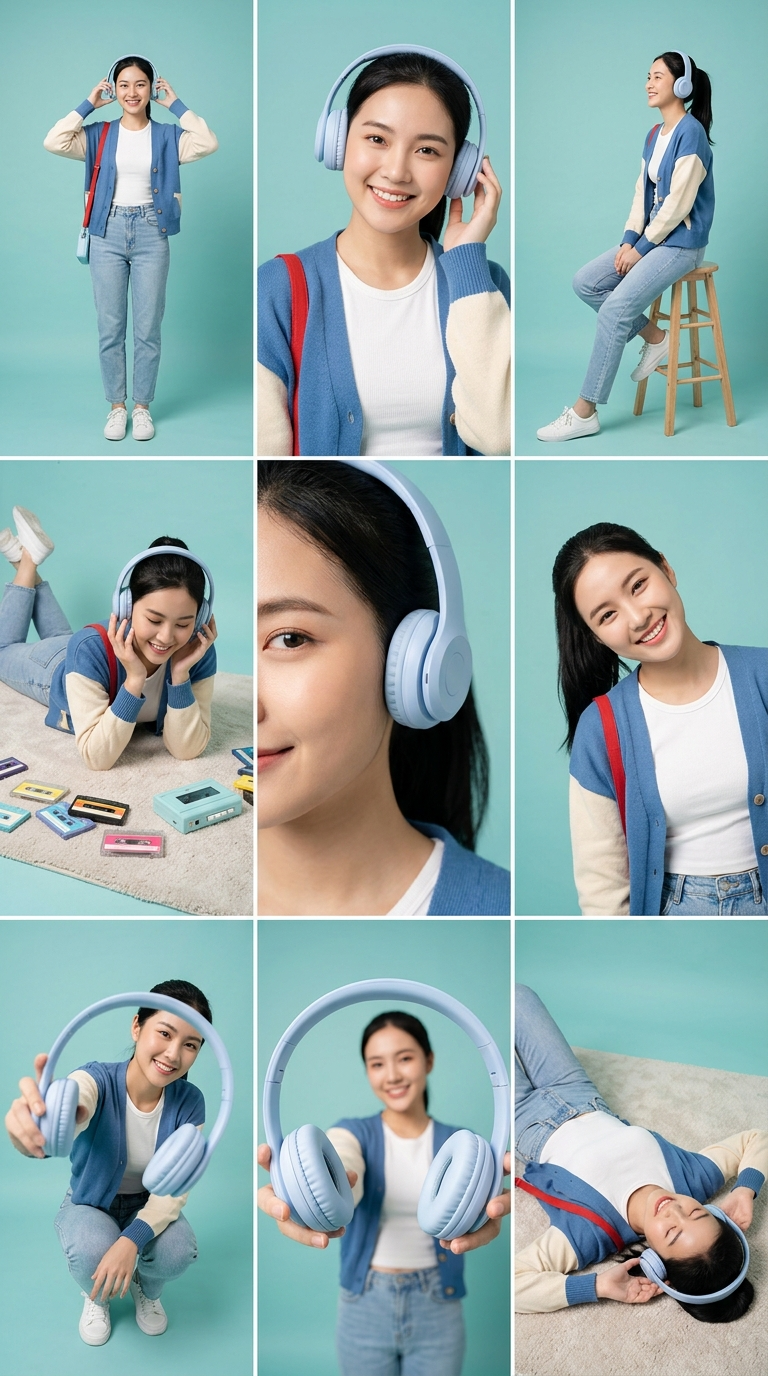
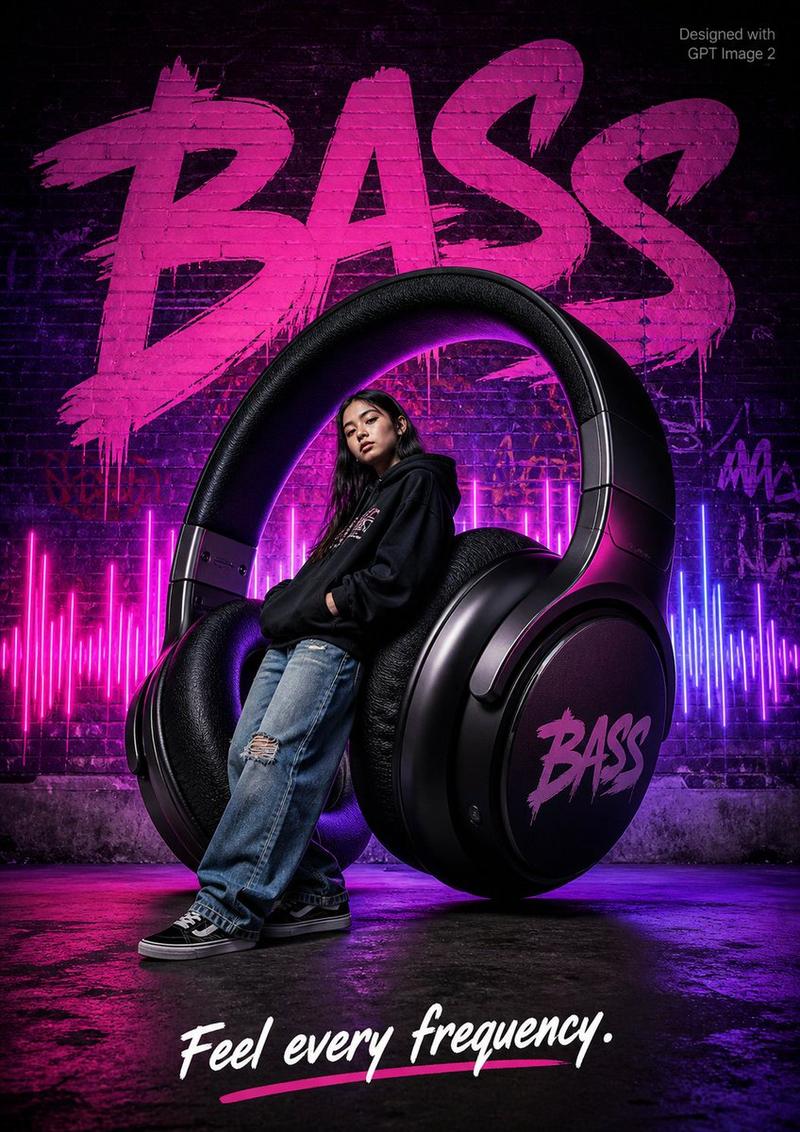
霓虹涂鸦风格无线耳机广告大片
Prompt
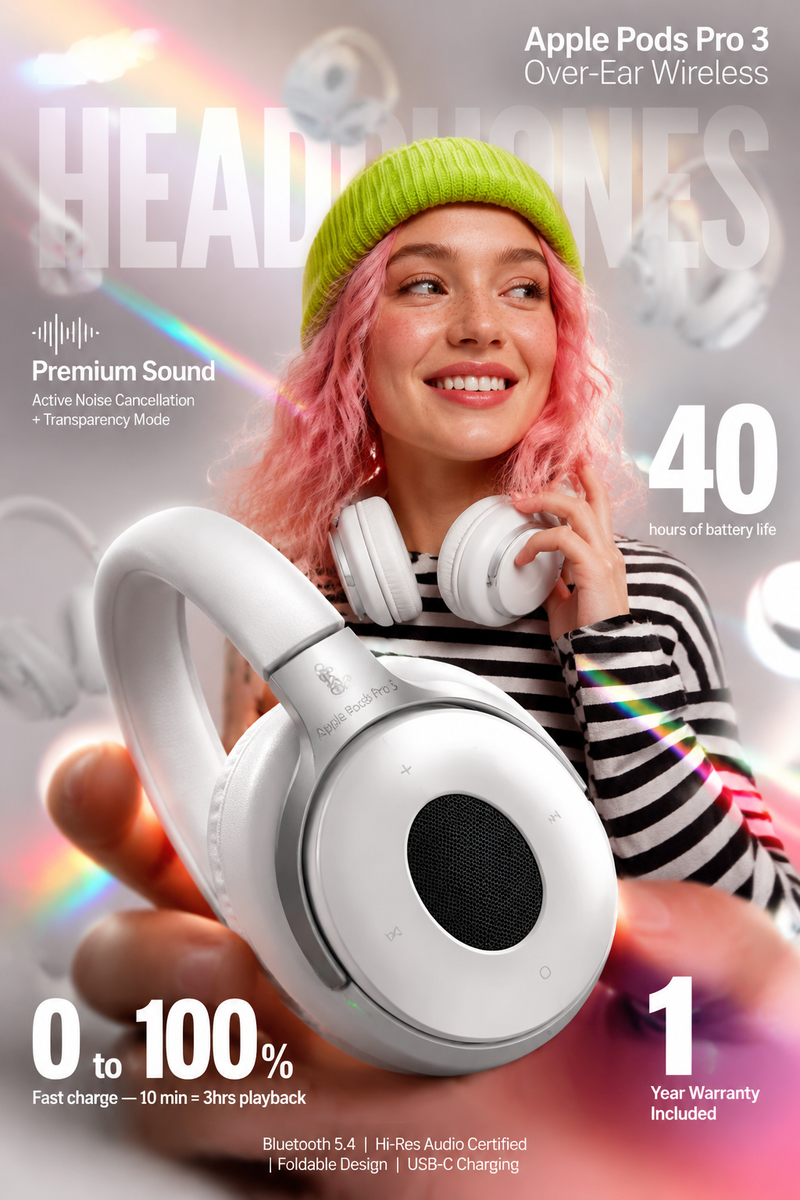
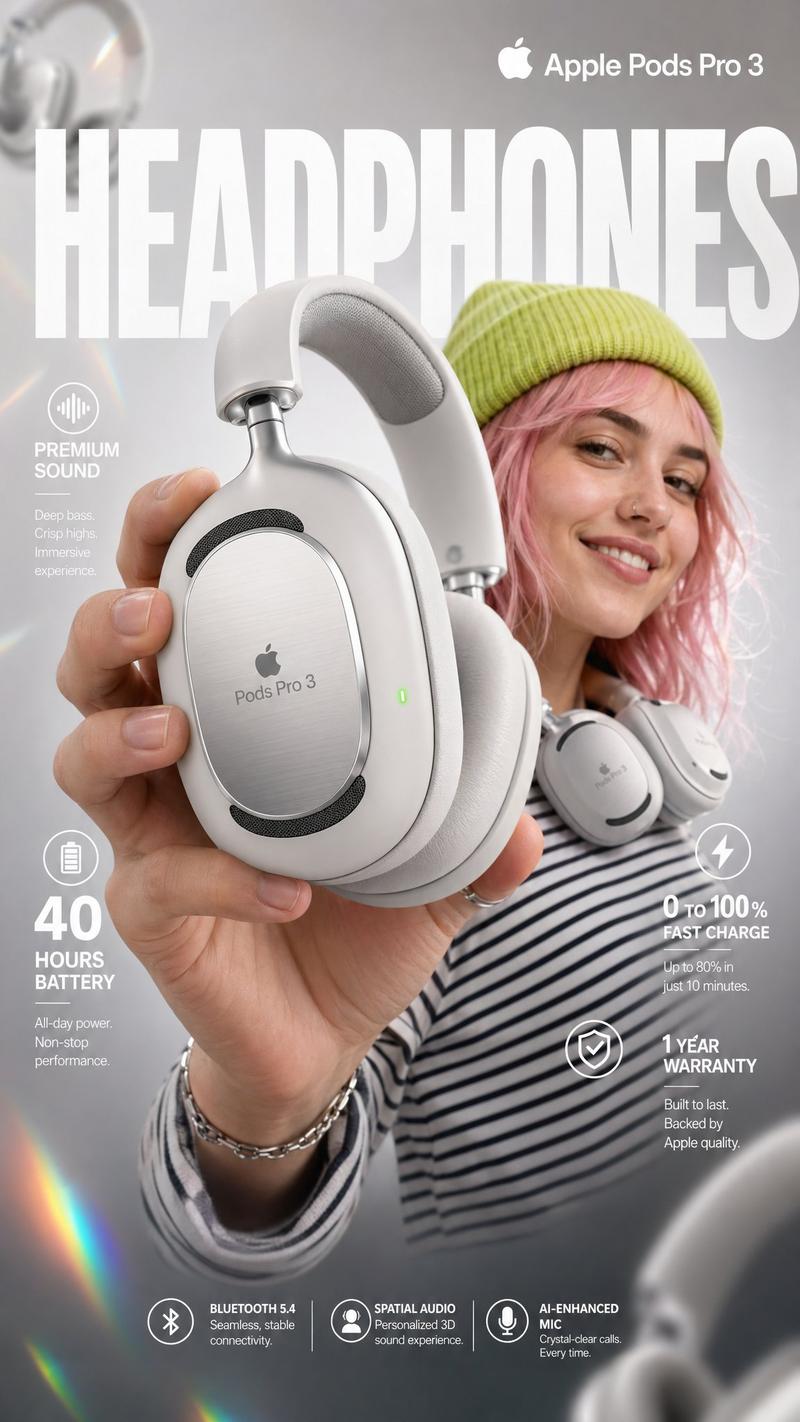
Ultra-realistic premium product photography of stylish wireless over-ear headphones floating above a glossy podium, vibrant neon lighting, soft pastel background, cinematic studio setup, trendy Gen Z aesthetic, detailed hand holding headphones with glossy nails, playful doodle-style handwritten text and arrows around product highlighting features like “60 HRS”, “Wireless Freedom”, “Bass Beast”, “Loud & Clear”, glowing sound waves, gaming/music vibe, colorful ambient reflections, shallow depth of field, clean commercial advertising style, modern tech brand campaign, high detail, photorealistic, Instagram ad aesthetic, soft shadows, dynamic composition, vibrant cyan, coral, purple and neon tones, luxury lifestyle product showcase, 4K studio lighting, creative typography doodles integrated naturally around the headphones.
- Category
- Posters & Typography
- Model
- ChatGPT
- Creator
- @ChillaiKalan__
- Source ID
- 14985
- Published
- May 25, 2026
Views36


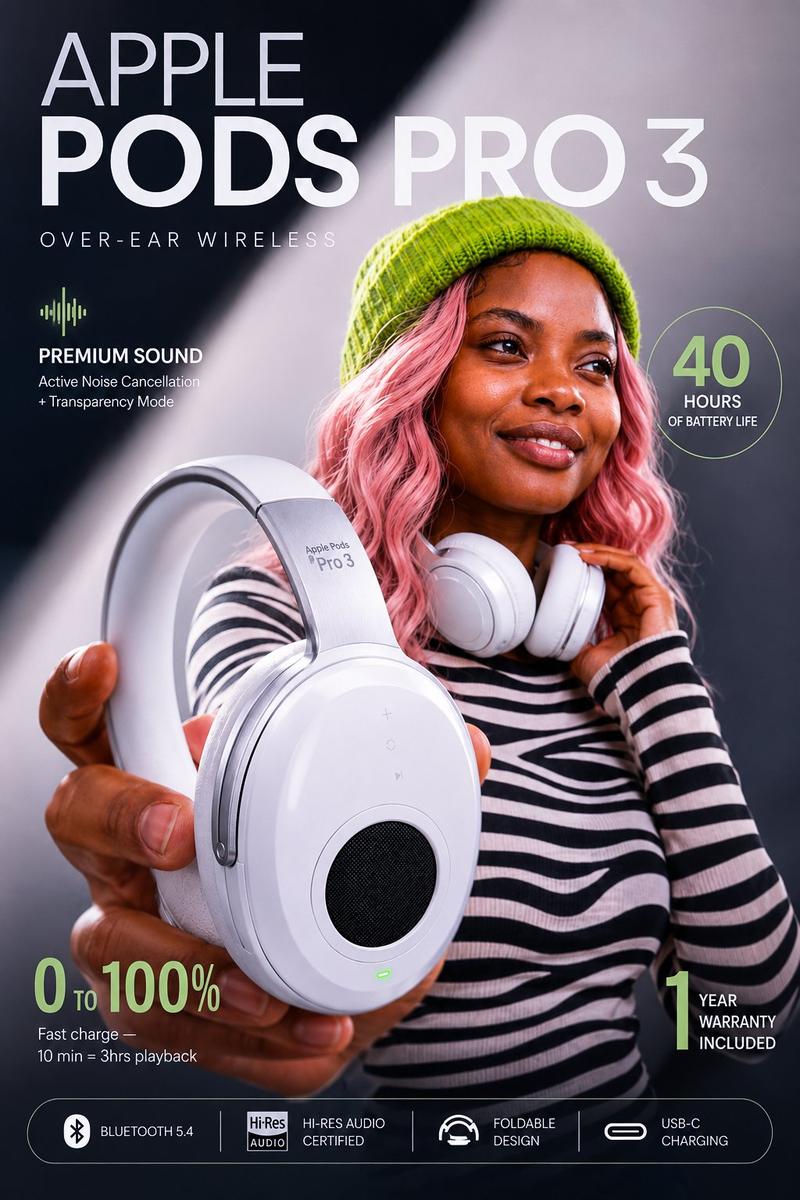
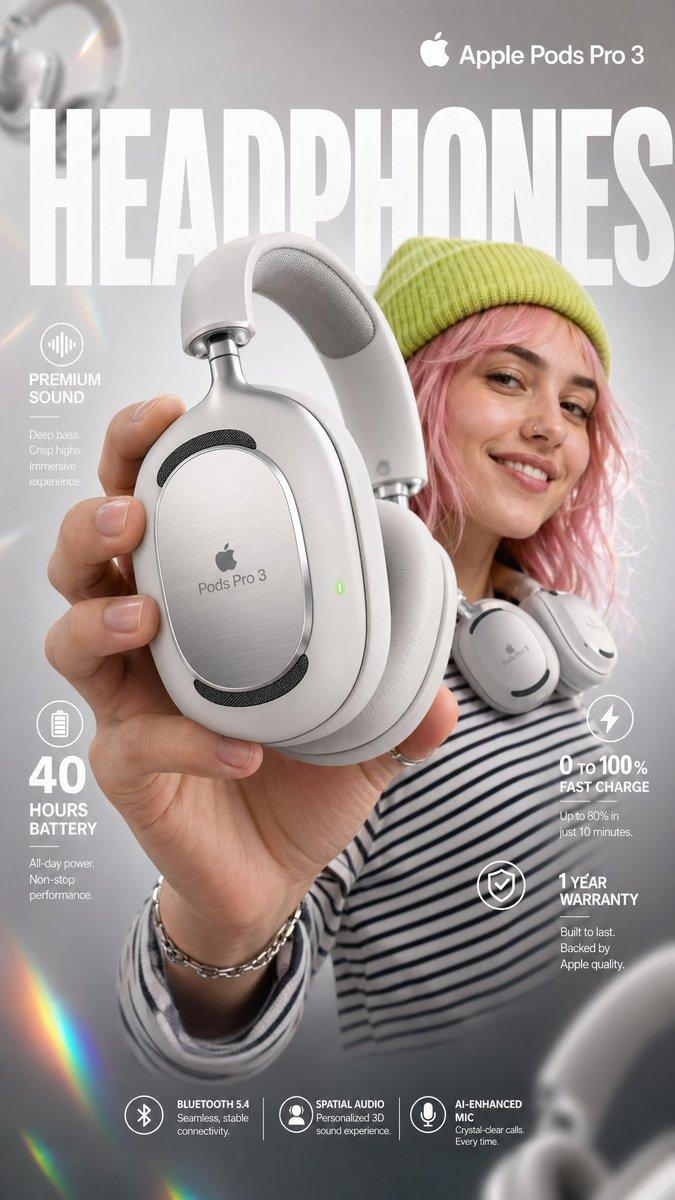
![PROMPT TO ART [PRODUCT] suspended mid-air, glowing sparks swirling around, drama](https://cdn.pixshop.app/prompt-library/tweet-2004298915001389518/preview-0-1768180070905-1qrz1hrl.jpeg)



![Create a premium advertising poster for [BRAND] featuring [PRODUCT]](https://i.pixshop.app/storage/v1/render/image/public/prompt-source-media/promptsref/work-38059/image-1-b176c3dbd3311ae4.png?width=800&quality=75&resize=contain)