20

人物坐在床沿上双手摊开一叠钞票 (变体 2)
Enlarge

人物坐在床沿上双手摊开一叠钞票 (变体 2)

Prompt
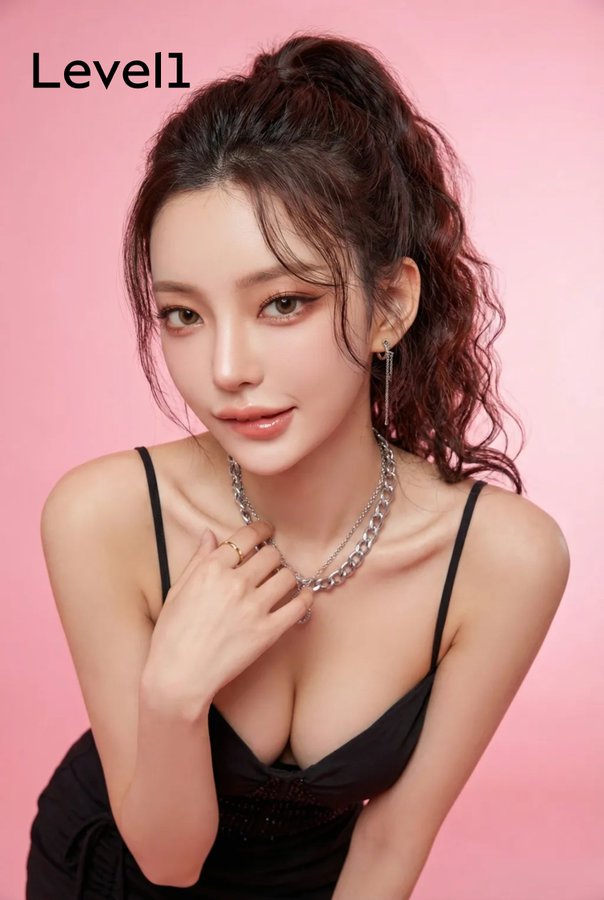
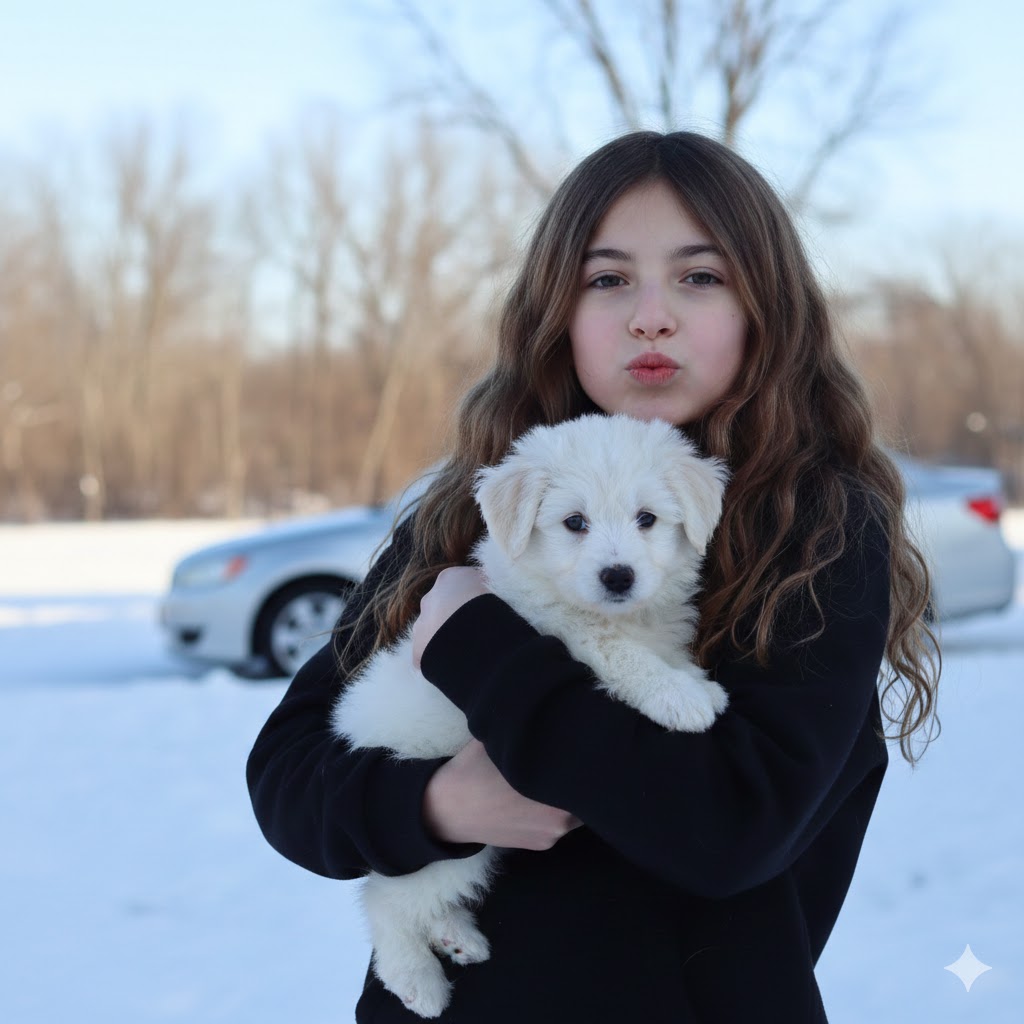
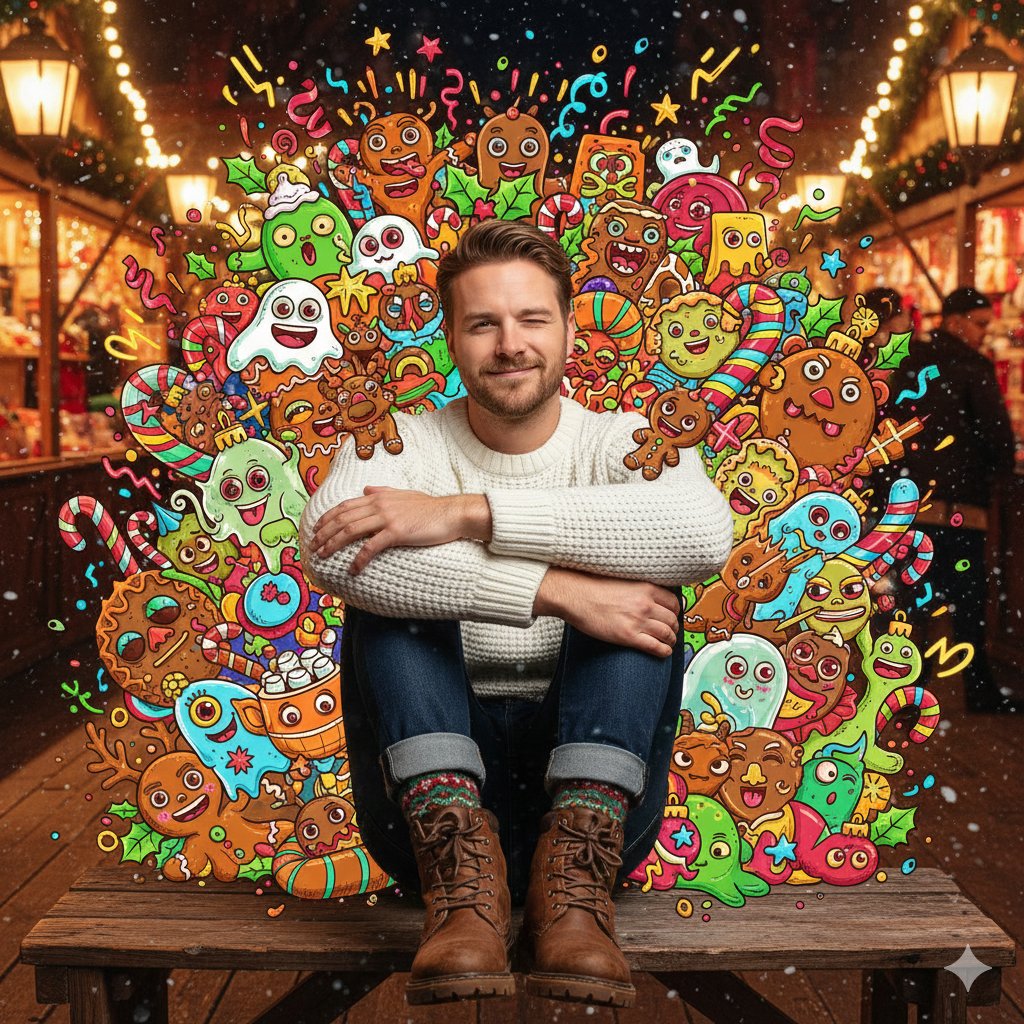
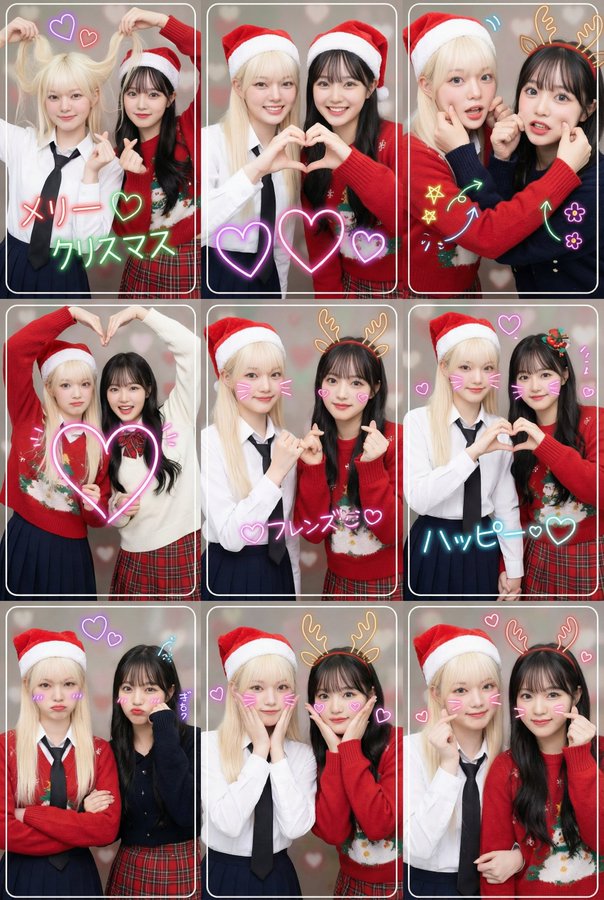
{ "subject": "参考上传图片 - 保持与上传图片完全一致。人物坐在床沿上,双手摊开一叠钞票,仰头,表情夸张,微微吐舌。"pose": "坐在床沿上,双腿分开,双手摊开一叠10000日元钞票于胸前,头部后仰,仰望。"character": { "face": "参考上传图片", "hair": "参考上传图片", "body_type": "参考上传图片", "skin_tone": "参考上传图片" }, "clothing": "参考上传图片 - 保持与上传图片完全一致。"accessories": { "jere": "参考上传图片", "props": "一大叠钞票摊开在手中,散落在地上的10000日元钞票,背景中可见黄色名牌包。"expression": "嘴巴张得大大的,带着一种迷离、失控的笑容,眉毛沉重地向下垂着,望着。"仰头,表情夸张,张着嘴,充满活力,喜庆洋溢。“环境”:{“地点”:参考上传图片,“设置”:参考上传图片,“背景”:参考上传图片,“表面”:参考上传图片},“光线”:{“类型”:夜间闪光灯摄影,“光源”:干净的白色室内灯光,相机闪光灯,“质量”:暖色调人造光与闪光灯混合,营造对比并突出主体”},“相机”:{“角度”:低角度,从下往上拍摄主体,“视角”:特写,环境人像,“技巧”:闪光灯摄影”},“风格”:{“美学”:奢华生活方式摄影,“情绪”:充满活力,喜庆,令人向往,“调色板”:暖色调,对比色”},“一致性说明”:所有角色特征,包括面部、头发、体型、肤色、面部结构、服装和配饰,均使用上传的参考图片。与参考图像保持严格的视觉一致性。", "output": { "aspect_ratio": "9:16", "orientation": "vertical" } }
Category
creative_scene
Model
Nano Banana Pro
Views3
Source ID
205f32ca-ef44-4e67-9c24-5fd9b6648600
Published
Dec 27, 2025

Guide

About "人物坐在床沿上双手摊开一叠钞票 (变体 2)"

What is this prompt for?

"人物坐在床沿上双手摊开一叠钞票 (变体 2)" AI image prompt for Nano Banana Pro (creative_scene). creative_scene Copy it on Picva and recreate the look in one click.

The full copyable prompt and example visuals above are ready for AI image generation or one-click recreate in Picva.

How to use this prompt

  1. Step 1

    Open the prompt detail

    Review the example visuals, category, and full prompt text for "人物坐在床沿上双手摊开一叠钞票 (变体 2)".

  2. Step 2

    Copy the prompt

    Copy the prompt body from this page, or load it directly in Studio.

  3. Step 3

    Pick a model (Nano Banana Pro)

    Prefer Nano Banana Pro. If you switch models, keep subject and composition and tweak style terms.

  4. Step 4

    Generate and export

    Recreate the look in Picva, or export into your workflow for editing and publishing.

FAQ

What is the "人物坐在床沿上双手摊开一叠钞票 (变体 2)" prompt?
It is an AI image-generation prompt for Nano Banana Pro in the creative_scene category. This page includes the full prompt text, example visuals, and a one-click recreate path in Picva.
How do I use this prompt to generate an image?
Copy the prompt from this page, or use Generate / Studio. Paste it into a compatible image model, or recreate the look in Picva with optional reference images.
Which model is this prompt for?
This page lists Nano Banana Pro. Most descriptive prompts also transfer to nearby image models such as GPT Image, Flux, or Midjourney with light style tweaks.
Can I use the result commercially?
You can usually copy the prompt for creation, but commercial use of the final image depends on the model terms, reference-image rights, and the generated content. Follow the source author and platform rules.