16

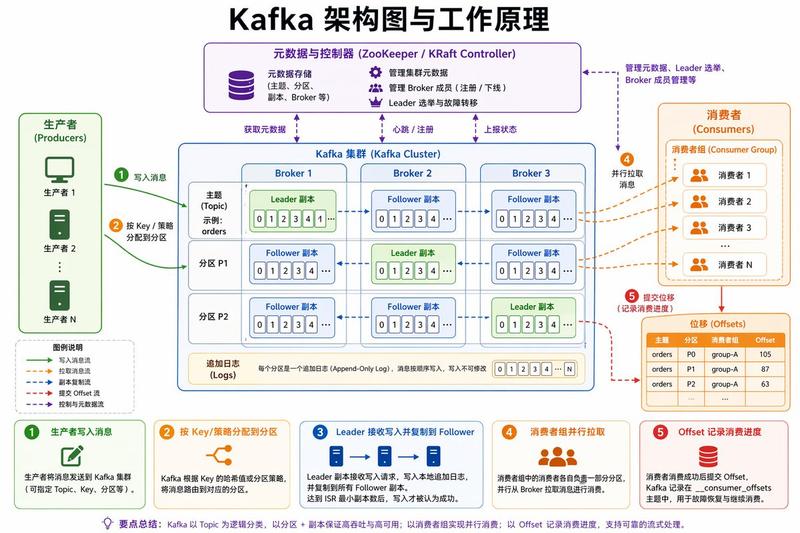
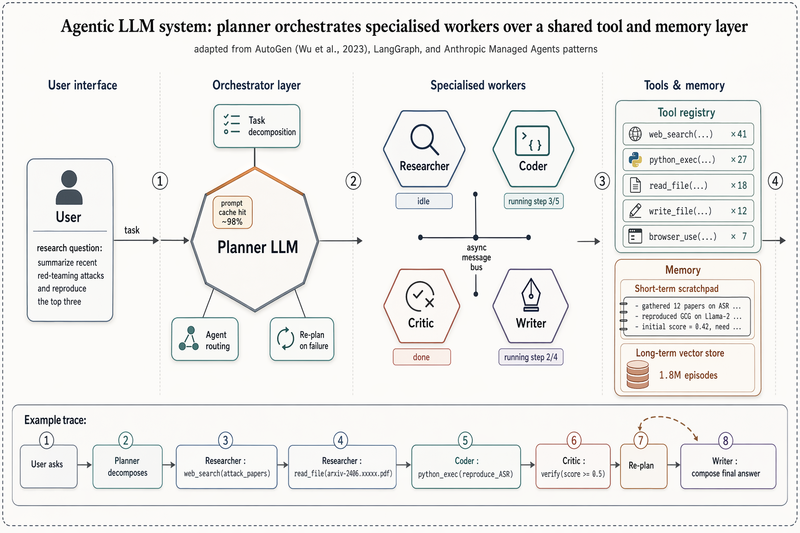
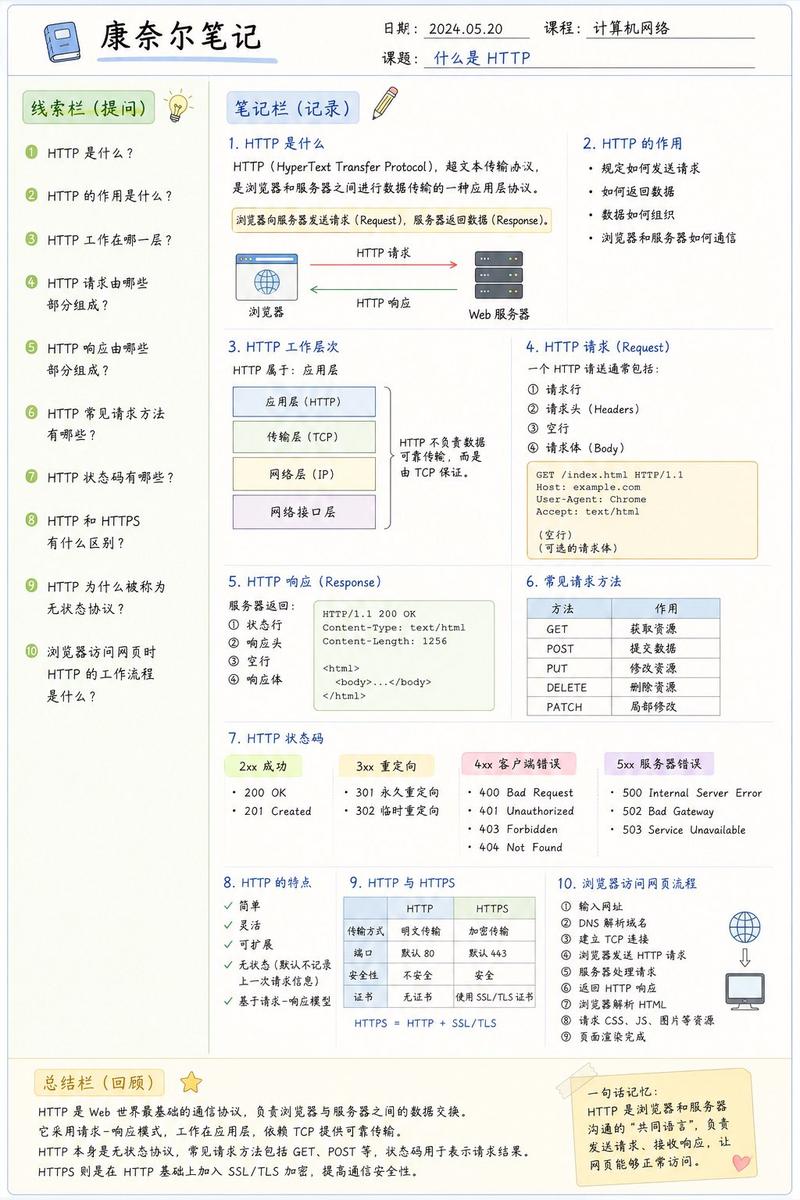
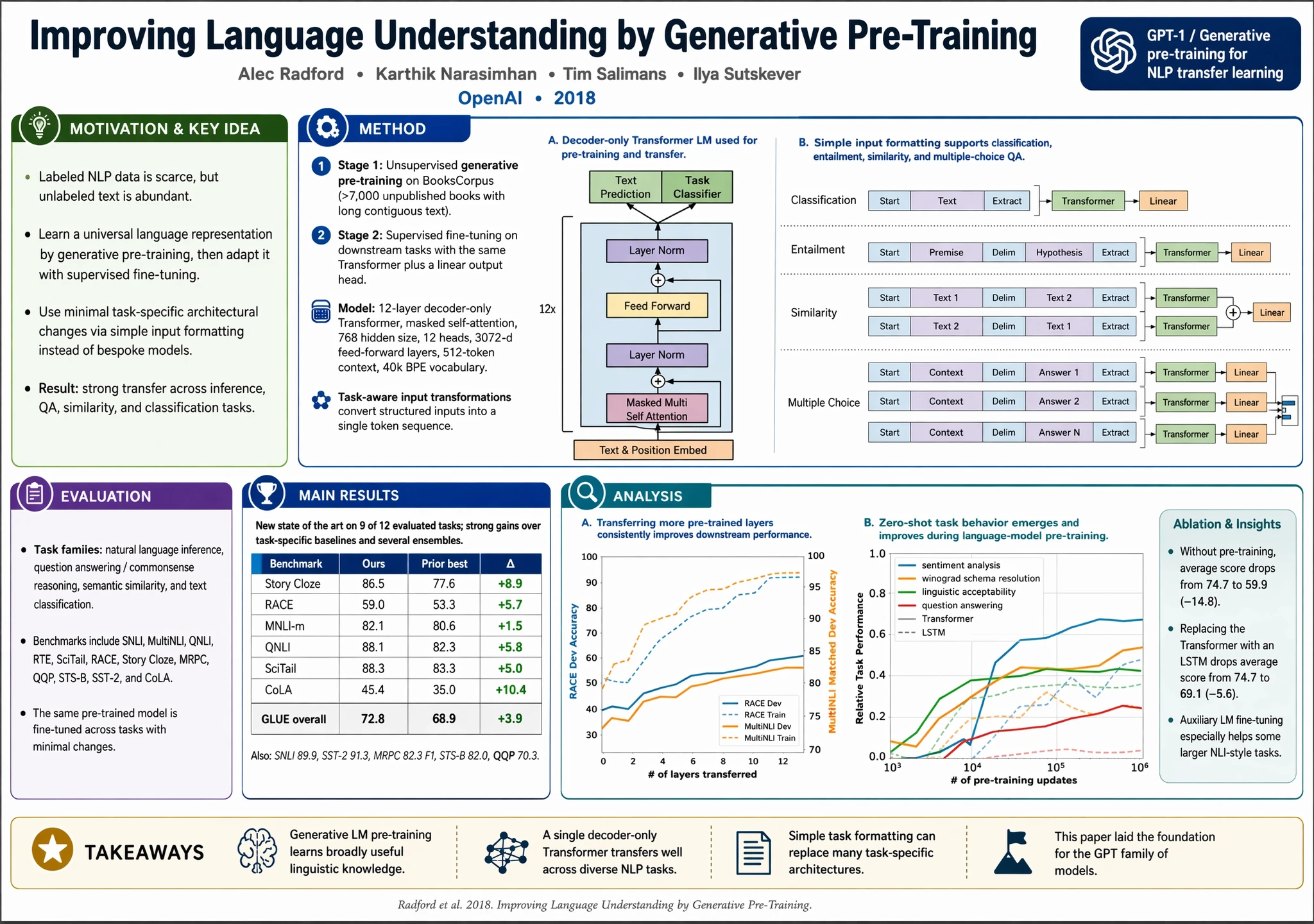
ICLR-style method figure
Enlarge

ICLR-style method figure

Prompt
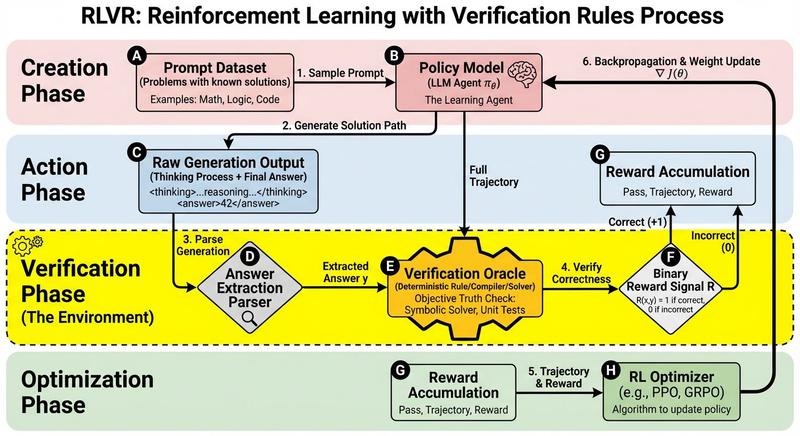
Create a polished ICLR-style Figure 1 for an imaginary method called "Hierarchical Memory Routing for Long-Context Multimodal Reasoning (HMR)". The top band shows the failure mode of naive long-context multimodal processing: one overcrowded horizontal token stream mixing text, image patches, retrieved documents, tool traces, and audio snippets, with red-orange warning accents for interference, attention dilution, memory collision, and quadratic compute cost. A clean horizontal divider separates the main lower panel, which presents the HMR framework as a spacious modular loop. Center: a Reasoning Controller with stages Observe_t to Update_t. Left: a three-level Memory Hierarchy with working cache, episodic memory, and semantic knowledge base. Right: Multimodal Streams entering selectively through routing paths. Bottom right: sparse experts activated only when needed. White background, vector-clean styling, neutral gray plus cool accents, minimal but legible labels, conference-paper clarity, no poster aesthetics.
Category
Charts & Infographics
Model
GPT Image 2
Creator
Unknown
Views4
Source ID
092

Guide

About "ICLR-style method figure"

What is this prompt for?

"ICLR-style method figure" AI image prompt for GPT Image 2 (Charts & Infographics). Create a polished ICLR-style Figure 1 for an imaginary method called "Hiera…

The full copyable prompt and example visuals above are ready for AI image generation or one-click recreate in Picva.

How to use this prompt

  1. Step 1

    Open the prompt detail

    Review the example visuals, category, and full prompt text for "ICLR-style method figure".

  2. Step 2

    Copy the prompt

    Copy the prompt body from this page, or load it directly in Studio.

  3. Step 3

    Pick a model (GPT Image 2)

    Prefer GPT Image 2. If you switch models, keep subject and composition and tweak style terms.

  4. Step 4

    Generate and export

    Recreate the look in Picva, or export into your workflow for editing and publishing.

FAQ

What is the "ICLR-style method figure" prompt?
It is an AI image-generation prompt for GPT Image 2 in the Charts & Infographics category. This page includes the full prompt text, example visuals, and a one-click recreate path in Picva.
How do I use this prompt to generate an image?
Copy the prompt from this page, or use Generate / Studio. Paste it into a compatible image model, or recreate the look in Picva with optional reference images.
Which model is this prompt for?
This page lists GPT Image 2. Most descriptive prompts also transfer to nearby image models such as GPT Image, Flux, or Midjourney with light style tweaks.
Can I use the result commercially?
You can usually copy the prompt for creation, but commercial use of the final image depends on the model terms, reference-image rights, and the generated content. Follow the source author and platform rules.