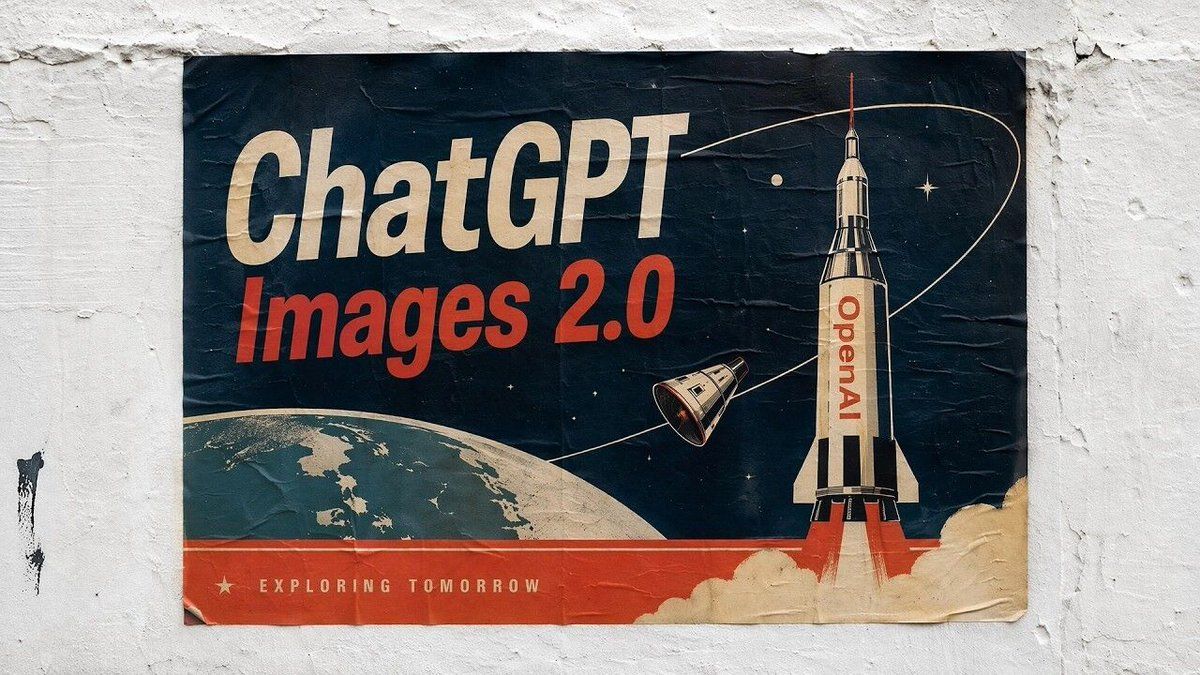
Retro ChatGPT Images 2.0 太空海报
Prompt
A retro-futurist propaganda-style poster pasted on a rough white plaster wall, photographed straight-on in natural light. The poster is slightly wrinkled, creased, and weathered with worn corners and subtle tears, giving it the look of an old screen-printed street poster. Use a mid-century space-race aesthetic from the 1950s–1960s, with a limited palette of deep navy blue, faded cream, muted teal, and bold red-orange. The poster has 5 visible text elements: the large cream headline {argument name="headline text" default="ChatGPT"} at the upper left in bold condensed sans-serif, the large red-orange subheadline {argument name="subheadline text" default="Images 2.0"} directly below it, the vertical red text {argument name="rocket text" default="OpenAI"} printed on the rocket body, and the small cream tagline {argument name="tagline text" default="EXPLORING TOMORROW"} along the bottom red band, plus a small cream star icon to the left of the tagline. Composition: a tall white-and-black rocket launches from the lower right edge with red exhaust flames and billowing cream smoke; the rocket is near-vertical and dominates the right third of the poster. A small detached space capsule floats to the left of the rocket, angled diagonally. A thin cream orbital path curves in a large loop across the upper half of the poster, passing behind and around the rocket. The lower left shows the curved horizon of Earth in muted teal and cream, cropped by the frame. The background is a dark navy star field with exactly 3 visible celestial accents: 1 small cream planet or moon near the top center-left, 1 bright star near the upper right, and 1 smaller star near the middle-left. Add a solid red-orange horizontal band across the bottom of the poster. Emphasize vintage print texture, paper folds, faded ink, and nostalgic sci-fi optimism. The final image should look like a realistic photo of a pasted old space-age poster rather than a clean digital graphic.- Category
- Charts & Infographics
- Model
- GPT Image 2
- Creator
- BlogNT
- Source ID
- 14558
- Published
- Apr 22, 2026
Views8