17

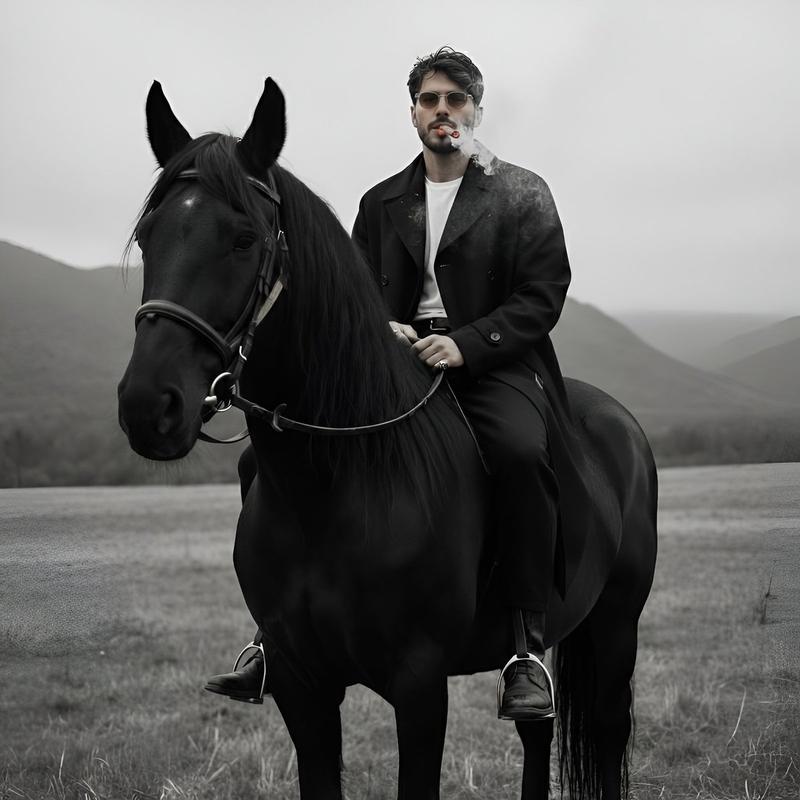
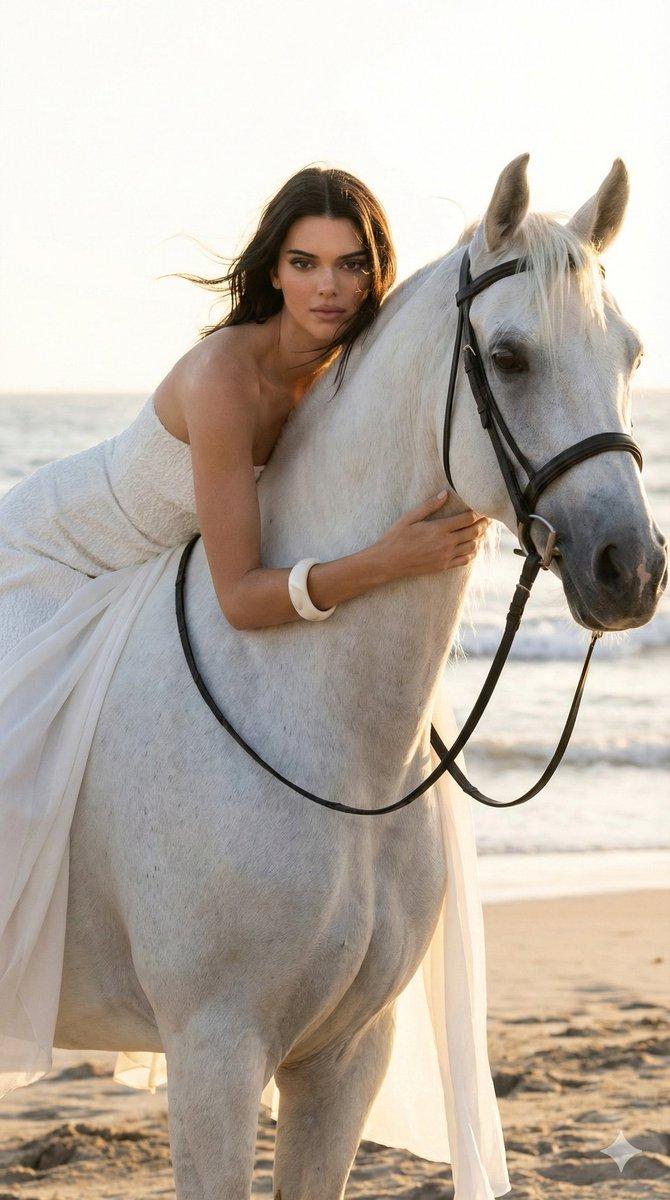
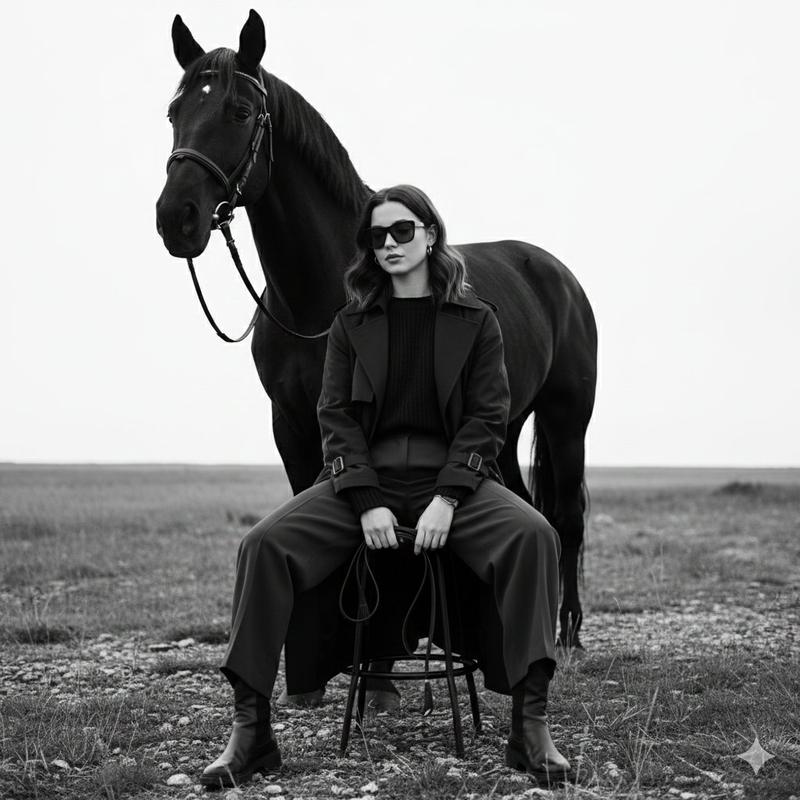
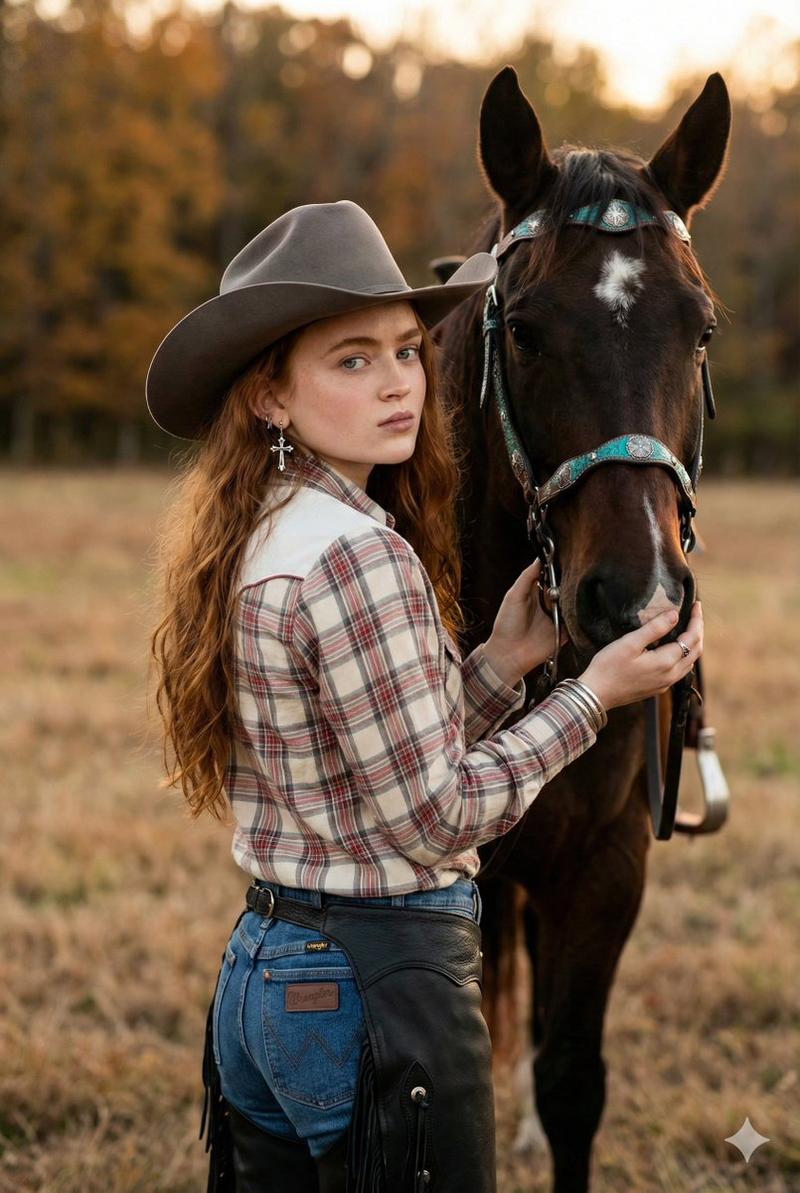
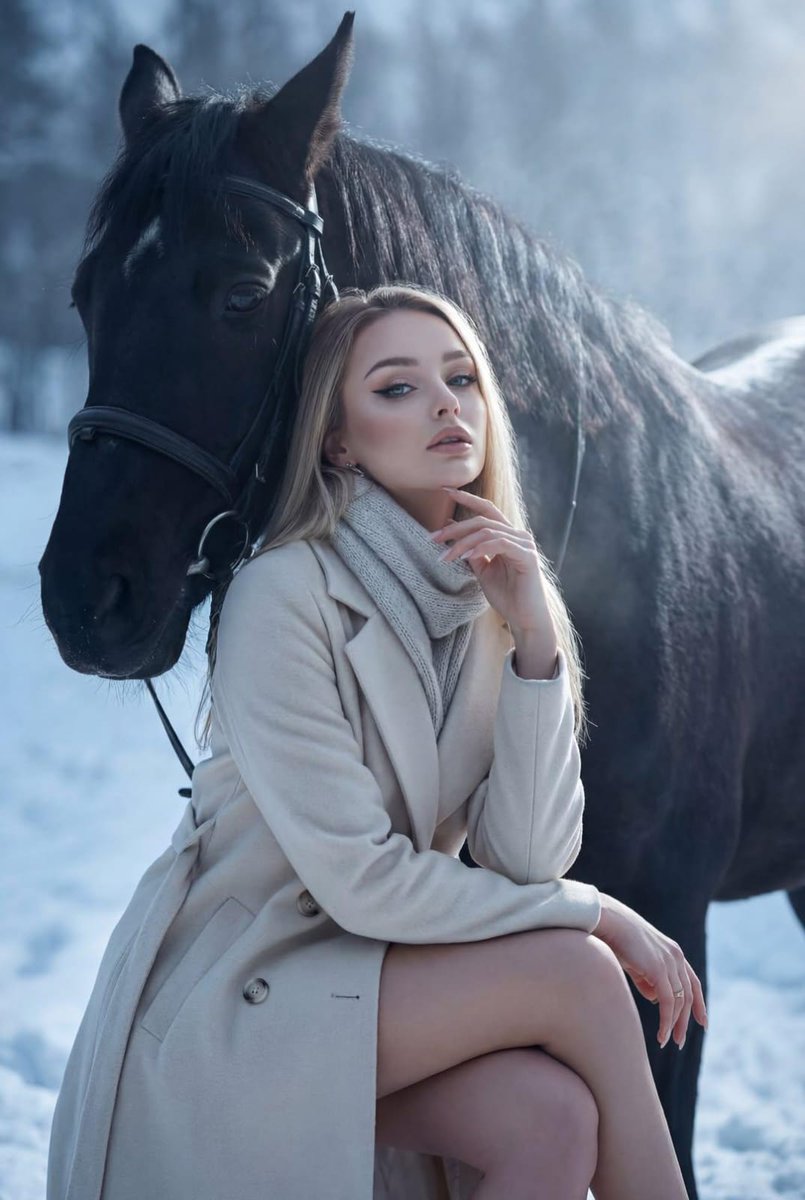
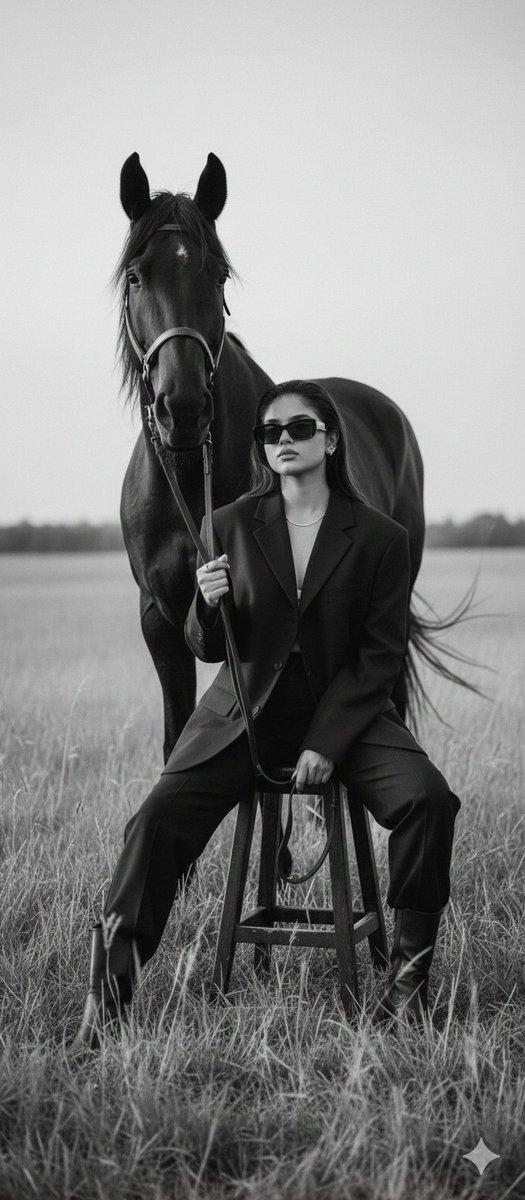
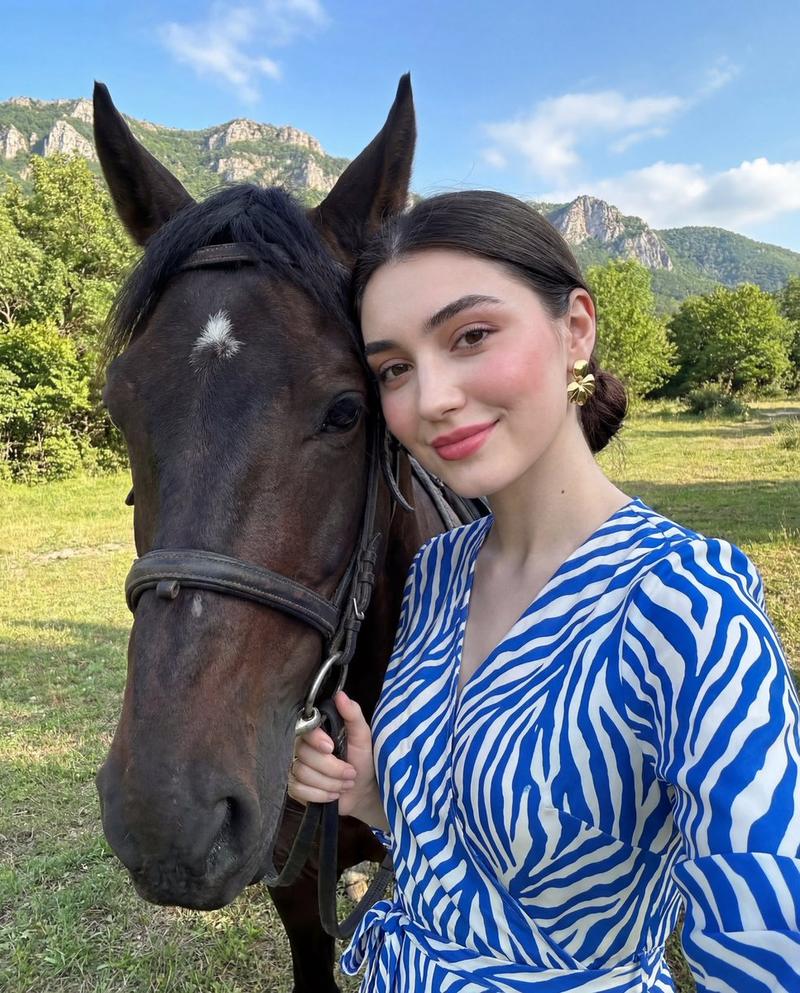
奢华日落马术肖像
Enlarge

Example images

奢华日落马术肖像

Prompt
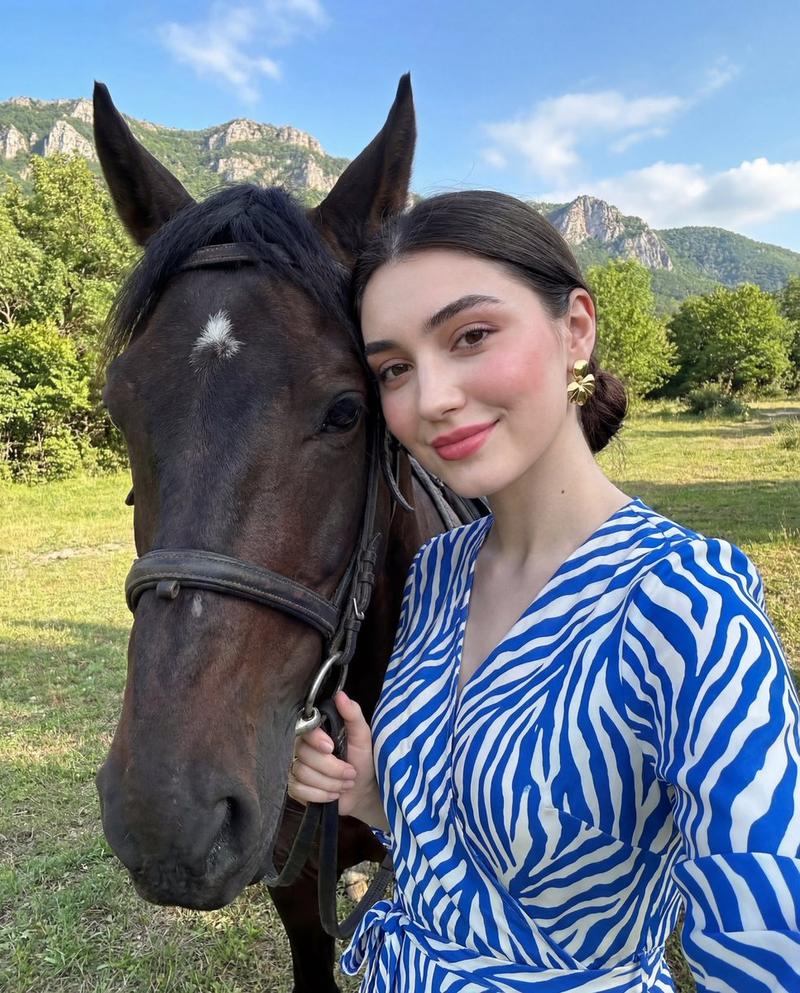
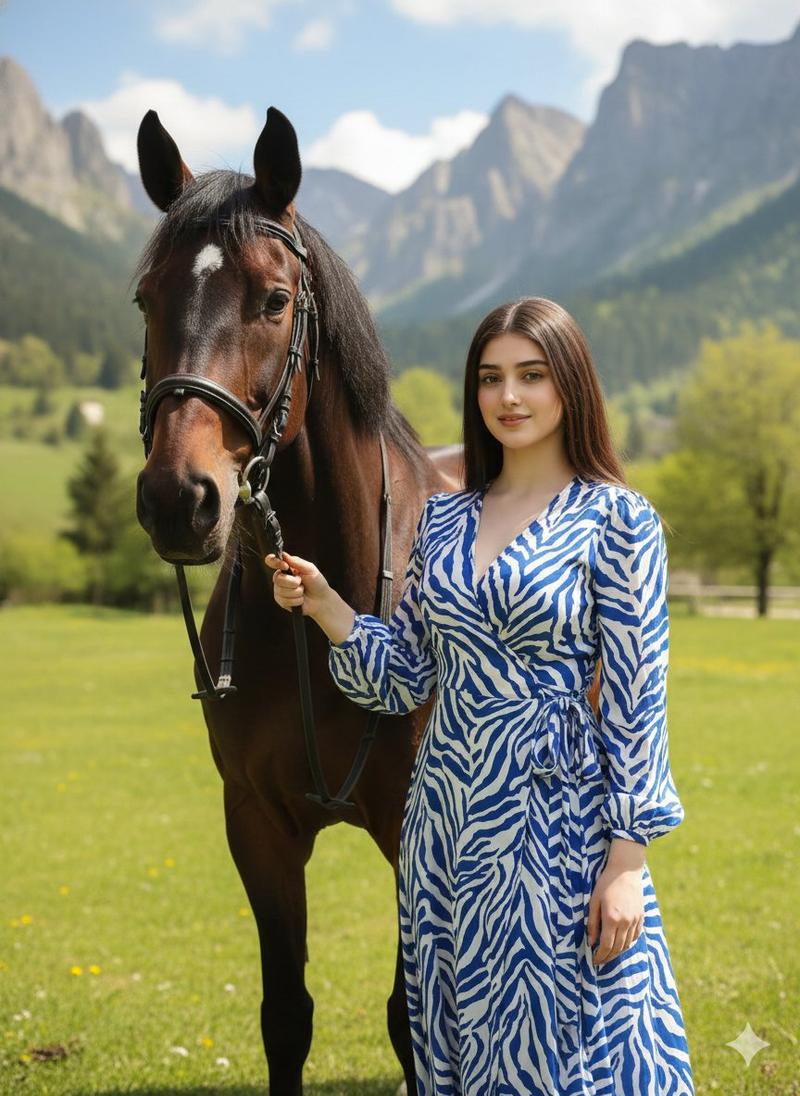
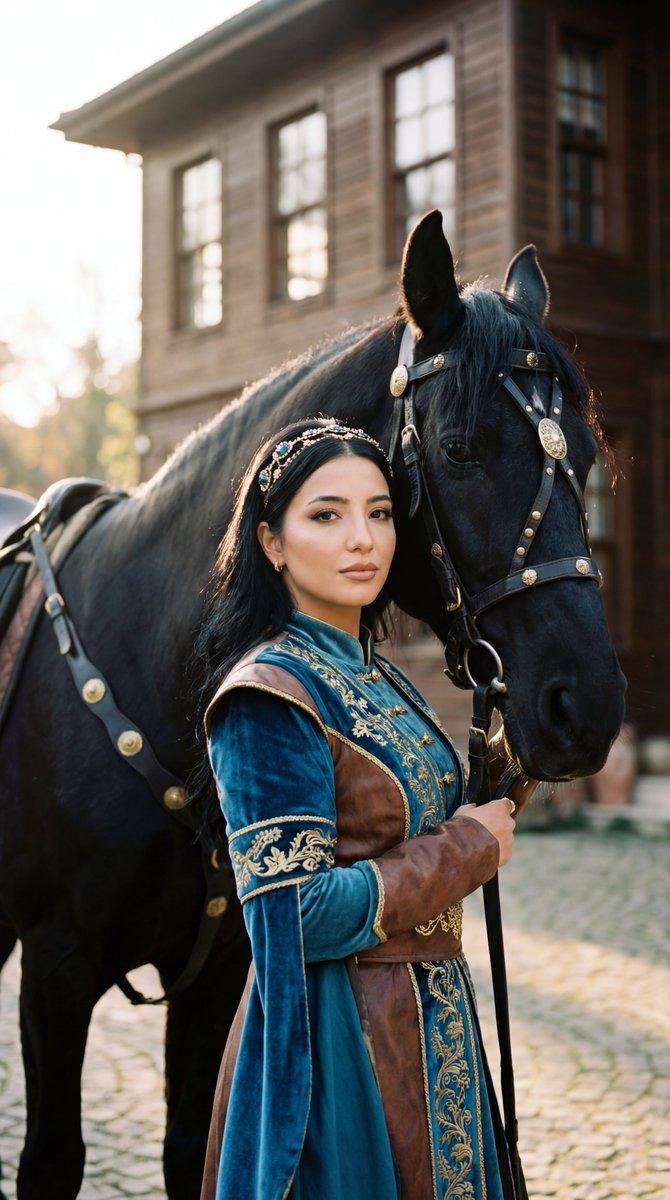
A cinematic, ultra-realistic golden-hour equestrian portrait of a {argument name="horse color" default="dark bay"} horse and a {argument name="rider gender" default="young man"} standing closely together in a quiet outdoor paddock at sunset. The horse is tall and elegant, shown from the chest up in three-quarter view, with a glossy coat, long dark mane, alert upright ears, and a black leather bridle and reins; part of an English saddle is visible on the left side of the frame. The rider wears a fitted {argument name="rider outfit" default="black long-sleeve riding shirt and black riding pants"}, standing on the right side of the horse, leaning in with one hand gently cupping the horse’s cheek and muzzle in a tender, intimate pose. Compose the image as a close portrait with the horse dominating the left half and the rider on the right, their faces nearly touching, emphasizing emotional connection and trust. Set the scene in a fenced field with softly blurred wooden rails, distant rolling hills, and a glowing orange sky with the sun low on the horizon. Use warm backlighting, rich amber highlights, realistic skin and fur texture, shallow depth of field, premium advertisement-style photography, natural shadows, high contrast, and a polished luxury editorial look. The overall mood should be affectionate, serene, and sophisticated, like a high-end lifestyle ad for equestrian fashion or horse care.
Category
Charts & Infographics
Model
GPT Image 2
Views6
Source ID
15065
Published
Apr 22, 2026

Guide

About "奢华日落马术肖像"

What is this prompt for?

"奢华日落马术肖像" AI image prompt for GPT Image 2 (Charts & Infographics). 此提示词可生成一张写实且高级的广告风格肖像,描绘了骑手在日落时分轻拥佩戴缰绳的马匹,非常适合马术品牌推广或生活方式宣传活动。 Copy it on Picva and recreat…

The full copyable prompt and example visuals above are ready for AI image generation or one-click recreate in Picva.

How to use this prompt

  1. Step 1

    Open the prompt detail

    Review the example visuals, category, and full prompt text for "奢华日落马术肖像".

  2. Step 2

    Copy the prompt

    Copy the prompt body from this page, or load it directly in Studio.

  3. Step 3

    Pick a model (GPT Image 2)

    Prefer GPT Image 2. If you switch models, keep subject and composition and tweak style terms.

  4. Step 4

    Generate and export

    Recreate the look in Picva, or export into your workflow for editing and publishing.

FAQ

What is the "奢华日落马术肖像" prompt?
It is an AI image-generation prompt for GPT Image 2 in the Charts & Infographics category. This page includes the full prompt text, example visuals, and a one-click recreate path in Picva.
How do I use this prompt to generate an image?
Copy the prompt from this page, or use Generate / Studio. Paste it into a compatible image model, or recreate the look in Picva with optional reference images.
Which model is this prompt for?
This page lists GPT Image 2. Most descriptive prompts also transfer to nearby image models such as GPT Image, Flux, or Midjourney with light style tweaks.
Can I use the result commercially?
You can usually copy the prompt for creation, but commercial use of the final image depends on the model terms, reference-image rights, and the generated content. Follow the source author and platform rules.