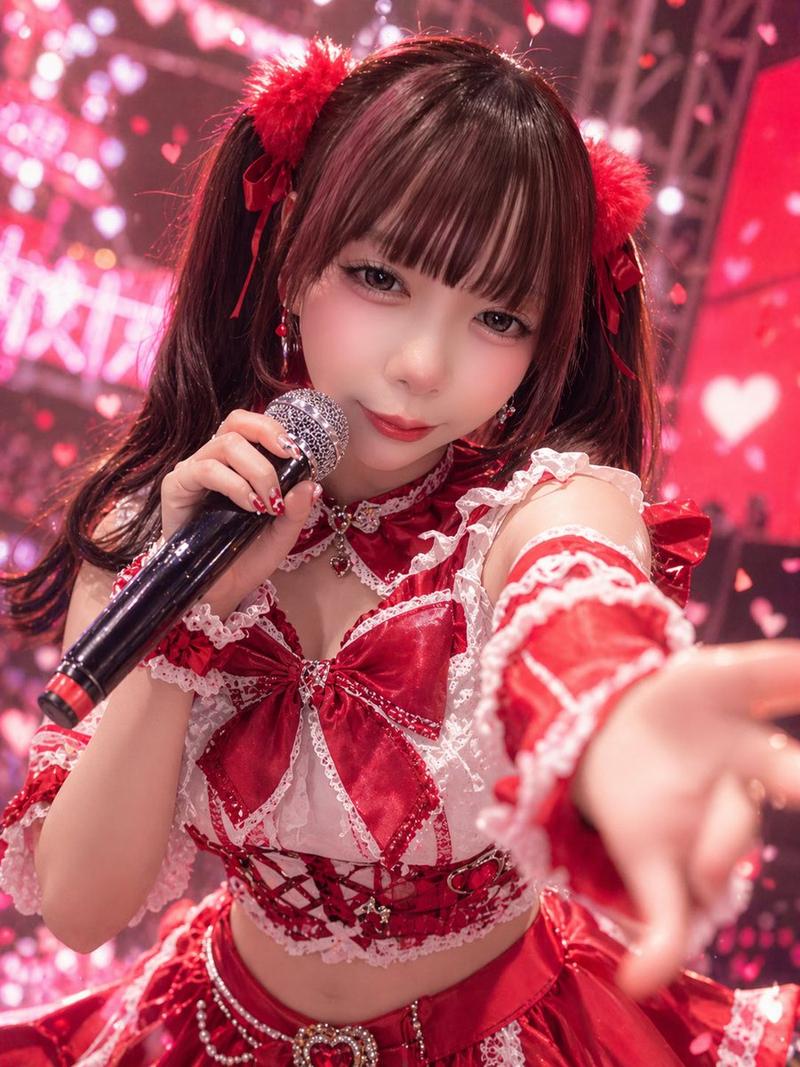
哥特风偶像演唱会自拍
Prompt
A dramatic close-up selfie-style stage photo of a Japanese idol performer leaning toward the camera from a low angle, filling most of the frame with her upper body and outstretched arm. She has long straight-to-wavy {argument name="hair color" default="dark auburn brown"} hair with glossy highlights and heavy side-swept bangs partly covering one eye. Her expression is cute and intimate, with one hand near her mouth in a shy idol pose, as if interacting directly with fans during a live concert. She wears a dark gothic idol costume in black and deep {argument name="accent color" default="purple"}, featuring 5 clearly visible outfit elements: a shiny corset-style cropped top with metallic trim, a black belt at the waist with silver grommets, sheer black mesh opera-length gloves, multiple strapped arm bands on the upper arm, and draped silver chains across the bodice and skirt. Add glossy patent-leather textures, studs, buckles, lace, and layered frilled fabric for a high-detail J-pop or anisong concert look. The background is a large indoor live stage with bright blue-white spotlights, haze, truss rigging, and an LED screen glowing with soft abstract shapes, creating strong backlight and bokeh. Use cinematic concert photography, high contrast, cool-toned lighting with purple-blue highlights, shallow depth of field, slight lens distortion from the close arm’s-length perspective, dynamic foreshortening, and a vertical smartphone composition. Make the image feel energetic, glamorous, and fan-service oriented, like {argument name="idol group concept" default="a dark fantasy idol live performance"}.- Category
- Charts & Infographics
- Model
- GPT Image 2
- Creator
- 神楽やよい【ブルベア】5/8ワンマン
- Source ID
- 15673
- Published
- Apr 24, 2026
Views11