18

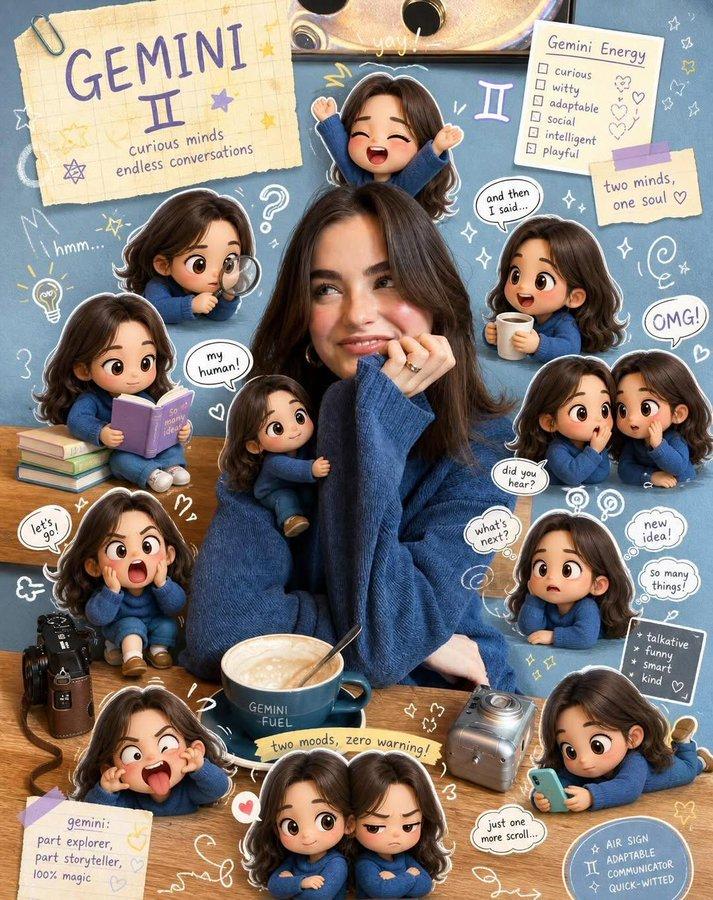
剪贴簿 Q 版风格转换
Enlarge

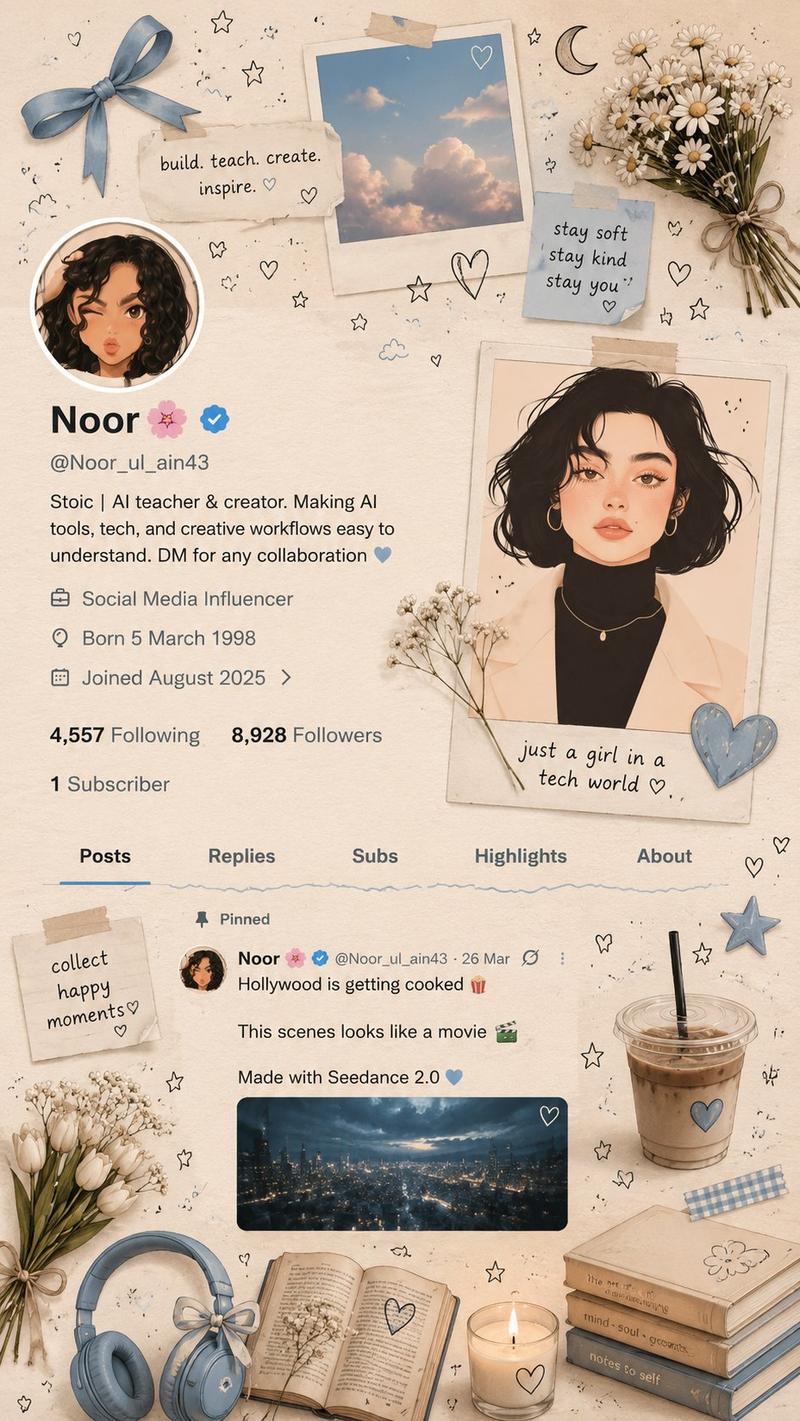
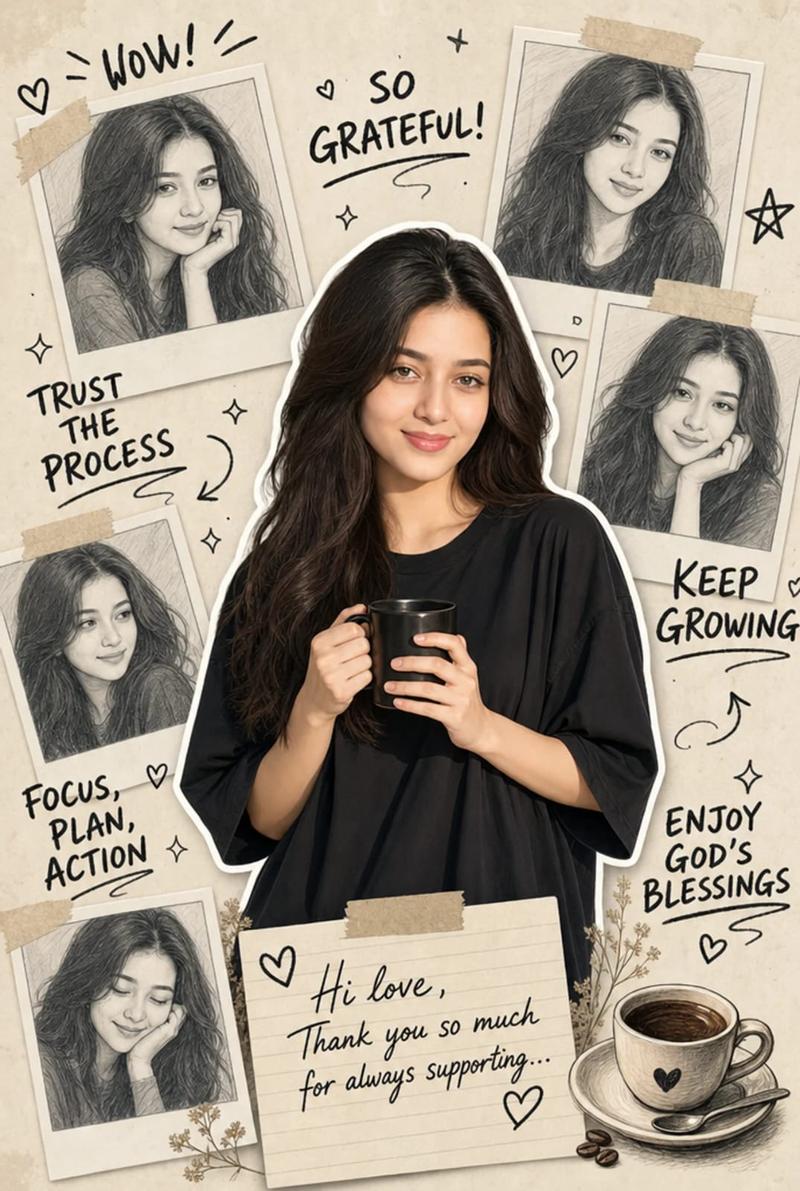
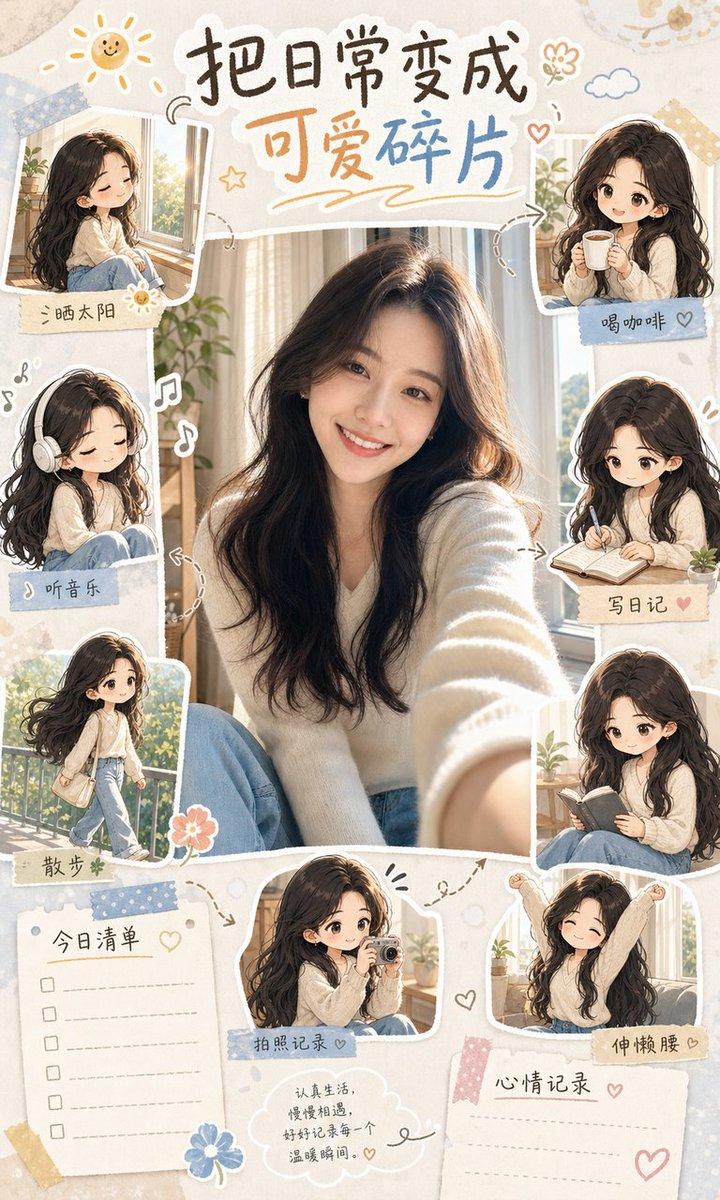
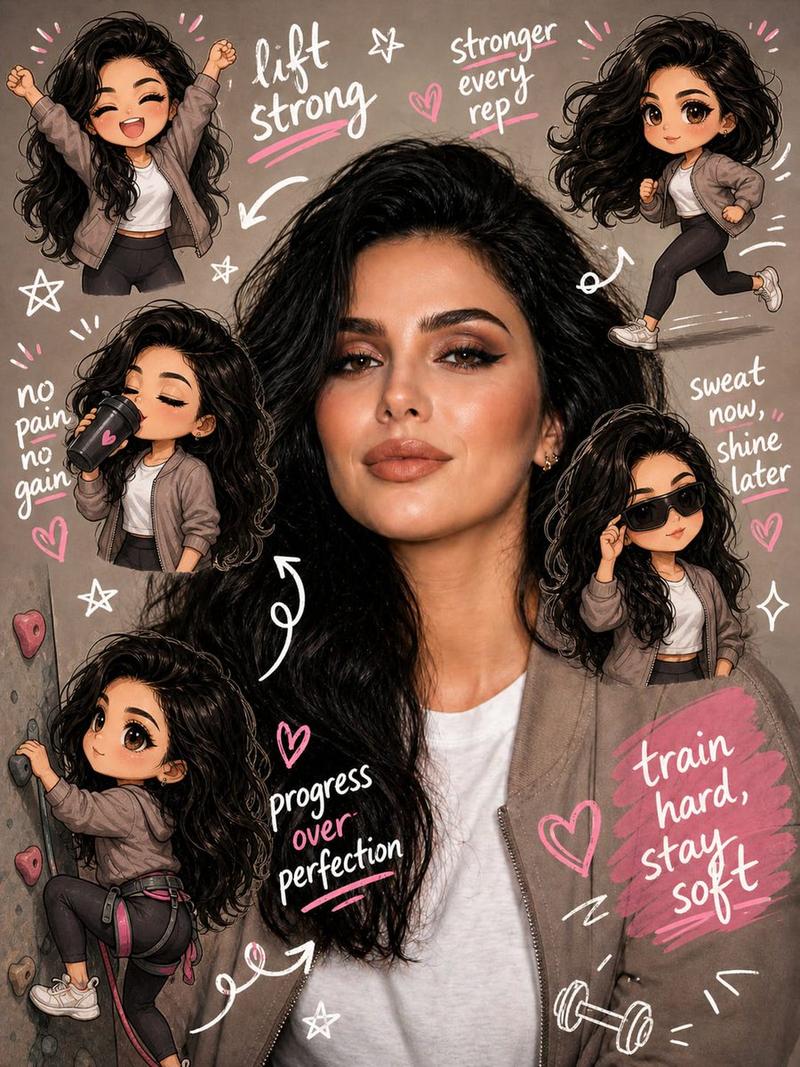
Example images

剪贴簿 Q 版风格转换

Prompt
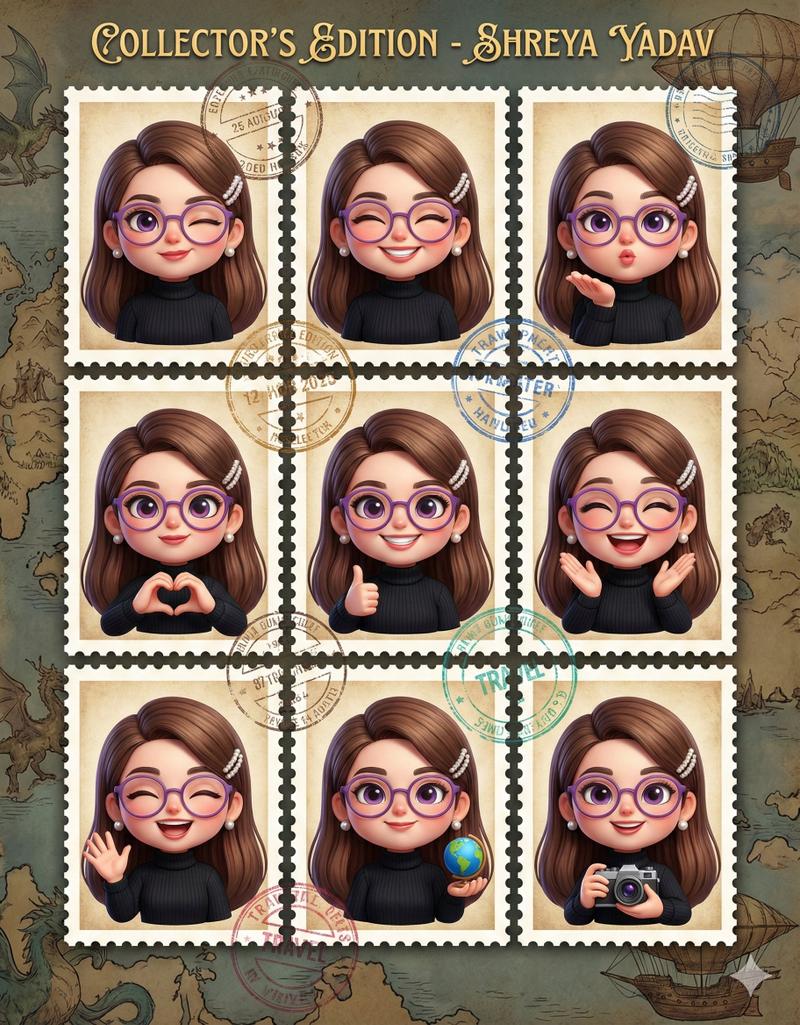
In 8K Cinematic Transform the reference image into a {argument name="composition style" default="cozy scrapbook-style composition"}, strictly preserving subject, identity, pose, lighting, and background. Add multiple mini chibi/doll versions of the same person (matching face, hair, outfit), placed naturally and doing varied activities. Overlay handwritten doodles (hearts, arrows, stars, captions). Use {argument name="color tone" default="soft pastel tone"}. Keep it rich yet clean, warm, dreamy, Instagram-style. Final must enhance the SAME image, not recreate it.
Category
Brand & Logos
Model
GPT Image 2
Creator
Shore Lyn
Views5
Source ID
17602
Published
May 1, 2026

Guide

About "剪贴簿 Q 版风格转换"

What is this prompt for?

"剪贴簿 Q 版风格转换" AI image prompt for GPT Image 2 (Brand & Logos). 一个将参考图像转换为温馨剪贴簿风格的提示词,添加人物的迷你 Q 版形象及手绘涂鸦。 Copy it on Picva and recreate the look in one click.

The full copyable prompt and example visuals above are ready for AI image generation or one-click recreate in Picva.

How to use this prompt

  1. Step 1

    Open the prompt detail

    Review the example visuals, category, and full prompt text for "剪贴簿 Q 版风格转换".

  2. Step 2

    Copy the prompt

    Copy the prompt body from this page, or load it directly in Studio.

  3. Step 3

    Pick a model (GPT Image 2)

    Prefer GPT Image 2. If you switch models, keep subject and composition and tweak style terms.

  4. Step 4

    Generate and export

    Recreate the look in Picva, or export into your workflow for editing and publishing.

FAQ

What is the "剪贴簿 Q 版风格转换" prompt?
It is an AI image-generation prompt for GPT Image 2 in the Brand & Logos category. This page includes the full prompt text, example visuals, and a one-click recreate path in Picva.
How do I use this prompt to generate an image?
Copy the prompt from this page, or use Generate / Studio. Paste it into a compatible image model, or recreate the look in Picva with optional reference images.
Which model is this prompt for?
This page lists GPT Image 2. Most descriptive prompts also transfer to nearby image models such as GPT Image, Flux, or Midjourney with light style tweaks.
Can I use the result commercially?
You can usually copy the prompt for creation, but commercial use of the final image depends on the model terms, reference-image rights, and the generated content. Follow the source author and platform rules.