19

原创长角角色动漫风格重绘
Enlarge

原创长角角色动漫风格重绘

Prompt
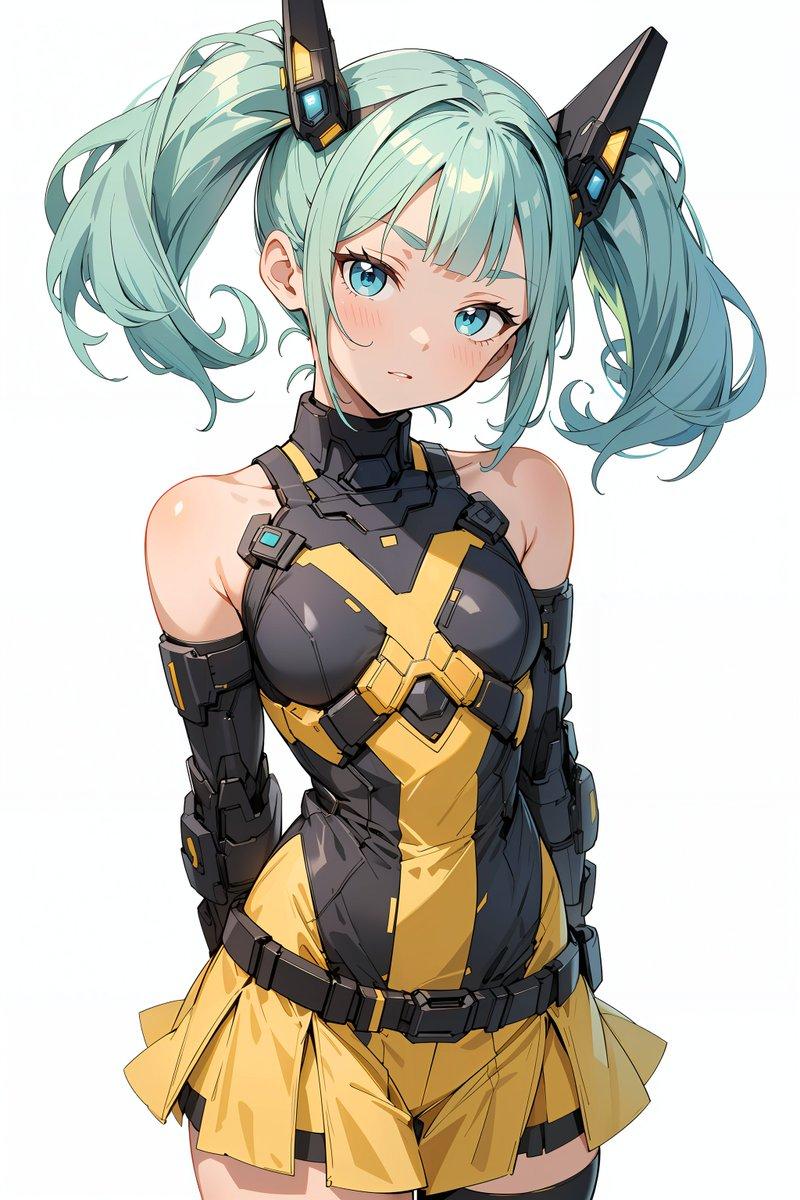
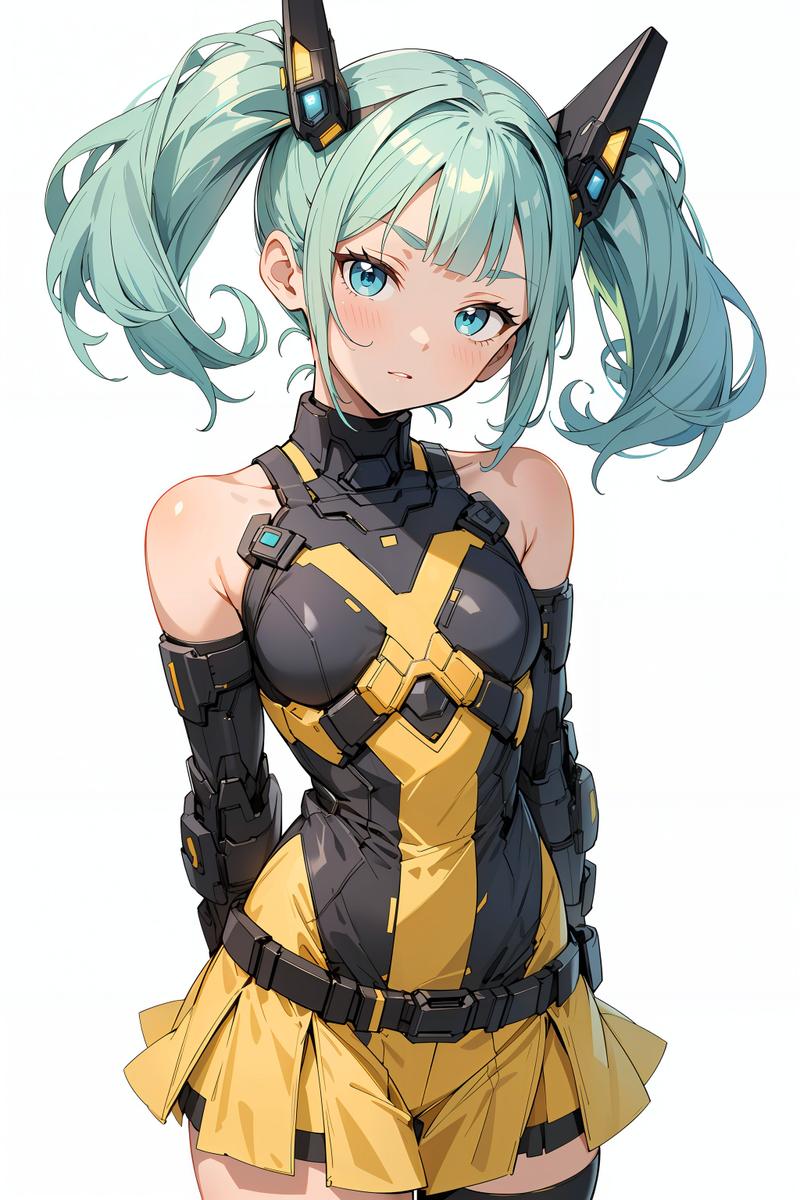
Using REFERENCE_0 as the character base, redraw the same original character as a polished modern anime illustration instead of a rough sketch. Keep the core design intact: white hair, black curved horns, red accent strand near the ear, white shirt, red tie with a small gold mark near the tip, black harness straps, brown belt, black pants, gold waist chain, cape-like dark outer panels, choker, dangling cross earring, and the same confident pose with one hand behind the head. Upgrade everything to high-detail, glossy rendering with clean linework, dramatic lighting, rich fabric folds, shiny black leather textures, and a more mature, stylish proportions. Place the character in a dark nighttime stone-column setting with cool rim light and a slightly low-angle, close-up half-body composition. Make it feel like a high-end character repaint of an old original drawing.
Category
Posters & Typography
Model
GPT Image 2
Creator
Views14
Source ID
17677
Published
May 1, 2026

Guide

About "原创长角角色动漫风格重绘"

What is this prompt for?

"原创长角角色动漫风格重绘" AI image prompt for GPT Image 2 (Posters & Typography). 此提示词可将粗糙的原创角色草图重绘为精致、高细节的动漫插画,同时保留核心服装与姿势。 Copy it on Picva and recreate the look in one…

The full copyable prompt and example visuals above are ready for AI image generation or one-click recreate in Picva.

How to use this prompt

  1. Step 1

    Open the prompt detail

    Review the example visuals, category, and full prompt text for "原创长角角色动漫风格重绘".

  2. Step 2

    Copy the prompt

    Copy the prompt body from this page, or load it directly in Studio.

  3. Step 3

    Pick a model (GPT Image 2)

    Prefer GPT Image 2. If you switch models, keep subject and composition and tweak style terms.

  4. Step 4

    Generate and export

    Recreate the look in Picva, or export into your workflow for editing and publishing.

FAQ

What is the "原创长角角色动漫风格重绘" prompt?
It is an AI image-generation prompt for GPT Image 2 in the Posters & Typography category. This page includes the full prompt text, example visuals, and a one-click recreate path in Picva.
How do I use this prompt to generate an image?
Copy the prompt from this page, or use Generate / Studio. Paste it into a compatible image model, or recreate the look in Picva with optional reference images.
Which model is this prompt for?
This page lists GPT Image 2. Most descriptive prompts also transfer to nearby image models such as GPT Image, Flux, or Midjourney with light style tweaks.
Can I use the result commercially?
You can usually copy the prompt for creation, but commercial use of the final image depends on the model terms, reference-image rights, and the generated content. Follow the source author and platform rules.