15

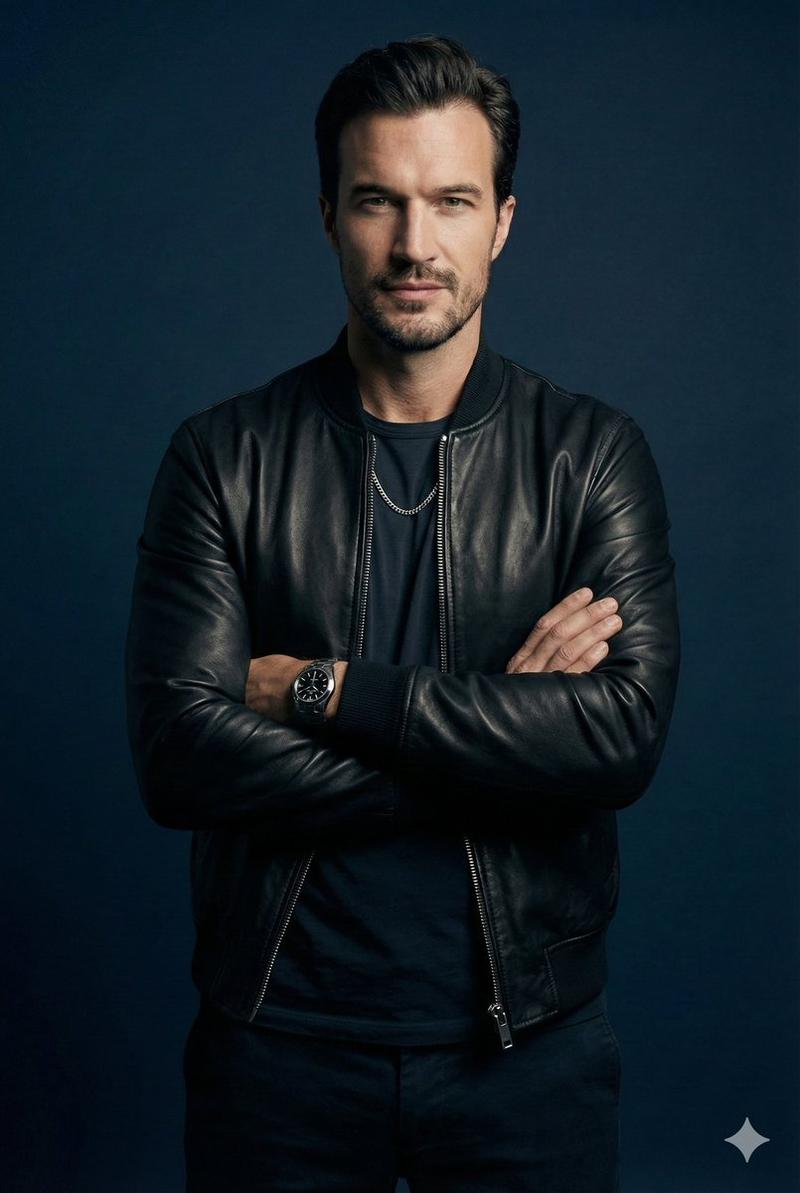
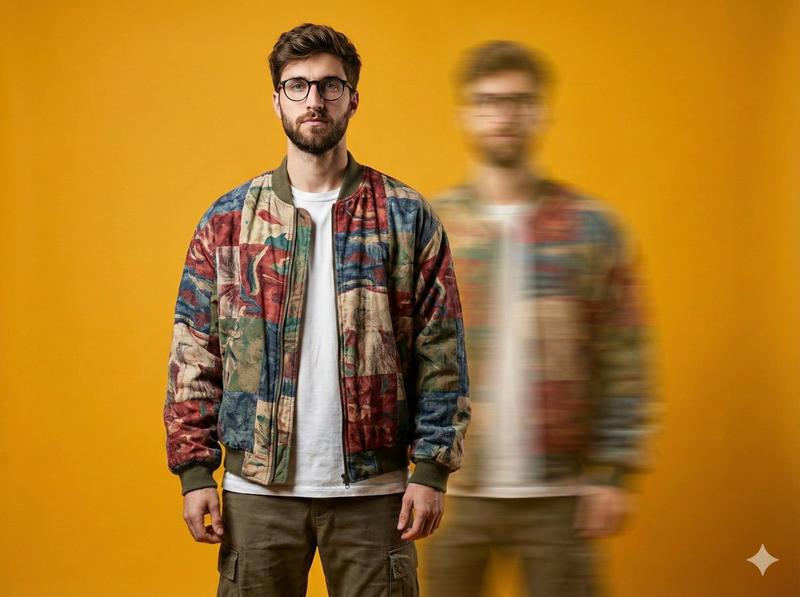
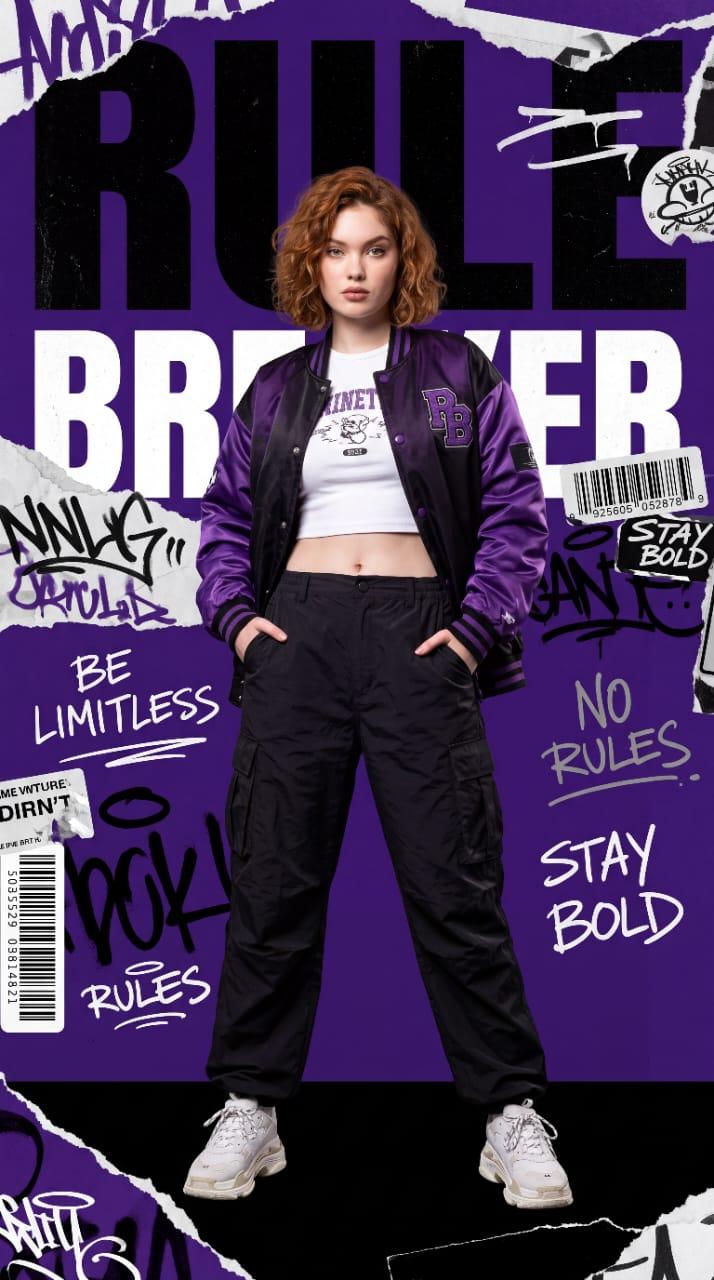
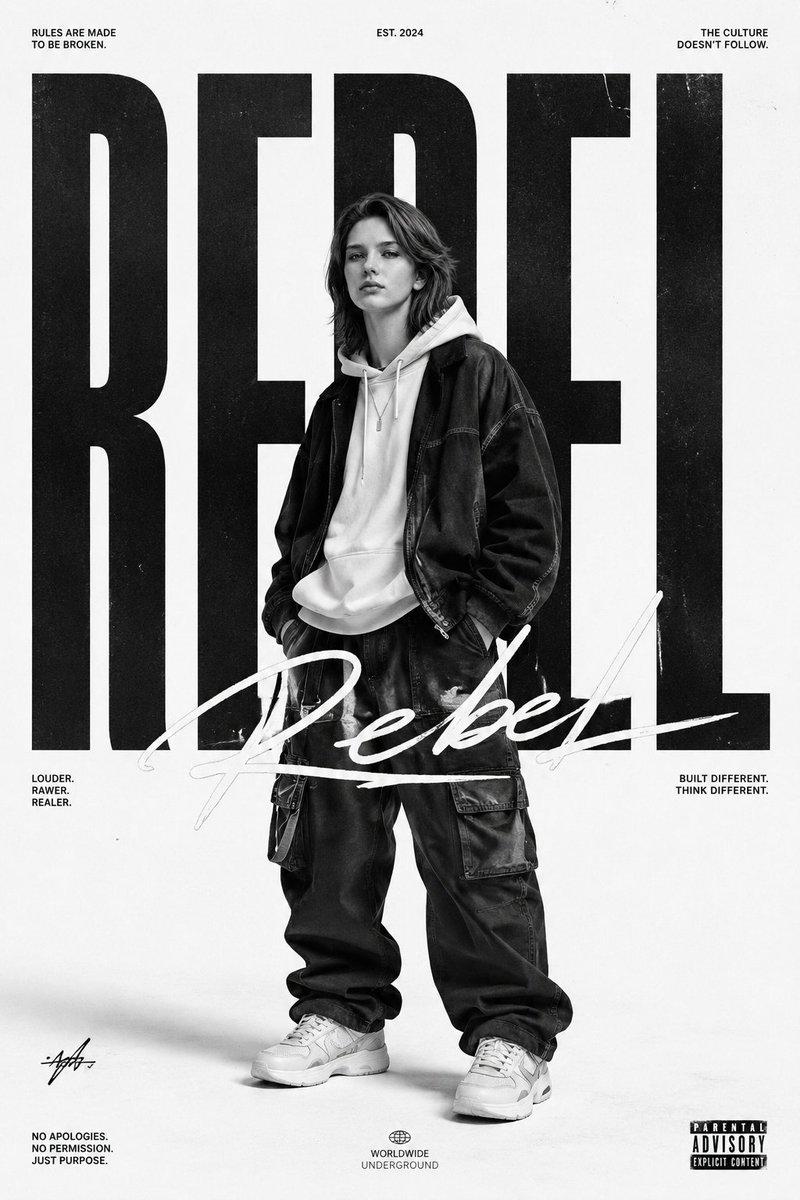
街头时尚翡翠绿飞行员夹克海报
Enlarge

街头时尚翡翠绿飞行员夹克海报

Prompt
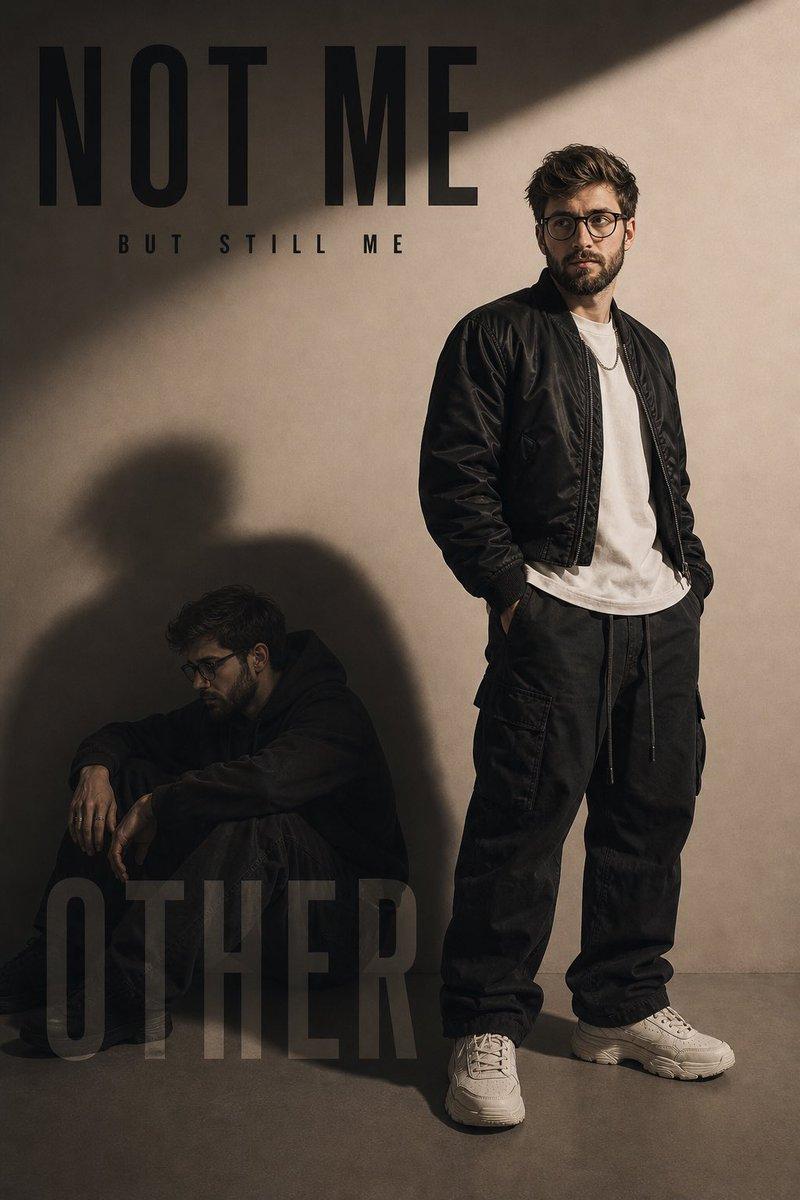
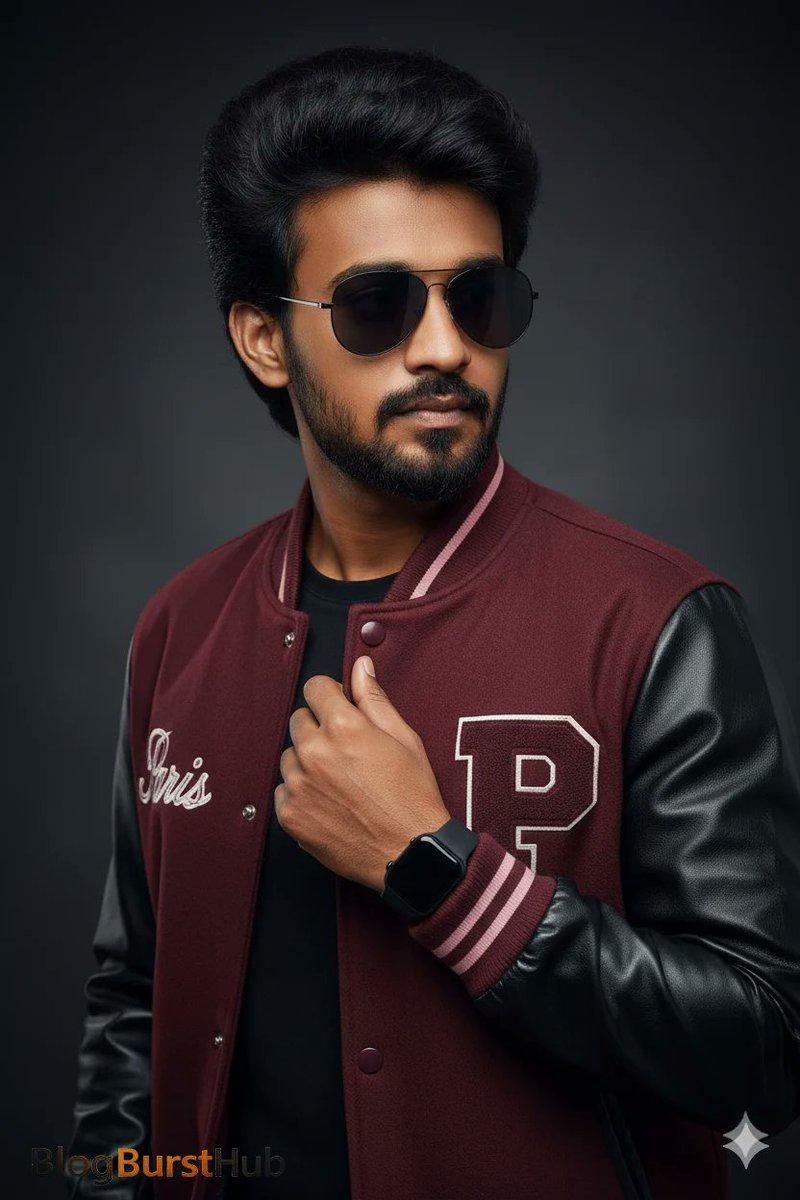
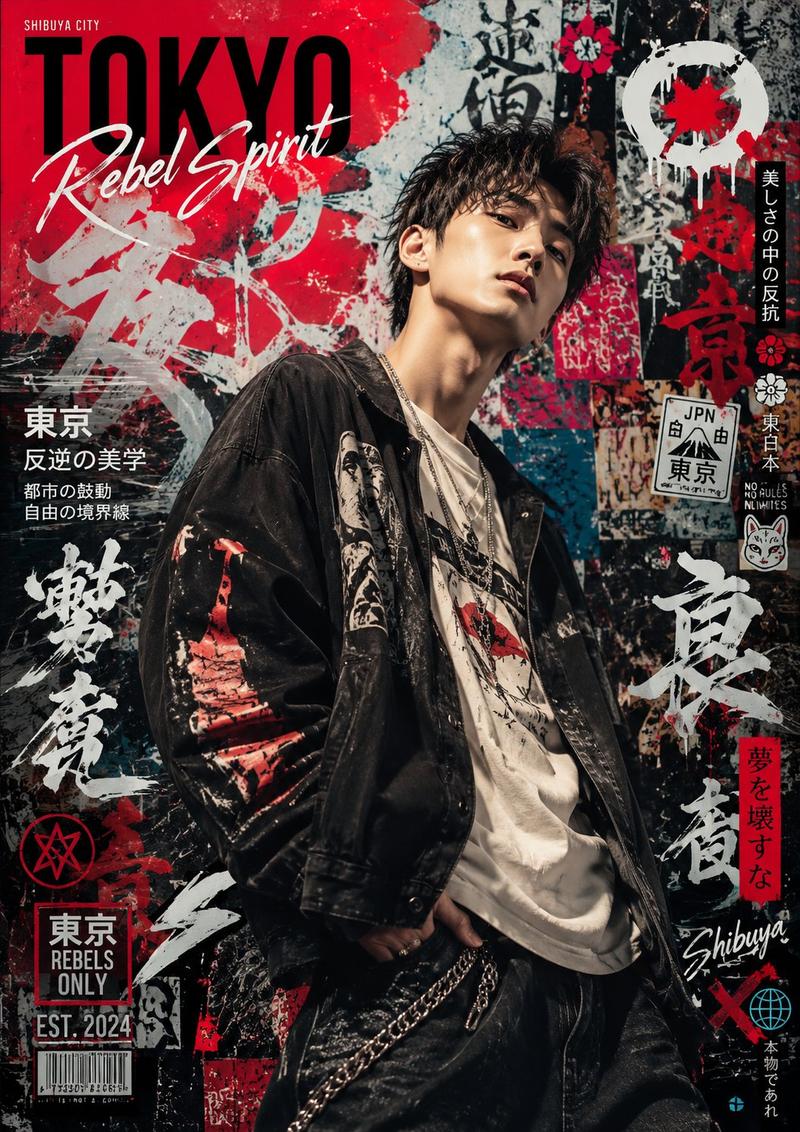
Create a bold street-fashion poster featuring a {argument name="subject" default="handsome man with short black hair"}, and a fearless expression. Dress him in a {argument name="jacket style" default="glossy emerald satin bomber jacket"} and black pants. Place him in front of a {argument name="background" default="distressed concrete wall with emerald, black, and white layered textures"}. Use dramatic editorial lighting, crisp contrast, and a premium urban mood. Add bold uppercase typography with a clean modern poster style.
Category
Charts & Infographics
Model
GPT Image 2
Creator
Harboris
Views2
Source ID
17786
Published
May 2, 2026

Guide

About "街头时尚翡翠绿飞行员夹克海报"

What is this prompt for?

"街头时尚翡翠绿飞行员夹克海报" AI image prompt for GPT Image 2 (Charts & Infographics). 一款高端都市时尚海报提示词,展示了一位身穿光泽感翡翠绿缎面飞行员夹克的男模特,背景为质感混凝土墙,采用戏剧性的编辑摄影布光。 Copy it on Picva and r…

The full copyable prompt and example visuals above are ready for AI image generation or one-click recreate in Picva.

How to use this prompt

  1. Step 1

    Open the prompt detail

    Review the example visuals, category, and full prompt text for "街头时尚翡翠绿飞行员夹克海报".

  2. Step 2

    Copy the prompt

    Copy the prompt body from this page, or load it directly in Studio.

  3. Step 3

    Pick a model (GPT Image 2)

    Prefer GPT Image 2. If you switch models, keep subject and composition and tweak style terms.

  4. Step 4

    Generate and export

    Recreate the look in Picva, or export into your workflow for editing and publishing.

FAQ

What is the "街头时尚翡翠绿飞行员夹克海报" prompt?
It is an AI image-generation prompt for GPT Image 2 in the Charts & Infographics category. This page includes the full prompt text, example visuals, and a one-click recreate path in Picva.
How do I use this prompt to generate an image?
Copy the prompt from this page, or use Generate / Studio. Paste it into a compatible image model, or recreate the look in Picva with optional reference images.
Which model is this prompt for?
This page lists GPT Image 2. Most descriptive prompts also transfer to nearby image models such as GPT Image, Flux, or Midjourney with light style tweaks.
Can I use the result commercially?
You can usually copy the prompt for creation, but commercial use of the final image depends on the model terms, reference-image rights, and the generated content. Follow the source author and platform rules.