17

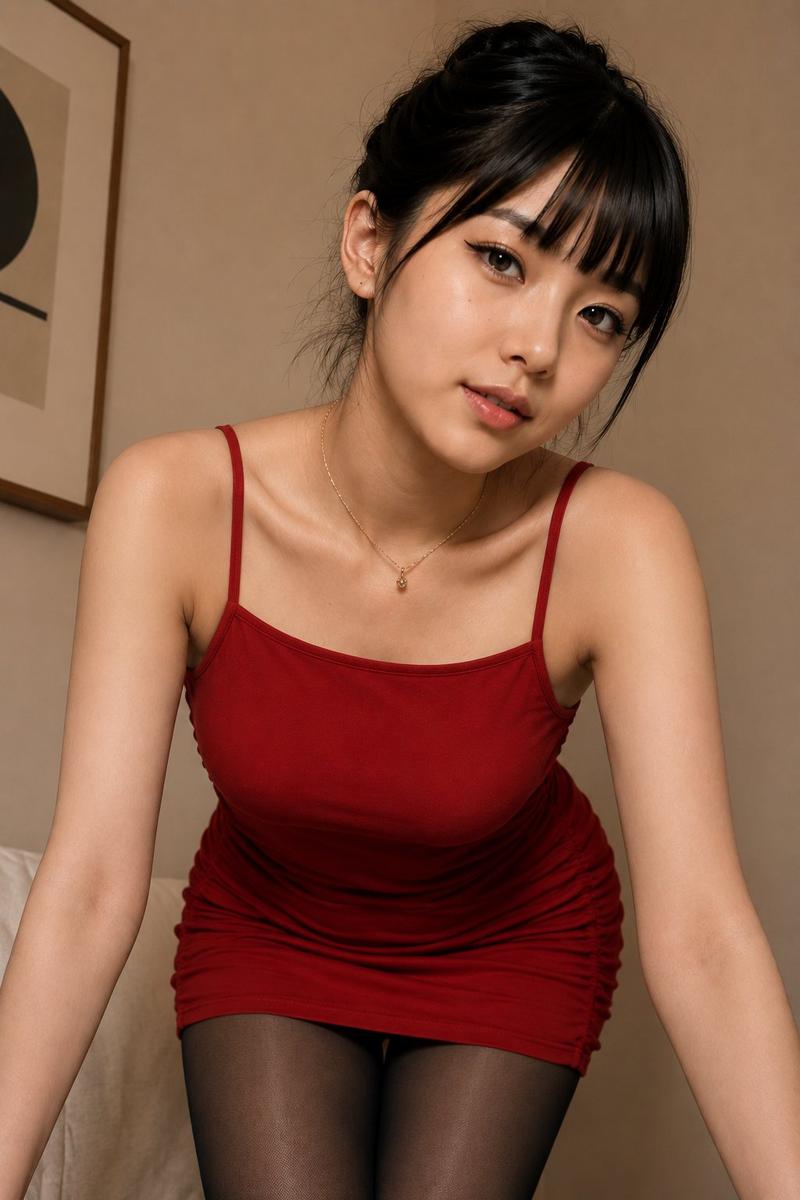
户外时尚蹲姿人像
Enlarge

户外时尚蹲姿人像

Prompt
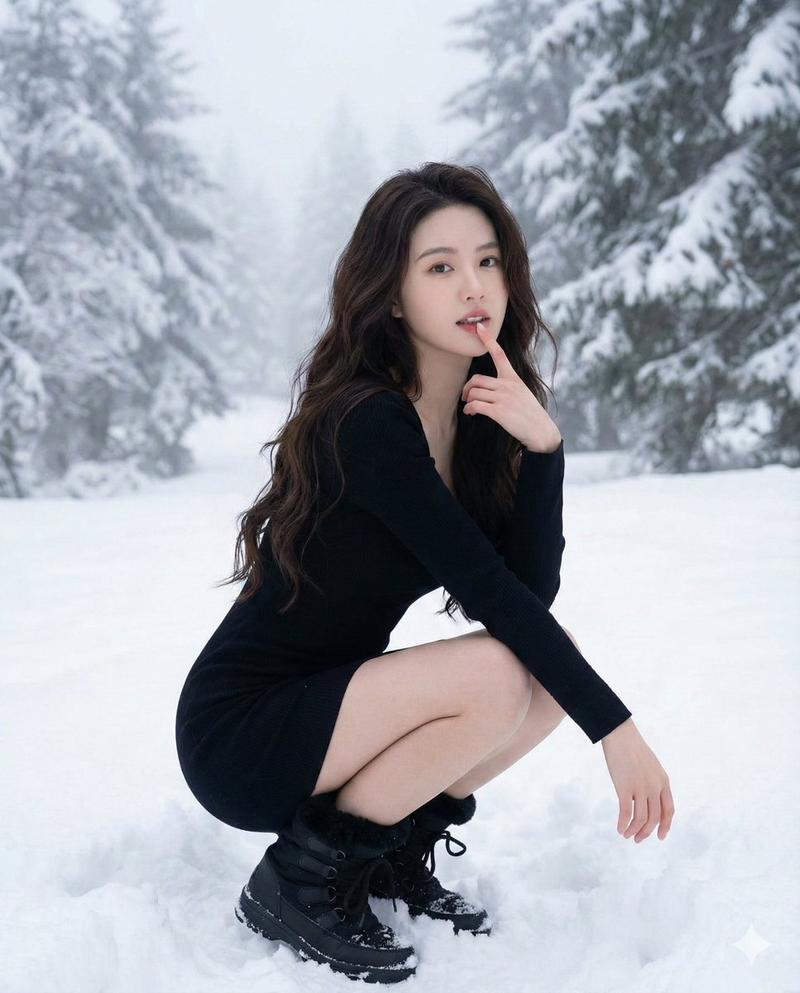
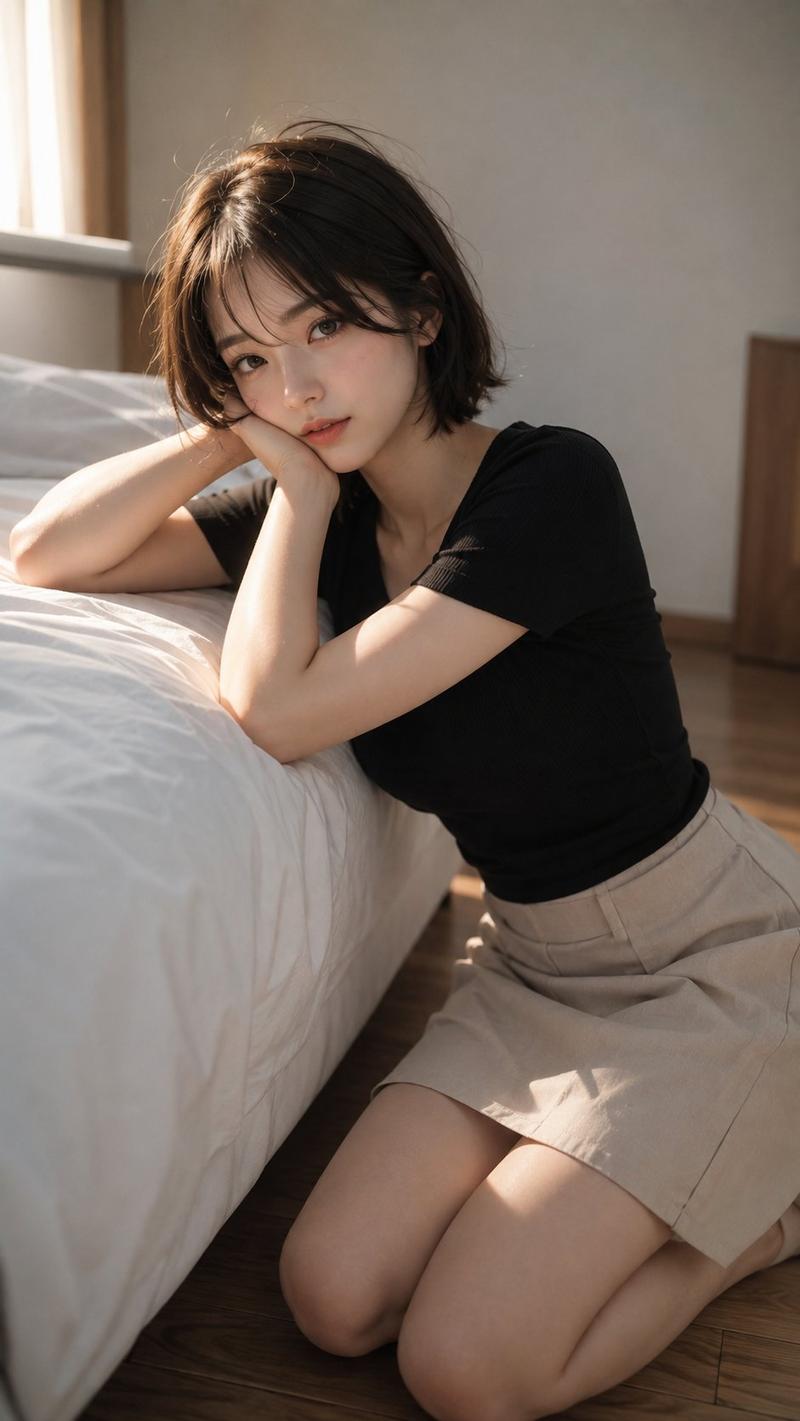
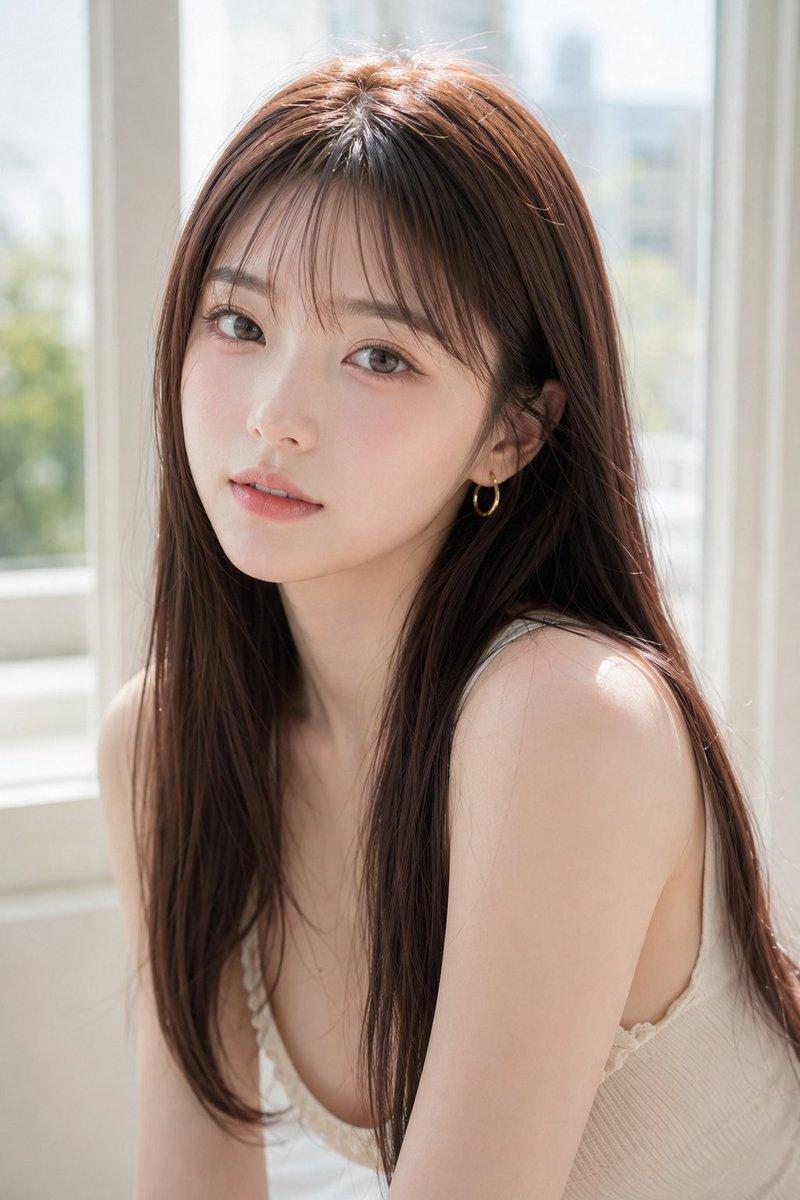
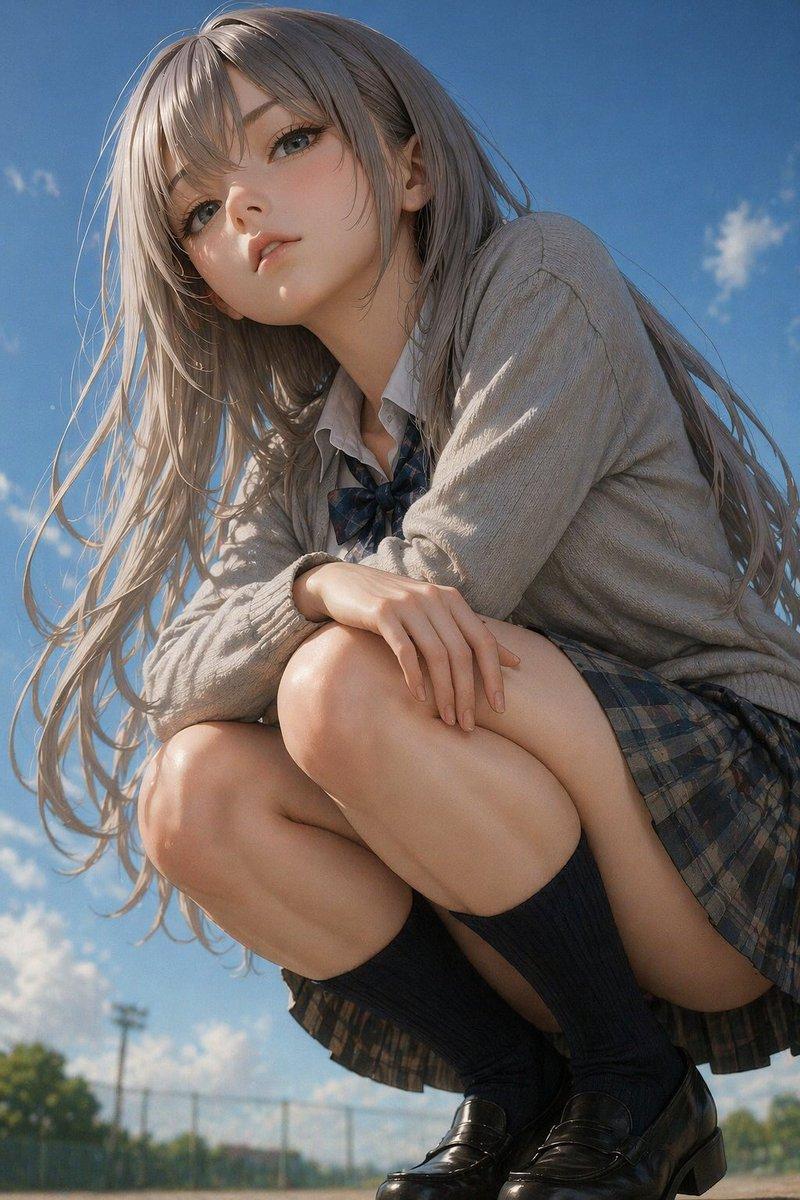
Create a photorealistic full-body outdoor fashion portrait of an {argument name="subject age and gender" default="adult young woman"} crouching low on a pale tiled walkway beside a white lattice fence. She has long straight {argument name="hair color" default="dark brown hair"} falling over her shoulders, her face intentionally obscured by a soft square mosaic blur, and she rests both elbows on her knees with her hands cupping her cheeks in a shy, pensive pose. She wears a fitted {argument name="sweater color" default="navy blue"} knit sweater with ribbed cuffs, a short {argument name="skirt color" default="beige"} skirt, sheer black tights, and black platform high-heel pumps. Use a shallow depth of field with the background softly blurred, natural daylight, muted neutral colors, realistic skin and fabric texture, a candid street-photography feel, vertical 4:3 composition, subject positioned slightly left of center, white geometric fence receding into the background on the right, and a subtle semi-transparent watermark reading {argument name="watermark text" default="Alconia"} in the lower-left corner.
Category
Charts & Infographics
Model
GPT Image 2
Views7
Source ID
18894
Published
May 7, 2026

Guide

About "户外时尚蹲姿人像"

What is this prompt for?

"户外时尚蹲姿人像" AI image prompt for GPT Image 2 (Charts & Infographics). 生成一张逼真的户外时尚照片,展示一位穿着毛衣、短裙、连裤袜和高跟鞋的年轻女性蹲姿,面部模糊处理。 Copy it on Picva and recreate the look in…

The full copyable prompt and example visuals above are ready for AI image generation or one-click recreate in Picva.

How to use this prompt

  1. Step 1

    Open the prompt detail

    Review the example visuals, category, and full prompt text for "户外时尚蹲姿人像".

  2. Step 2

    Copy the prompt

    Copy the prompt body from this page, or load it directly in Studio.

  3. Step 3

    Pick a model (GPT Image 2)

    Prefer GPT Image 2. If you switch models, keep subject and composition and tweak style terms.

  4. Step 4

    Generate and export

    Recreate the look in Picva, or export into your workflow for editing and publishing.

FAQ

What is the "户外时尚蹲姿人像" prompt?
It is an AI image-generation prompt for GPT Image 2 in the Charts & Infographics category. This page includes the full prompt text, example visuals, and a one-click recreate path in Picva.
How do I use this prompt to generate an image?
Copy the prompt from this page, or use Generate / Studio. Paste it into a compatible image model, or recreate the look in Picva with optional reference images.
Which model is this prompt for?
This page lists GPT Image 2. Most descriptive prompts also transfer to nearby image models such as GPT Image, Flux, or Midjourney with light style tweaks.
Can I use the result commercially?
You can usually copy the prompt for creation, but commercial use of the final image depends on the model terms, reference-image rights, and the generated content. Follow the source author and platform rules.