17

剪纸风浪漫肖像
Enlarge

Example images

剪纸风浪漫肖像

Prompt
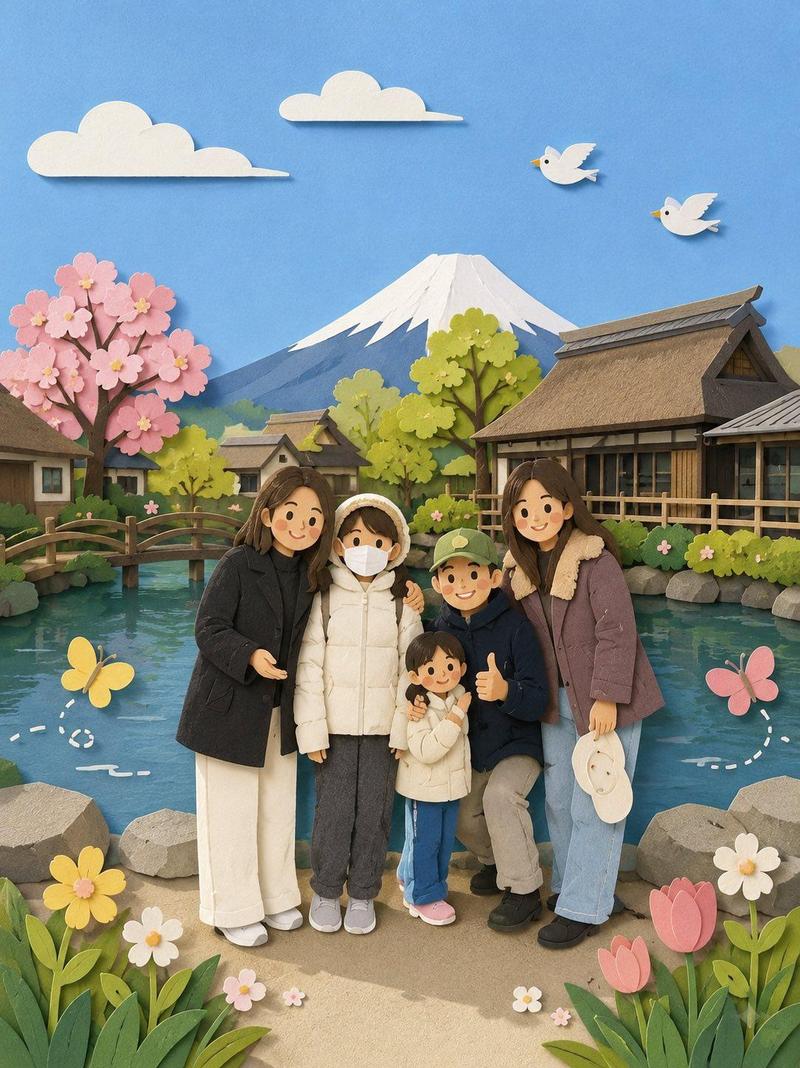
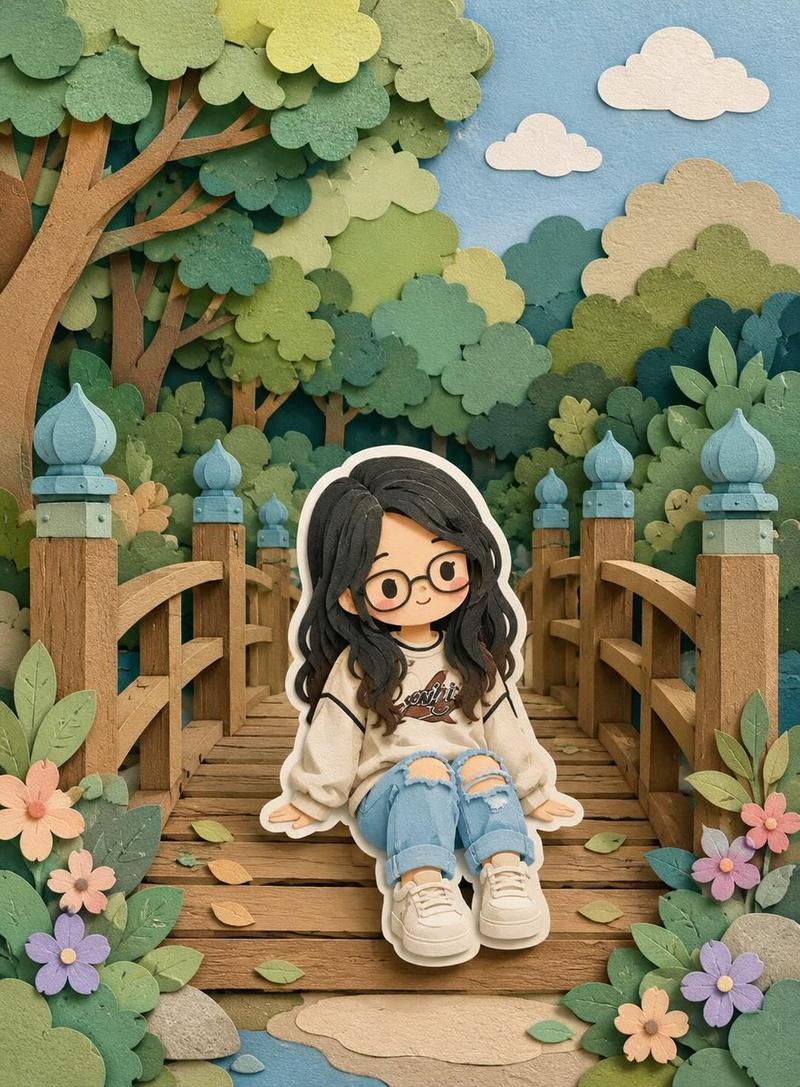
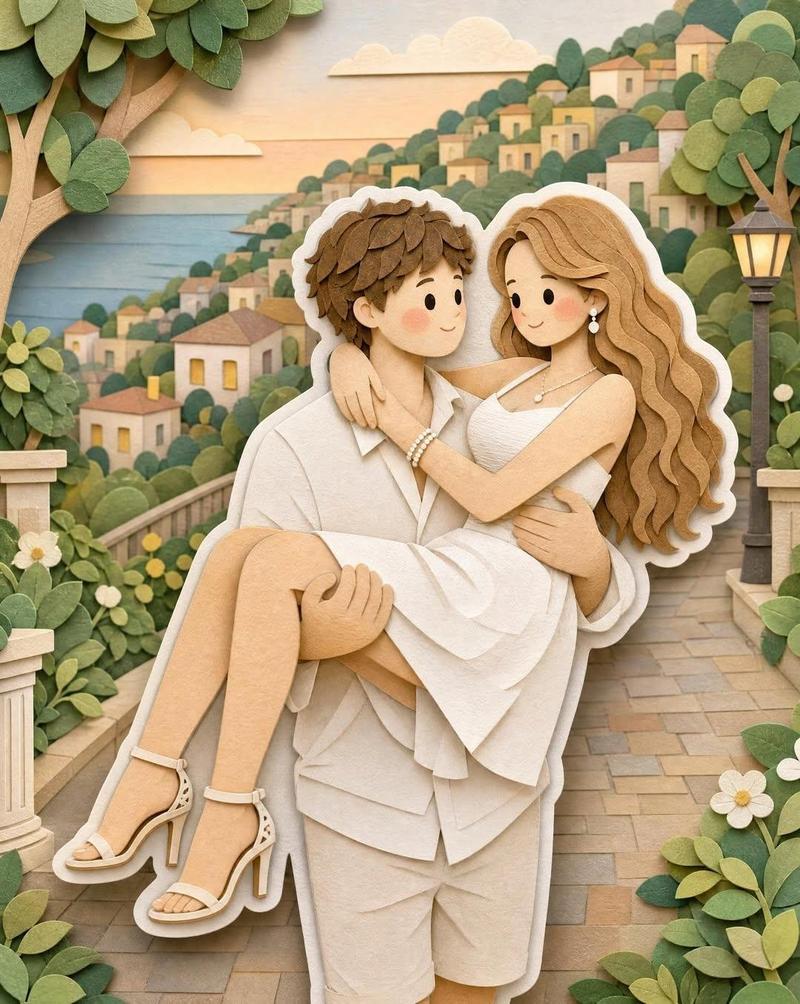
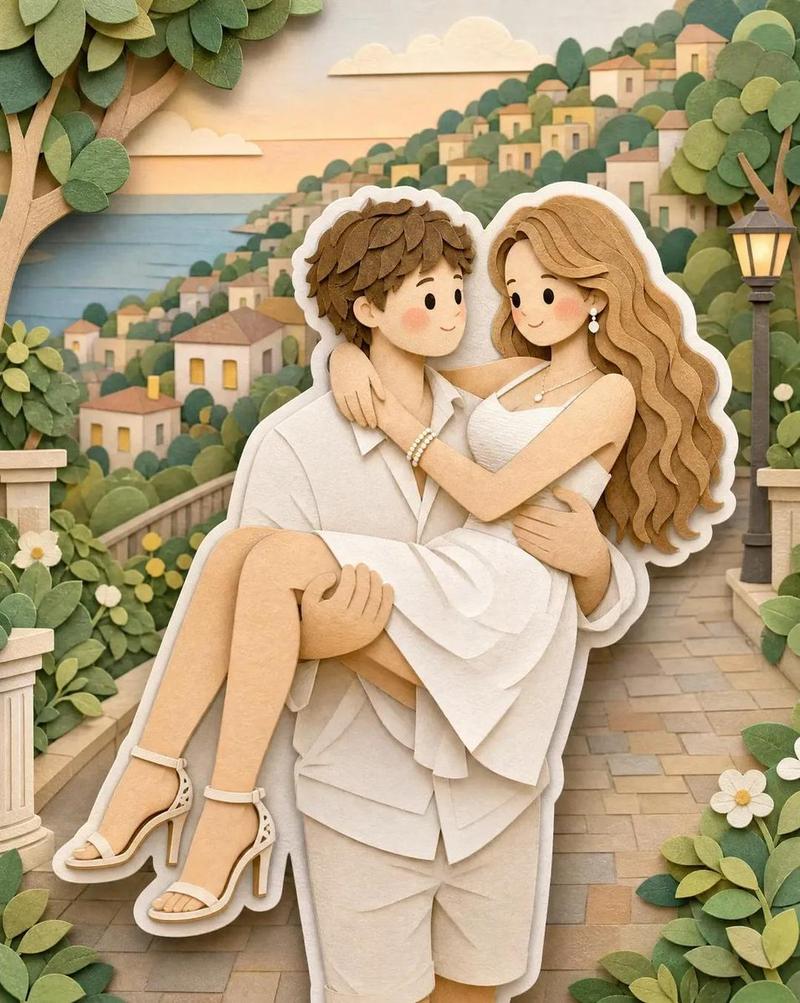
Create a romantic couple portrait in a layered {argument name="style" default="paper-cut art style"}, standing together in a beautiful {argument name="location" default="green park"}. The woman is wearing an elegant flowing floral dress in soft cream or pastel shades, and the man is wearing a stylish modern suit in neutral tones. Both are smiling gently and posing lovingly together. Surround them with lush green trees, colorful flowers, butterflies, birds, and a peaceful garden pathway with a small bridge and gazebo in the background. Use {argument name="color palette" default="soft pastel colors"}, detailed paper texture, handcrafted 3D paper layers, warm lighting, and a dreamy whimsical atmosphere. Highly detailed, cute yet realistic facial features, elegant composition, storybook aesthetic, vertical portrait format, ultra high quality.
Category
Charts & Infographics
Model
GPT Image 2
Creator
Aijaz
Views6
Source ID
19216
Published
May 9, 2026

Guide

About "剪纸风浪漫肖像"

What is this prompt for?

"剪纸风浪漫肖像" AI image prompt for GPT Image 2 (Charts & Infographics). 一个充满奇思妙想的浪漫情侣肖像提示词,采用层叠剪纸艺术风格,呈现手工质感与花园元素。 Copy it on Picva and recreate the look in one cli…

The full copyable prompt and example visuals above are ready for AI image generation or one-click recreate in Picva.

How to use this prompt

  1. Step 1

    Open the prompt detail

    Review the example visuals, category, and full prompt text for "剪纸风浪漫肖像".

  2. Step 2

    Copy the prompt

    Copy the prompt body from this page, or load it directly in Studio.

  3. Step 3

    Pick a model (GPT Image 2)

    Prefer GPT Image 2. If you switch models, keep subject and composition and tweak style terms.

  4. Step 4

    Generate and export

    Recreate the look in Picva, or export into your workflow for editing and publishing.

FAQ

What is the "剪纸风浪漫肖像" prompt?
It is an AI image-generation prompt for GPT Image 2 in the Charts & Infographics category. This page includes the full prompt text, example visuals, and a one-click recreate path in Picva.
How do I use this prompt to generate an image?
Copy the prompt from this page, or use Generate / Studio. Paste it into a compatible image model, or recreate the look in Picva with optional reference images.
Which model is this prompt for?
This page lists GPT Image 2. Most descriptive prompts also transfer to nearby image models such as GPT Image, Flux, or Midjourney with light style tweaks.
Can I use the result commercially?
You can usually copy the prompt for creation, but commercial use of the final image depends on the model terms, reference-image rights, and the generated content. Follow the source author and platform rules.