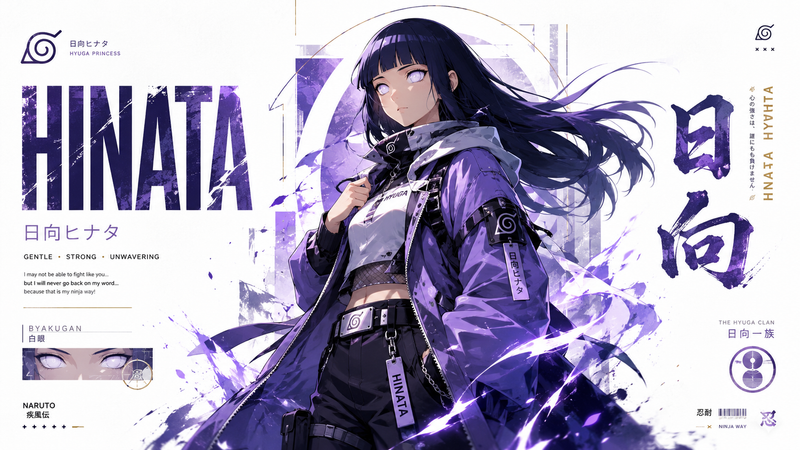
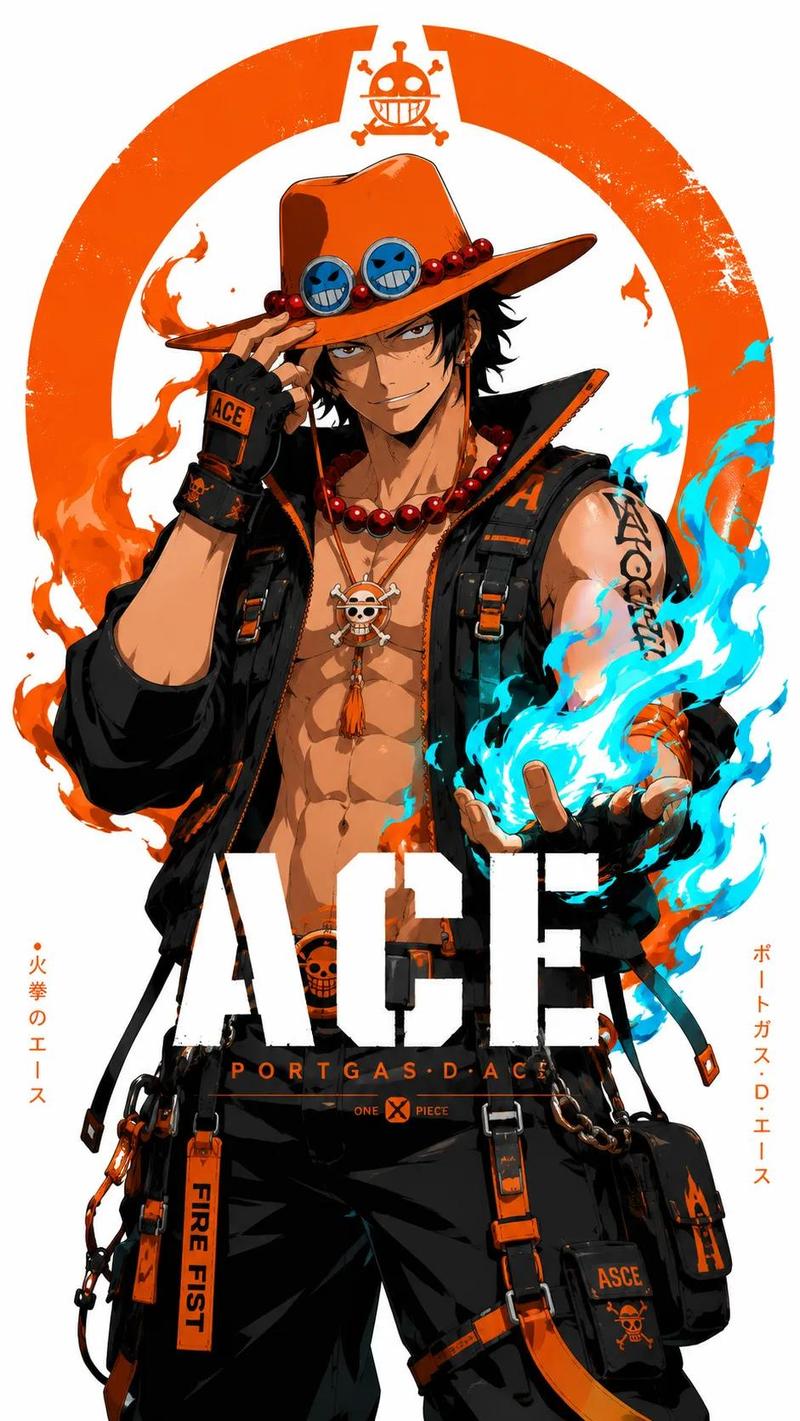
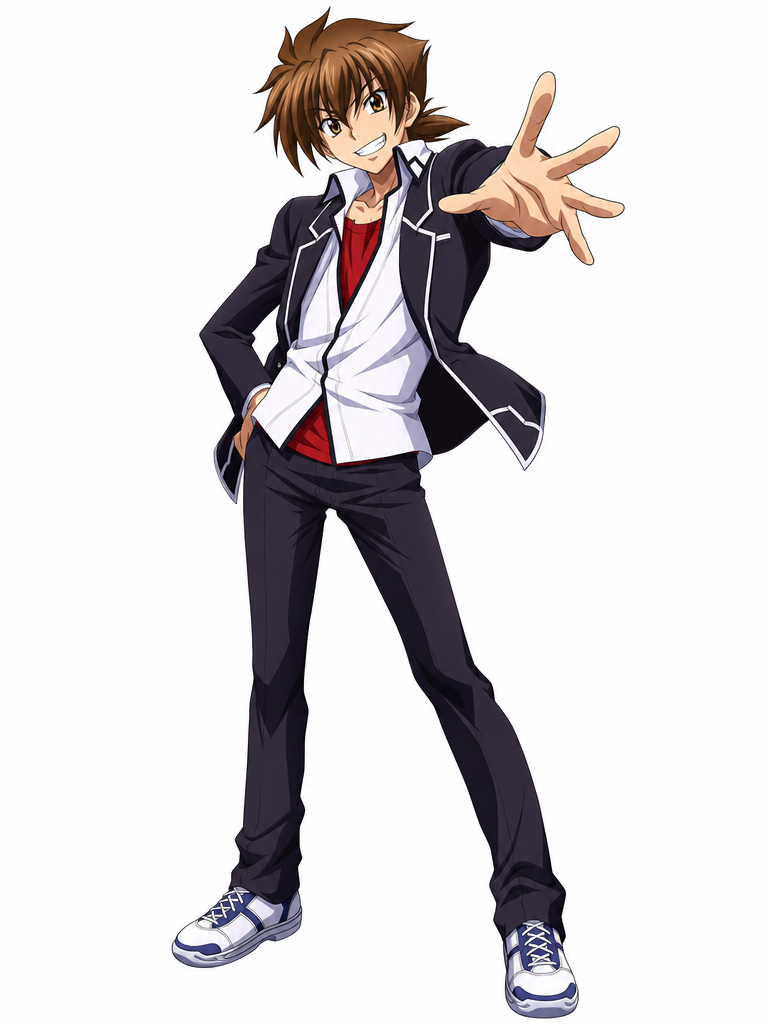
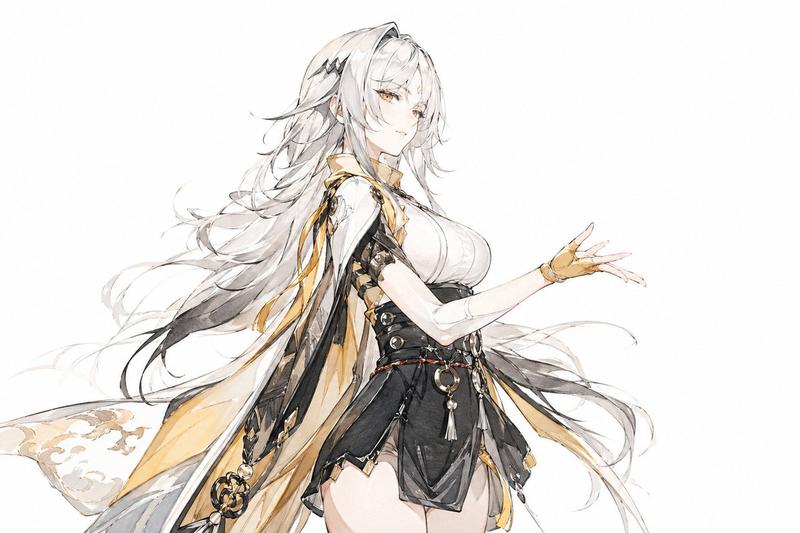
硬核风格《火影忍者》海报插画
Prompt
Create a dramatic full-body anime character illustration of {argument name="character name" default="Naruto Uzumaki"} standing on a dark curved rooftop or giant pipe, facing forward with a calm, intense expression and blue eyes. He has spiky {argument name="hair color" default="blond"} hair, a black forehead protector with a metal plate and spiral leaf symbol, and three whisker-like marks on each cheek. Pose him with one hand raised in a vertical ninja hand sign in front of his mouth while the other arm crosses his body. Dress him in an orange shinobi jumpsuit partly covered by a long black, ragged, wind-torn cloak with a high collar, loose black scarf ribbons streaming leftward, black boots, and bandage wraps around one thigh; include a circular red-orange spiral patch on the upper sleeve. Use a dark desaturated blue-gray background with no scenery except atmospheric texture. Surround the character with exactly 1 orange chakra-like spiral streak wrapping around his body and exactly 8 small orange leaf or ember fragments scattered in the air. Render in a gritty high-contrast ink-and-gouache anime style: rough black brush strokes, scratched dry-brush edges, painterly orange highlights, deep shadows, limited palette of charcoal black, muted navy, tan skin, and burnt orange. Composition is vertical poster format, character centered slightly right, viewed from a low angle so the legs and cloak feel imposing. Add faint handwritten text in the upper left reading {argument name="upper left text" default="漩涡鸣人\nNaruto Uzumaki"} and a subtle signature-like mark near the lower right reading {argument name="signature text" default="- PLAYFORGE -"}.- Category
- Posters & Typography
- Model
- GPT Image 2
- Creator
- 𝟡𝟜 𝚅̷𝙰̷𝙽̷ ᴾᴸᴬʸᶠᴼᴿᴳᴱ
- Source ID
- 19311
- Published
- May 9, 2026
Views15